
How to Choose Atlassian Forge for Growing Teams
Learn when Atlassian Forge app development is the right choice for secure, scalable Jira and Confluence solutions that support your team's goals.
Published
Oct 19, 2026
Topic
Guides
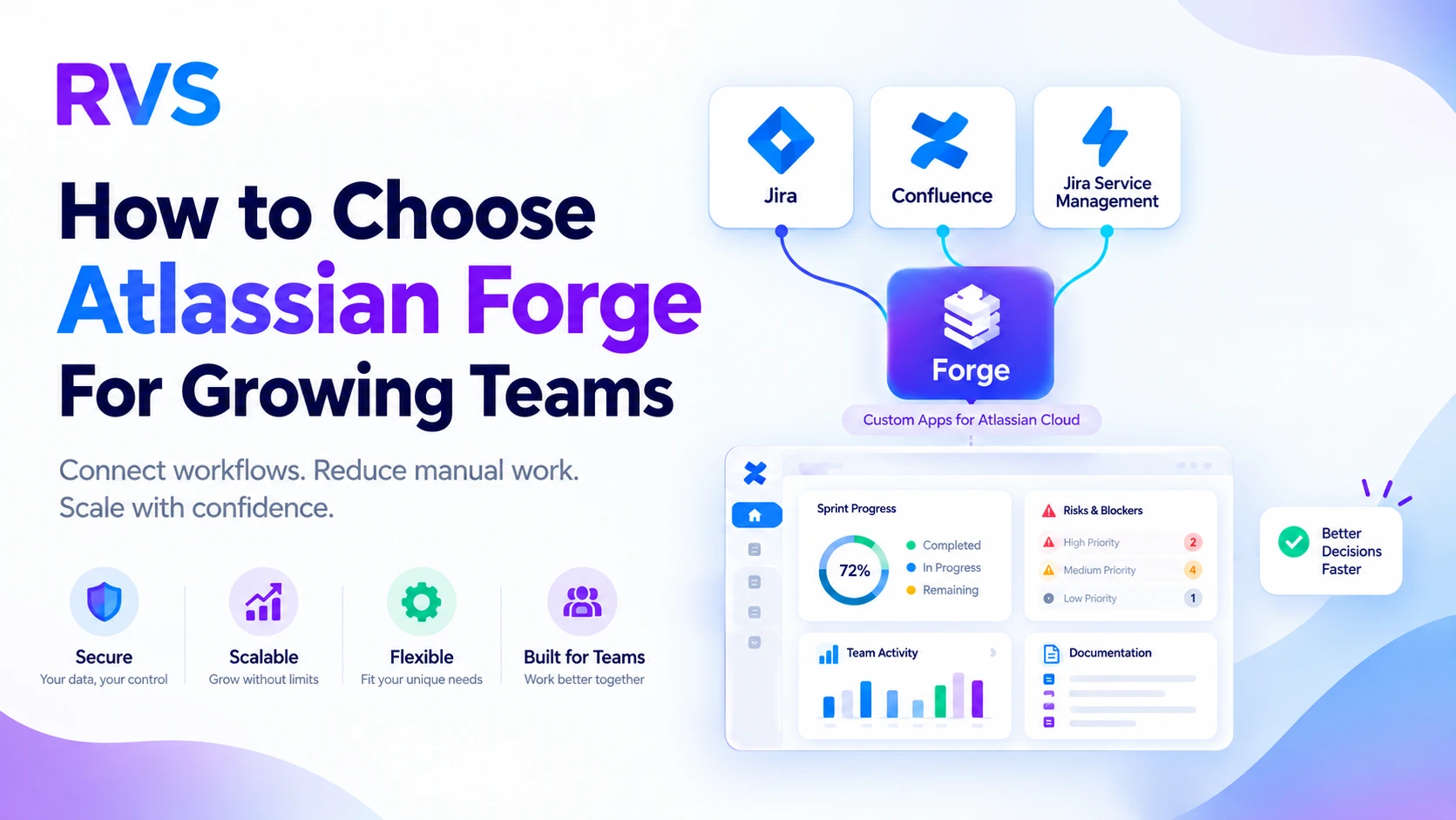
Make Cloud Workflows Easier to Build and Govern
Atlassian Forge app development can be a smart fit when your Cloud workflows have outgrown simple configuration. As teams connect Jira, Confluence, Jira Service Management, and monday.com, they often need better ways to move information, guide decisions, and keep work visible without piling on more tools.
We work with teams that need practical answers, not another complicated system to manage. Marketplace apps can solve many common needs, but a custom Forge app may make more sense when your process, data rules, and user experience need to match the way your team already works. The goal is simple: make planning, reporting, documentation, service delivery, visualization, and collaboration easier to manage in the places your people use every day.
Recognize Workflows That Need Custom Apps
A custom app usually becomes worth discussing when workarounds start becoming part of the daily routine. Spreadsheets may be used for project status. Team members may copy the same updates into several tools. Leaders may need to ask different people for the full picture because no single view exists.
Those signs can point to a workflow gap, especially when disconnected data creates confusion or repeated manual work. A purpose-built app can bring related information together, automate recurring actions, and show each role the details that matter most.
For example, a delivery team may need one project health view that combines Jira progress, risks, dependencies, documentation links, and open service requests. Instead of searching across systems, users can review the context and take action from one familiar location.
Still, not every problem needs Atlassian Forge app development. We recommend reviewing simpler options first:
- Jira automation for repeatable updates and notifications
- Native dashboards for standard reporting needs
- Marketplace apps for widely used workflow functions
- Process improvements when unclear ownership is the real issue
Forge becomes a stronger choice when those options cannot provide the needed user experience, business logic, permission model, or connected data flow. The question is not, "Can we build an app?" It is, "Will an app remove a meaningful source of friction?"
See Where Atlassian Forge App Development Adds Value
The best custom apps solve a clear problem for a clear group of users. That may mean a Jira reporting view that turns issue data into a useful management summary, a release planning dashboard that makes dependencies easier to spot, or a Confluence tool that helps people find the right documentation faster.
Service teams may need better request forms, approval steps, or asset visibility inside Jira Service Management. PMOs may need a shared way to review delivery health across programs. Business operations teams may want a clearer connection between work tracking, reports, and supporting documents.
We focus on apps that support how teams plan, report, document, visualize work, and collaborate. A custom solution can help turn complex information into a view people can understand and use.
Useful Forge app ideas often include:
- Project health dashboards with progress, risks, and dependencies
- Role-based reporting for leaders, delivery teams, or service agents
- Documentation tools that connect Confluence pages to active work
- Approval and intake experiences tailored to internal processes
- Collaboration features that keep decisions close to the work itself
User experience should stay at the center of the plan. If an app becomes one more destination employees must remember to visit, it may add friction instead of removing it. We aim to bring useful information and actions into Jira issues, project views, Confluence pages, and service portals where teams already spend their time.
Validate Cloud Security and Scale Requirements
Forge is designed for Atlassian Cloud, so platform direction matters before development begins. If your organization is committed to Cloud workflows, Forge may fit naturally into your long-term plans. If much of your work still depends on Data Center products or hybrid processes, we recommend reviewing those connections carefully before setting the scope.
Security and governance should be part of discovery, not an afterthought. Your team should define who can see information, who can take actions, which data is needed, and whether outside business systems need to connect. Audit needs, compliance expectations, and internal approval rules should also shape the app design.
Scale is not only about the number of users. It also includes the amount of data being displayed, reporting demand, integrations, future features, and the level of support the app will need over time. A focused internal tool can begin with one well-defined use case. A larger app intended for broad adoption needs stronger planning for performance, documentation, updates, and ongoing governance.
By addressing those questions early, we can help avoid building an app that works well for a small test group but struggles when more teams depend on it.
Plan Atlassian Forge App Development for 2027
October is a useful time to look ahead at workflow problems that have followed your team throughout the year. As planning for 2027 takes shape, we often see organizations reviewing technology priorities, reporting needs, service operations, and time-consuming administrative tasks.
A thoughtful Forge project should begin with one high-impact workflow rather than a long wish list. Start by identifying the people affected, documenting where work slows down, and defining what better looks like. A minimum viable product, or MVP, can solve one specific problem first and create a strong base for later improvements.
We recommend using a discovery process that covers:
- The current workflow and the steps causing delays
- The user groups, permissions, and information each group needs
- Existing tools and whether they can solve the problem already
- Measurable outcomes, such as less manual reporting or clearer visibility
- Future needs that may affect design, integrations, or scale
Business value can come from less repeated work, more accurate data, faster reporting, fewer support questions, and better adoption of the tools already in place. It is also helpful to consider the hidden effort behind current workarounds. A spreadsheet may look simple, but maintaining it, checking it, and reconciling it with other systems can consume valuable time.
Our role is to help teams assess whether a custom app is the right fit, then design an experience that works with their Atlassian Cloud workflows rather than against them.
Move From Workflow Gaps to a Forge Roadmap
Forge is a strong option when standard configuration and existing apps cannot deliver the experience, data flow, permissions, or logic your workflow requires. The right project starts with a real problem, a defined user group, measurable goals, and a practical understanding of Cloud security and future scale.
Review where your team still relies on manual reports, disconnected data, repetitive updates, or hard-to-find documentation. Those everyday frustrations often reveal the clearest opportunities for a focused custom app, especially when the solution can place the right information and actions directly inside the tools your team already trusts.
Turn Your Forge Idea Into a Practical Solution
At RVS Softek, we help teams scope and build Atlassian Forge app development solutions that support real workflows without unnecessary complexity. Our team can help clarify requirements, prioritize features, and create an app that works naturally within your Atlassian environment. Contact us to discuss what your team needs next.
Written by the team building RVS Softek's apps for Jira and Confluence.
Ask us a questionMore from the blog
Admin Rescue Kit: Master JQL to Solve Data Chaos & Restore Structural Integrity
When your Jira instance looks fine on the surface but the data no longer adds up, structural integrity has failed. This admin rescue kit uses JQL as a systemic diagnostic utility — five phases to audit your instance, validate hierarchies, clean up data decay, and move from manual fixes to a self-healing system.
How to Use SLA in Jira: Step-by-Step Guide to Track Performance in 2026
Learn how to use SLA in Jira for better ticket tracking, faster response times, and improved team performance. This 2026 guide covers how to set up, monitor, and automate SLA tracking, avoid common mistakes, and use the right tools to stay compliant.
Jira Query Language: 21 Essential JQL Examples to Boost Your Workflow
JQL lets you filter and find exactly what you need from the complex web of Jira issues. This guide walks through 21 practical JQL examples — 15 for your daily workflow and 6 advanced queries for power users — plus how to plug them into Jira automation to save time and cut errors.
Find the RVS Softek app your team needs
Browse the catalogue for Jira, Confluence and monday.com — or install straight from the Atlassian Marketplace and start a free trial in minutes.
- Free trial on every paid app
- Runs on Atlassian
- Support in one business day
16 apps · 1,873+ installs · Runs on Atlassian