
Agile Velocity & Sprint Status Gadgets for Jira
Maximize Agile Velocity and Track Sprint Progress with Agile Velocity Gadgets for Jira. Get Real-time Insights—No Setup Needed
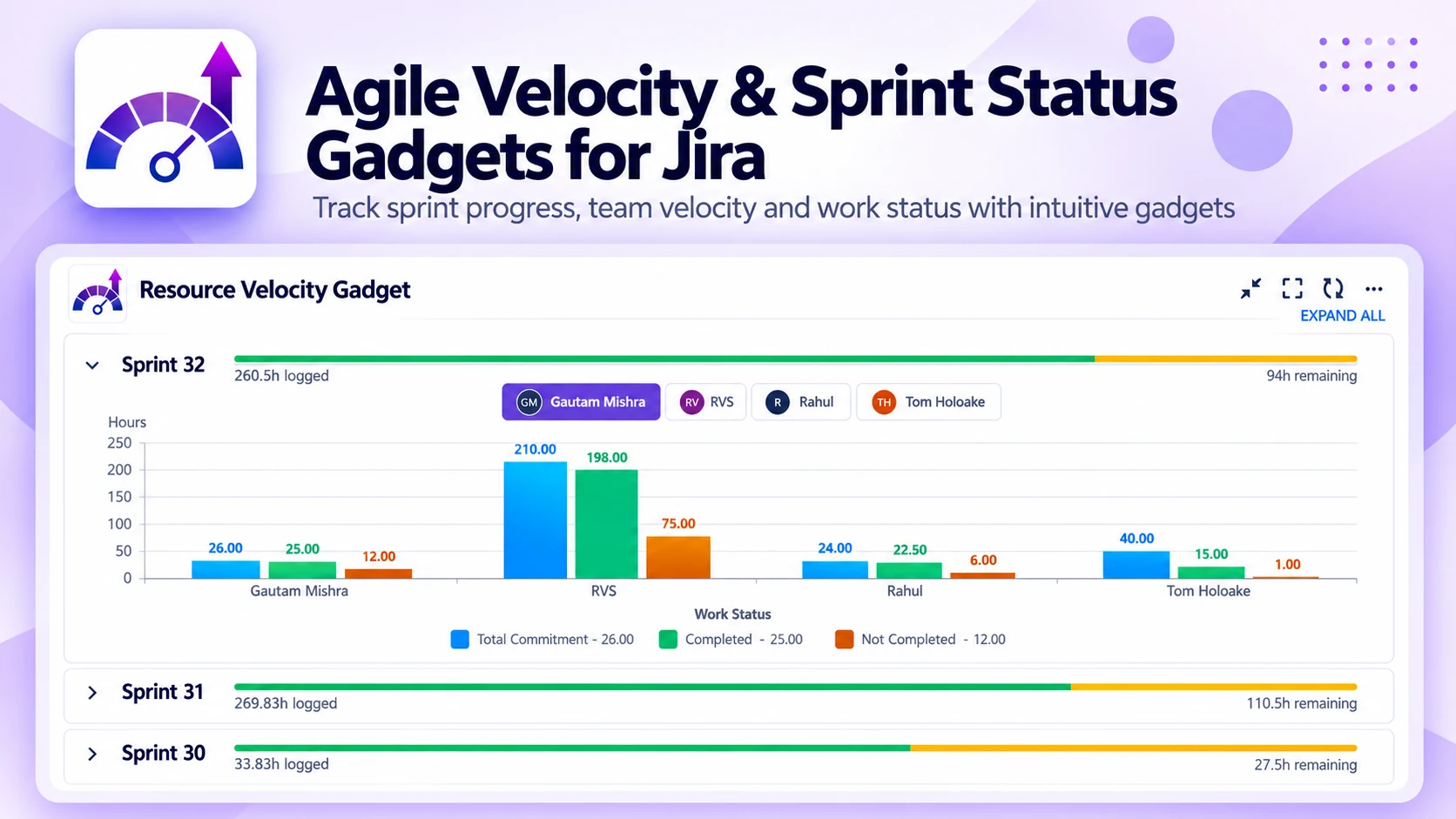
What Agile Velocity & Sprint Status does
A suite of agile gadgets for Jira dashboards — velocity, sprint status, burndown and burnup — to boost sprint performance and set realistic commitments, with no setup needed.
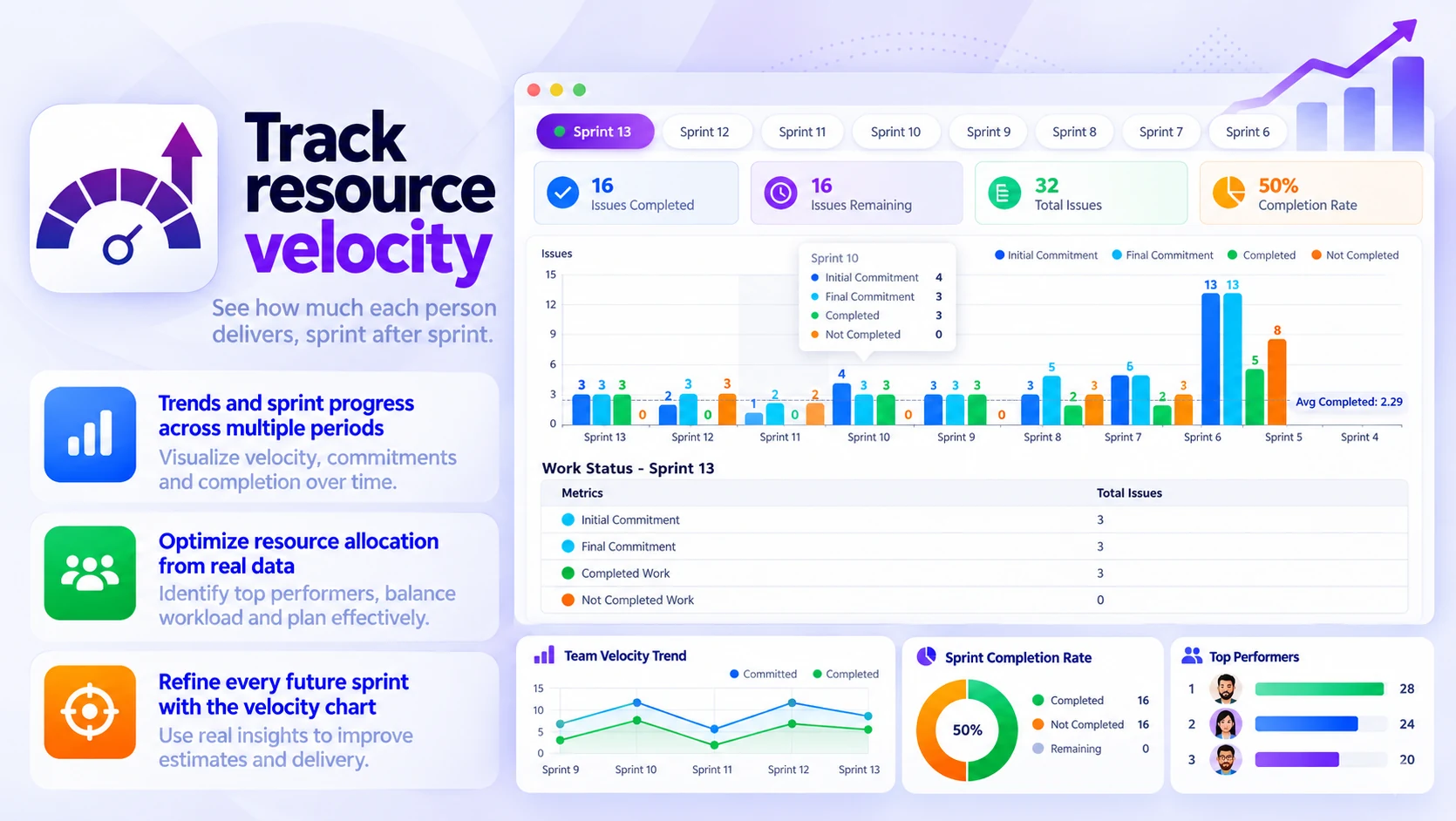
Track resource velocity
See how much each person delivers, sprint after sprint:
- Trends and sprint progress across multiple periods
- Optimize resource allocation from real data
- Refine every future sprint with the velocity chart
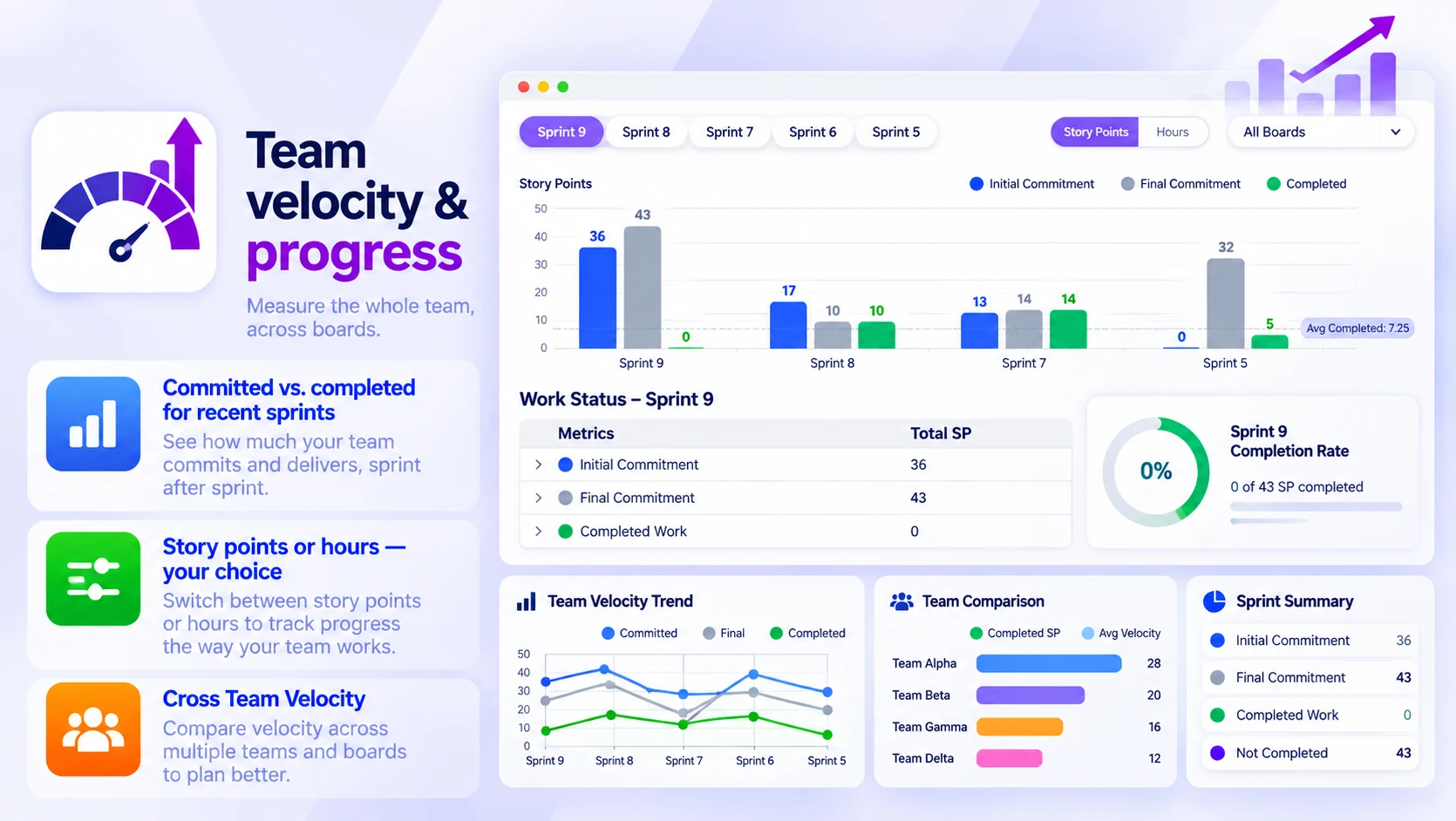
Team velocity & progress
Measure the whole team, across boards:
- Committed vs. completed for recent sprints
- Story points or hours — your choice
- Cross Team Velocity to compare several teams
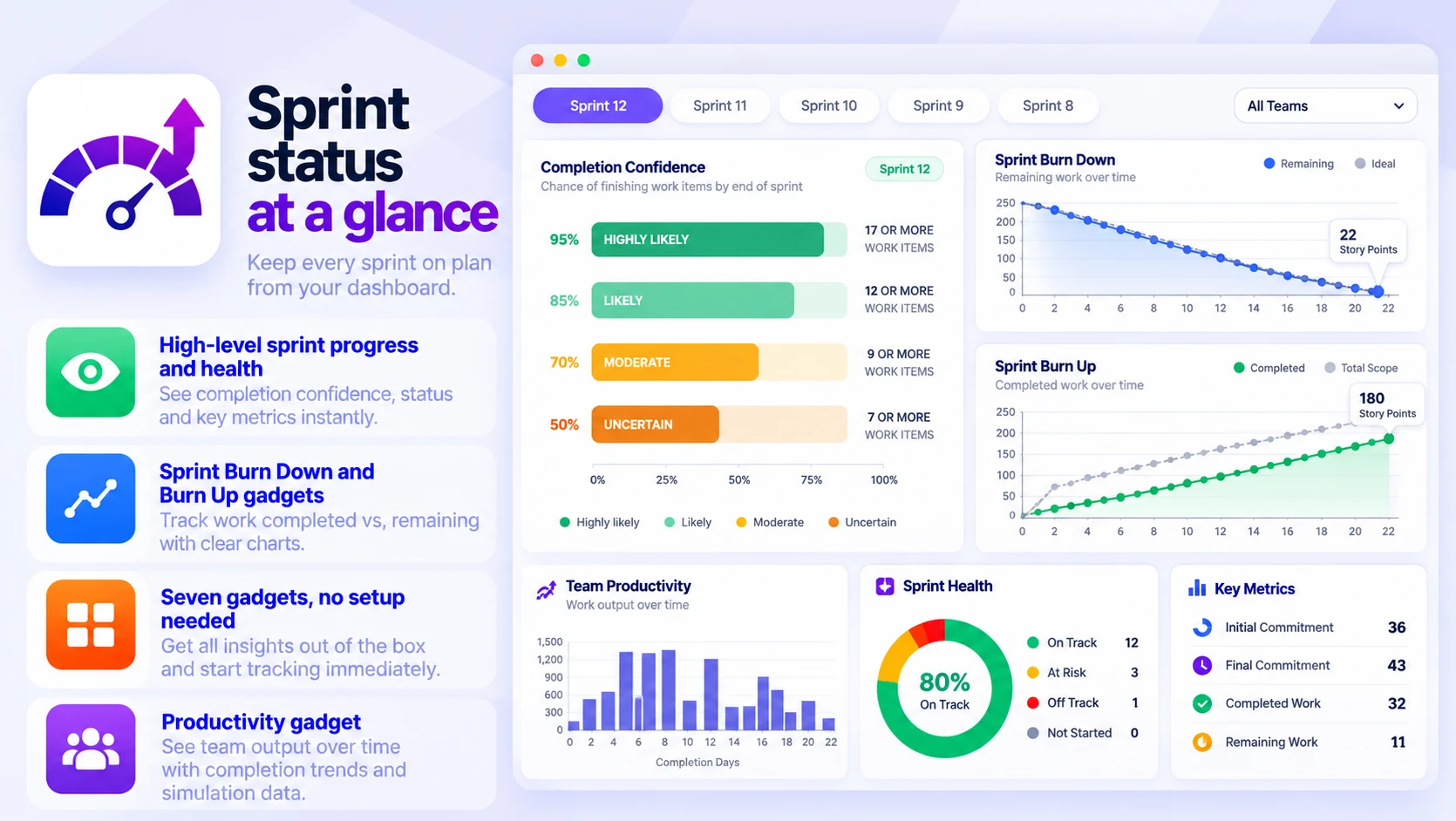
Sprint status at a glance
Keep every sprint on plan from your dashboard:
- High-level sprint progress and health
- Sprint Burn Down and Burn Up gadgets
- Seven gadgets, no setup needed
- Productivity gadget for team output over time
Built for
- Forecasting sprint capacity from historical data
- Catching sudden performance drops early
- Data-driven retrospectives
- Setting realistic sprint commitments
Up and running in three steps
Agile Velocity & Sprint Status installs from the Atlassian Marketplace like any other app — nothing to host, nothing to maintain.
- 01
Start the free trial
Install it on your Jira Cloud site from its Atlassian Marketplace listing with “Try it free”. Licensing and billing then run through your Atlassian account.
- 02
Add a gadget
Put any of the six gadgets — velocity, sprint status, burndown or burnup — on a Jira dashboard.
- 03
Pick boards, read the trends
Choose the boards and measure in story points or hours; insights appear in real time, with no setup.
