
All-In-One Diagrams for Confluence
Mermaid, UML, draw, Swagger, Markdown & LaTeX — In One App
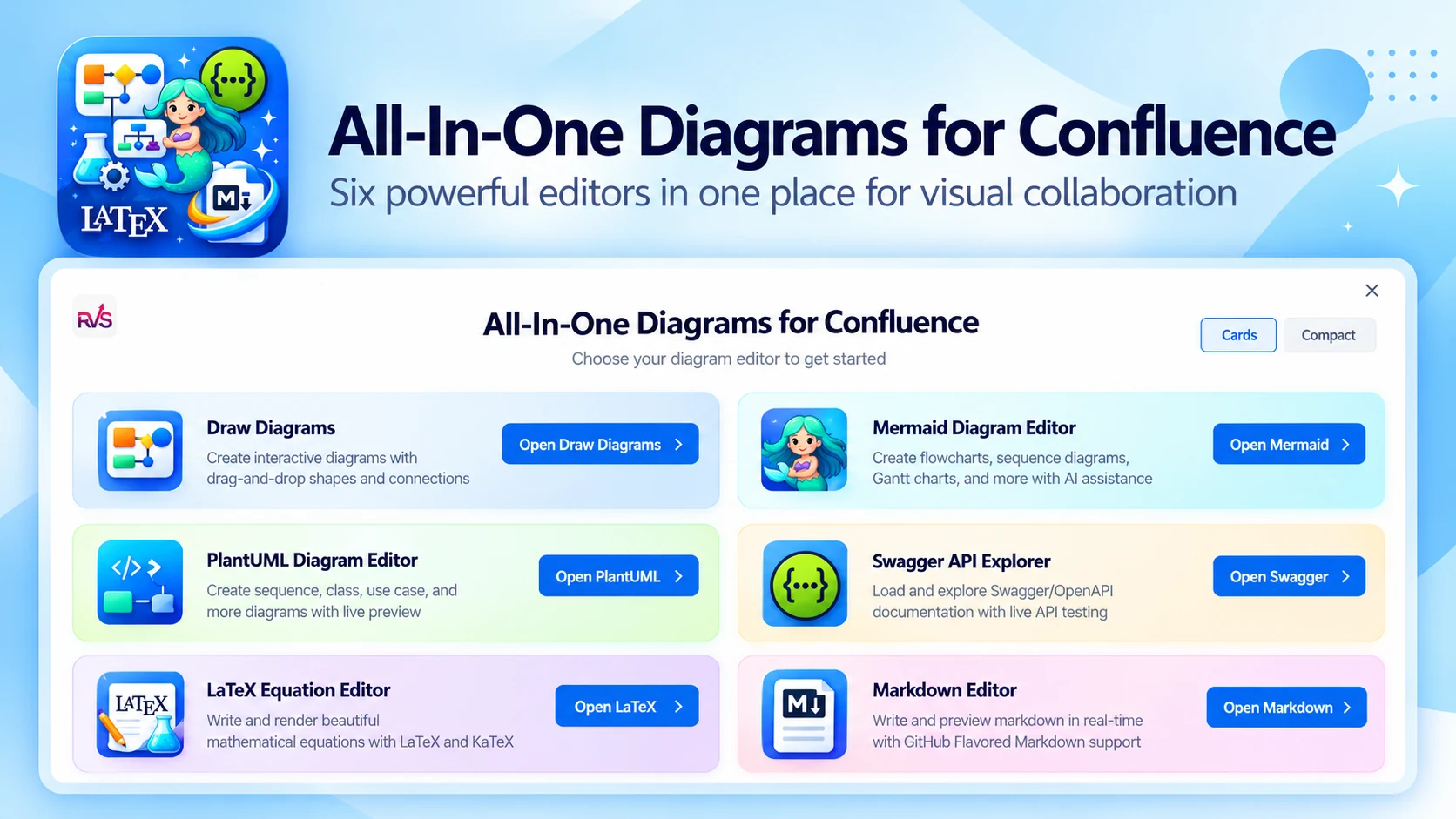
What All-In-One Diagrams does
Stop switching between apps for diagrams, API docs and technical content. Create architecture diagrams, API specifications and mathematical equations directly inside Confluence with one unified toolkit.
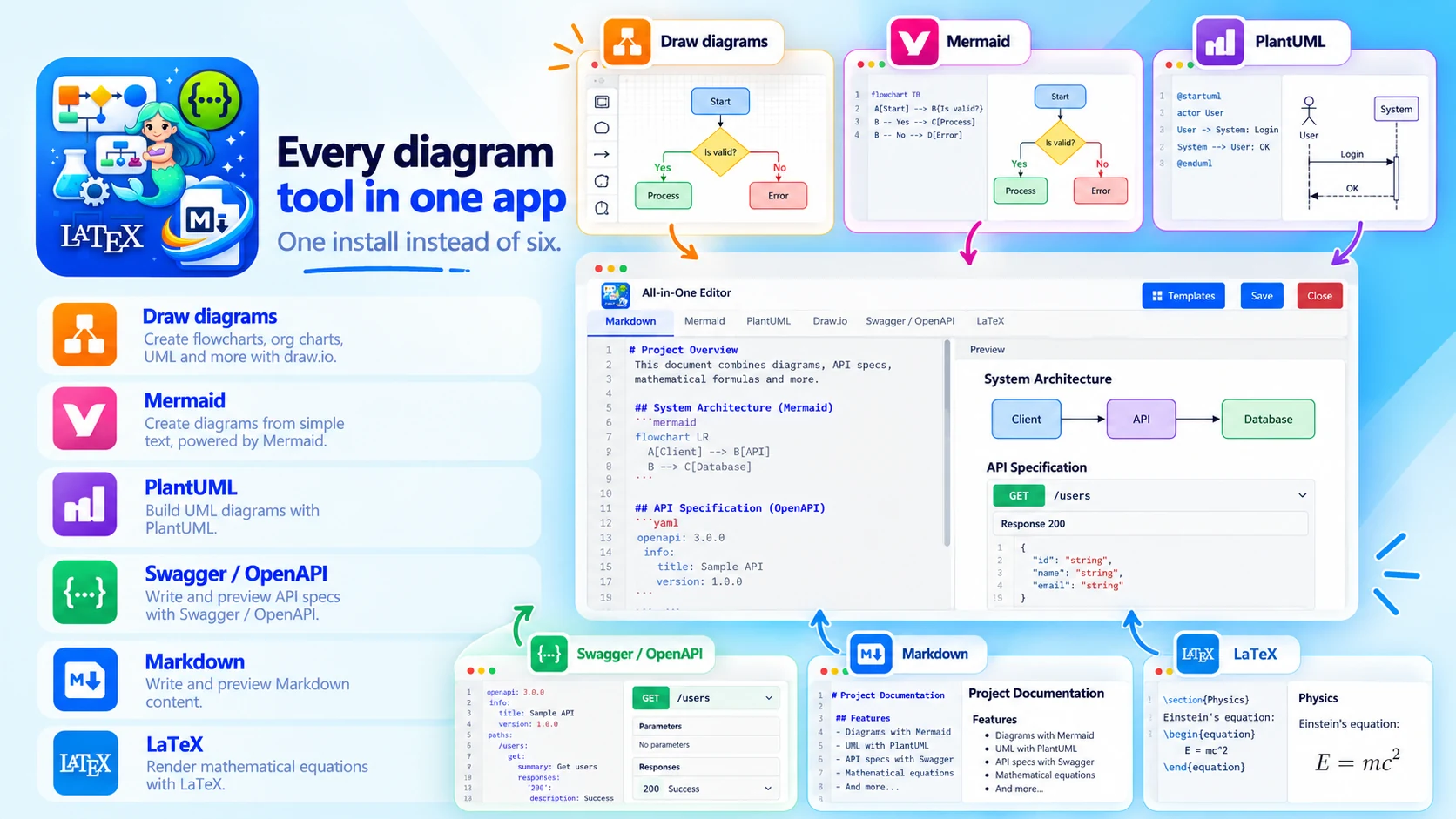
Every diagram tool in one app
One install instead of six:
- Mermaid, PlantUML and Draw diagrams
- Swagger / OpenAPI specs
- Markdown and LaTeX
- Global settings for Confluence admins
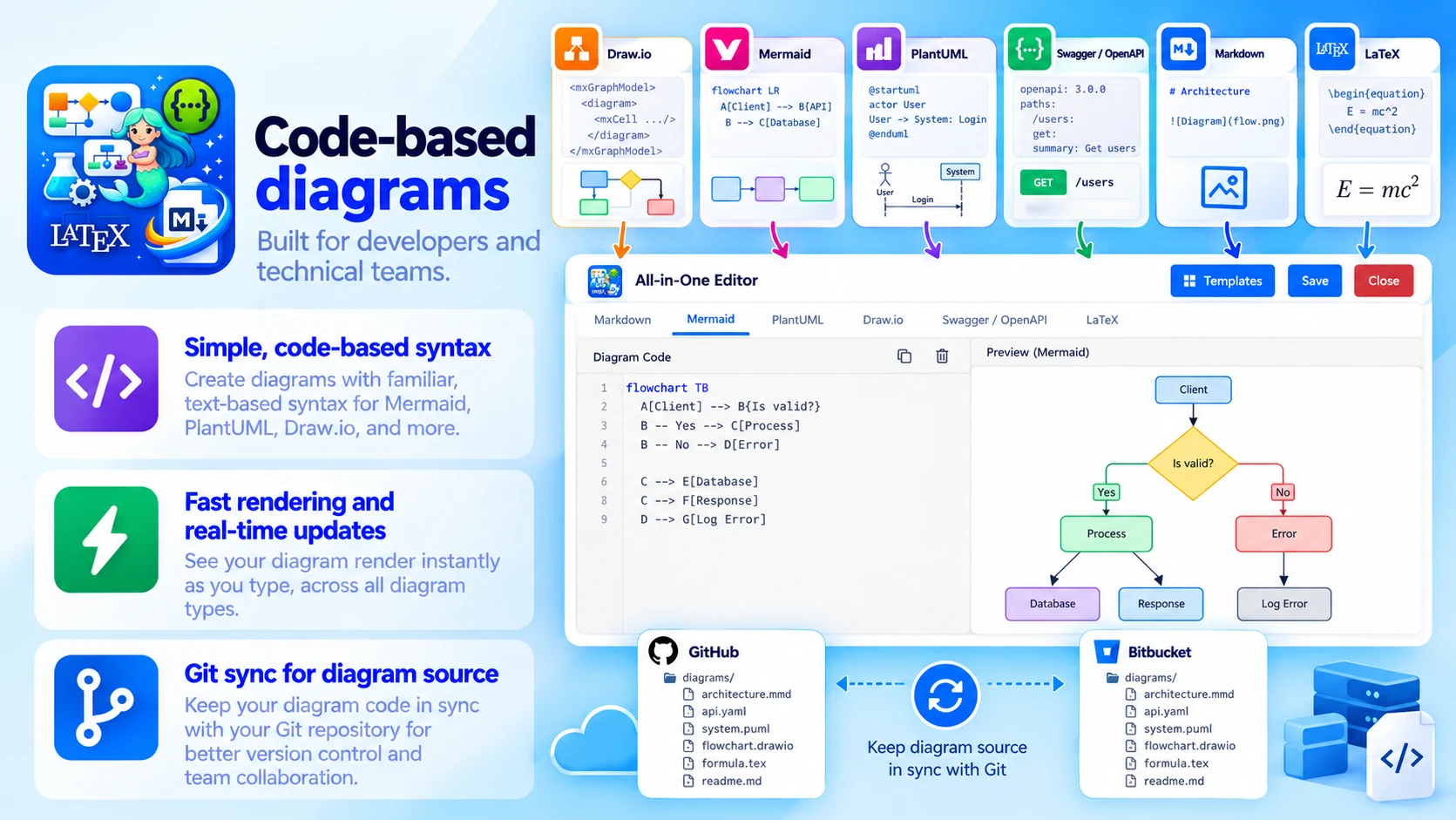
Code-based diagrams
Built for developers and technical teams:
- Simple, code-based syntax
- Fast rendering and real-time updates
- Git sync for diagram source
- Migrate content from Data Center
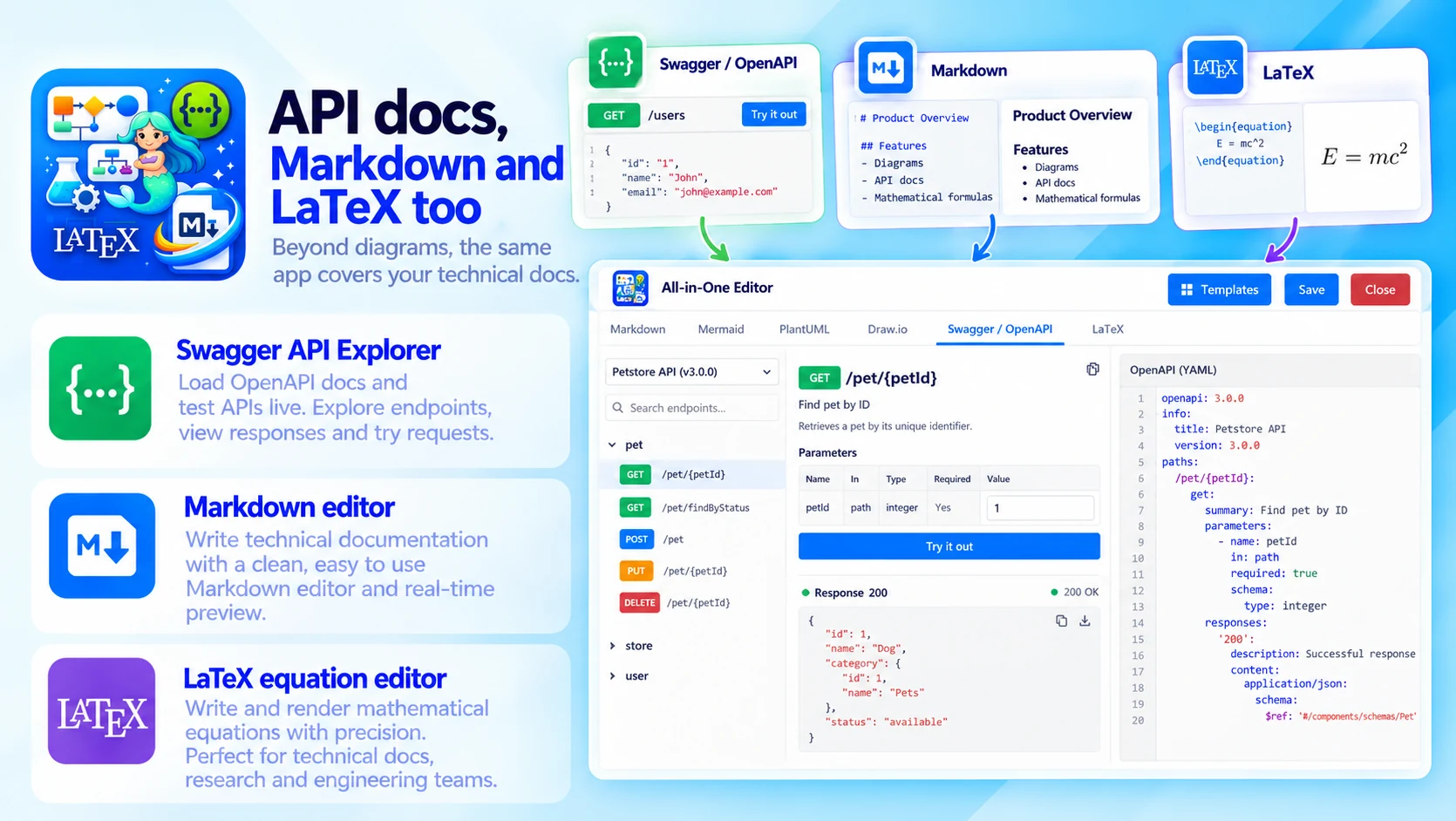
API docs, Markdown and LaTeX too
Beyond diagrams, the same app covers your technical docs:
- Swagger API Explorer: load OpenAPI docs and test APIs live
- Markdown editor with real-time preview
- LaTeX equation editor for precise formulas
Built for
- UML, sequence and ER diagrams
- Flowcharts, BPMN and mind maps
- Architecture, network and system design docs
- API workflows and specifications
Up and running in three steps
All-In-One Diagrams installs from the Atlassian Marketplace like any other app — nothing to host, nothing to maintain.
- 01
Get it from the Marketplace
Install it on your Confluence Cloud site from its Atlassian Marketplace listing. It's a free app — no licence, no trial clock, no servers to run.
- 02
Pick the editor you need
Mermaid, PlantUML, visual diagrams, Swagger, Markdown or LaTeX — all from the same macro interface on any page.
- 03
Write, preview, publish
Use code-based syntax or the visual editor, then publish so the documentation evolves with your product.
