
Content & Formatting
LaTeX Equation for Confluence
Write Mathematical & Scientific Documentation in Confluence using LaTeX
ConfluenceFree appRuns on Atlassian
Overview
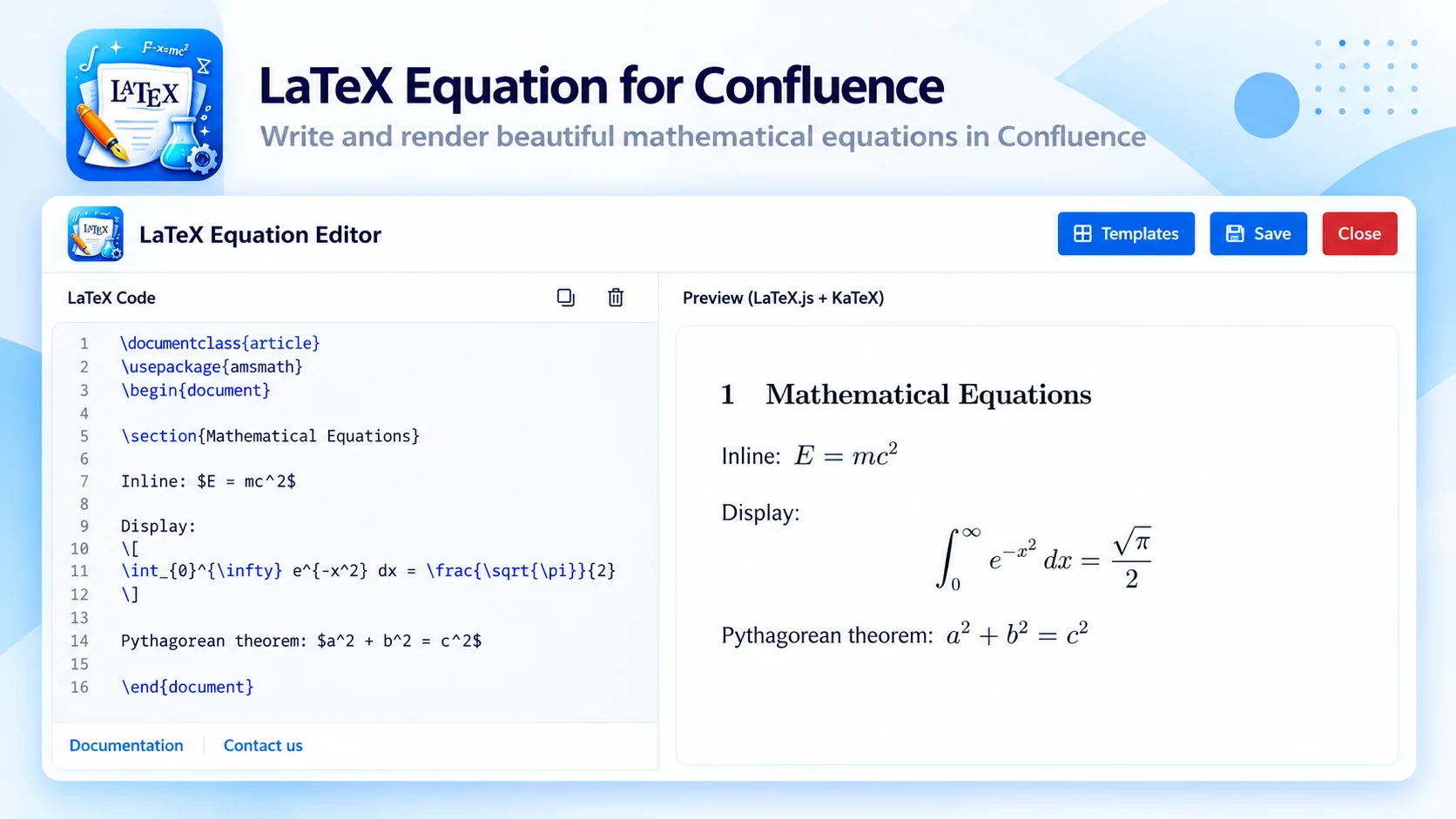
What LaTeX Equation does
Create professional mathematical equations, formulas and scientific documentation in Confluence pages with LaTeX — for teams that document complex calculations with precision.
01
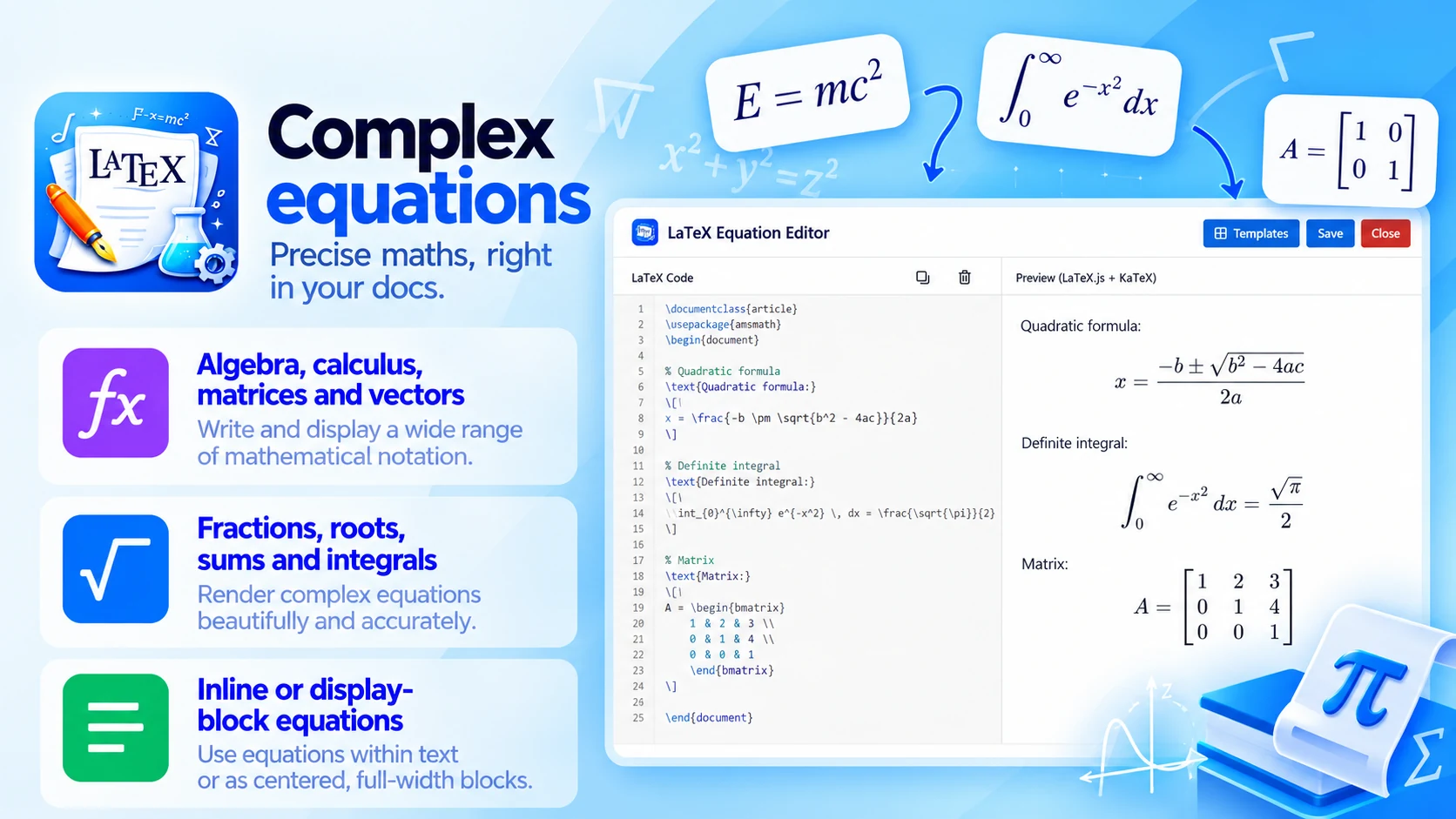
Complex equations
Precise maths, right in your docs:
- Algebra, calculus, matrices and vectors
- Fractions, roots, sums, integrals and Greek letters
- Inline or display-block equations
02
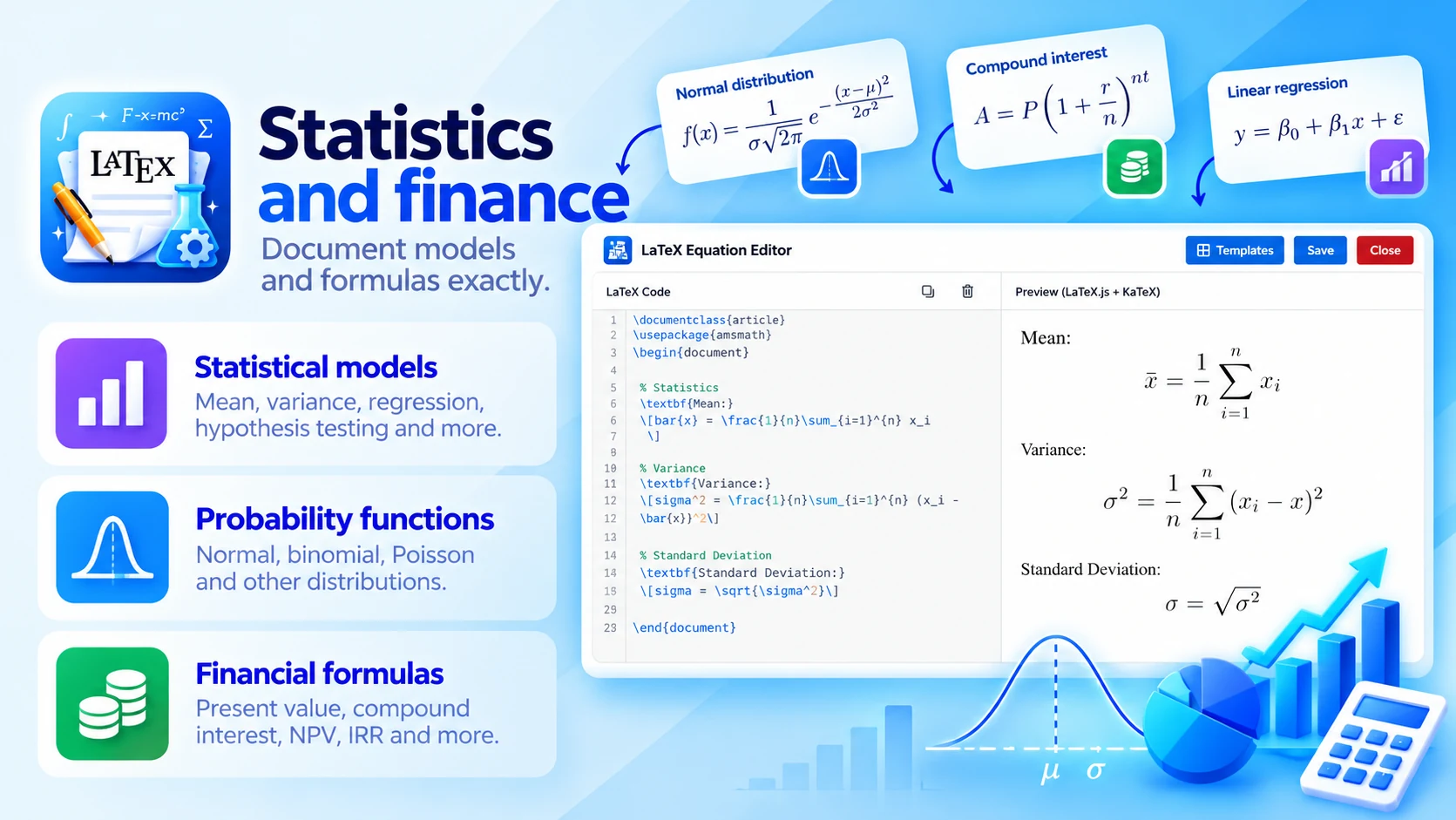
Statistics and finance
Document models and formulas exactly:
- Statistical models
- Probability functions
- Financial formulas
03
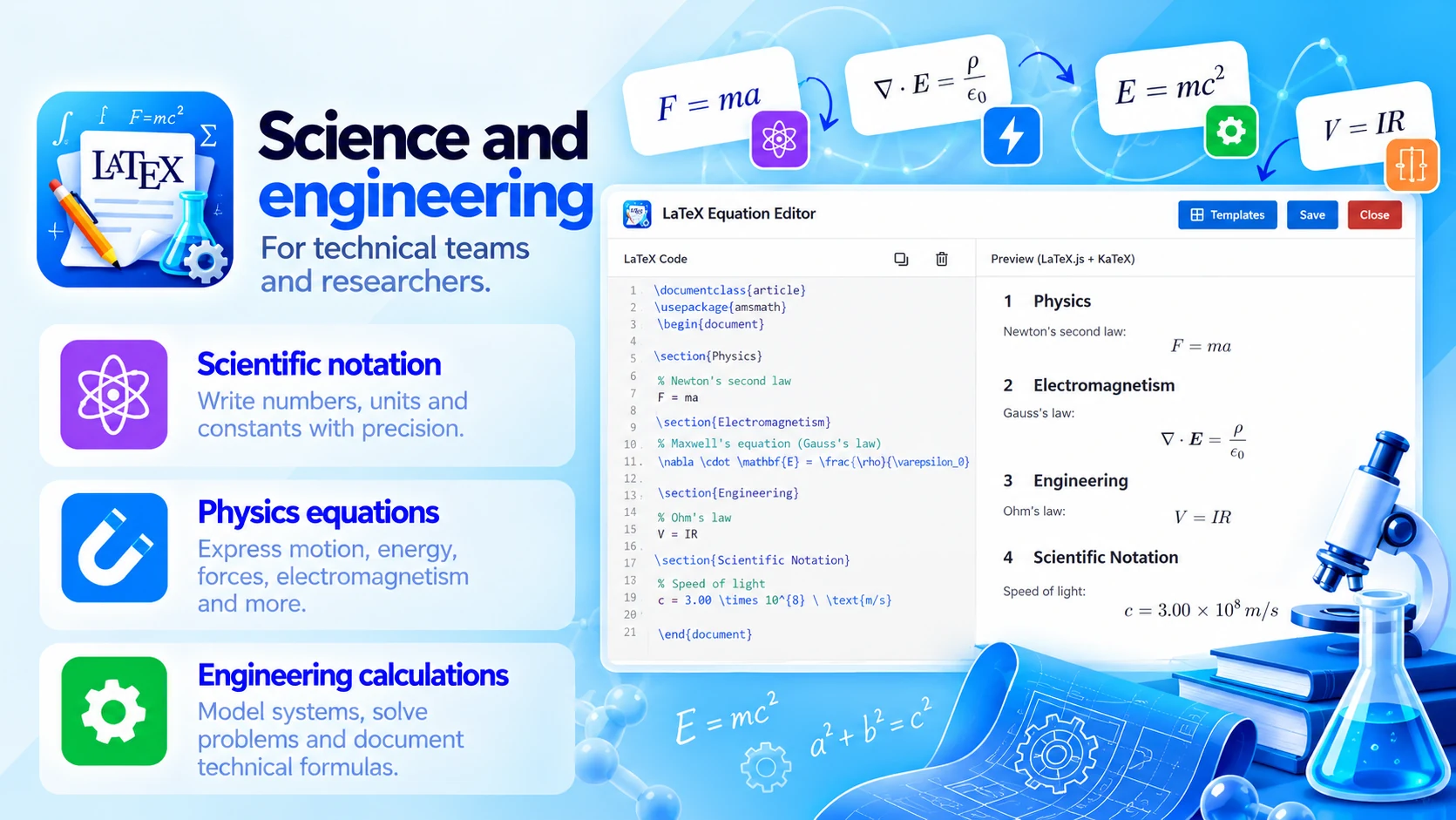
Science and engineering
For technical teams and researchers:
- Scientific notation
- Physics equations
- Engineering calculations
Built for
- Engineering documentation
- Data science reports and machine learning workflows
- Financial models
- Academic research and scientific publications
How it works
Up and running in three steps
LaTeX Equation installs from the Atlassian Marketplace like any other app — nothing to host, nothing to maintain.
- 01
Get it from the Marketplace
Install it on your Confluence Cloud site from its Atlassian Marketplace listing. It's a free app — no licence, no trial clock, no servers to run.
- 02
Add an equation
Insert the LaTeX macro where the formula belongs on the page.
- 03
Write LaTeX, publish
Write the expression in LaTeX and publish — it renders as a precise equation.
