
Markdown Exporter & Editor for Confluence
Export Confluence pages to Markdown instantly. Edit, preview & export single pages or full hierarchies.
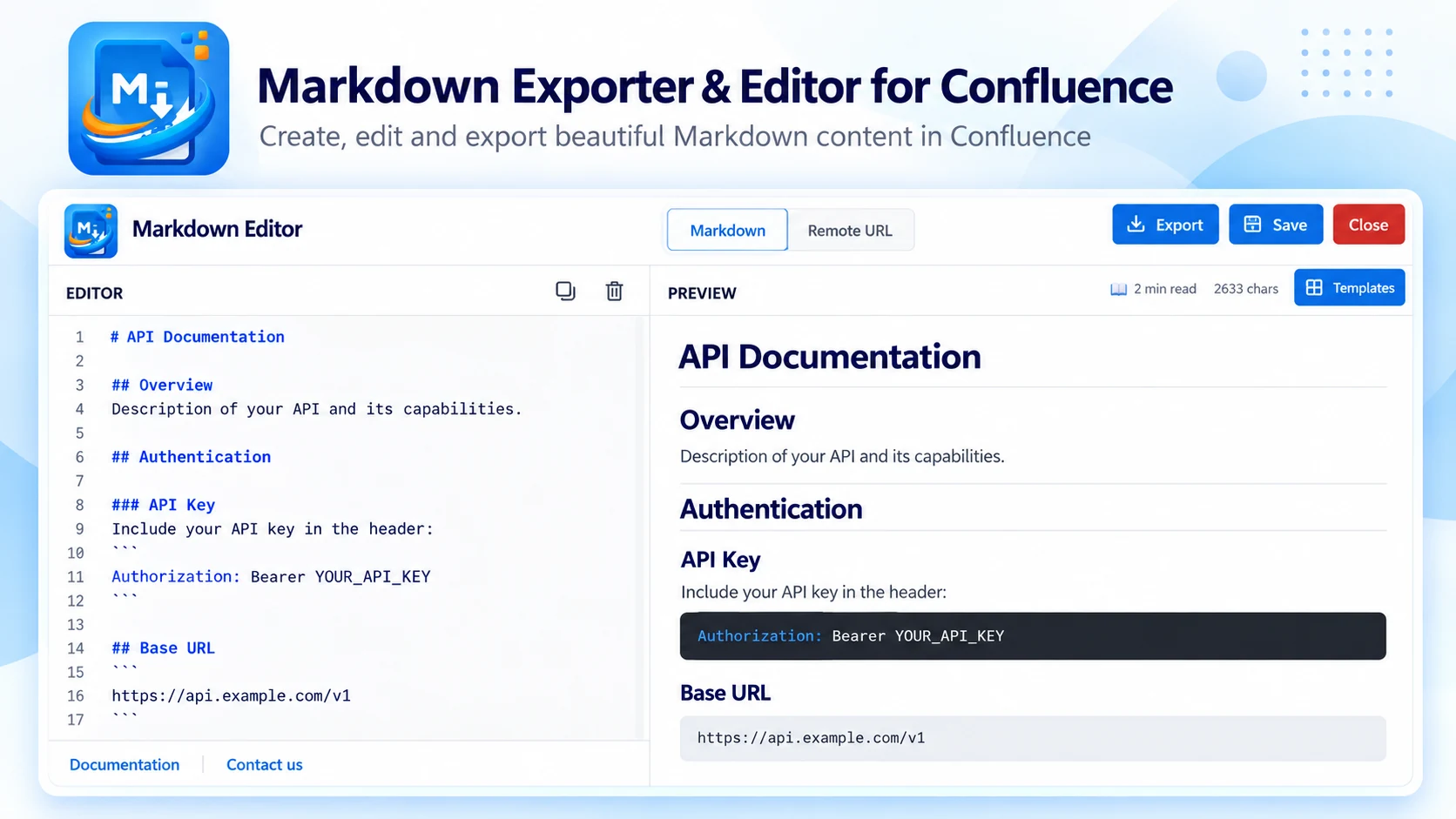
What Markdown Exporter & Editor does
Write, preview and export Markdown without leaving Confluence Cloud. Built on Atlassian Forge — your content never leaves your Atlassian environment: no external servers, no data sharing.
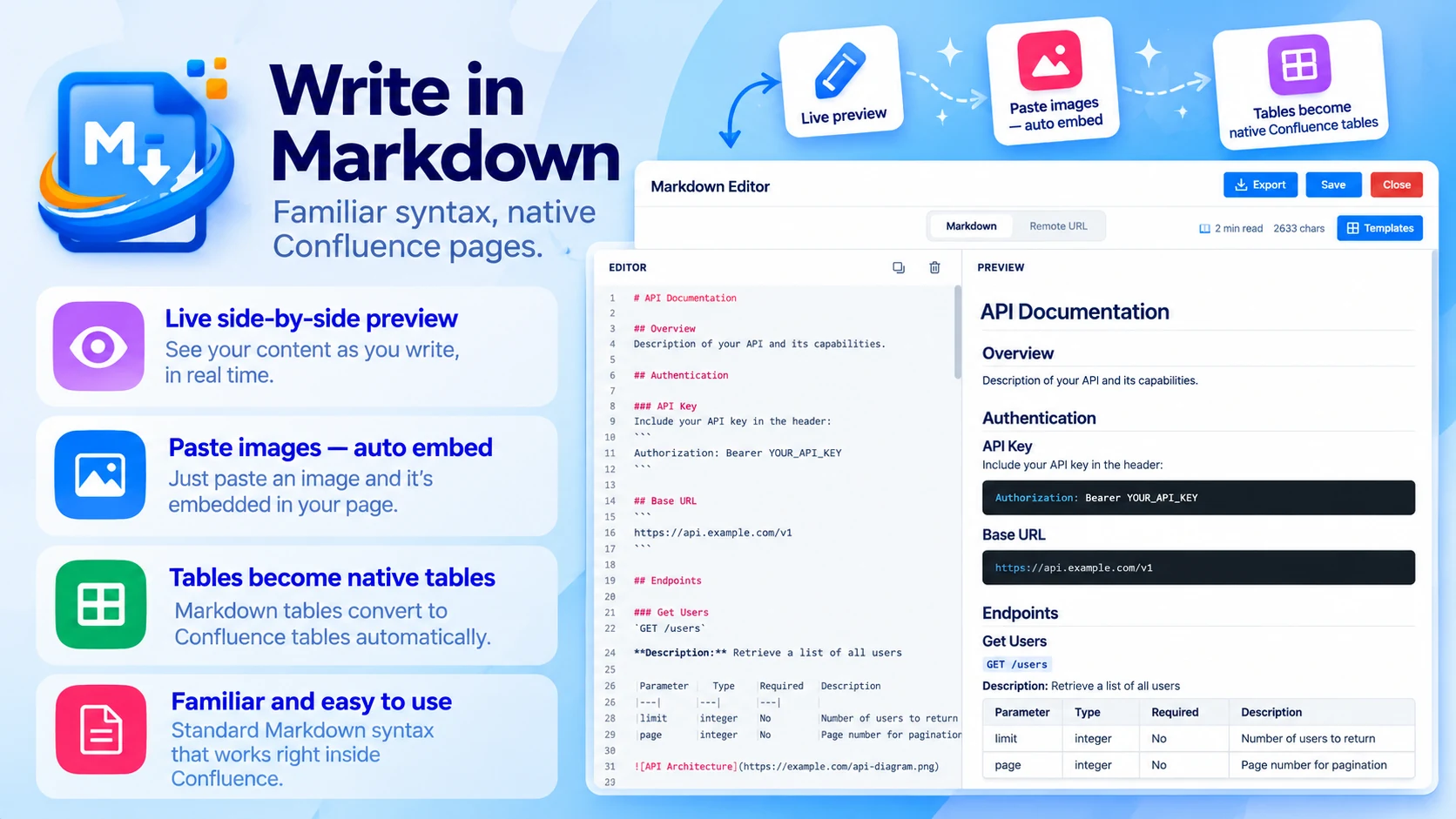
Write in Markdown
Familiar syntax, native Confluence pages:
- Live side-by-side preview
- Paste images — they embed automatically
- Tables become native Confluence tables
- Import from a remote URL or start from templates
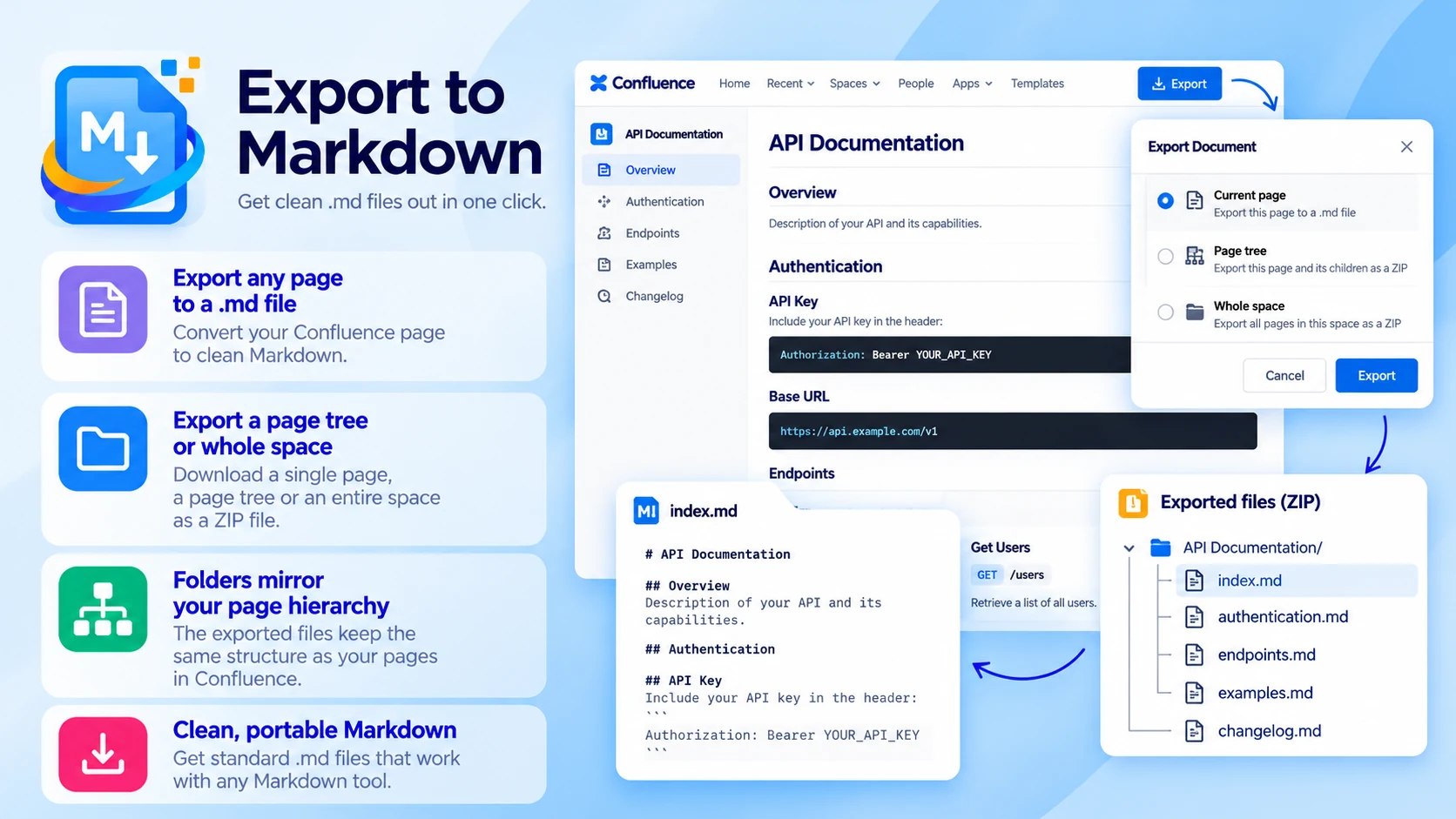
Export to Markdown
Get clean .md files out in one click:
- Export any page to a .md file
- Export a page tree or a whole space as a ZIP
- Folders mirror your page hierarchy
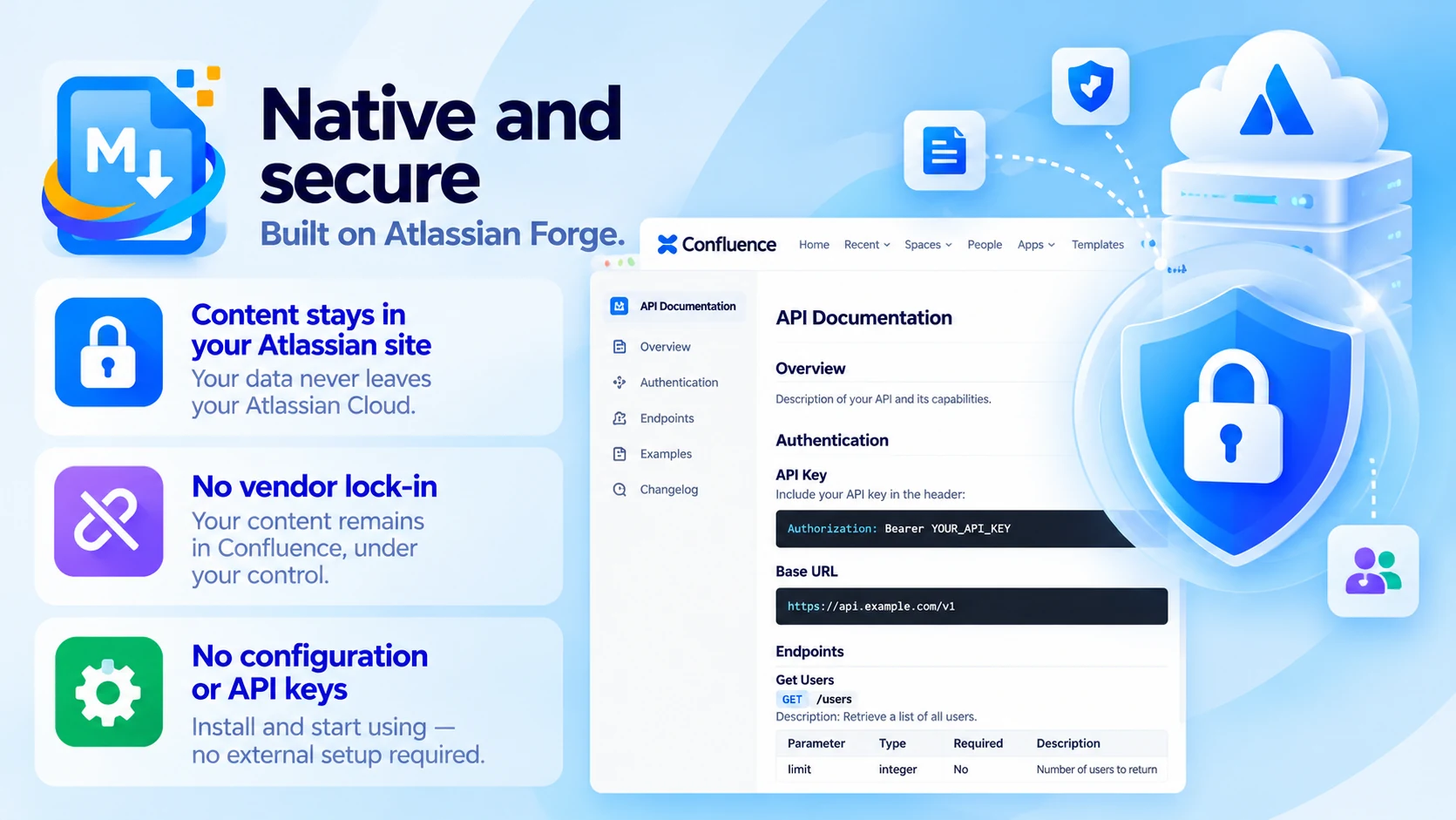
Native and secure
Built on Atlassian Forge:
- Content never leaves your Atlassian site
- No vendor lock-in
- No configuration or API keys
Built for
- Developers
- Technical writers
- Teams migrating content or with strict data governance requirements
Up and running in three steps
Markdown Exporter & Editor installs from the Atlassian Marketplace like any other app — nothing to host, nothing to maintain.
- 01
Get it from the Marketplace
Install it on your Confluence Cloud site from its Atlassian Marketplace listing. It's a free app — no licence, no trial clock, no servers to run.
- 02
Write or open a page
Author in Markdown with the side-by-side preview, import from a remote URL, or open any existing page.
- 03
Export
Export one page to a .md file, or a page tree or whole space as a structured ZIP.
