
Mermaid Diagrams
Diagrams from text or Rovo AI: free Mermaid for Confluence Cloud
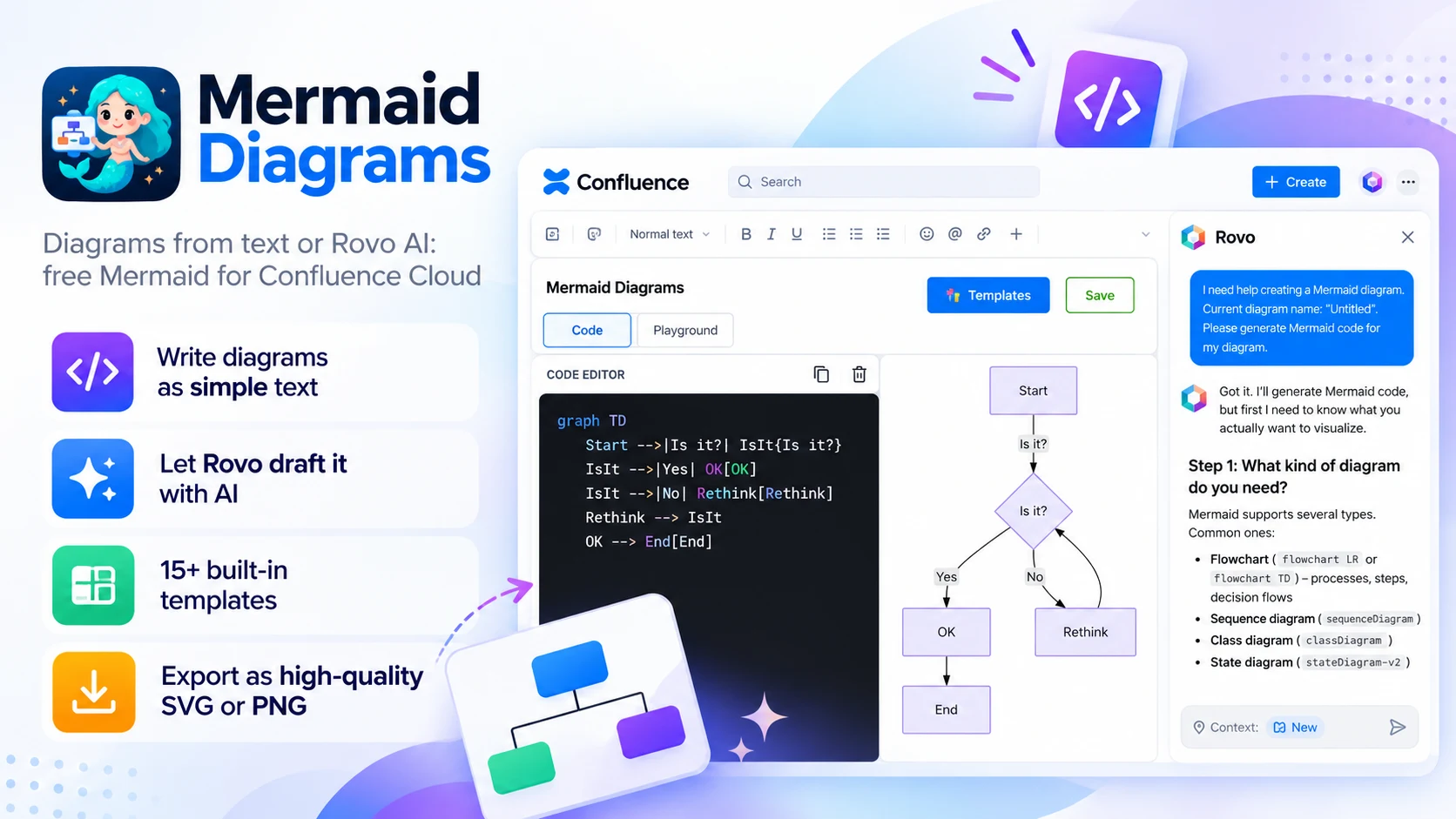
What Mermaid Diagrams does
Describe a flow in plain words and Rovo sketches it, or type Mermaid yourself and watch it render. Switch to Playground to build visually, and recover Data Center diagrams after a Cloud move.
Lite version
Mermaid Diagrams is the lite version of Mermaid Diagrams & Charts. It has all the same features, except GitHub, GitLab and Bitbucket integration, which only the full app supports.
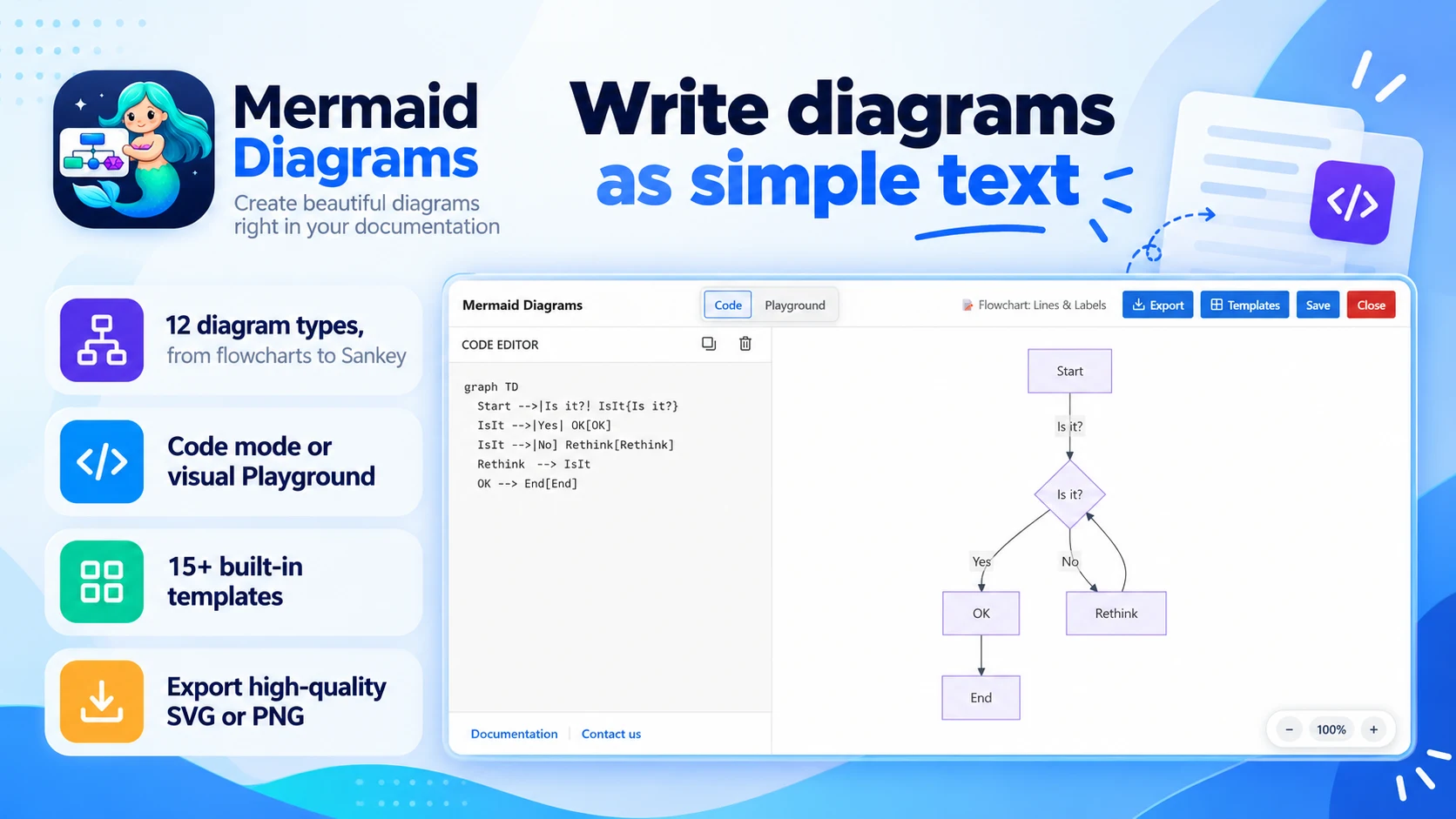
Write diagrams as simple text
Type Mermaid and the diagram renders beside it:
- 12 diagram types, from flowcharts to Sankey
- Code mode, or build visually in Playground
- 15+ built-in templates to start fast
- Export as high-quality SVG or PNG
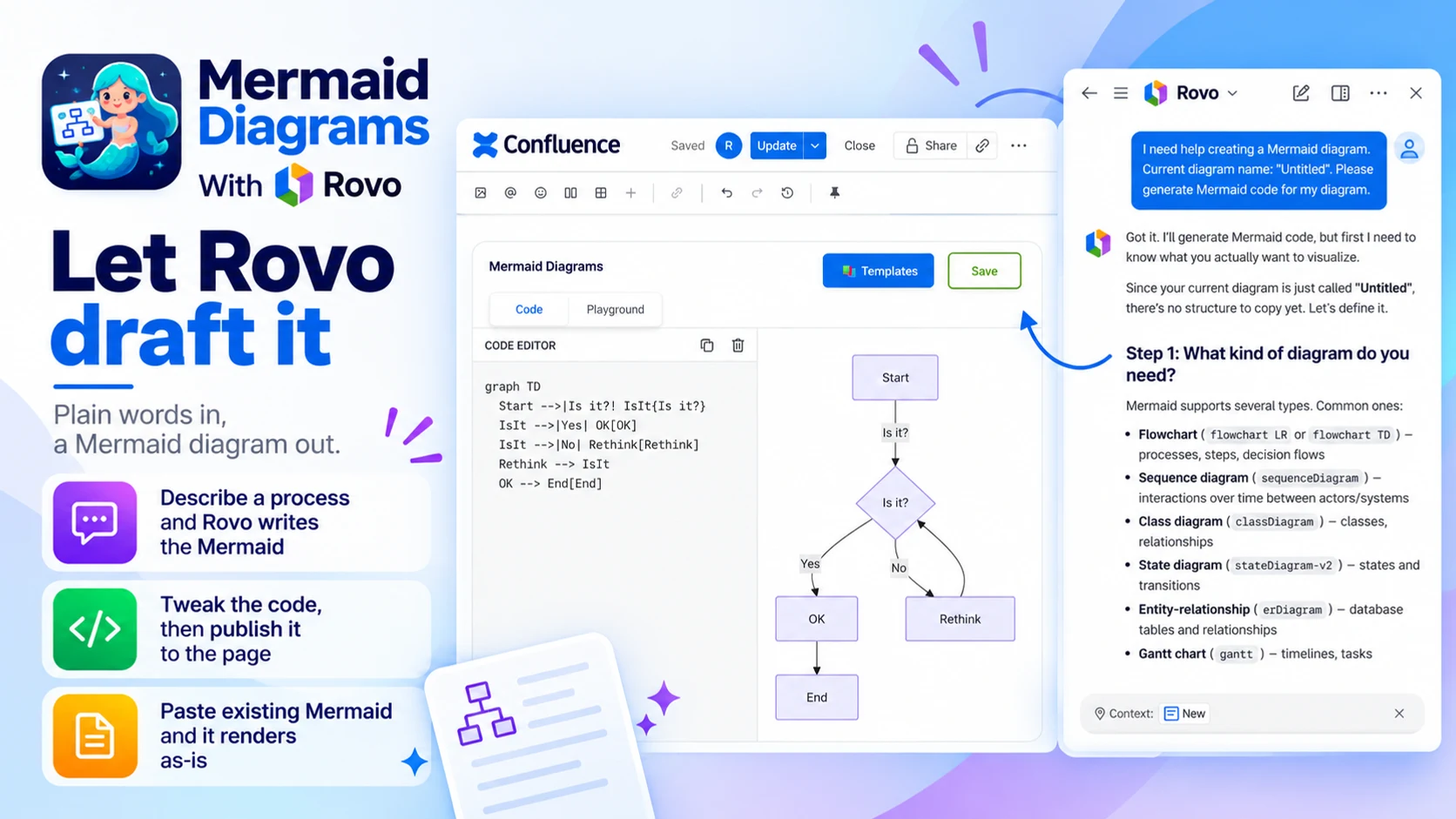
Let Rovo draft it
Plain words in, a Mermaid diagram out:
- Describe a process and Rovo writes the Mermaid
- Tweak the code, then publish it to the page
- Already have Mermaid from a README or another app? Paste it and it renders as-is
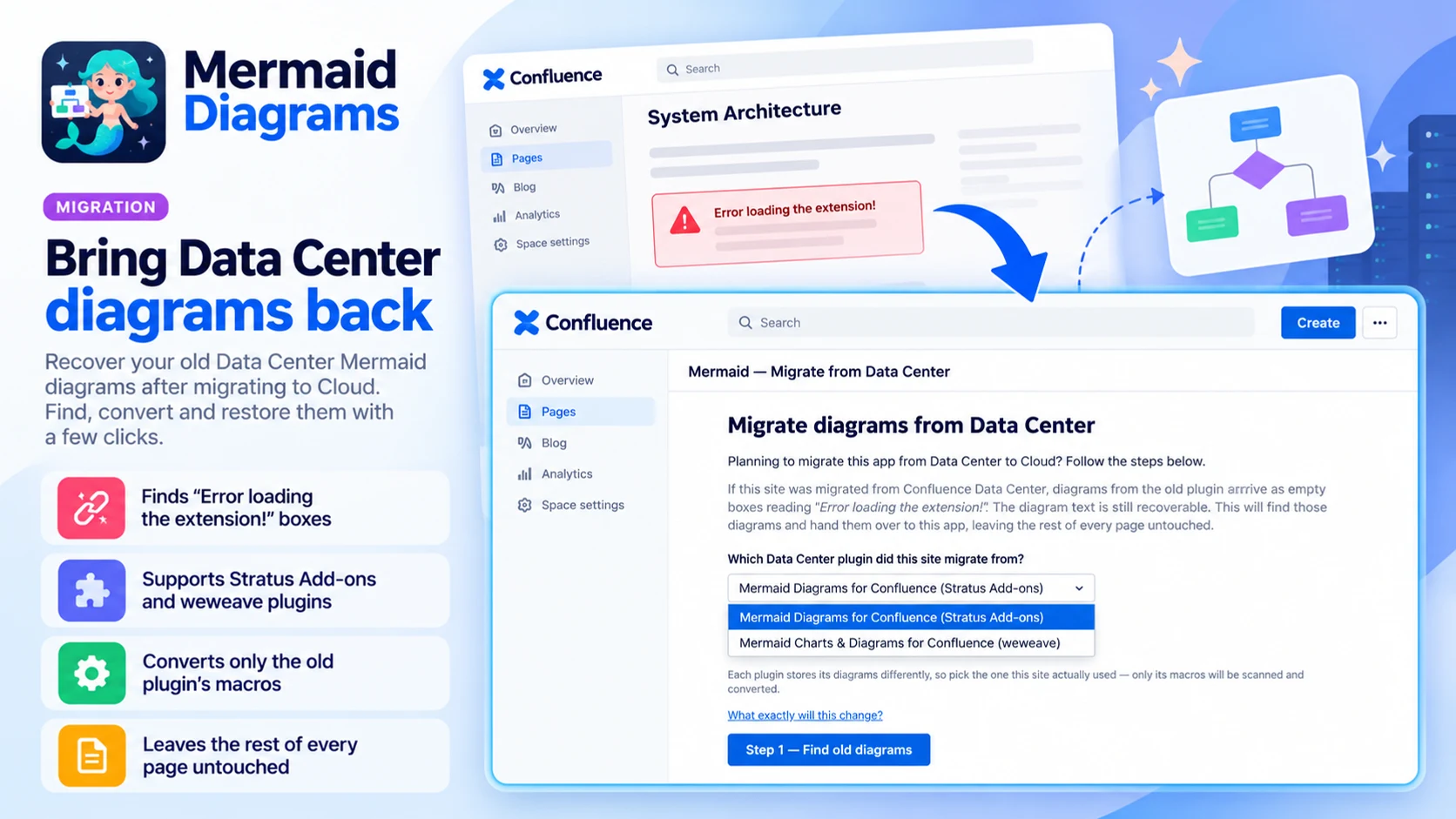
Bring Data Center diagrams back
For sites migrated from Confluence Data Center:
- Finds “Error loading the extension!” boxes
- Supports Stratus Add-ons and weweave plugins
- Leaves the rest of every page untouched
Built for
- Engineers
- Architects
- Technical writers who want diagrams that are easy to update
Up and running in three steps
Mermaid Diagrams installs from the Atlassian Marketplace like any other app — nothing to host, nothing to maintain.
- 01
Get it from the Marketplace
Install it on your Confluence Cloud site from its Atlassian Marketplace listing. It's a free app — no licence, no trial clock, no servers to run.
- 02
Insert a Mermaid diagram
Ask Rovo for a first draft, pick a template, or start typing in Code mode.
- 03
Refine and publish
Adjust the text or switch to Playground, then publish. Edit it again whenever the flow changes.
