
Mermaid Diagrams & Charts for Jira by RVS
Diagrams from text, right on the issue: write Mermaid, watch it render live, and keep every diagram with the work it explains
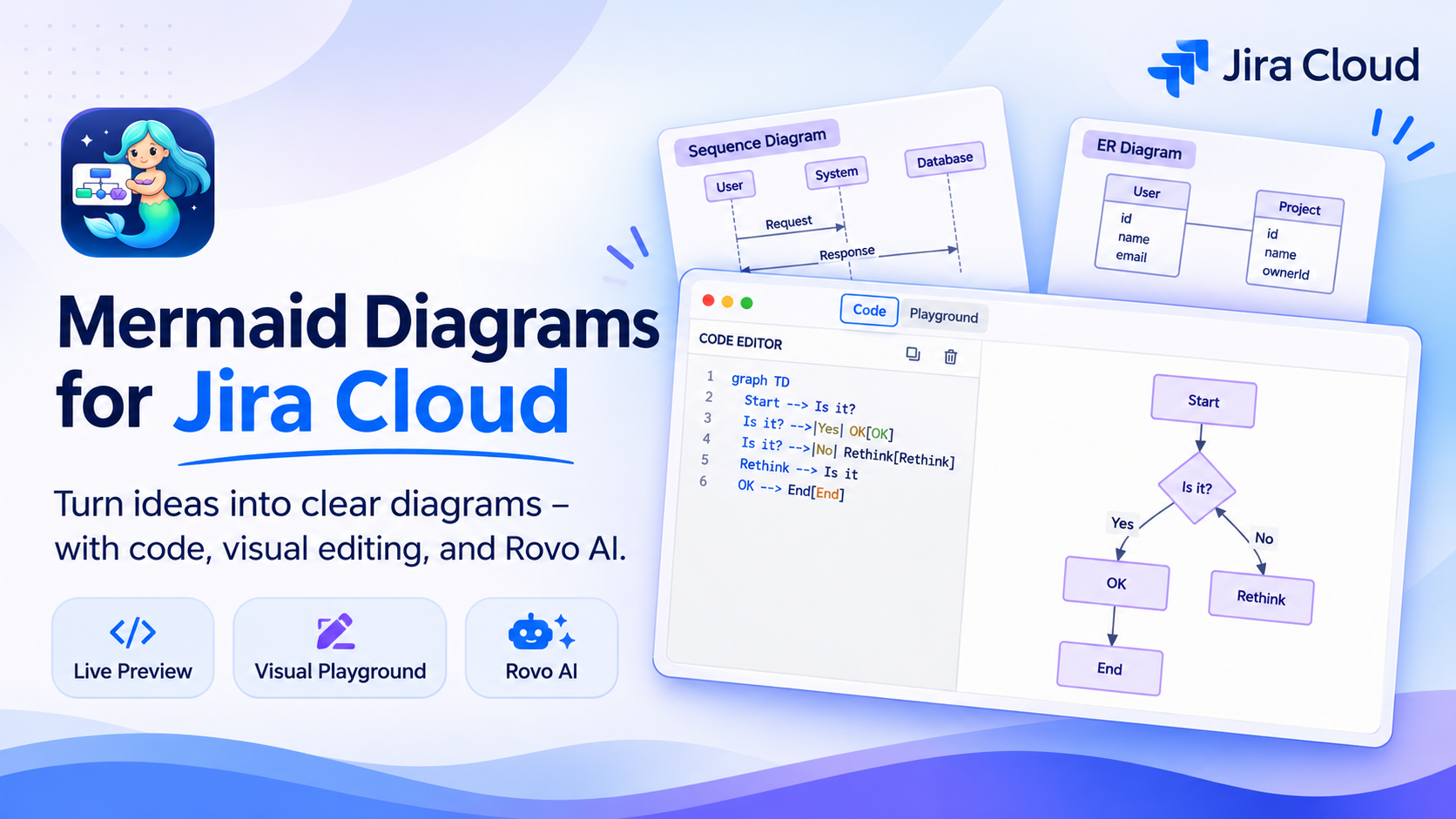
What Mermaid Diagrams for Jira does
Add a Mermaid panel to any Jira issue. Write flowcharts, sequence diagrams, ER diagrams and more in a full-screen editor — or drag nodes in Playground — then save the diagram on the issue itself.
Diagrams live on the issue
Add the Mermaid panel from the issue's Apps button — the diagram renders right below the description:
- Several diagrams per issue, with a pager
- Zoom 50–300%, drag to pan, open full screen
- Add a PNG to the description for stakeholders
- Export the diagram as SVG or PDF
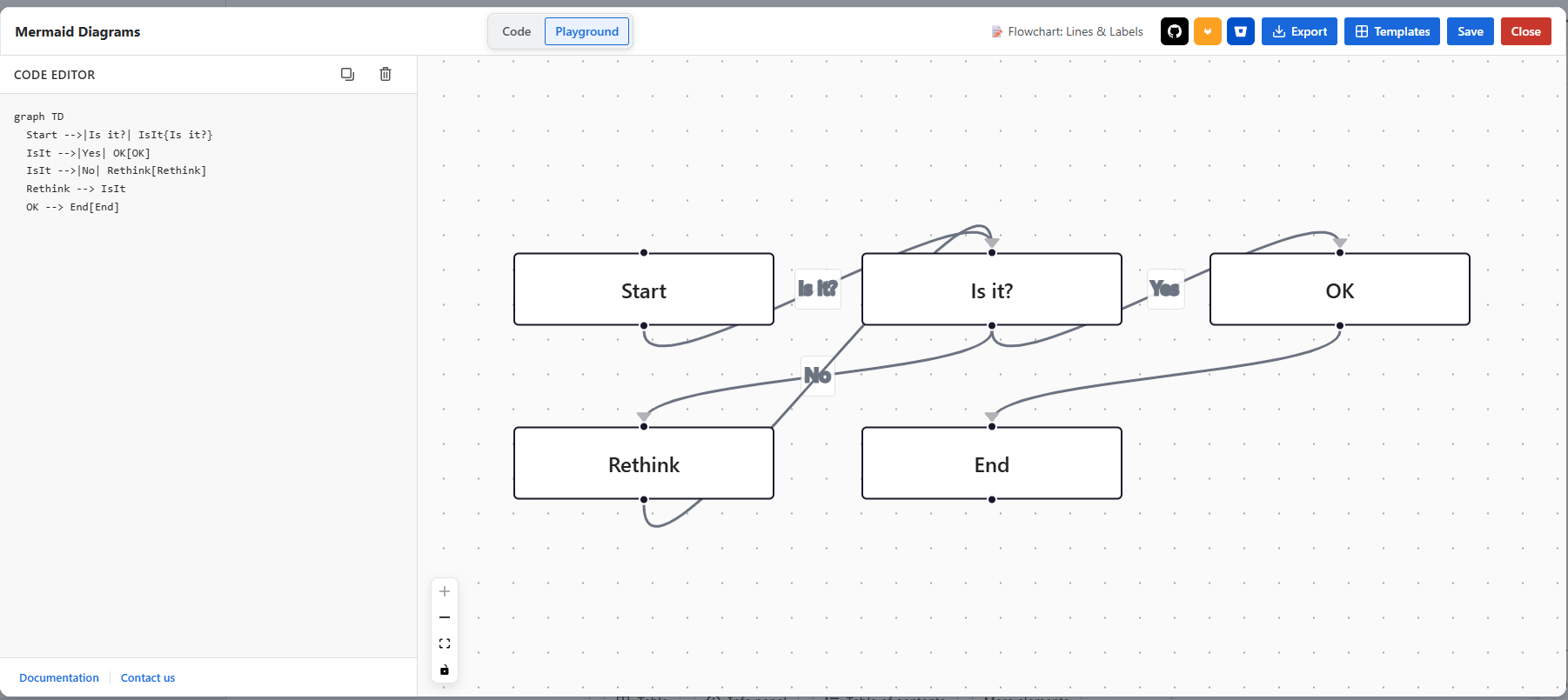
Write code or drag nodes
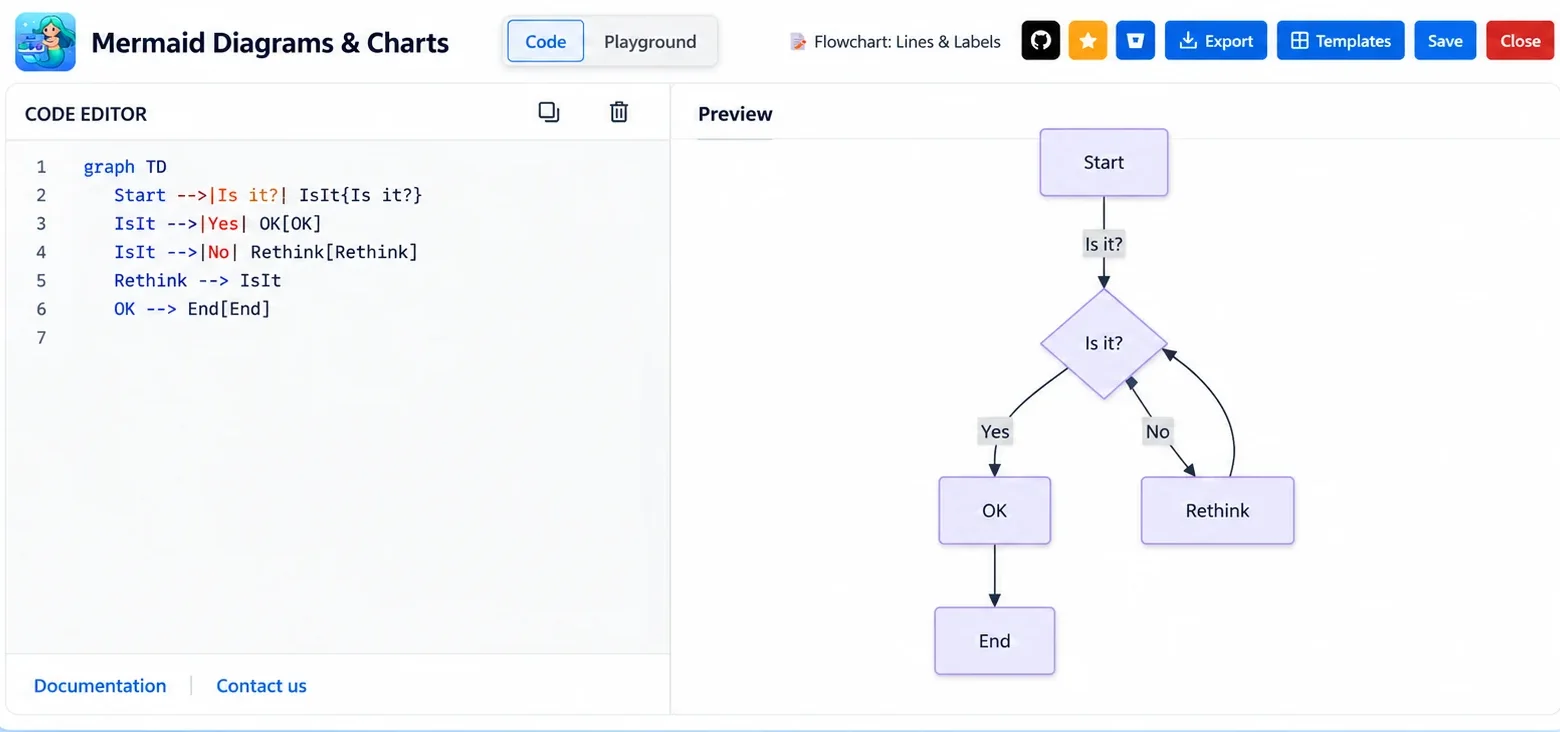
A full-screen editor with a live preview — and a Playground for visual flowchart editing:
- Live preview about 300 ms after you stop typing
- 25 templates, from flowcharts to Sankey and C4
- Playground mode writes visual edits back into the code
- Syntax errors block saving until they are fixed
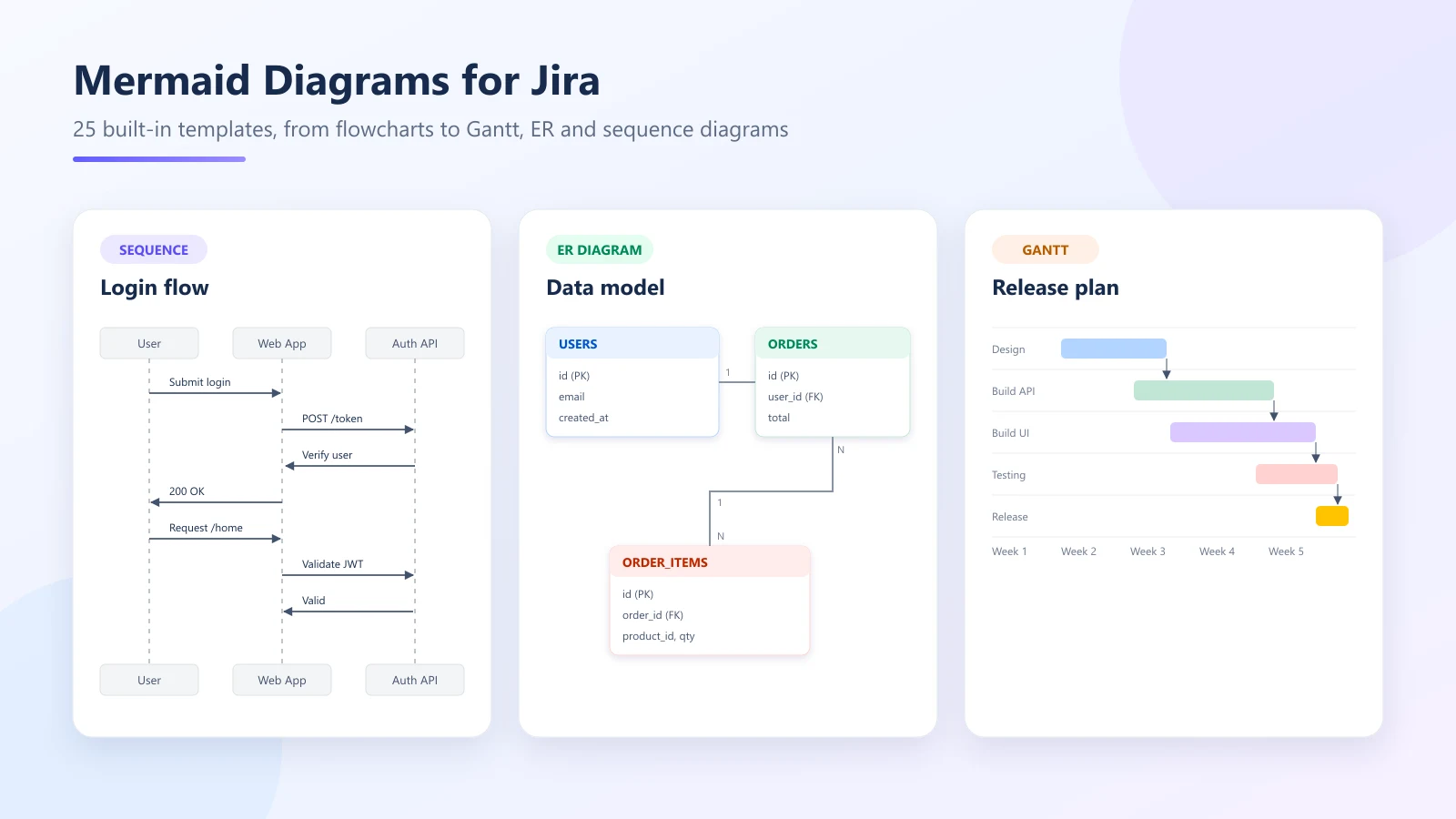
More than flowcharts
One syntax for processes, systems and plans:
- Sequence, class, state and ER diagrams
- Gantt, timeline, Kanban and pie charts
- Font Awesome and brand icons in nodes
- Diagram colours follow your Jira theme
Built for
- Developers documenting a flow on the issue
- Architects mapping systems and data models
- QA and support teams mapping reproduction steps
- Teams planning releases with Gantt and timelines
Up and running in three steps
Mermaid Diagrams for Jira installs from the Atlassian Marketplace like any other app — nothing to host, nothing to maintain.
- 01
Get it from the Marketplace
Install it on your Jira Cloud site from its Atlassian Marketplace listing. It's a free app — no licence, no trial clock, no servers to run.
- 02
Add the Mermaid panel
Open an issue, click Apps under the summary and choose Mermaid — the panel appears in the issue view.
- 03
Write, preview and save
Create a diagram, write Mermaid or pick a template, check the live preview, name it and save it to the issue.
