
PlantUML Diagrams & Charts for Confluence
Free PlantUML for Confluence: write diagrams as code, preview live, and keep them in sync with GitHub, GitLab or Bitbucket
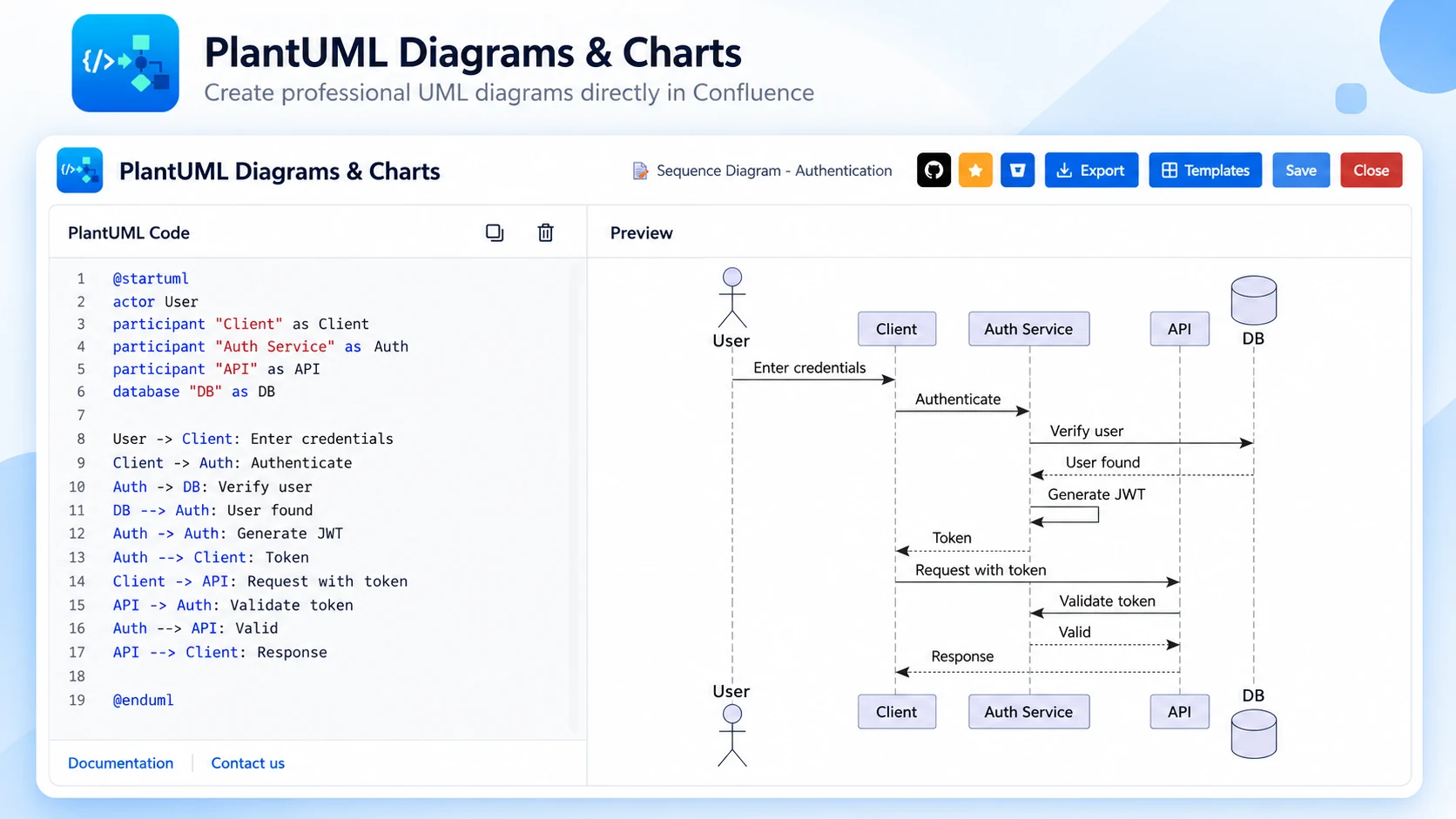
What PlantUML Diagrams & Charts does
Keep diagrams as code inside Confluence Cloud. Write PlantUML, see a live preview side by side, and publish — no drawing tools, no exported PNGs.
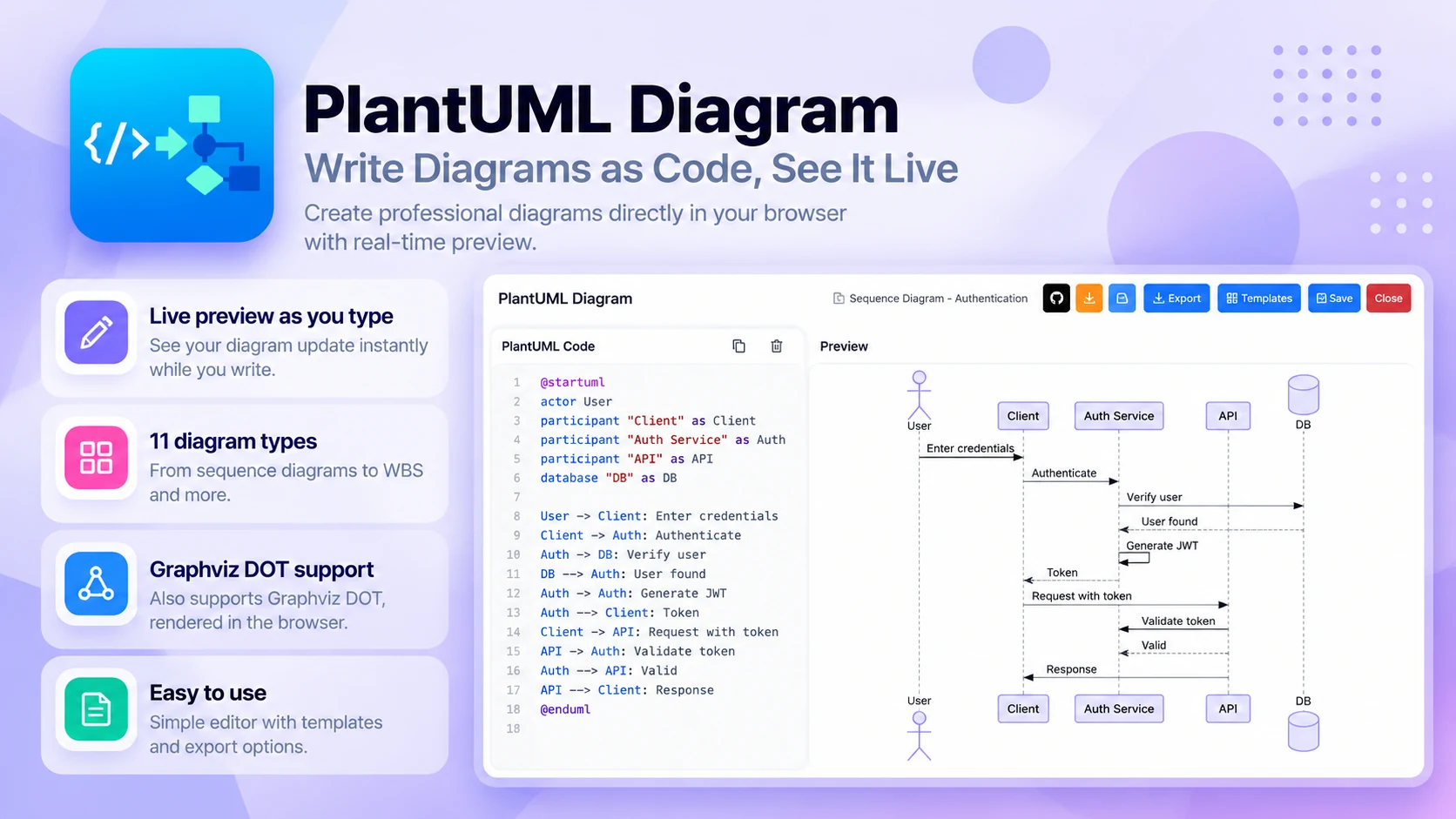
Write PlantUML, see it live
Diagrams as code, rendered beside your text:
- Live preview as you type
- 11 diagram types, from sequence to WBS
- Graphviz DOT rendered in the browser
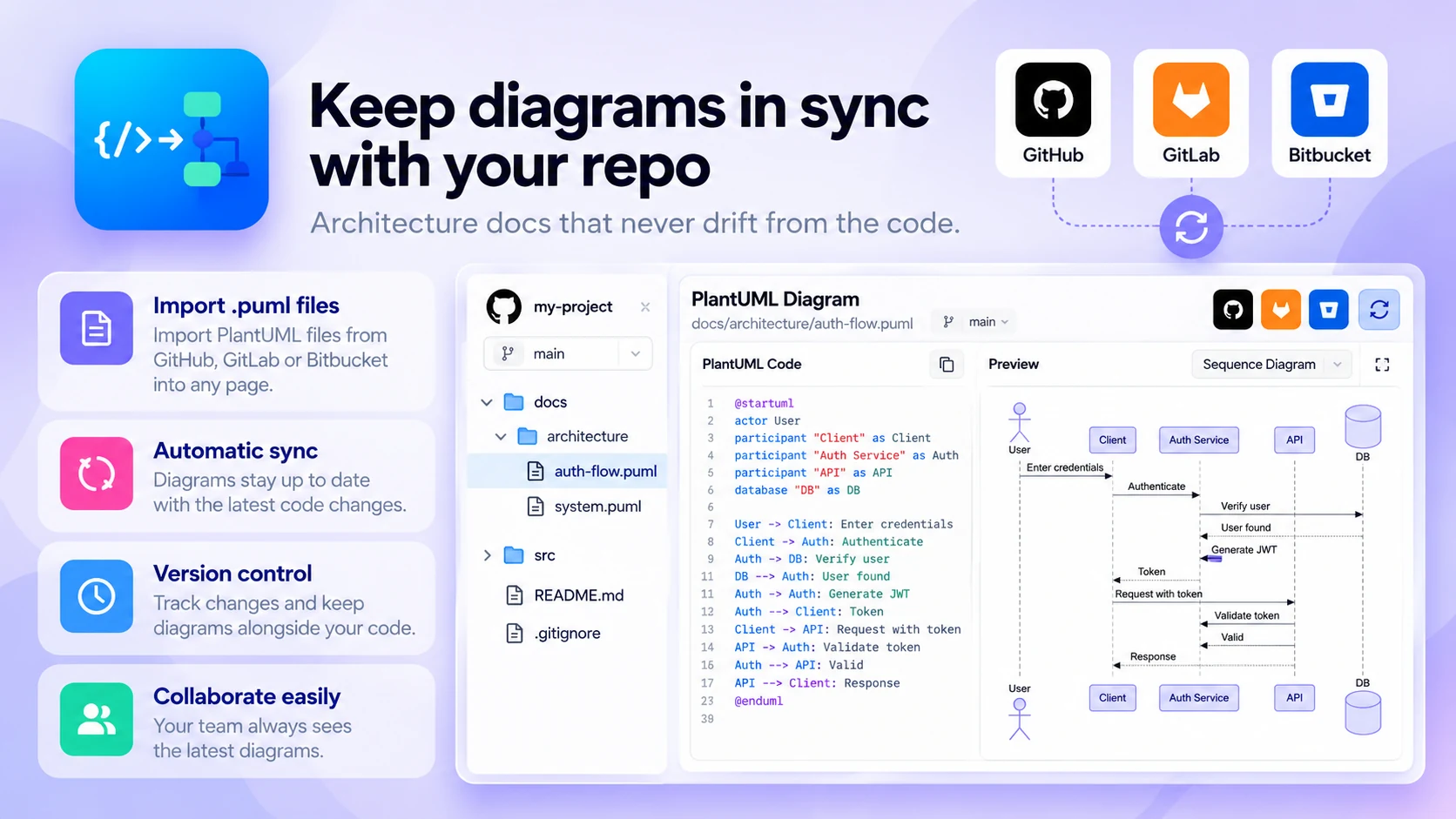
Keep diagrams in sync with your repo
Architecture docs that never drift from the code:
- Import .puml files into any page
- GitHub, GitLab and Bitbucket
- Version diagrams alongside your code

Start with templates or Rovo
Go from blank page to diagram in seconds:
- 15+ templates for architecture, APIs and schemas
- Ask Rovo to write the PlantUML for you
- Free for every team
- Global settings for Confluence admins
Built for
- Architects
- Developers
- Documentation teams who want version-controlled diagrams next to their docs
Up and running in three steps
PlantUML Diagrams & Charts installs from the Atlassian Marketplace like any other app — nothing to host, nothing to maintain.
- 01
Get it from the Marketplace
Install it on your Confluence Cloud site from its Atlassian Marketplace listing. It's a free app — no licence, no trial clock, no servers to run.
- 02
Add the PlantUML macro
Insert it on any page, then start from a template, import a .puml file from GitHub, GitLab or Bitbucket, or ask Rovo for the code.
- 03
Preview and publish
Edit the PlantUML with the live preview beside it, then publish — readers see the rendered diagram.
