
Time Tracking and Timesheets
Simple timesheets and smart time-tracking reports
 monday.com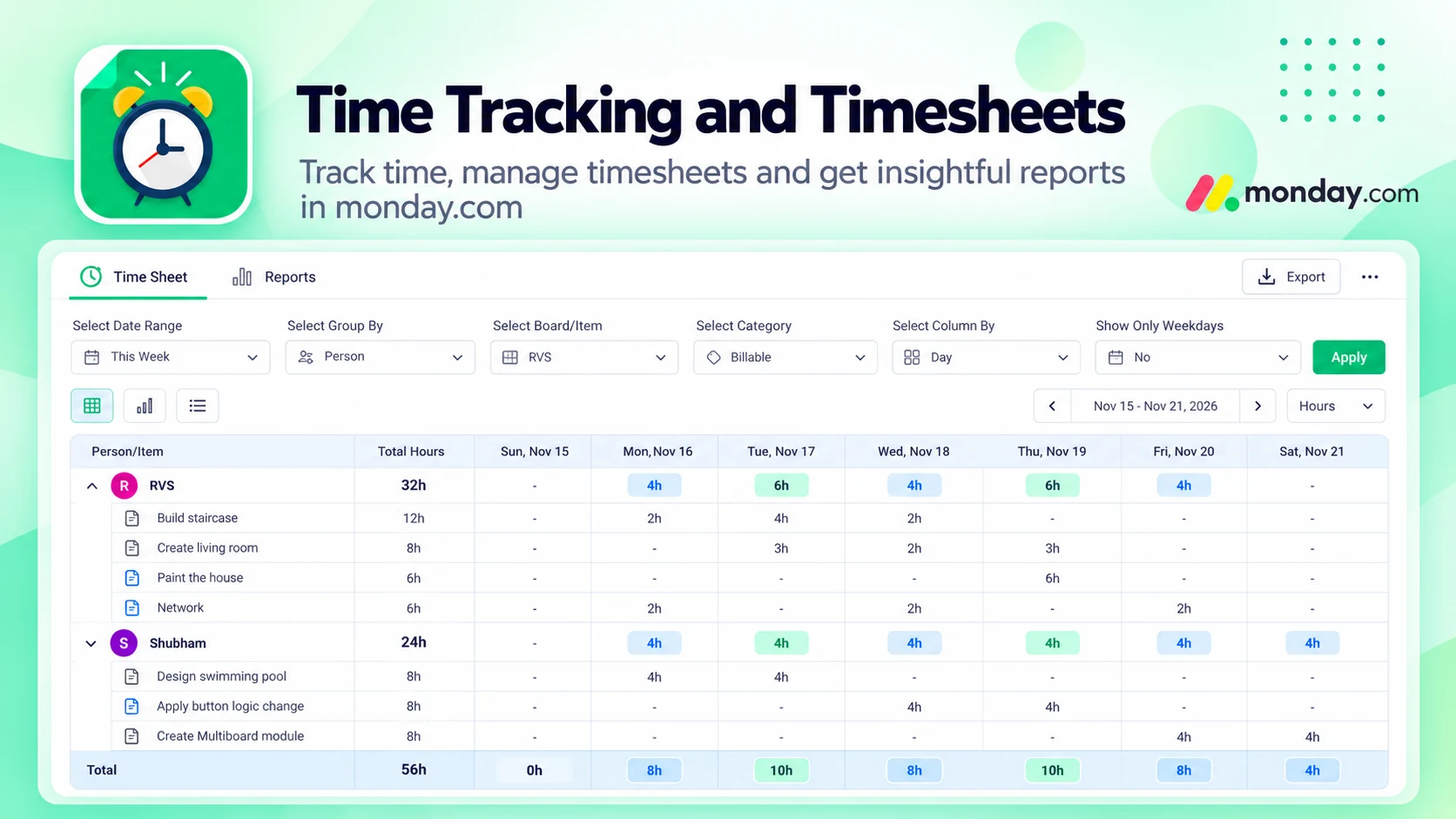
What Time Tracking and Timesheets does
Maximize your team’s time management with this seamless monday.com time tracking solution. Perfect for teams of all sizes, it offers precise tracking, detailed reporting, and efficient timesheet management, all integrated directly into your monday.com workflows.
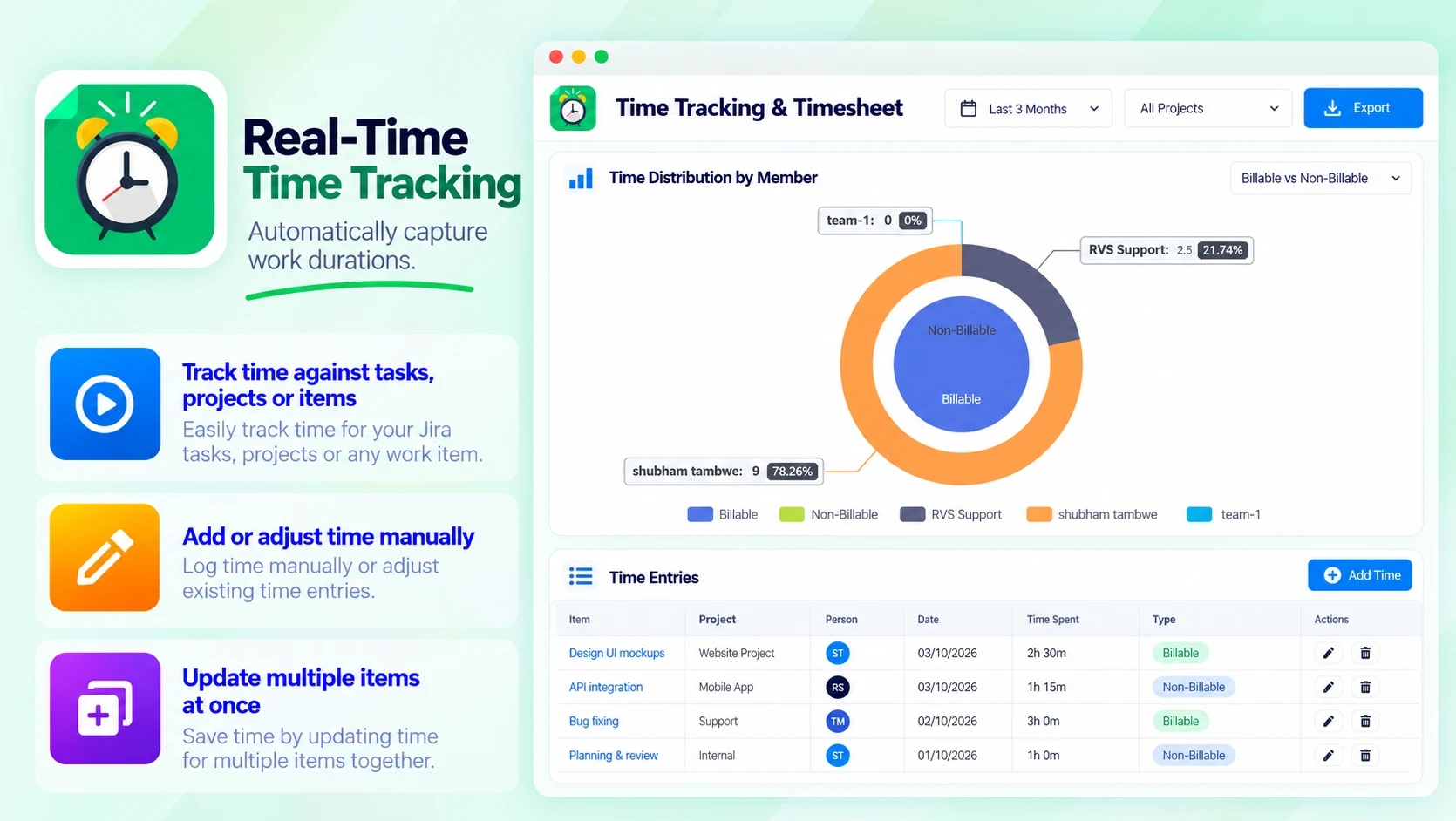
Real-Time Time Tracking
Automatically capture work durations:
- Track time against tasks, projects or items
- Add or adjust time manually
- Update multiple items at once
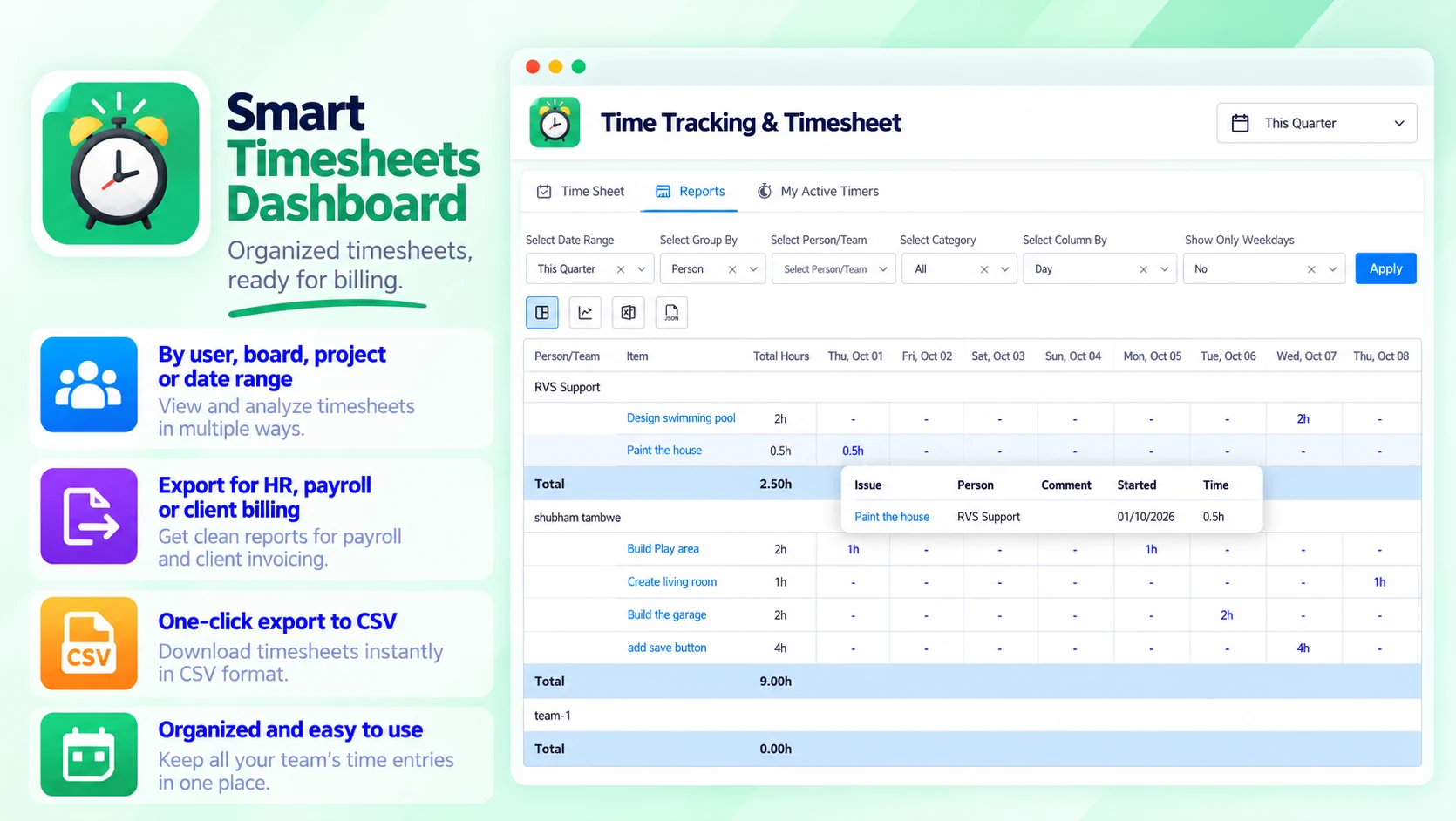
Smart Timesheets Dashboard
Organized timesheets, ready for billing:
- By user, board, project, item or date range
- Export for HR, payroll or client billing
- One-click export to CSV
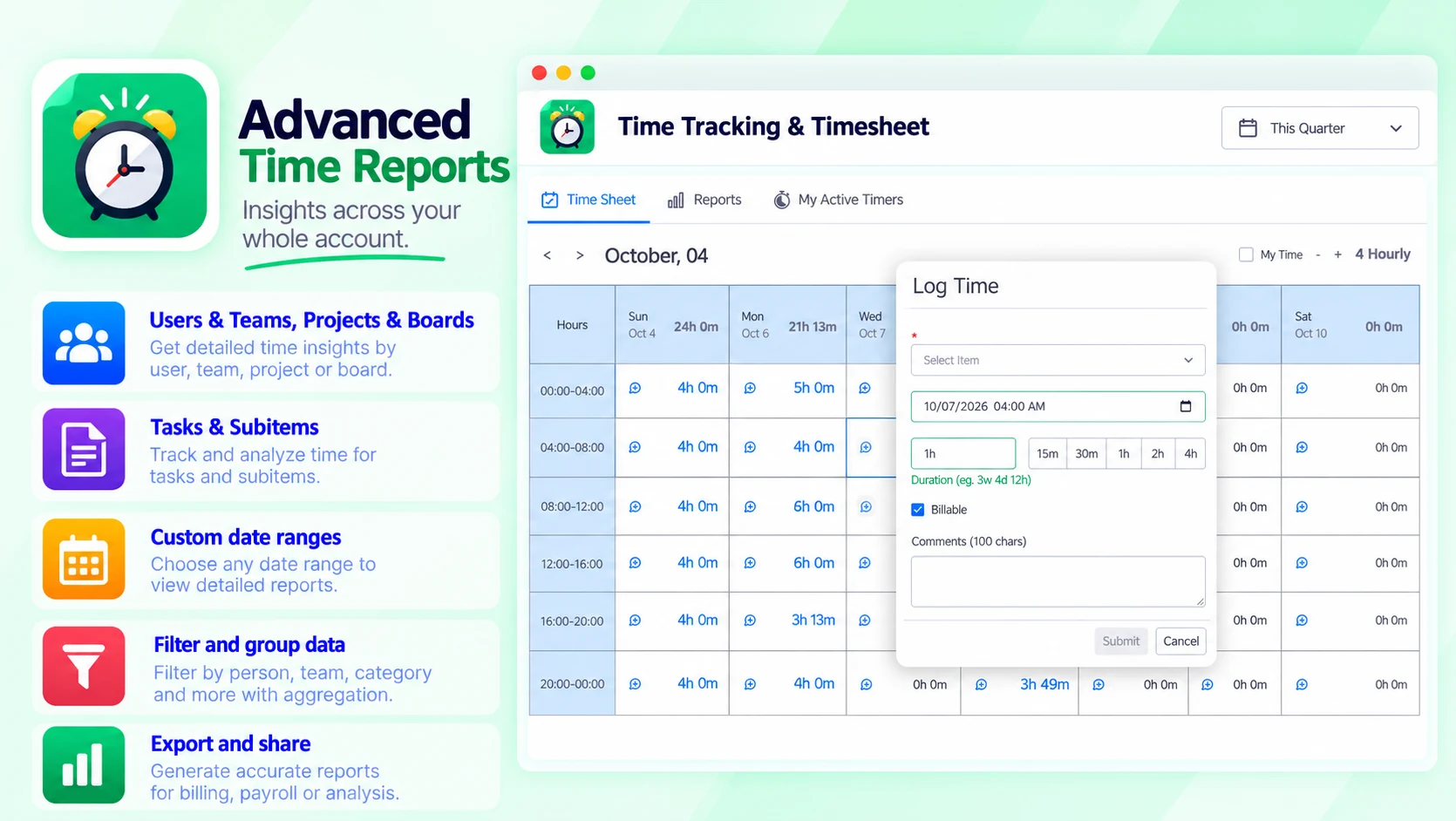
Advanced Time Reports
Insights across your whole account:
- Users & Teams, Projects & Boards
- Tasks & Subitems
- Custom date ranges
- Group and categorize data with aggregation
- Filter reports by person, team, category and more
Built for
- Save time with automated tracking and bulk updates
- Improve billing accuracy with detailed timesheet exports
- Make smarter decisions with actionable productivity insights
Up and running in three steps
Time Tracking and Timesheets installs from the monday.com Marketplace like any other app — nothing to host, nothing to maintain.
- 01
Install from the monday.com Marketplace
Add the app to your monday.com account from its marketplace listing. It runs inside monday.com, so there is nothing else to set up.
- 02
Track time on items
Automatically capture work durations against tasks, projects or items — or add time manually when necessary.
- 03
Review and export timesheets
View timesheets by user, board, project, item or date range, and export to CSV with a single click.
