#1
Worklog Time Tracking in Jira & Timesheets (RVS Softek): Our Top Pick
Worklog reports, timesheets, estimated vs. actual, and worklog attributes, all inside Jira.
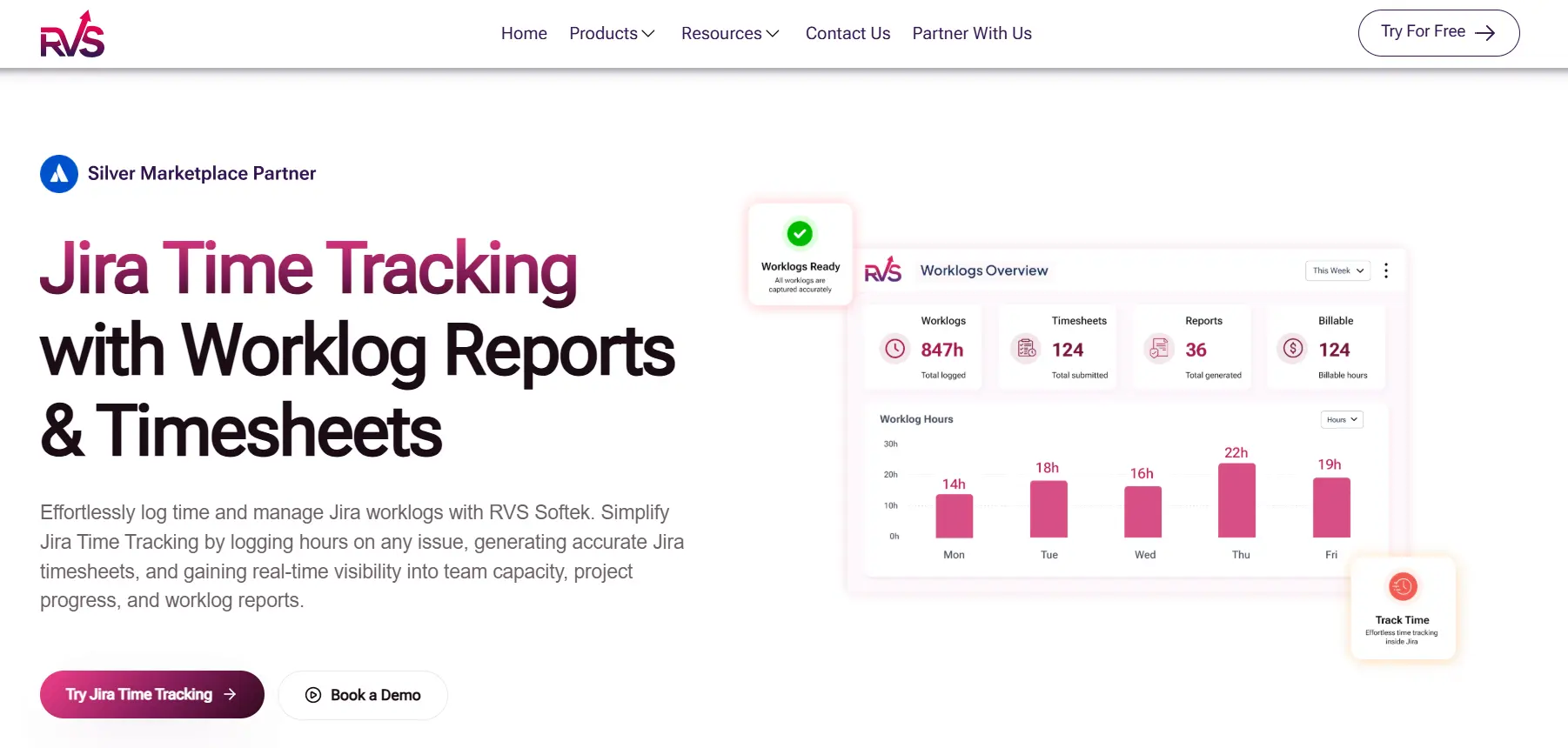
Most Jira time tracking apps stop at collecting worklogs. Worklog Time Tracking in Jira & Timesheets, RVS Softek's Cloud Fortified app, is built for what project managers actually do with them: review, report, and plan.
- The Timesheet View logs time across multiple issues and days from one screen, in a Table or Kanban-style layout.
- Advanced Worklog Reporting groups logged time by Project, Sprint, Issue Type, or Assignee.
- Up to 10 custom Worklog Attributes (Advanced edition) turn billable vs. non-billable breakdowns into a filter, not a spreadsheet. Estimated vs. Actual puts commitments next to reality, so estimation improves every sprint.
- The Time Spent Summary gadget keeps headline numbers on stakeholder dashboards, and reports export to CSV.
Plenty of Jira time tracking apps record time competently. Far fewer close the loop between what was planned, what was logged, and what the team can take on next. RVS Softek treats those reports as the product, not an afterthought.
Best for
Project managers who need timesheets, reports, and estimate tracking in one app
Pricing
Standard $0.35/month, Advanced $0.50/month (For 100 User Team Size)
Pros

Complete reporting workflow: timesheets, worklog reports, and summaries in one app.
Estimated vs. actual comparison is built in
Up to 10 custom worklog attributes for billing-grade categorization (Advanced edition)
Time Spent Summary dashboard gadget for stakeholder visibility
Cons

Complete reporting workflow: timesheets, worklog reports, and summaries in one app.
Estimated vs. actual comparison is built in
Up to 10 custom worklog attributes for billing-grade categorization (Advanced edition)
Time Spent Summary dashboard gadget for stakeholder visibility
Start Free Trial

#2
Tempo Timesheets
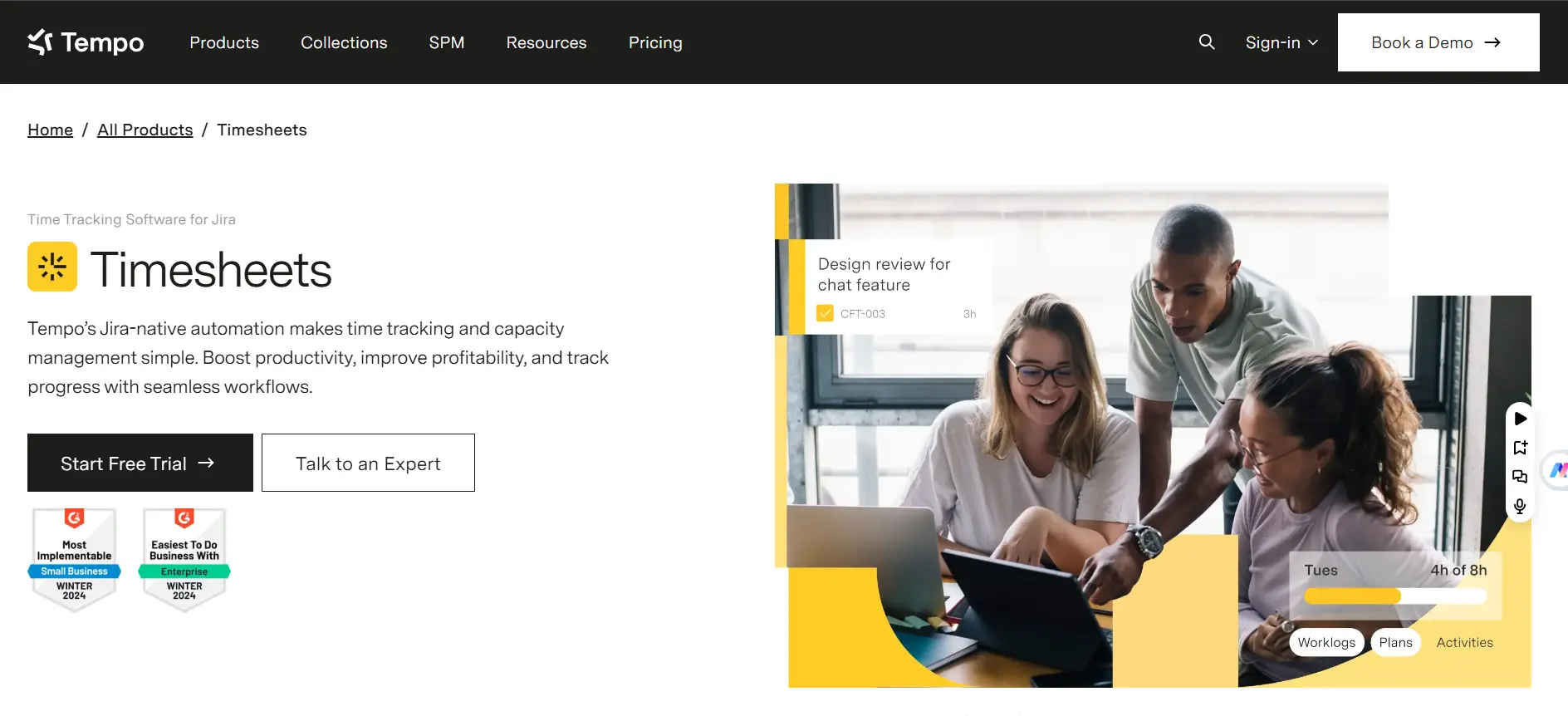
Tempo is the most established name among Jira time tracking apps, and for large organizations, the depth shows. Timesheet approvals, cost trackers, resource planning through its companion products, and finance-grade reporting make it the default at enterprise scale.
The trade-offs are the ones you would expect from a suite: fuller capability often means additional Tempo products, per-user pricing across your instance adds up quickly, and the learning curve is real. For PM-level reporting needs, many teams end up paying for depth they never open.
Best for
Large organizations with finance and resource management requirements
Pros
Mature approval workflows
Cost and resource management ecosystem
Extensive integrations
Cons
Gets expensive at the instance scale
Full capability spans multiple products
Steeper learning curve than the PM-level needs require
See Full Comparison
#3
Clockwork by Herocoders
Clockwork's pitch is simple. Your team already moves issues and changes assignees, so let that activity become the timesheet. Timers start and stop from workflow transitions, and manual adjustment stays available for corrections.
For teams where logging discipline has failed repeatedly, automation is the honest fix. The cost of that simplicity is analytical depth. Reporting is timesheet-centric, and elapsed activity time is not the same thing as focused effort, which matters if you bill by the hour.
Best for
Teams that will not log time manually
Pricing
Lite $0.40/mo + Pro $1.30/mo
Pros
Automatic time capture
Generous free tier
Easy adoption
Cons
Elapsed activity time can overstate effort
Reporting depth is limited
#4
Timetracker (STAGIL)
Timetracker by STAGIL focuses on making the logging habit painless and the resulting timesheets genuinely useful. Team members log time however suits them, through a calendar view, a timeline view, directly on the issue, or with a start/stop timer, and PMs get editable, shareable timesheets that group by any field, including custom fields.
Best for
Mid-size teams that want low-friction logging with solid timesheet reporting
Pros
Calendar, timeline, issue, and timer logging options / Group timesheets by any custom field / Worklog tags for billing categorization / Free timesheet-compliance companion app
Cons
Charting is limited to pie and bar reports / Capacity planning features are light
#5
Worklogs (SolDevelo)
Worklogs by SolDevelo carries the Marketplace Bestseller badge in this niche, and the maturity shows. Every time an entry is stored on the issue itself, keeping the data transparent, and the reporting layer adds grouping and filtering across projects and people, saved reports you can share with stakeholders, charts, exports, and granular permissions controlling who sees whose time.
Best for
Teams that want flexible, shareable reports on logged time
Pricing
Standard $0.40/mo, Advanced $0.75/mo
Pros
Mature and widely adopted, with a strong rating history / Saved and shareable reports with charts / Granular permission controls / Time zone and display customization for distributed teams
Cons
Estimated vs. actual comparison is not a highlighted feature ]
#6
ActivityTimeline
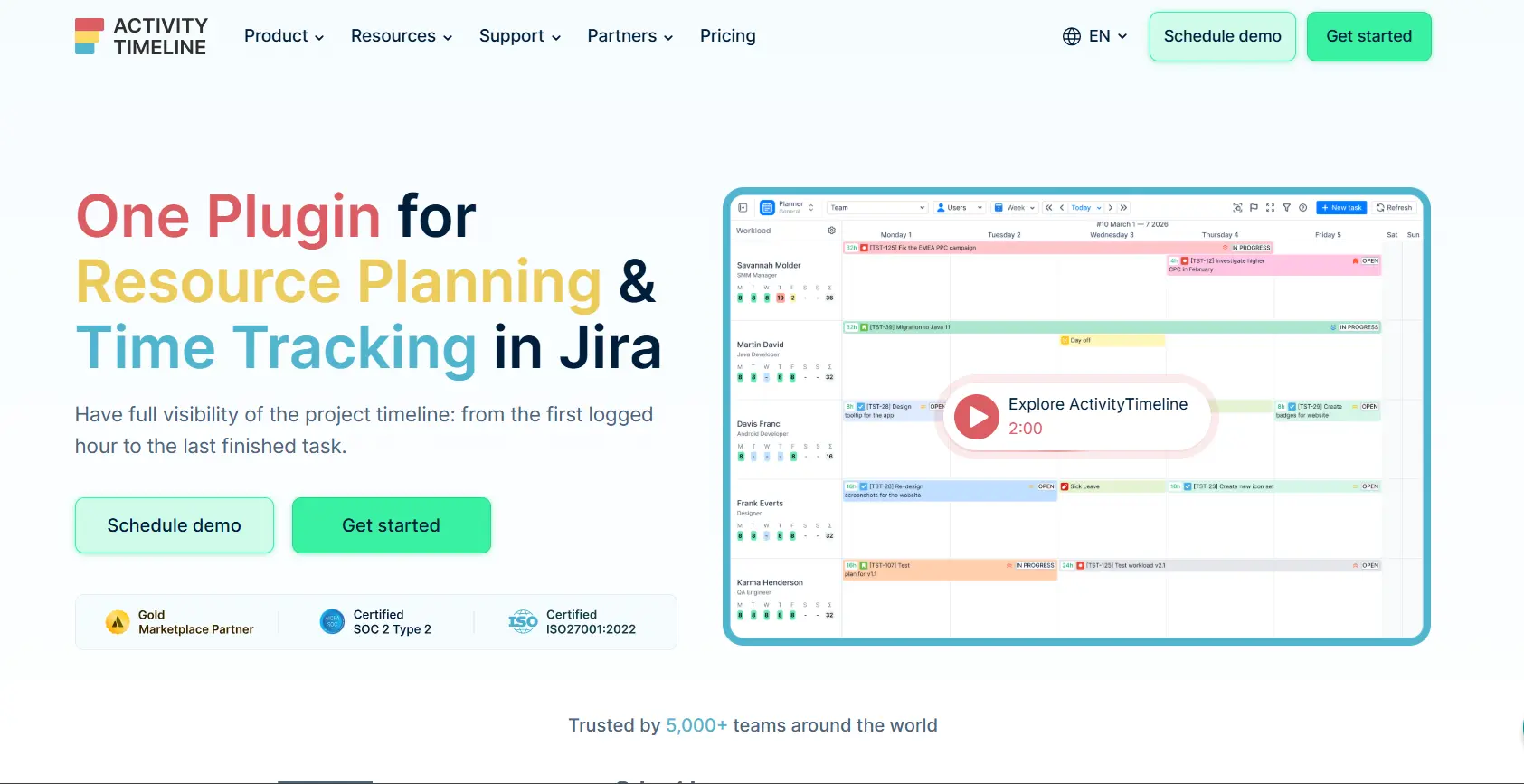
ActivityTimeline approaches the problem from the scheduling side. Its timeline view shows who is allocated to what and when, with workload indicators that make overallocation visible before it happens. Timesheets and tracking exist to feed that planning picture. For PMs whose main pain is allocation rather than reporting, it is a strong fit.
Best for
PMs focused on scheduling and workload balancing
Pricing
Standard $2.50/mo, Advanced $3.50/mo
Pros
Best-in-class workload visualization / Planning and tracking in one view / Skill-based scheduling
Cons
Heavier setup than pure timesheet apps / Timesheet and reporting features secondary to planning
#7
Timepiece (OBSS)
OBSS Timepiece does one thing deeply: measuring how long issues spend in each status, with assignee time and transition counts alongside. For process improvement work, it is a respected specialist. The limitation is the mirror image of the timesheet tools above. There are no worklogs, no timesheets, and no billing exports, so PMs who also need effort tracking end up buying and maintaining a second app.
Best for
Process analysis without timesheet requirements
Pros
Deep status-time reporting / Multiple chart types / Established in the niche
Cons
No worklog or timesheet tracking at all / Second app needed for billing / Two-plugin cost stack
#8
7pace Timetracker (Appfire)
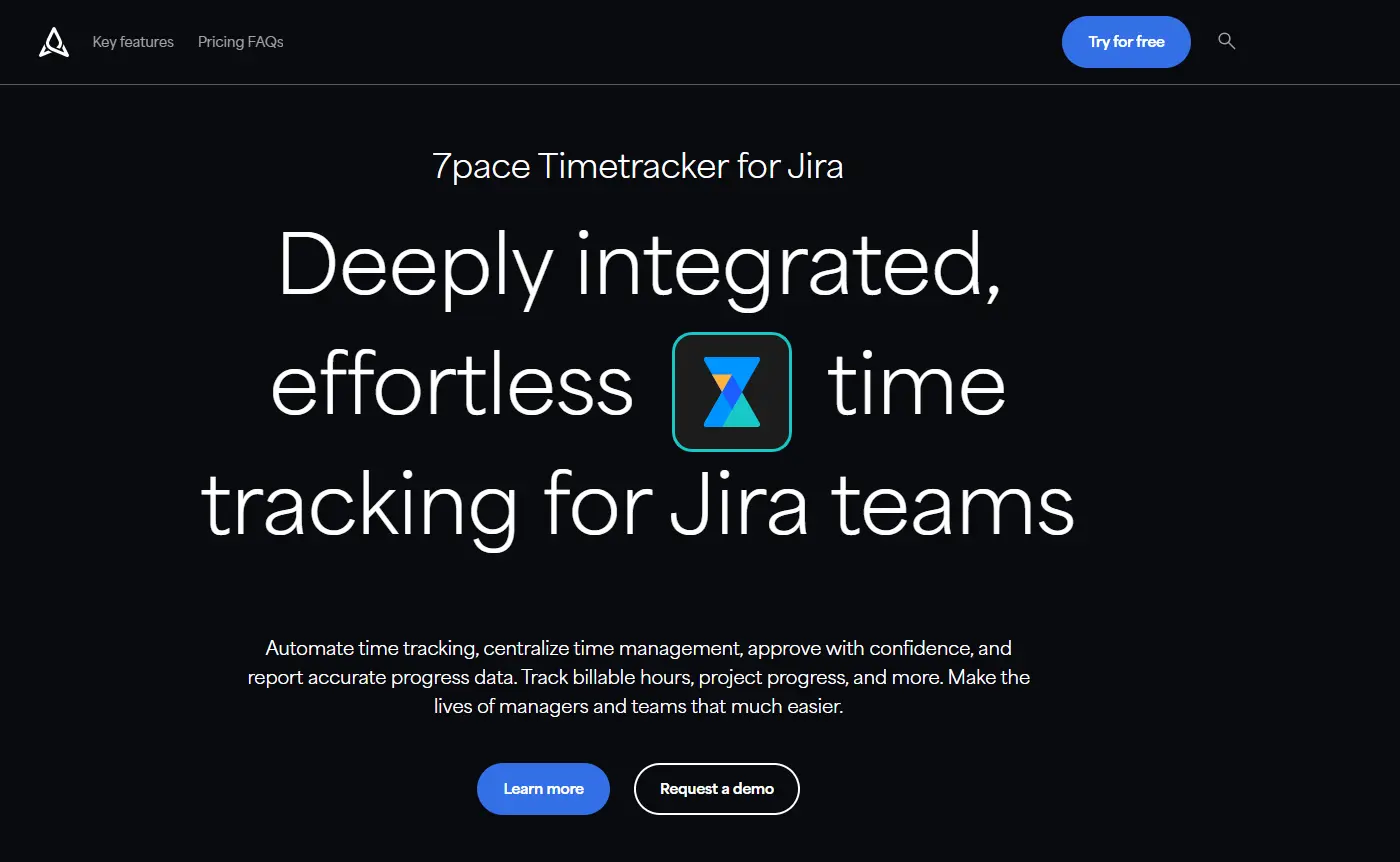
7pace built its reputation as the leading time tracker for Azure DevOps, and Appfire has now brought it to Jira. The pitch is friction removal: smart worklog suggestions, Google and Outlook calendar sync that turns meetings into loggable entries, and weekly or monthly logging views.
Best for
Teams that want automated logging and approval governance at mid-market pricing
Pros
Calendar sync and smart worklog suggestions / Full submission and approval workflow with period locking / Billable and CapEx/OpEx categorization / Reporting API for exports
Cons
Jira Cloud only, no Data Center / New to the Jira Marketplace with a small install base / Capacity views depend on the BigPicture integration
#9
Everhour
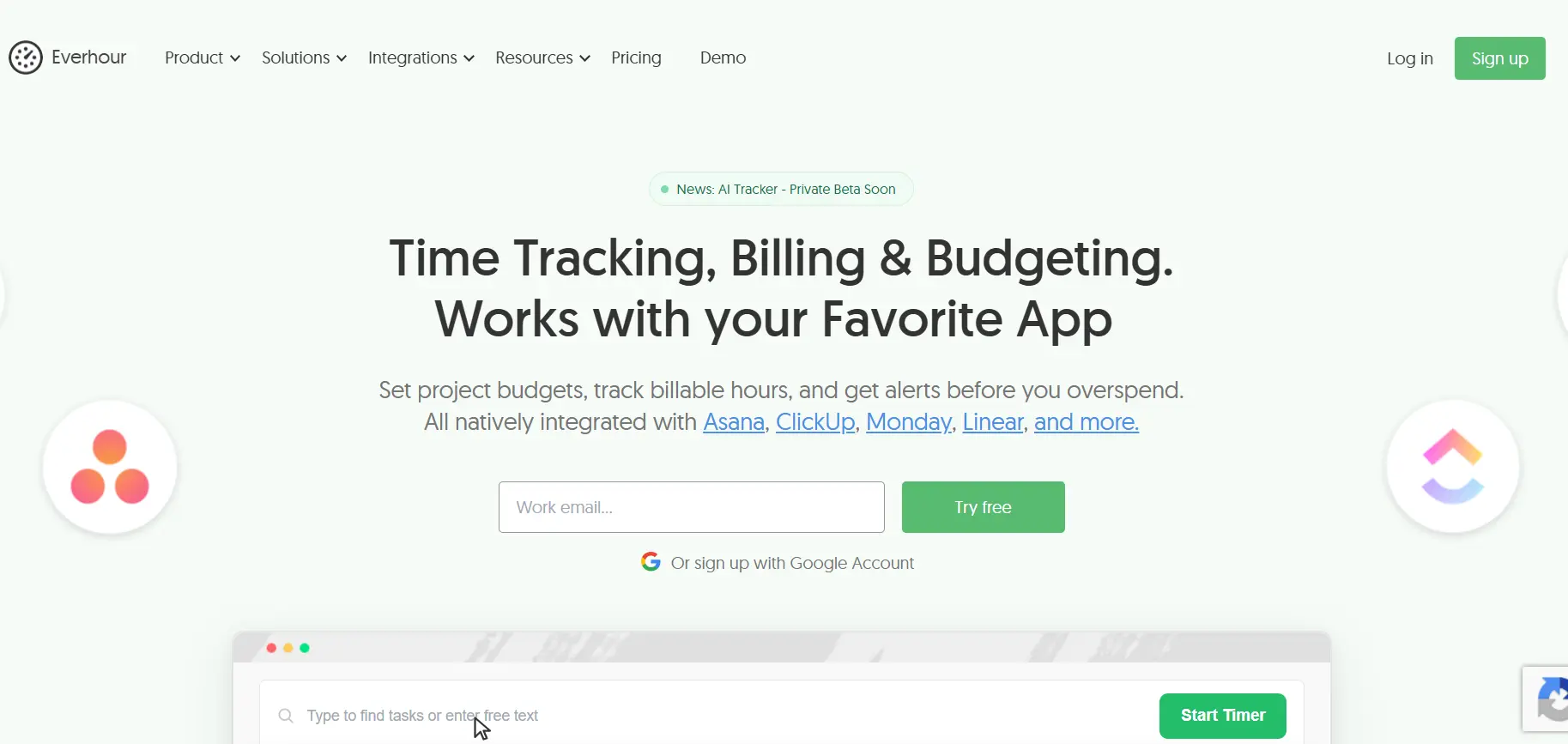
Everhour lives outside Jira but integrates tightly, embedding timers into the Jira UI and syncing tracked time both ways. Its strength is breadth: if your team tracks time across Jira, GitHub, Asana, and client work, Everhour becomes the one place it all lands, with budgets and invoicing on top. The trade-offs are the standard external tool set. Your time data lives in a second system, sync is another thing to maintain, and Jira workflow analytics are out of scope.
Best for
Teams tracking time across Jira and other tools
Pros
Excellent multi-tool coverage / Budgets and invoicing / Clean UX
Cons
Data lives outside Jira / Sync adds a failure point / Jira-side reporting is limited
#10
Harvest
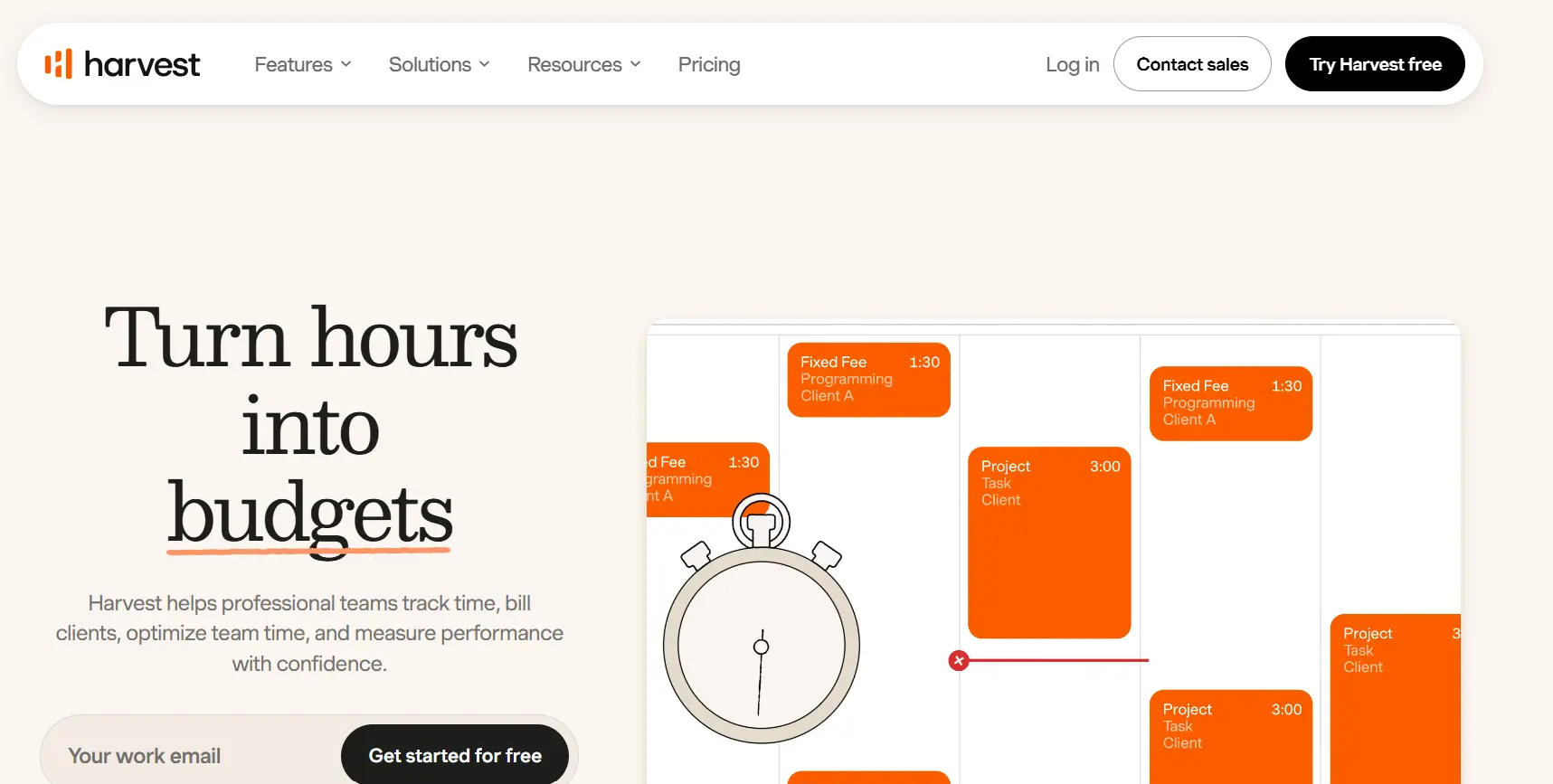
Harvest's differentiator is what happens after tracking: expenses, budgets, and client invoices generated directly from logged time. For small agencies that bill hourly, that end-to-end flow is genuinely valuable. The Jira integration covers timer-in-issue basics, but Jira is a satellite in Harvest's world rather than the center. PM reporting on Jira-side data, capacity, and flow is not what you are buying.
Best for
Agencies invoicing directly from tracked time
Pros
Built-in invoicing and expenses / Budget tracking / Simple UX
Cons
Light Jira integration / Data outside Jira / No Jira-side reporting
#11
Clockify
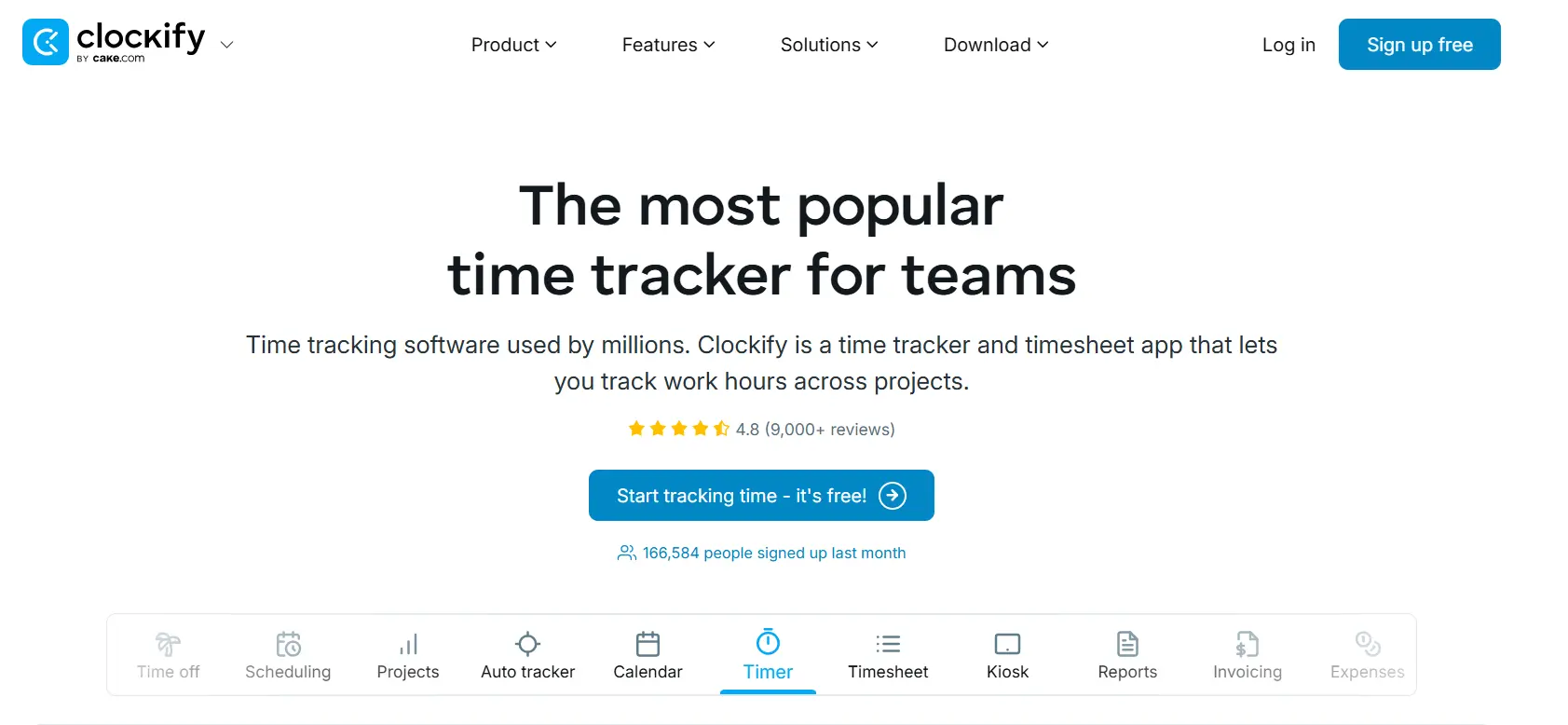
Clockify's unlimited free tier makes it the lowest-risk way to test whether your team will track time at all. Timers, timesheets, and basic reports cost nothing at any team size. The Jira connection is a browser-extension timer, so the integration depth mirrors Toggl's. Use it to validate the habit, then expect to graduate to a native Jira time tracking app once reporting requirements arrive.
Best for
Budget-first teams testing the time tracking habit
Pros
Genuinely free at any size / Simple to start / Decent basic reports
Cons
Shallow Jira integration / No Jira-native reporting