Effortlessly Log Time & Manage Jira Timesheet with RVS Softek
Log hours on any issue, auto-generate timesheets for Jira, and get real-time visibility into team capacity!

Our apps for jira help teams of all sizes work smarter and more efficiently.
20+
Years of experience
6,000+
Happy customers
17
Apps for Jira
90+
Reviews
Inaccurate timesheets cost you revenue. RVS Softek's Jira time tracker gives your team effortless work logging, instant timesheet visibility, and billing accuracy.

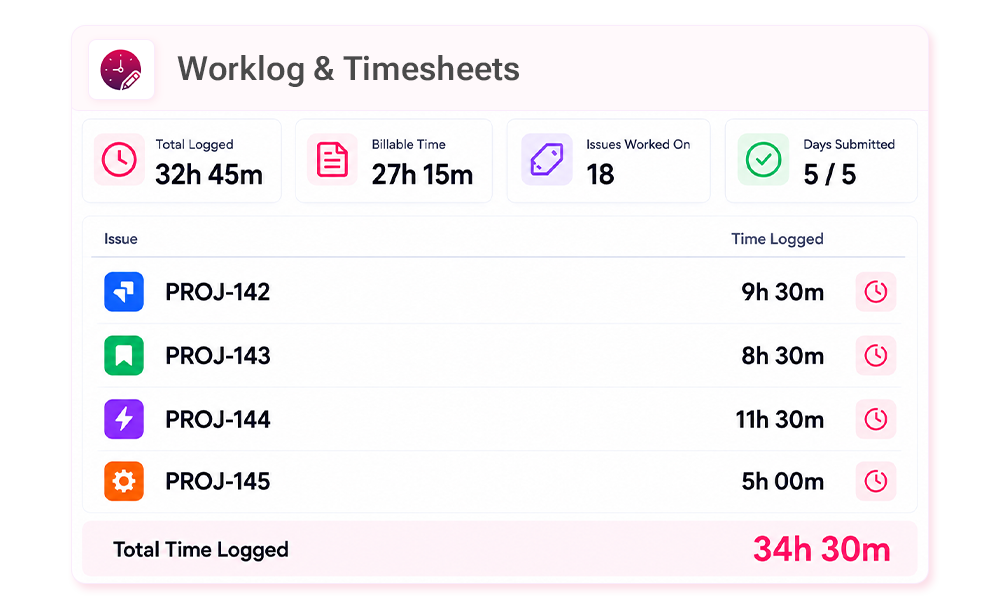
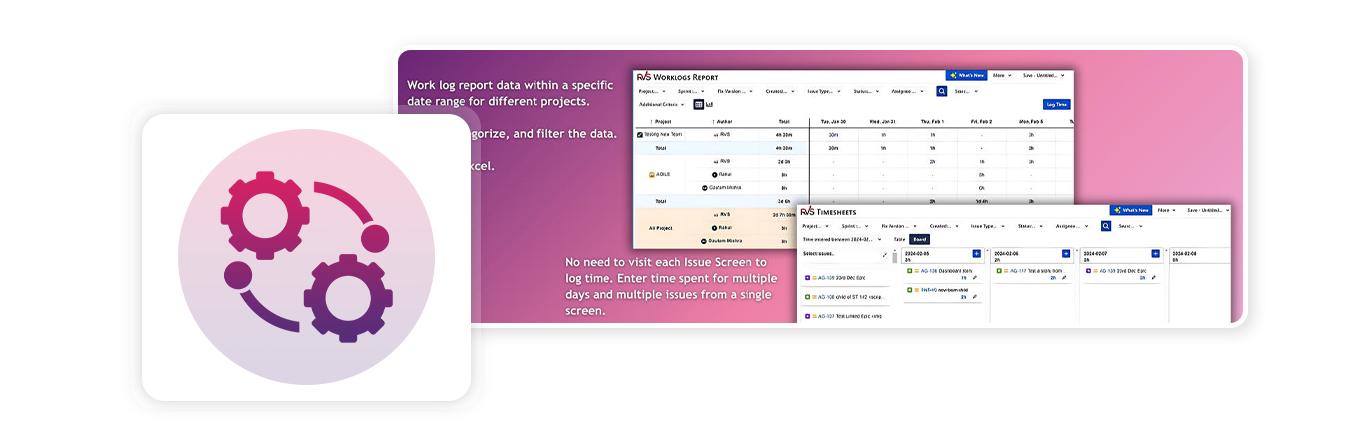
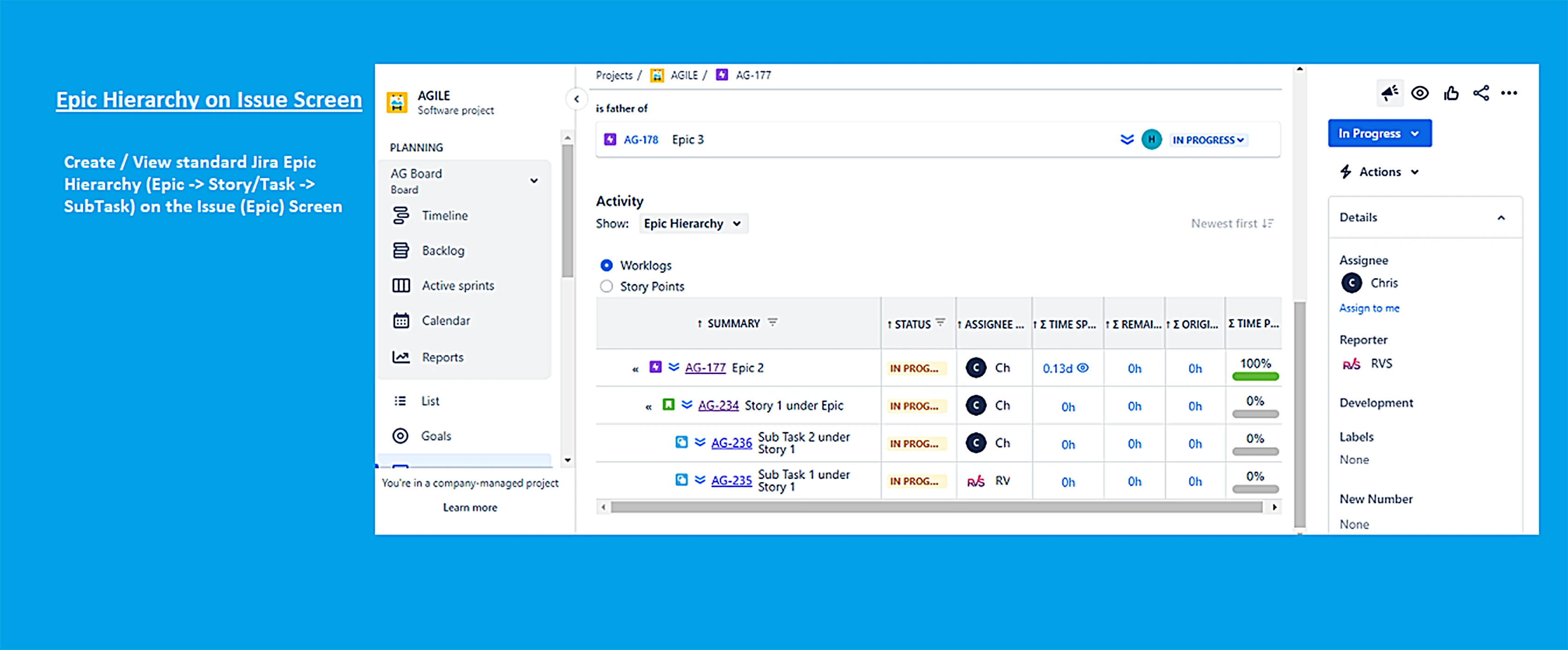
Across Your Entire Team, see every team member's logged hours across all active issues, no clicking, no spreadsheets, no guesswork.

Catch tasks burning past their estimates mid-sprint, not after the damage is already done.

Quantify exactly how much engineering capacity is going to bug fixes, support, and tech debt, and defend your roadmap with data.

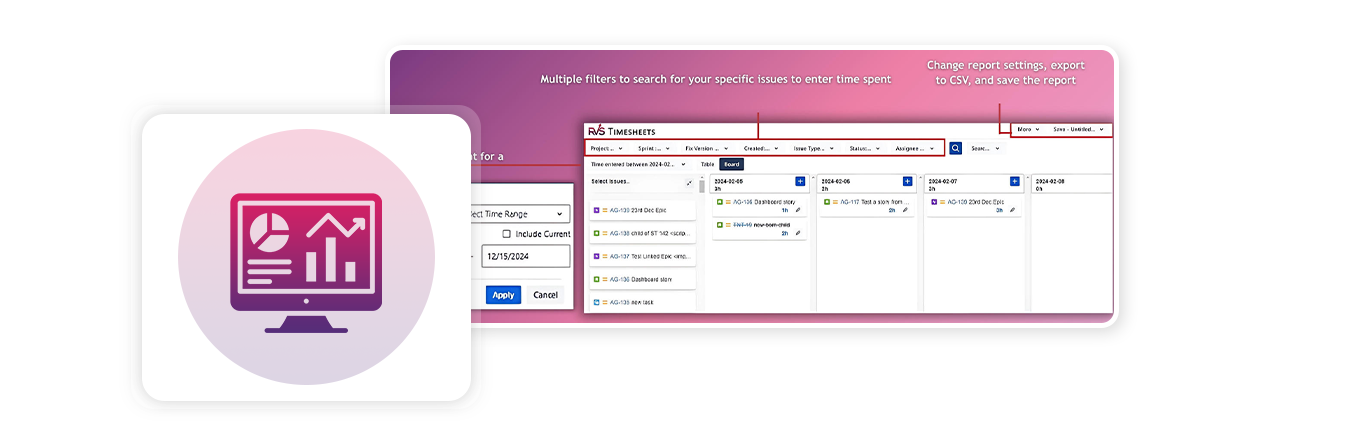
Filter by project, export to CSV, and share a clean line-item breakdown, without the end-of-month scramble.
No steep learning curve. No switching tools. Just seamless Jira time tracking, from the first log to the final report.
Gain immediate insights into task progress and spot delays as they happen. Get the information you need to keep your project moving without wasting time digging through data.

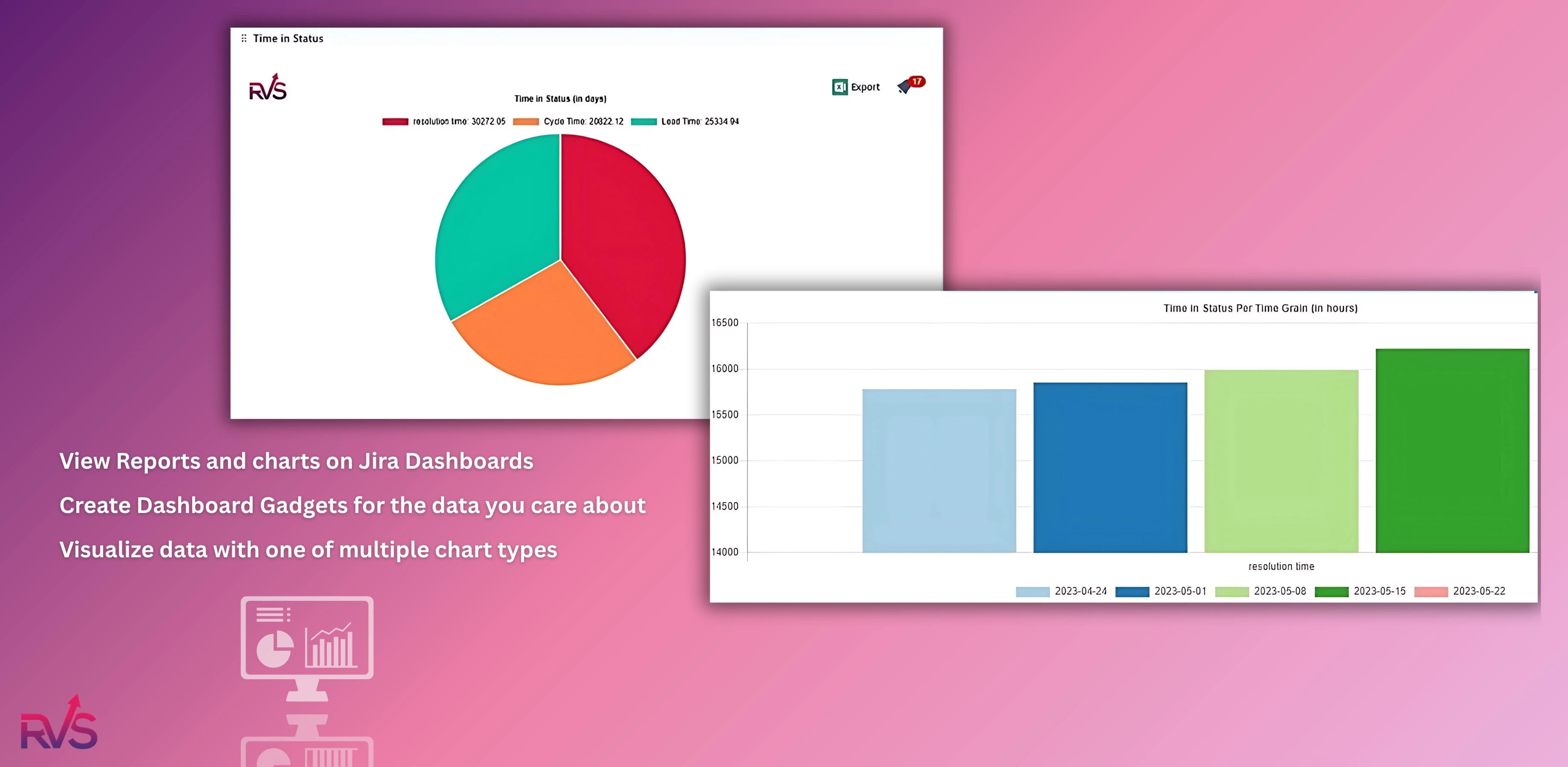
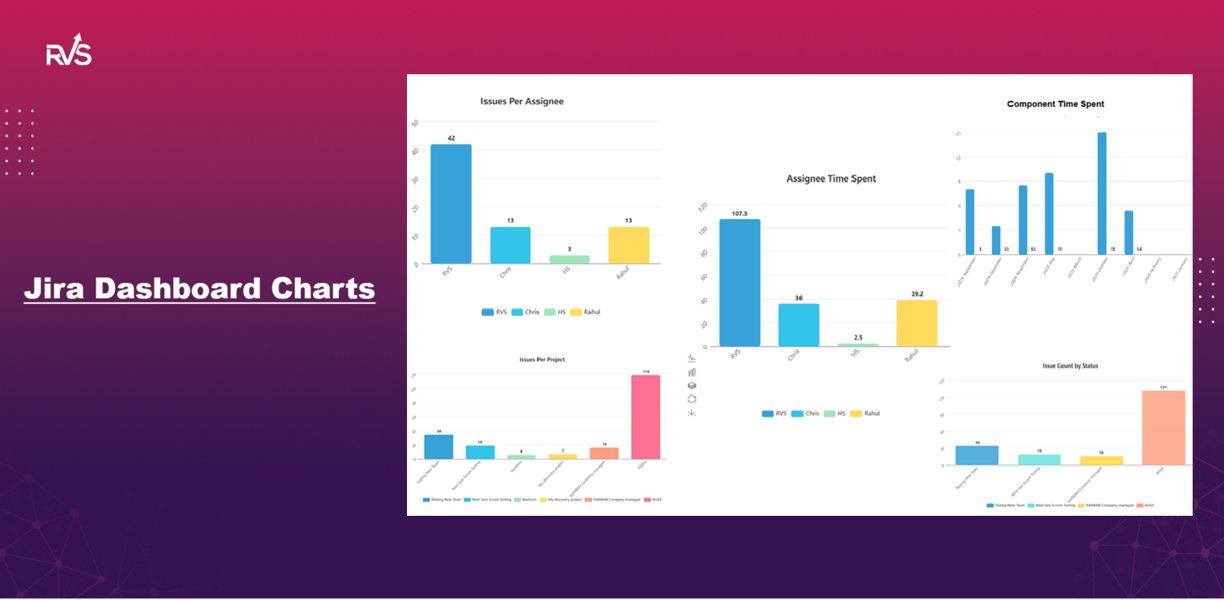
Visualize important metrics like Cycle Time and Lead Time with a variety of charts and graphs using Time in Status Reports for Jira.

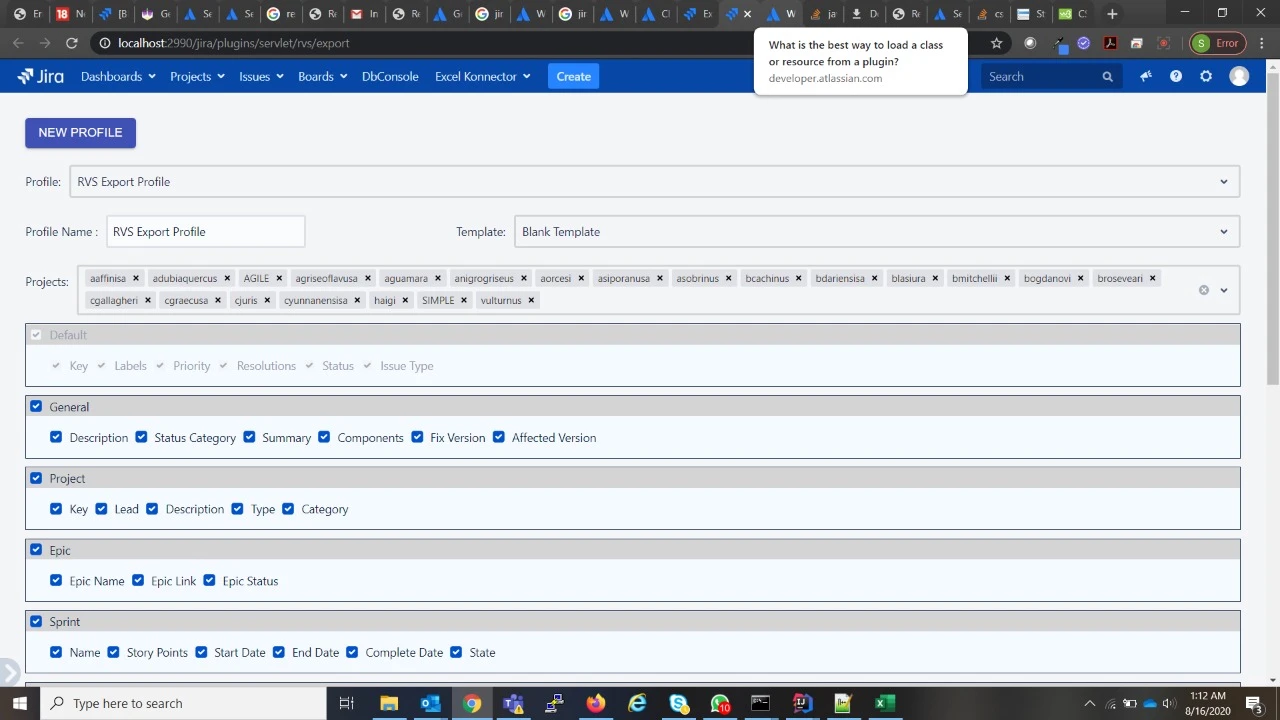
Effortlessly export your Time in Status reports to Excel (CSV) or Power BI to share data with stakeholders.

Customize your Time in Status Jira reports by adding or removing columns, adjusting display units, and tailoring them to your workflow.

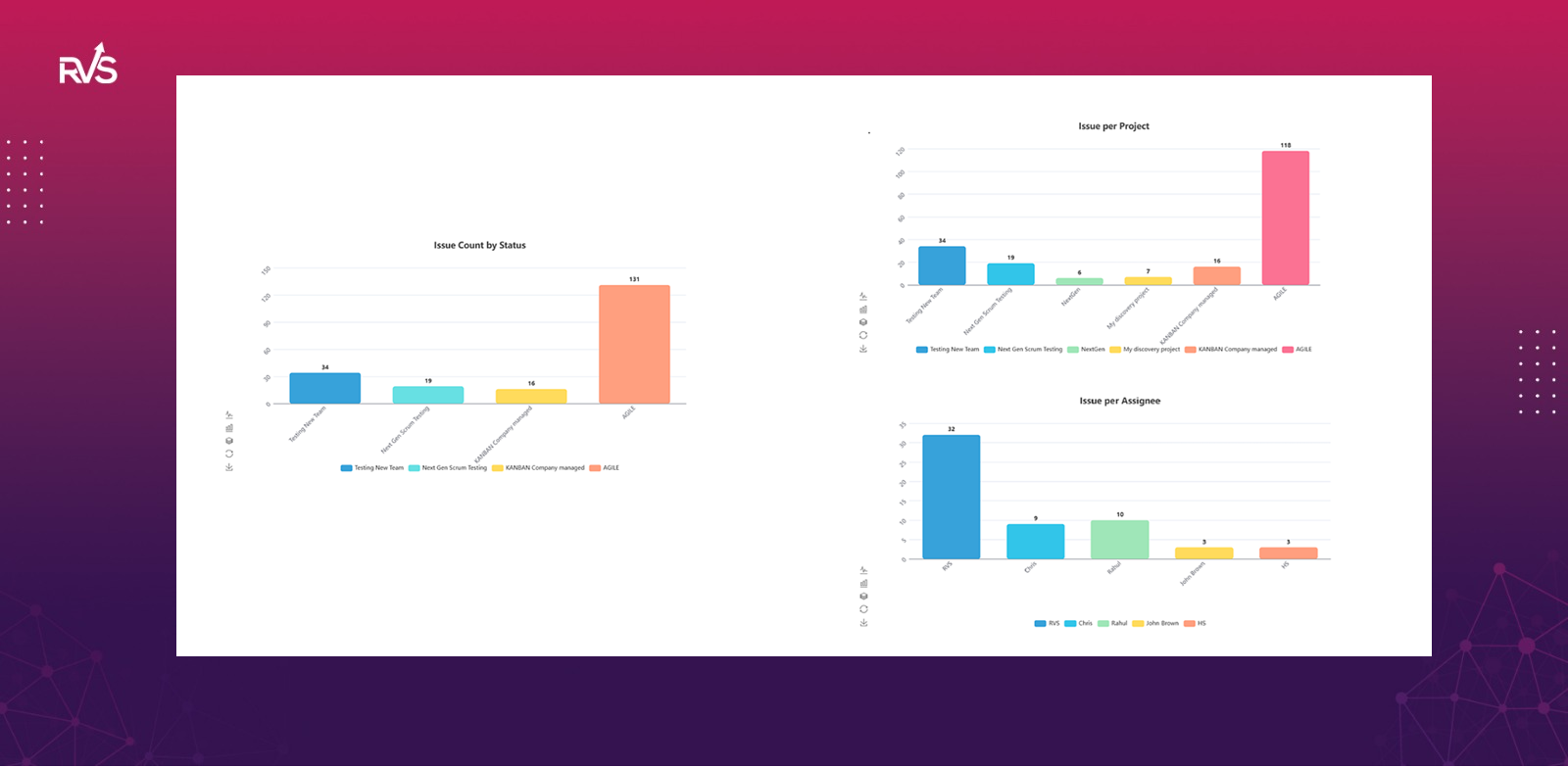
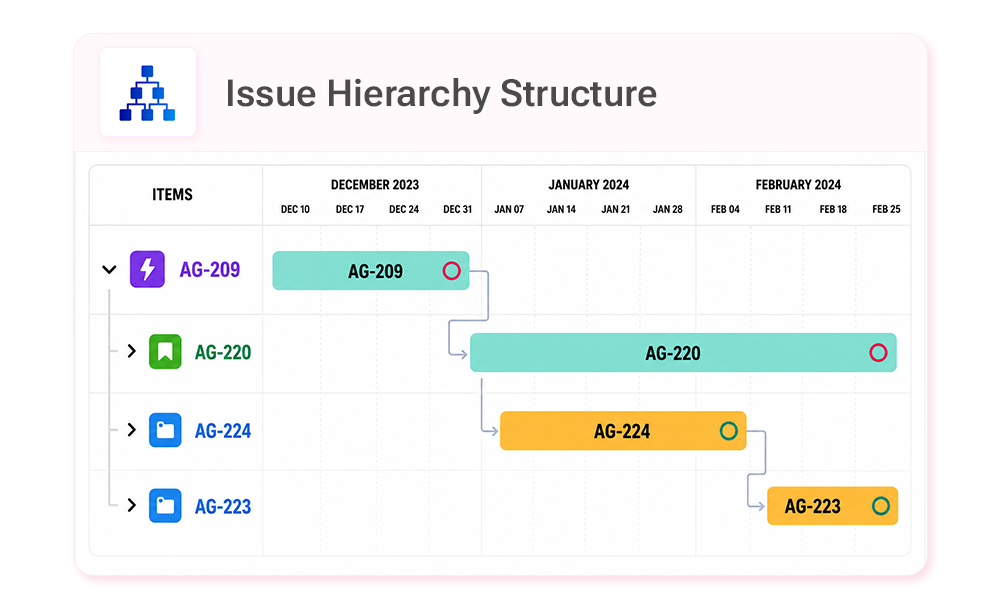
See how issues move through statuses and assignees with graphical or tabular views. Quickly identify delays and bottlenecks with easy-to-read visuals.

Add reports directly to your Jira dashboard to view key metrics and bottlenecks at a glance.

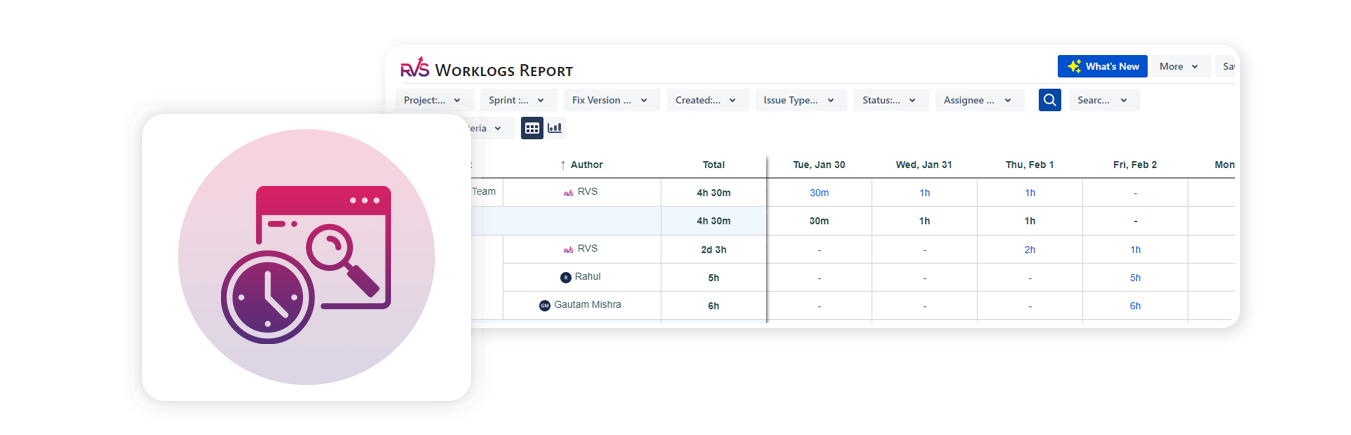
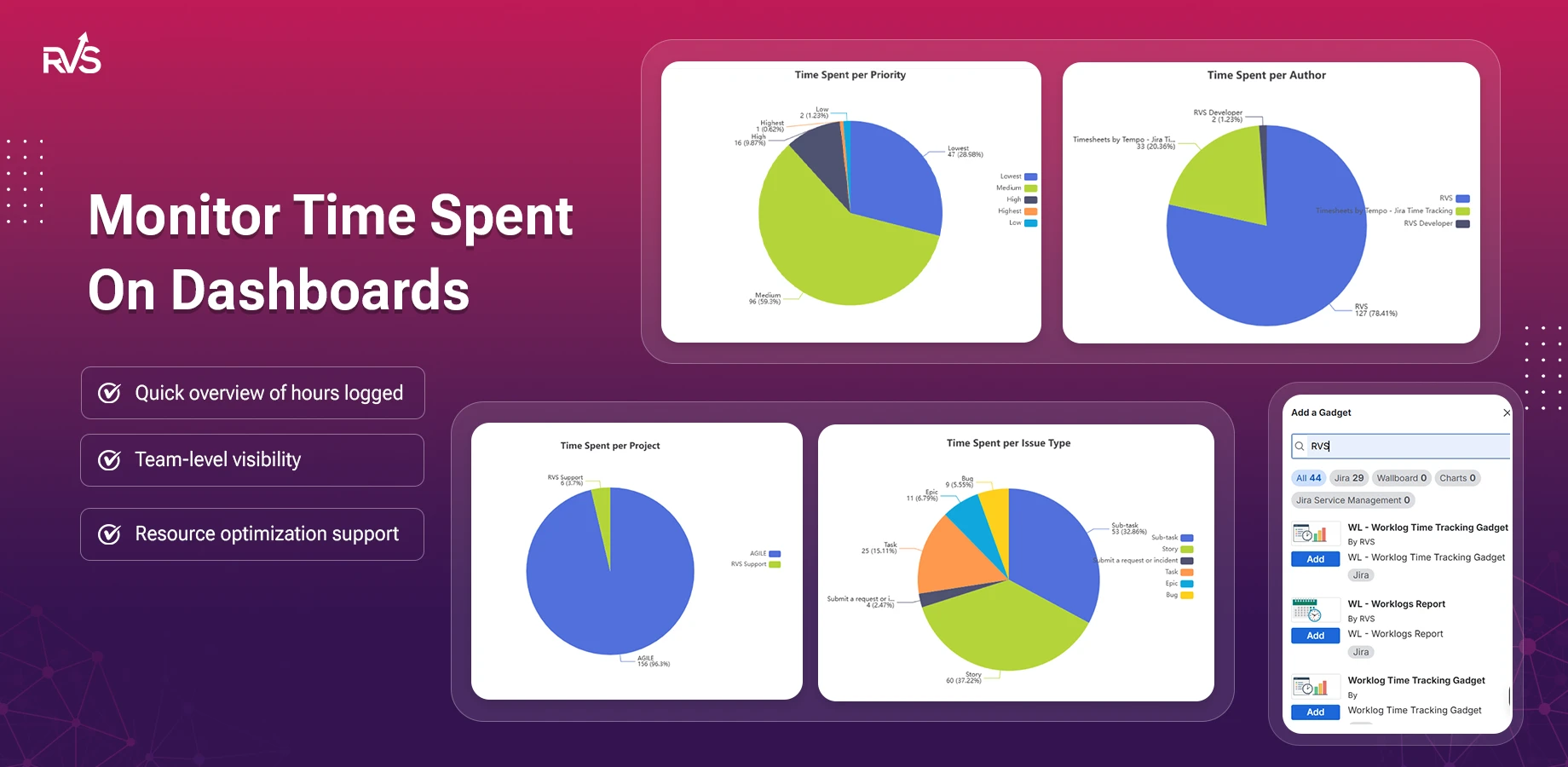
Track logged hours across projects, identify overruns early, and rebalance workloads before sprint deadlines are at risk.


See who has bandwidth, spot blockers sooner, and make sprint planning decisions based on actual effort instead of assumptions.
Use historical worklog data to understand how long work actually takes and improve planning accuracy, sprint after sprint.


Generate exportable timesheets and project-based worklog reports that make client invoicing faster and easier to justify.
Track planned versus unplanned work, understand team capacity, and make roadmap decisions with real effort data.

Testimonials
6,000+ teams.Everything you need to know about our apps. Can't find what you're looking for?
The "Time in Status Reports" app for Jira helps you track the amount of time that issues spend in different statuses during their lifecycle. It provides reports and visualizations to help teams understand bottlenecks, workflow efficiency, and individual performance.
To install the Jira Time in Status app in Jira, follow these steps:
- Go to Jira Settings > Apps.
- Click on Find new apps in the Atlassian Marketplace.
- Search for "Time in Status Reports" by RVS and select the appropriate app.
- Click Install and follow the on-screen instructions.
The app allows you to generate 20 + various reports, including:
- Jira Time in Status: Shows the time spent by each user in each status.
- Time with Assignee: Tracks time spent with each assignee.
- Status Count: Displays how many times each issue went into each status.
- Average Time in Status: Helps measure the average time spent in each status - across different issues and many more...
Yes, you can customize several aspects of the time tracking, including:
- Time Units: You can set time units to display in hours, minutes, or days.
- Filter Criteria: Adjust filters to specify which issues, projects, or teams you want to include in reports.
- Date Range: Set date ranges to track time spent in statuses within specific periods.
- Calendar: Set the working calendar of your team to calculate time in status only for your working days and times.
Yes, the "Jira Time in Status Reports " app is available for both Jira Cloud and Jira Data Center, although installation steps may differ slightly between the two platforms. Always check the version compatibility for your Jira instance before installing.
Yes, you can generate reports for closed or resolved issues, provided the issues were tracked through the workflow statuses. Ensure that the report filters are set to include closed or resolved issues, and the data will reflect the time spent in each status before they were closed
To analyze bottlenecks:
- Generate a report of Average Time in Status for your issues.
- Look for statuses where issues spend significantly more time than others.
- Investigate those statuses to identify workflow inefficiencies, such as a lack of resources or unclear process steps.
Yes, the " Jira Time in Status" app tracks time spent in custom statuses as well. As long as the custom statuses are part of your Jira workflow, the app will monitor and report on time spent in each of them.
You can export reports in formats like CSV or Excel and share them with your team. Alternatively, you can generate links to the reports within Jira and share them via email or internal communication channels.
Yes, the "Jira Time in Status" app can integrate with various Jira apps and tools like Jira Software, Jira Service Management, and Jira Cloud. Additionally, it supports integration with third-party apps like Power BI, Google Sheets, etc, for advanced reporting and dashboards.