Why Engineering Teams Choose PlantUML for Documentation
Discover why engineering teams are adopting PlantUML diagrams in the UK for clearer documentation, consistent standards and collaborative workflows.
Published
Nov 16, 2026
Topic
Confluence

Make Every Design Decision Easier to See and Share
Clear diagrams help engineering teams make better decisions together. When developers, operations teams, security specialists, product colleagues and external stakeholders all need to understand a system, a simple visual can prevent a long chain of misunderstandings.
Yet diagrams often end up scattered across slide decks, shared folders and disconnected drawing tools. Once the system changes, those images can become hard to trust. We see the result in repeated conversations, unclear system boundaries and handovers that take longer than they should.
PlantUML offers a different approach. Instead of treating a diagram as a fixed picture, you create it as text that sits close to the technical work it describes. That makes it easier for us to keep architecture, processes and dependencies visible as systems change.
Standardising diagrams does not mean every team must draw in exactly the same way. Our aim should be a dependable visual language, one that helps you explain decisions quickly, review them clearly and maintain useful technical documentation over time.
Why PlantUML Diagrams in the UK Suit Engineering Teams
PlantUML diagrams in the UK work well for teams managing a mixture of established technology, cloud services, legacy applications and regulated processes. In these settings, documentation needs to be clear enough for a new colleague to follow, while still being practical for engineers to maintain.
Because PlantUML diagrams begin as text, we can store the source alongside technical documentation or code. Readers can see the rendered result, while engineers can update the underlying description without recreating a diagram from scratch in a separate application.
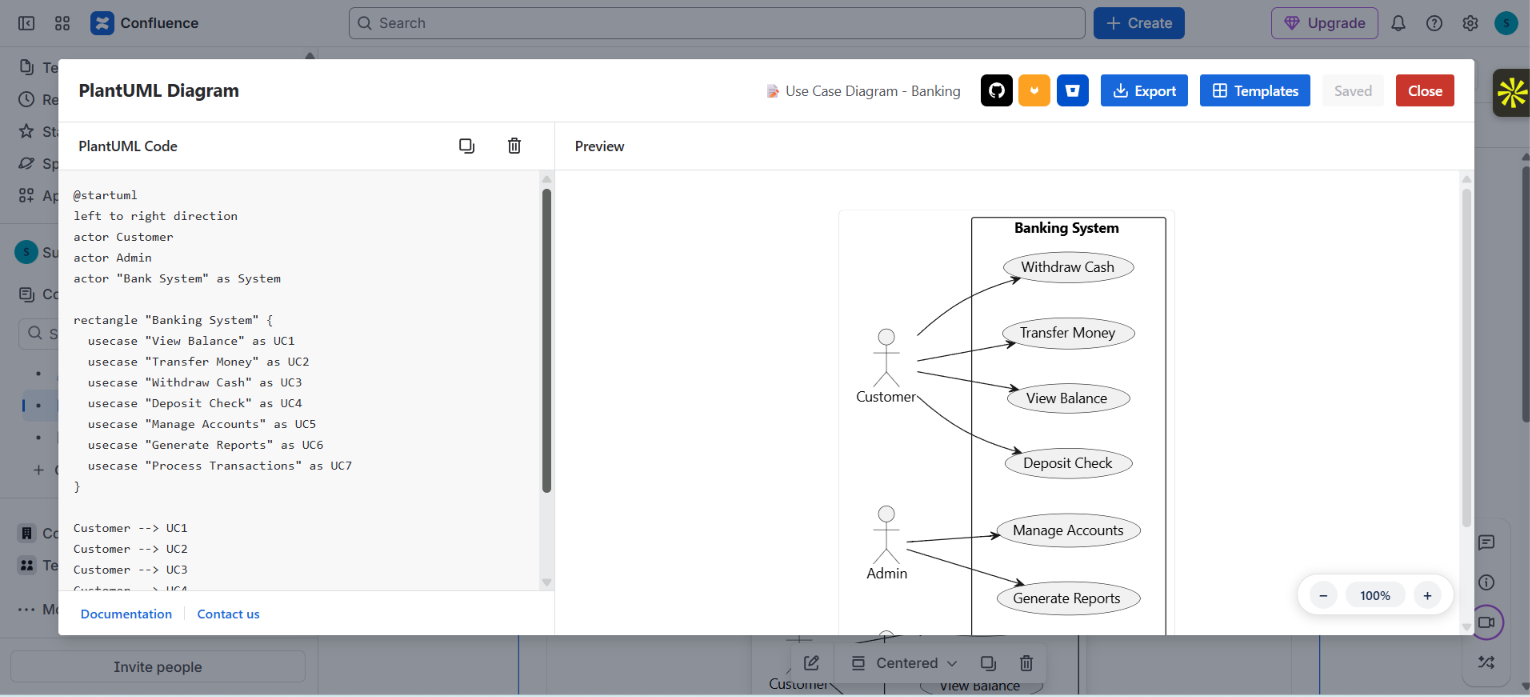
PlantUML supports several familiar diagram types, including:
- System context diagrams that show what sits inside and outside a system
- Component diagrams that explain how parts of an application connect
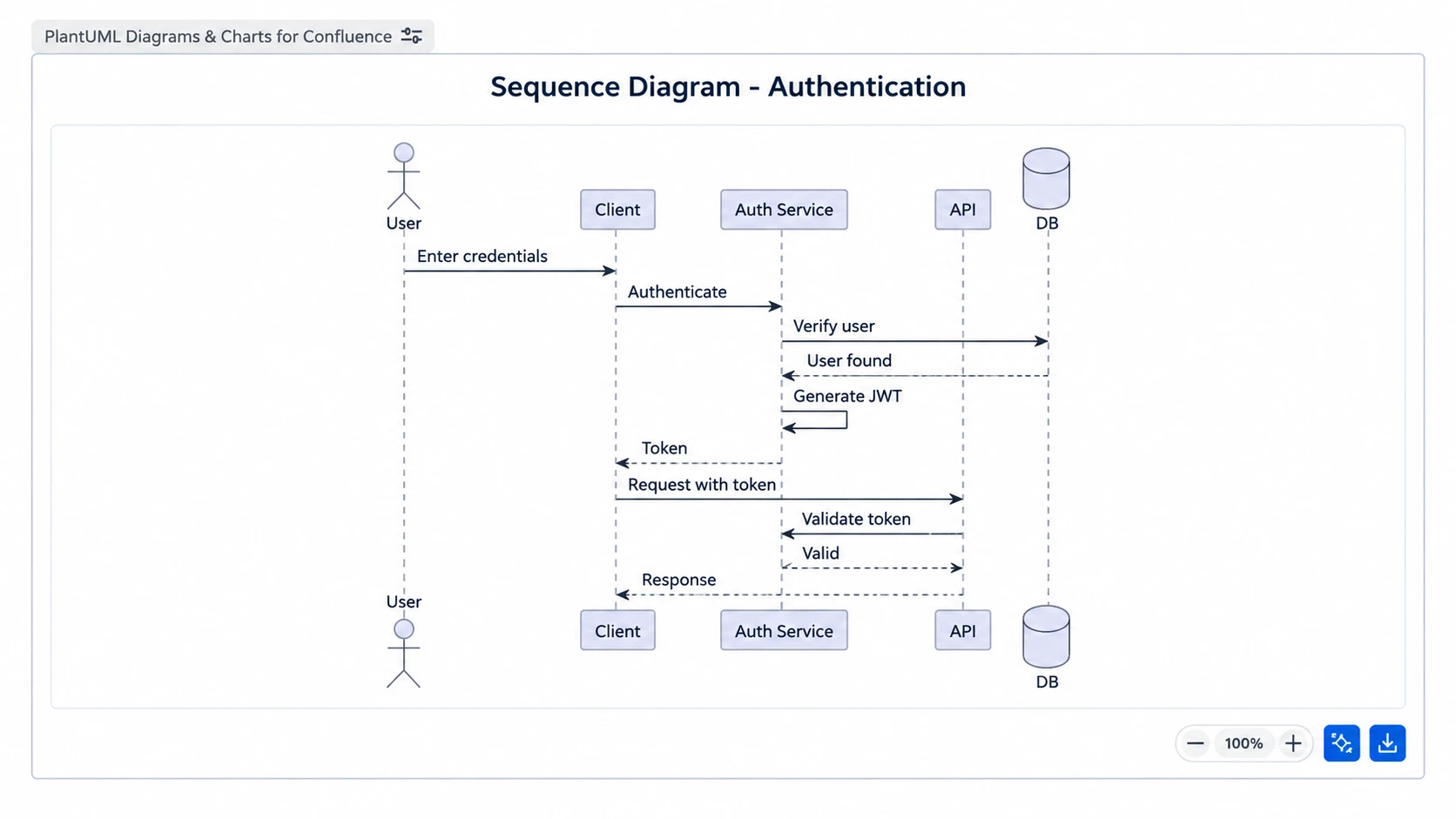
- Sequence diagrams that show the order of interactions between services
- Deployment views that clarify where applications and services run
- Database relationship diagrams that make data structures easier to discuss
A diagramming format cannot replace sound architecture decisions, security review or governance. What it can do is give us a consistent way to document those decisions and make them easier for the right people to inspect.
Version Control Builds Trust in Technical Documentation
Trust grows when a diagram has a clear history. An image with no date, owner or explanation can leave your team guessing whether it still reflects the live system. A PlantUML source file can be treated like other engineering artefacts and stored in version control.
This gives us a useful record of what changed and why. Diagram updates can be reviewed with related code, linked to a work item or included with a technical decision record. Rather than relying on memory, your team can trace a design change back to the discussion that shaped it.
Consider a service integration that starts sending requests through a new validation service. We can update the sequence diagram in the same pull request as the related code. Engineers reviewing that change can then see more than individual code edits. They can inspect the wider flow, identify affected systems and ask informed questions before the change is accepted.
That shared review matters because diagrams are not decoration. When they are maintained with the work, they become part of how we communicate technical intent.
Standardise PlantUML Diagrams in the UK Without Rigidity
Documentation standards can sound like extra process, especially when teams are already busy delivering work. In practice, lightweight conventions can remove friction. They help readers know what they are looking at and help authors avoid starting from a blank page every time.
For PlantUML diagrams in the UK, we recommend agreeing on a small shared standard rather than creating a large rulebook. The goal is consistency where it helps, with room for engineers to describe a real situation accurately.
A useful starting point may include:
- Simple names for diagram files and titles
- A small approved set of diagram types for common needs
- Consistent colours for categories such as services, databases or external systems
- Clear guidance on the expected level of detail
- A shared place for templates and examples
Templates are particularly helpful for service overviews, incident flows, integrations and deployment environments. Familiar layouts let readers find the important information faster. At the same time, we can adapt each diagram when a system needs more detail or a different view.
Connect Diagrams to the Tools Teams Already Use
A helpful diagram loses value if people cannot find it when they need it. We encourage teams to place diagrams where they plan work, record decisions and share knowledge, rather than sending readers on a search through unrelated folders and repositories.
For example, a system context diagram can sit with project documentation, while a sequence diagram can support a delivery discussion about an integration. A deployment view may be useful in an operational knowledge base, and a component diagram can add useful context to a technical decision record.
When diagrams appear in the same spaces as tickets, documentation and team conversations, they give more people a common starting point. Product colleagues can better understand dependencies, security reviewers can see data flows, and engineers can spot assumptions before they become problems.
At RVS Softek, we build Marketplace apps for Jira, Confluence and monday.com because clear information works best inside the platforms teams already use. The right app should support your existing workflow and present diagrams and documentation in a way that remains easy to read.
Set a Diagram Standard Teams Will Actually Use
Start with one high-value use case instead of attempting to document every system at once. We suggest choosing a frequently misunderstood service flow or a critical integration, then agreeing on a small template, the location for source files and the location for rendered diagrams. Once people see a clear benefit in their everyday work, adoption becomes far more natural.
After the standard has been used on real work, review it with the people creating and reading the diagrams. Keep the conventions that improve clarity, remove rules that create confusion and refine templates when they no longer fit. A good diagram standard should make technical conversations easier, not become another task to manage.
Build Clearer Engineering Workflows
RVS Softek creates apps that help engineering teams work more consistently with their documentation. Explore our products for PlantUML diagrams in the UK and find tools that support clearer technical collaboration. If you would like to discuss the right app for your team, contact us.
Written by the team building RVS Softek's apps for Jira and Confluence.
Ask us a questionMore from the blog
Visualize Incident Escalations With Confluence Apps
Learn how teams use Confluence diagram apps to map incident escalation paths, clarify ownership, and document response workflows for faster coordination.
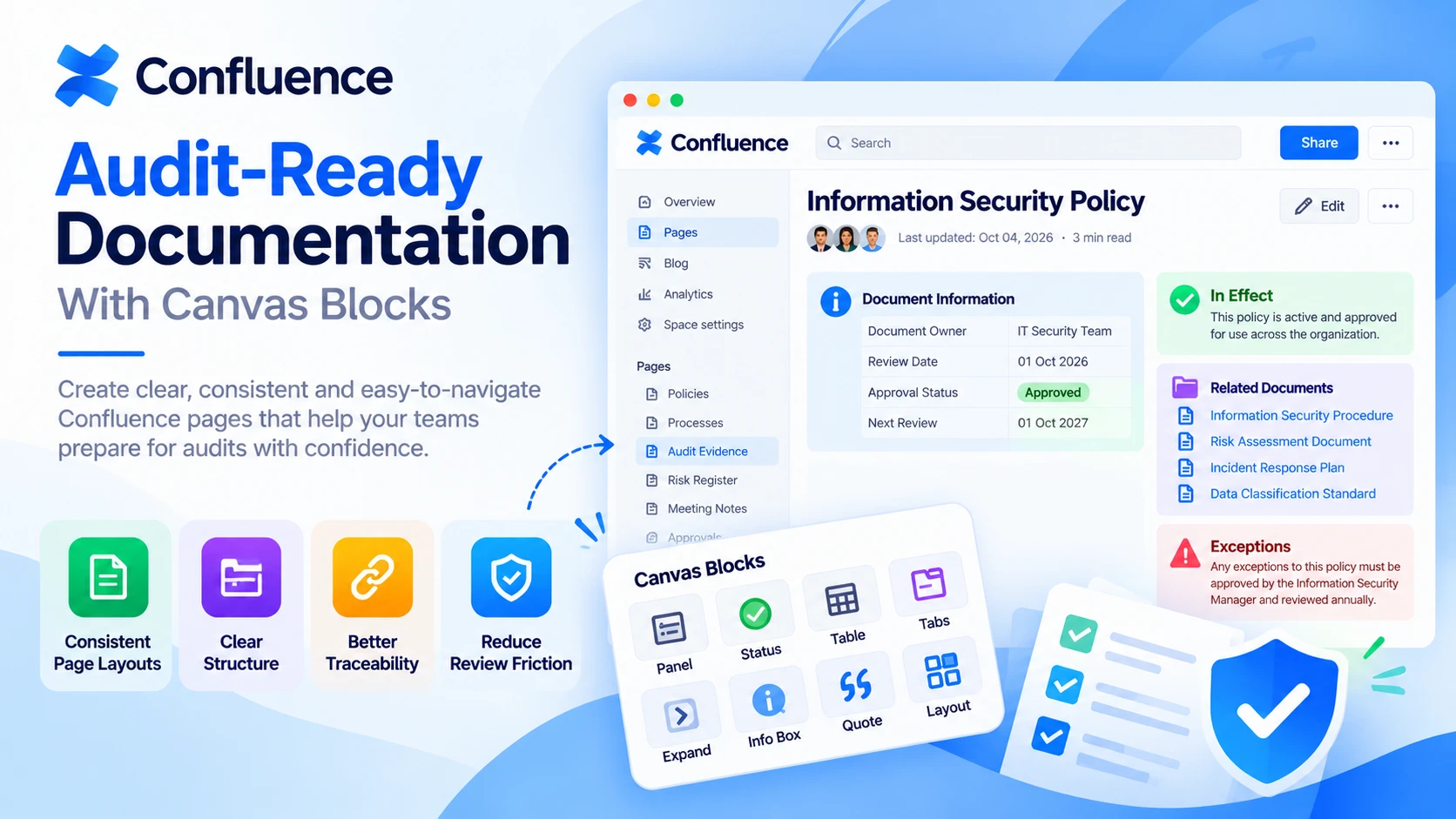
Audit-Ready Documentation With Confluence Formatting
Learn how Confluence page formatting apps create clearer, more consistent documentation that helps teams prepare evidence and navigate audits with confidence.
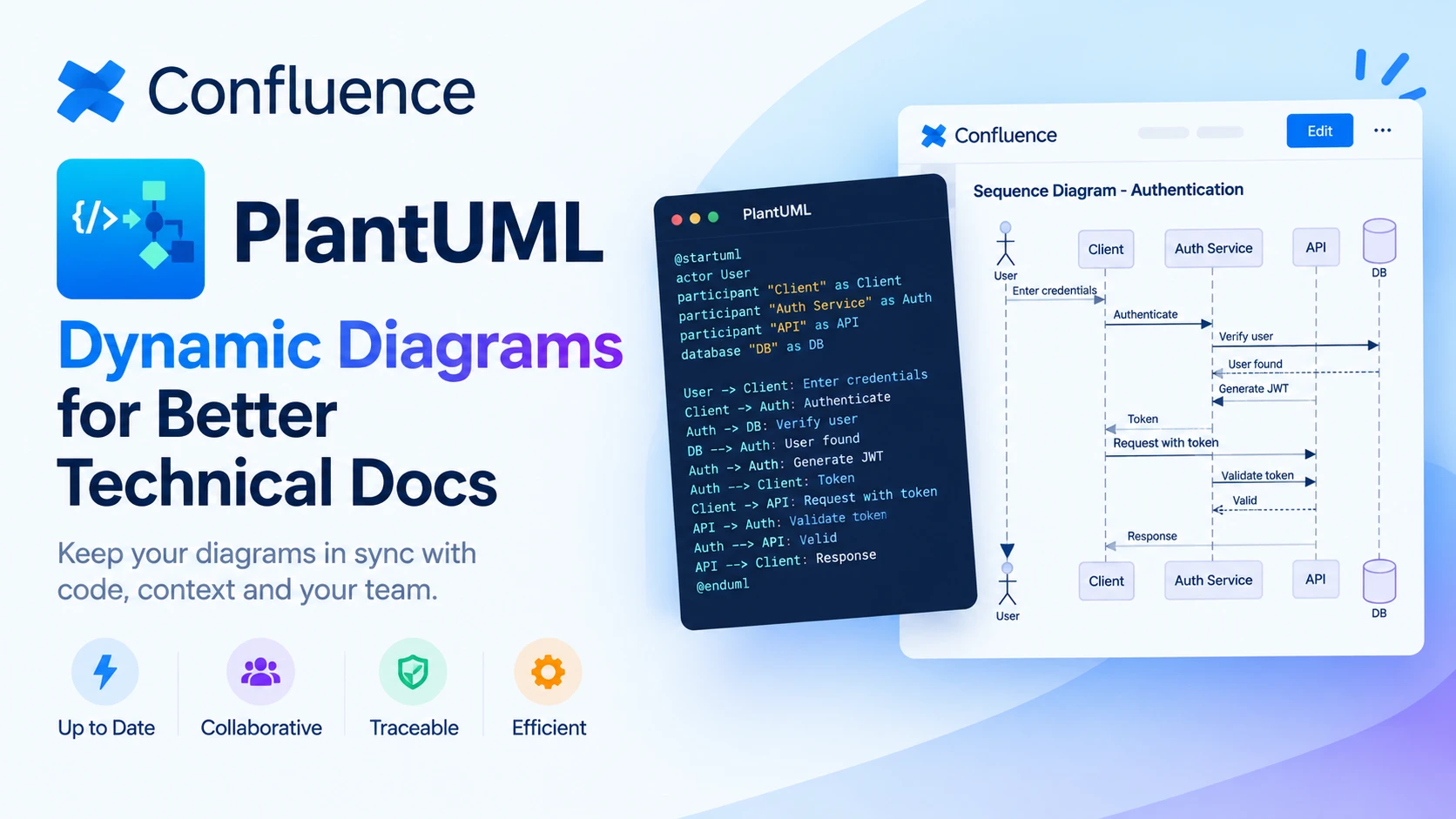
Choosing Dynamic Diagrams for Better Technical Docs
Explore how PlantUML Confluence integration compares with static diagrams, helping technical teams keep documentation accurate, visual and easy to update.
Find the RVS Softek app your team needs
Browse the catalogue for Jira, Confluence and monday.com — or install straight from the Atlassian Marketplace and start a free trial in minutes.
- Free trial on every paid app
- Runs on Atlassian
- Support in one business day
18 apps · 2,010+ installs · Runs on Atlassian