
Audit-Ready Documentation With Confluence Formatting
Learn how Confluence page formatting apps create clearer, more consistent documentation that helps teams prepare evidence and navigate audits with confidence.
Published
Oct 26, 2026
Topic
Confluence
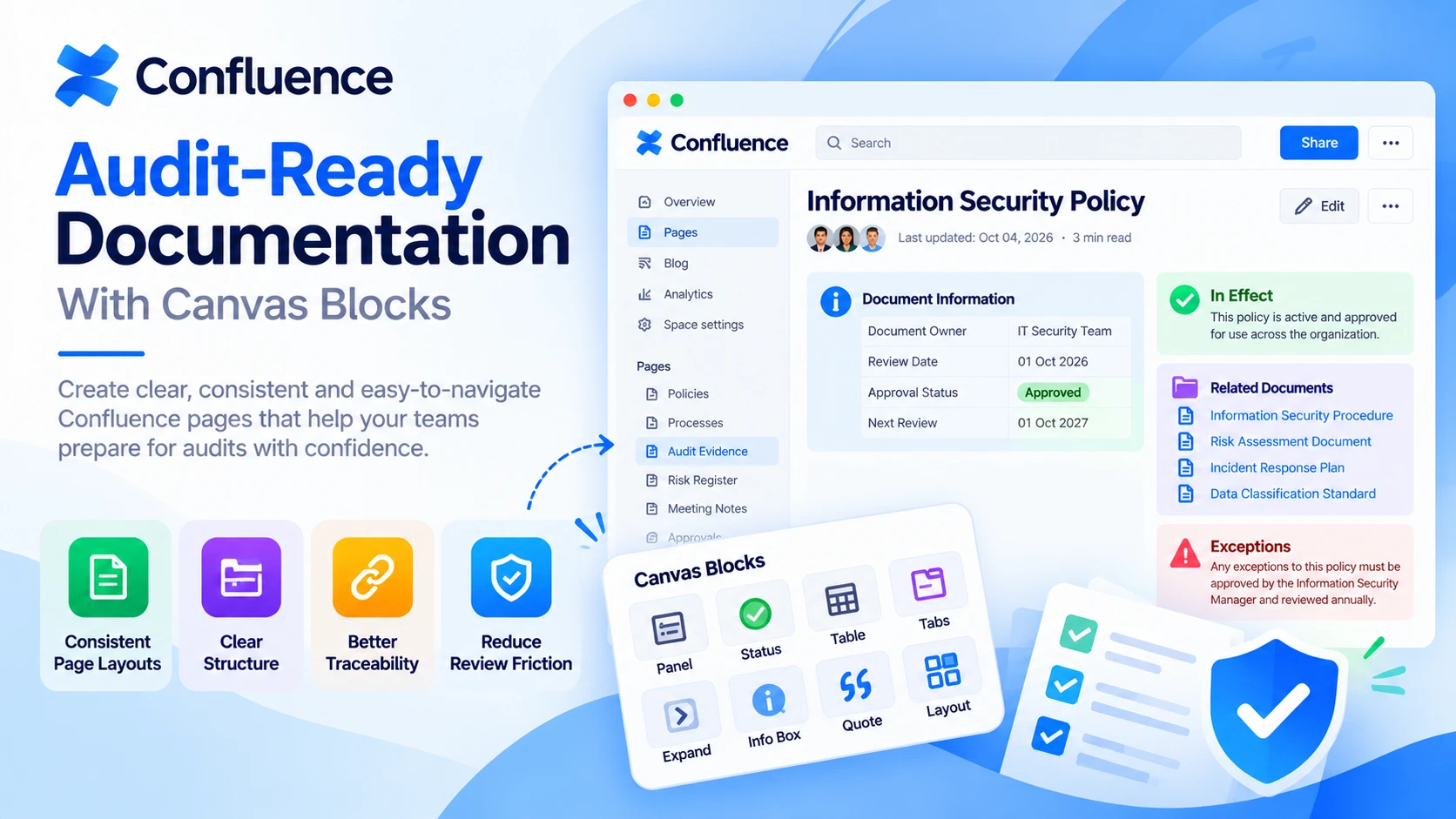
Clear Confluence pages can make an audit far less stressful. Having the right records matters, but reviewers also need to find, read and verify those records without searching through long blocks of text or inconsistent page layouts.
At RVS Softek, we often see documentation spread across policies, meeting notes, risk registers, approvals and supporting files. When every page looks different, even accurate information can be harder to review. Confluence page formatting apps help you present evidence in a way that is clear, familiar and easier to trust.
Make Every Confluence Page Ready for Audit Review
Audit preparation is about more than collecting documents when a request arrives. Your pages should show what the document is for, who owns it, when it was reviewed and where readers can find related evidence.
As Q4 approaches, many teams begin preparing for year-end reviews, compliance checks, budget conversations and audit requests. This is a practical time for us to review whether your Confluence spaces are ready to support those conversations. A page that is easy to scan can save a great deal of back-and-forth when someone needs an answer quickly.
Consistent formatting gives auditors useful signals before they read every word. Clear headings, labelled tables and visible approval details help them understand the page's purpose without relying on the original author to explain it.
Build Audit-Ready Evidence with Consistent Page Layouts
A standard page layout gives contributors a helpful starting point. Rather than asking every person to remember the same documentation rules, we can create repeatable patterns for the content that matters during an audit.
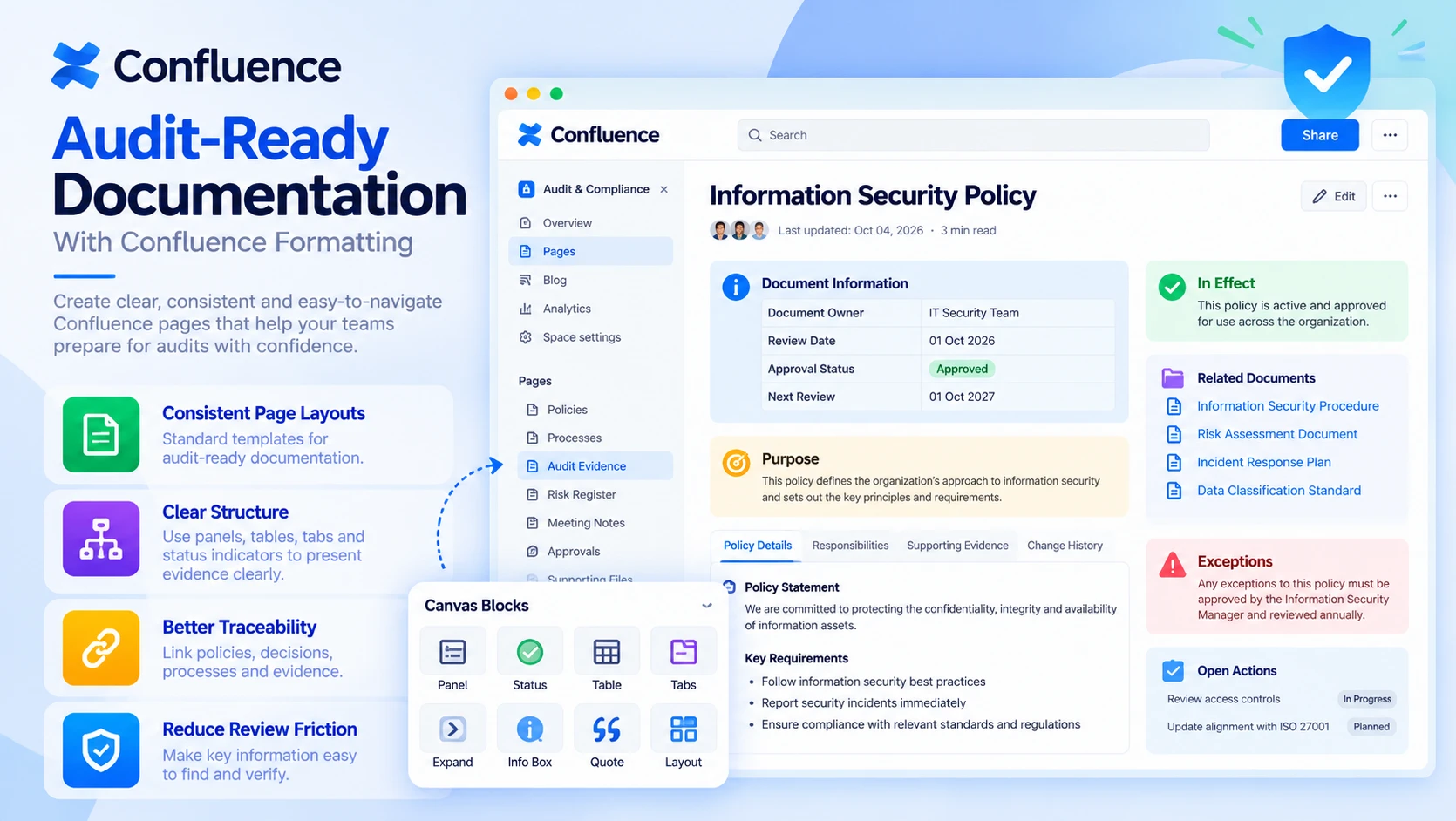
For example, an audit-sensitive page may include clearly labelled sections for:
- Document owner and responsible team
- Review date and approval status
- Related policies and process documents
- Supporting evidence and attachments
- Open actions, exceptions or follow-up notes
When these details appear in the same place across different Confluence spaces, reviewers know where to look. IT, HR, finance, legal, operations and service management teams can each keep their own working style while still presenting key information in a shared format.
Confluence page formatting apps can also help separate the main evidence from background detail. Panels, status indicators, tables, tabs, expand sections and structured headings all have a useful role. The aim is not to make pages look decorative. It is to make controls, decisions and evidence easier to spot.
Strengthen Traceability Across Policies, Decisions and Updates
An auditor may start with a high-level policy, then need to see the process it supports, the meeting where a decision was made and the evidence that shows the process was followed. Good formatting makes that trail easier to follow.
We recommend building pages that guide readers through related content in a sensible order. A policy page can point to its linked procedures, while a procedure can lead to decision records, meeting notes, risk details or supporting attachments. Distinct sections and clear labels reduce the chance that an important connection gets missed.
Changes and exceptions also deserve their own visible space. A short callout or dedicated section can explain why a process changed, whether a temporary control is in place or what approval conditions apply. That context helps reviewers understand the full picture instead of trying to piece it together from scattered updates.
Traceability becomes even more important when many people contribute to the same documentation. Clear page structures can show accountability by making ownership, responsibilities, stakeholders and review expectations easy to find.
Reduce Review Friction with Clear Visual Hierarchy
Audit teams may need to review a large amount of content within a limited period. A strong visual hierarchy helps them see what matters first, rather than treating every paragraph as equally important.
Thoughtful formatting can help readers tell the difference between:
- Mandatory controls and policy requirements
- Explanatory background and guidance
- Evidence links and supporting records
- Known risks, exceptions and decisions
- Follow-up actions and review notes
Headings should describe what the section contains. Tables should have meaningful labels. Callouts should be used for information that needs attention, not for every sentence. With this approach, Confluence page formatting apps help you move beyond plain text pages without making documentation harder to maintain.
Accessibility matters here as well. Legible layouts, clear contrast, logical content order and plain-language labels make audit records easier to use for employees, internal reviewers and external stakeholders. These habits also show care in how information is managed.
Govern Formatting Without Slowing Down Contributors
A useful documentation standard should support everyday work, not create extra hurdles. We find that templates work best when they give people enough structure to capture required information while leaving room for department-specific detail.
Common templates may cover policy pages, process documentation, incident summaries, project decisions, review meeting notes and control evidence. Each one can include visible prompts for page owners, review dates, linked records and approval details. Contributors do not have to start with a blank page, and reviewers are less likely to find missing information later.
Simple governance supports these page standards. Your team can agree on naming conventions, page ownership, review expectations and the minimum sections needed for key records. Formatting then reinforces those choices by making the right fields visible from the start.
We build apps for Jira, Confluence, Jira Service Management and monday.com. Our work focuses on helping teams improve documentation, diagramming, reporting, planning and collaboration within the tools they already use. When choosing formatting capabilities, we encourage you to match them to your own audit process, documentation standards and Confluence environment.
Turn Page Standards Into Audit Confidence
Audit confidence is built throughout the year, not in the final days before evidence is requested. Reviewing your Confluence spaces ahead of Q4 can reveal pages where policies, decisions, controls or supporting records are hard to locate or unclear to interpret.
Start by identifying the content that reviewers are most likely to need. Then check whether each page has a clear owner, a visible review status, a sensible structure and easy paths to related documentation. Consistent page standards give your team a clearer record of its work and make audit review feel more organised, calm and manageable.
Bring More Consistency To Every Review
At RVS Softek, we help teams create clearer, more reliable documentation with Confluence page formatting apps that support consistent page presentation. Our tools can help make important information easier to scan, understand and maintain across your workspace. If you would like to discuss your documentation needs, contact us and our team will be happy to help.
Written by the team building RVS Softek's apps for Jira and Confluence.
Ask us a questionMore from the blog
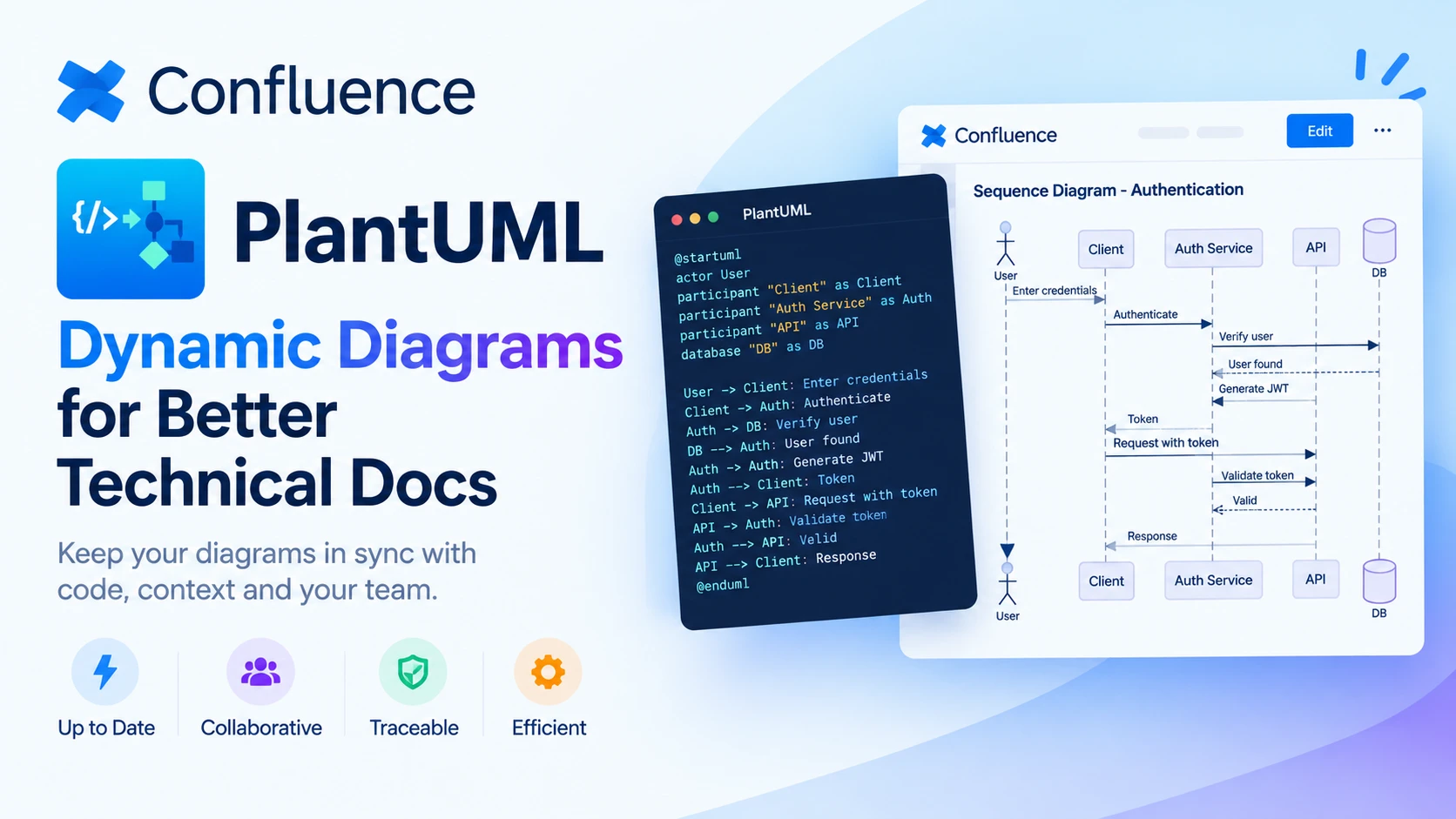
Choosing Dynamic Diagrams for Better Technical Docs
Explore how PlantUML Confluence integration compares with static diagrams, helping technical teams keep documentation accurate, visual and easy to update.
5 Signs Your Confluence Content Needs Formatting Upgrades
Discover the warning signs that signal your team needs Confluence page formatting apps to create clearer, more consistent, and engaging documentation.
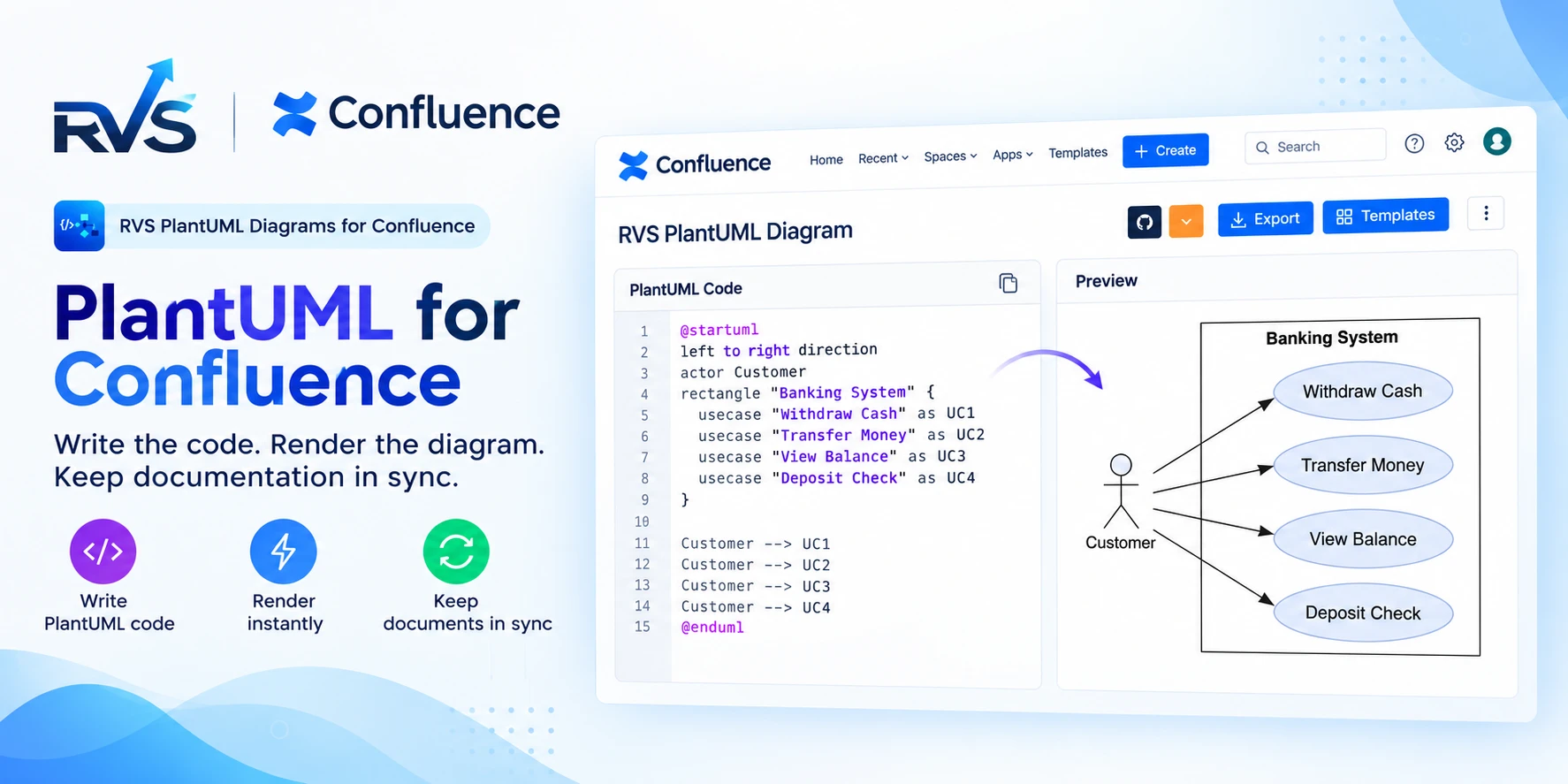
PlantUML for Confluence: RVS vs Stratus
Compare RVS and Stratus PlantUML apps for Confluence: Git integrations, templates, diagram types, Cloud vs Data Center support, and migration.
Find the RVS Softek app your team needs
Browse the catalogue for Jira, Confluence and monday.com — or install straight from the Atlassian Marketplace and start a free trial in minutes.
- Free trial on every paid app
- Runs on Atlassian
- Support in one business day

17 apps · 2,010+ installs · Runs on Atlassian