
Managing Part-Time Teams With Jira Capacity Tools
Discover how Jira capacity management software helps part-time teams balance workloads, account for changing availability, prioritise tasks, and plan realistic sprints.
Published
Nov 16, 2026
Topic
Reports
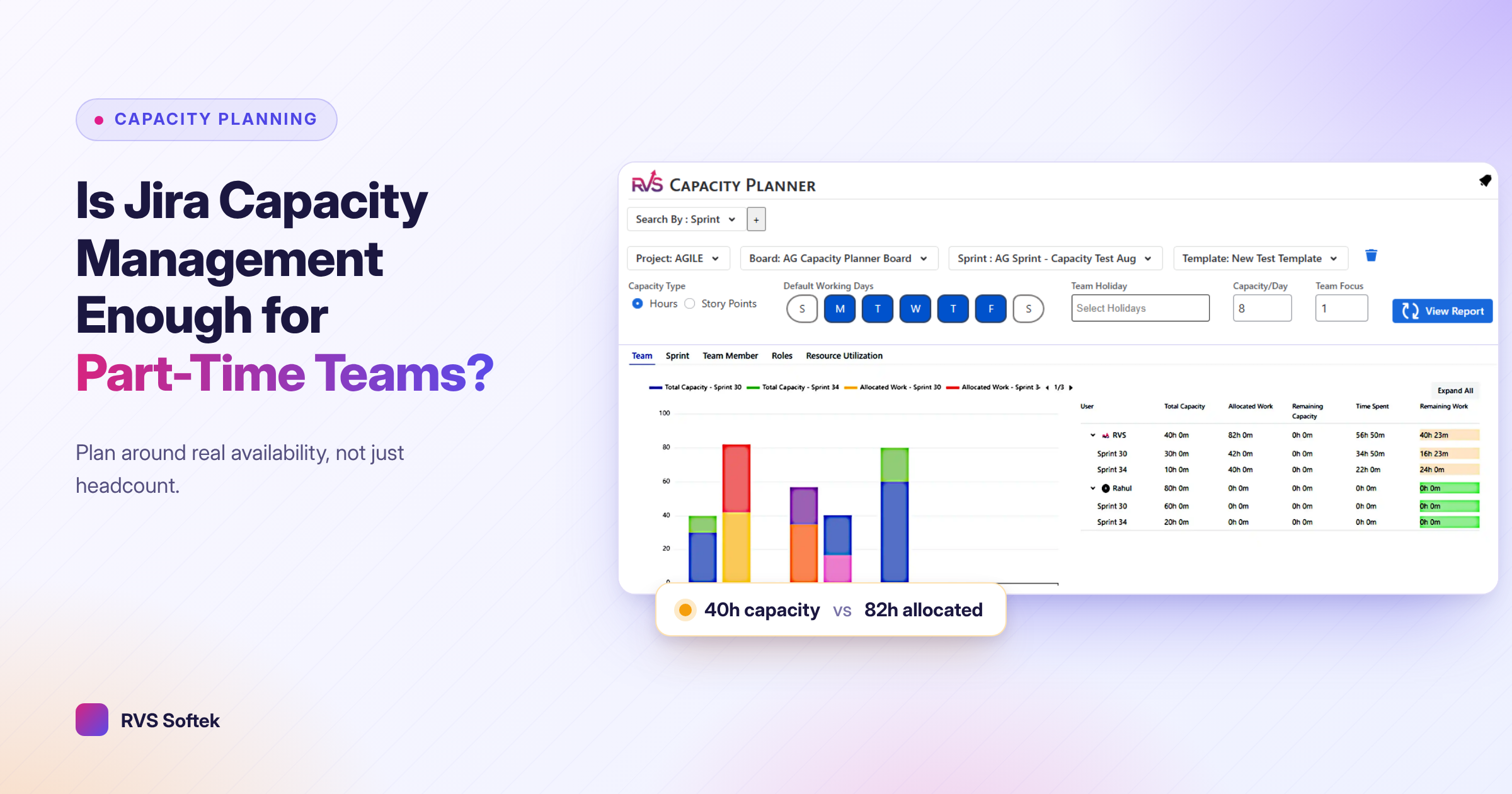
Discover whether Jira capacity management software can help part-time teams plan workloads, balance availability, and improve sprint delivery outcomes
Is Jira Capacity Management Software Enough For Part-Time Teams?
Jira capacity management software can make a busy sprint easier to see, but visibility is not the same as real availability. A board may look fully staffed until you remember that one contributor works only a few hours a day, another is split across projects, and someone else has regular support duties that pull them away from planned work.
At RVS Softek, we know part-time teams need plans that reflect how people actually work. In this guide, we share where capacity tools help, where they can create false confidence, and how you can build a practical planning rhythm without trying to account for every minute of every day.
Where Jira Capacity Management Software Can Fall Short
A shared Jira view can bring together planned work, estimates, assignments, sprint scope, and effort. That is useful when you are coordinating work across multiple projects or teams. Instead of relying on scattered notes and memory, we can see the demand placed on the people doing the work.
Still, a capacity view is only as dependable as the information behind it. If a person’s reduced schedule, recurring meetings, vacation, support work, or other project allocation is missing, the plan may suggest they have time they do not actually have.
Part-time work is rarely as simple as entering one weekly number. Someone may be available only on certain days, have a narrow overlap with the rest of the team, or need to switch between different responsibilities during the same workday. Jira capacity management software should be treated as a planning signal, not an automatic promise that a sprint is achievable.
Before relying on a capacity number, we recommend checking whether it includes:
- Working days and expected work blocks
- Meetings, support coverage, and recurring responsibilities
- Known absences and personal time away
- Work assigned outside the current project or sprint
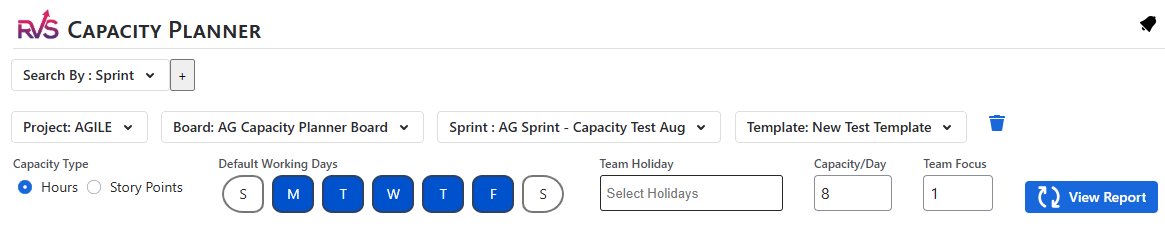
That quick review helps turn a neat-looking dashboard into a more honest conversation about what your team can commit to.
Availability Changes Can Disrupt Sprint Plans
Even a well-planned sprint can change when availability changes. Part-time contributors may need to shift hours because another project becomes urgent, meetings increase, training appears on the calendar, or personal obligations require attention. The work estimate may still be accurate, but the time available to complete it may no longer exist.
Rather than tracking broad employment percentages alone, we suggest planning around usable work blocks. A person who works half of a standard schedule may not have half of every day open for sprint work. Their time may be concentrated on two days, split by meetings, or limited to short periods that make large tasks difficult to finish.
A realistic plan also leaves room for the work around the work. Clarifying requirements, reviewing changes, responding to questions, and handing tasks to another contributor all take time. When every available hour is assigned, small disruptions quickly become missed commitments.
When a meaningful availability change happens, bring it into the plan right away. Waiting until the next sprint review can leave the team working against a plan everyone already knows is no longer realistic.
Build a Shared Planning Rhythm
Capacity data becomes useful when your team has a repeatable way to discuss it. Before each sprint or planning period, we recommend confirming near-term availability together. The goal is not to predict months of work with perfect accuracy. It is to make the next set of commitments with clear eyes.
A short capacity check can cover:
- Which days each contributor expects to work
- Known absences, meetings, and recurring obligations
- Allocation to other projects or teams
- Tasks that need review, handoff, or close collaboration
Estimation also needs to match the way your team works. If a task requires several uninterrupted hours but a contributor only has short windows available, the estimate alone does not tell the whole story. In that case, breaking the work into smaller pieces can make progress easier to track and reduce the risk of a task sitting unfinished between workdays.
When capacity is tight, the best answer is not always to ask people to squeeze in more work. We encourage teams to make tradeoffs visible. You may reduce scope, move lower-priority items, ask another contributor to help, or adjust the target date. Those are planning decisions, not failures.
Give Capacity Plans the Context They Need
Jira capacity management software works best when it supports a clear team process. We need shared rules for recording availability, estimating work, flagging limits, and updating plans when priorities shift. Without those habits, even a detailed capacity view can become outdated quickly.
Context matters because part-time work often involves hidden dependencies. A task may depend on a review from someone who is available only on specific days. Another item may appear small but require input from several people with little overlap. The more clearly those relationships are shown, the easier it is to decide what belongs in the sprint.
Supporting information can make planning conversations much clearer:
- Visual diagrams can show ownership, dependencies, and handoffs
- Structured pages can record availability assumptions and decisions
- Sprint reports can compare planned scope with completed work
- Collaboration tools can keep questions and updates connected to the work
At RVS Softek, we build apps for Jira, Confluence, and monday.com that support capacity planning, diagramming, content formatting, sprint reporting, and team collaboration. We see apps as a way to improve consistency and visibility, while the team still makes the informed decisions that no dashboard can make alone.
Make Scope Decisions Before Work Starts
The strongest capacity plans do more than list people and tasks. They help your team decide what should happen when demand is greater than available time. That decision is especially important for part-time teams, where one unexpected request can affect a large share of someone’s planned work.
During planning, look for work that has little room for delay. If a task depends on a narrow availability window, it may deserve special attention or a smaller scope. If an item can wait without affecting other work, moving it out is often better than carrying an unrealistic commitment through the sprint.
Clear priorities protect the team from quiet overload. When everyone understands what can move, what must stay, and who can make the call, fewer decisions get delayed until the last minute.
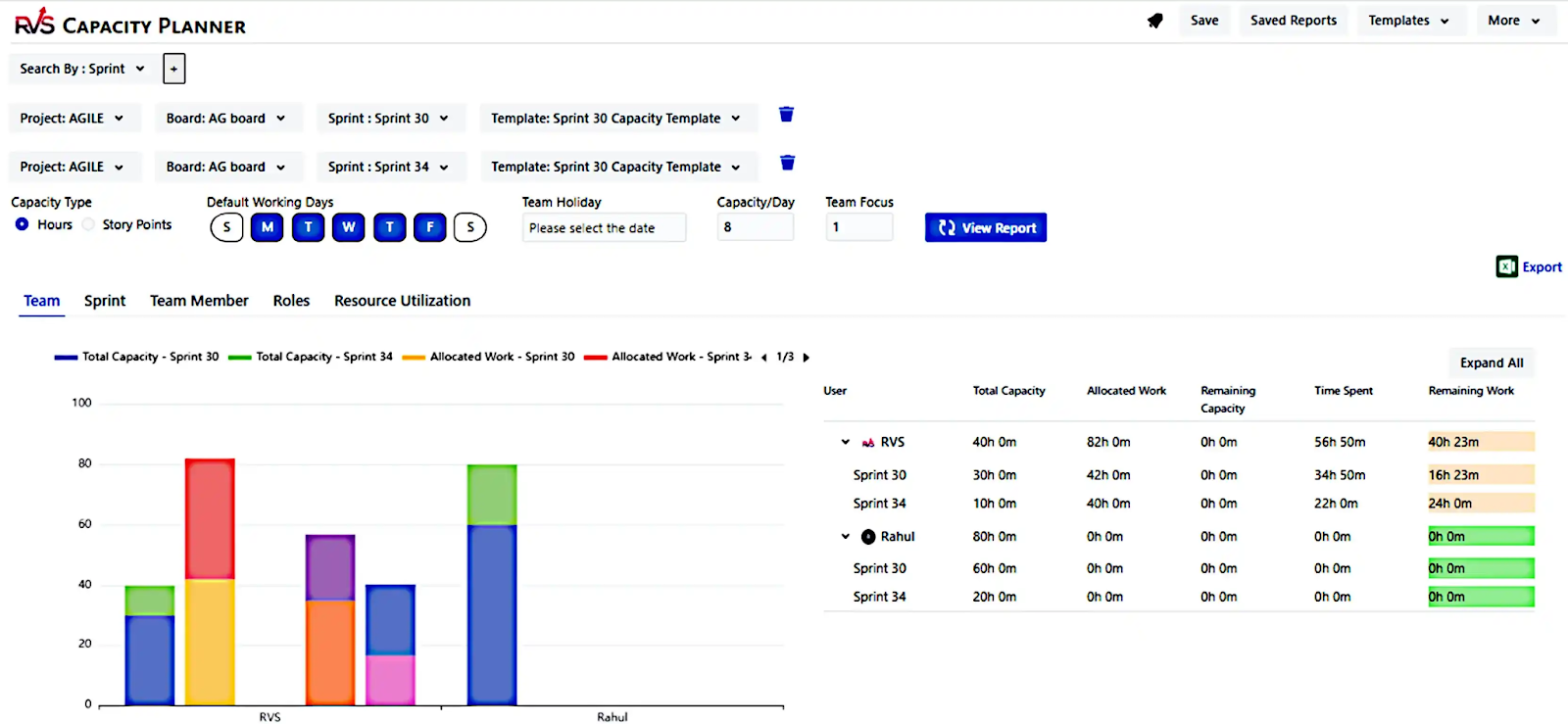
Build a Capacity Process Your Team Can Trust
Software alone cannot remove uncertainty from part-time work. Reliable plans come from combining current Jira data with real availability, sensible scope choices, and regular conversations about changes before they become surprises.
Start with a simple check before each sprint: confirm working time, identify constraints, review handoffs, and leave room for the work that estimates do not always capture. A plan does not need to be perfect to be useful, but it does need to be honest enough for your team to act on it.
Make Part-Time Capacity Easier to Plan
RVS Softek offers Jira capacity management software designed to give teams a clearer view of available effort and workload. Our apps help you account for changing schedules without relying on manual calculations alone. If you want to discuss which option fits your team’s workflow, contact us.
Written by the team building RVS Softek's apps for Jira and Confluence.
Ask us a questionMore from the blog
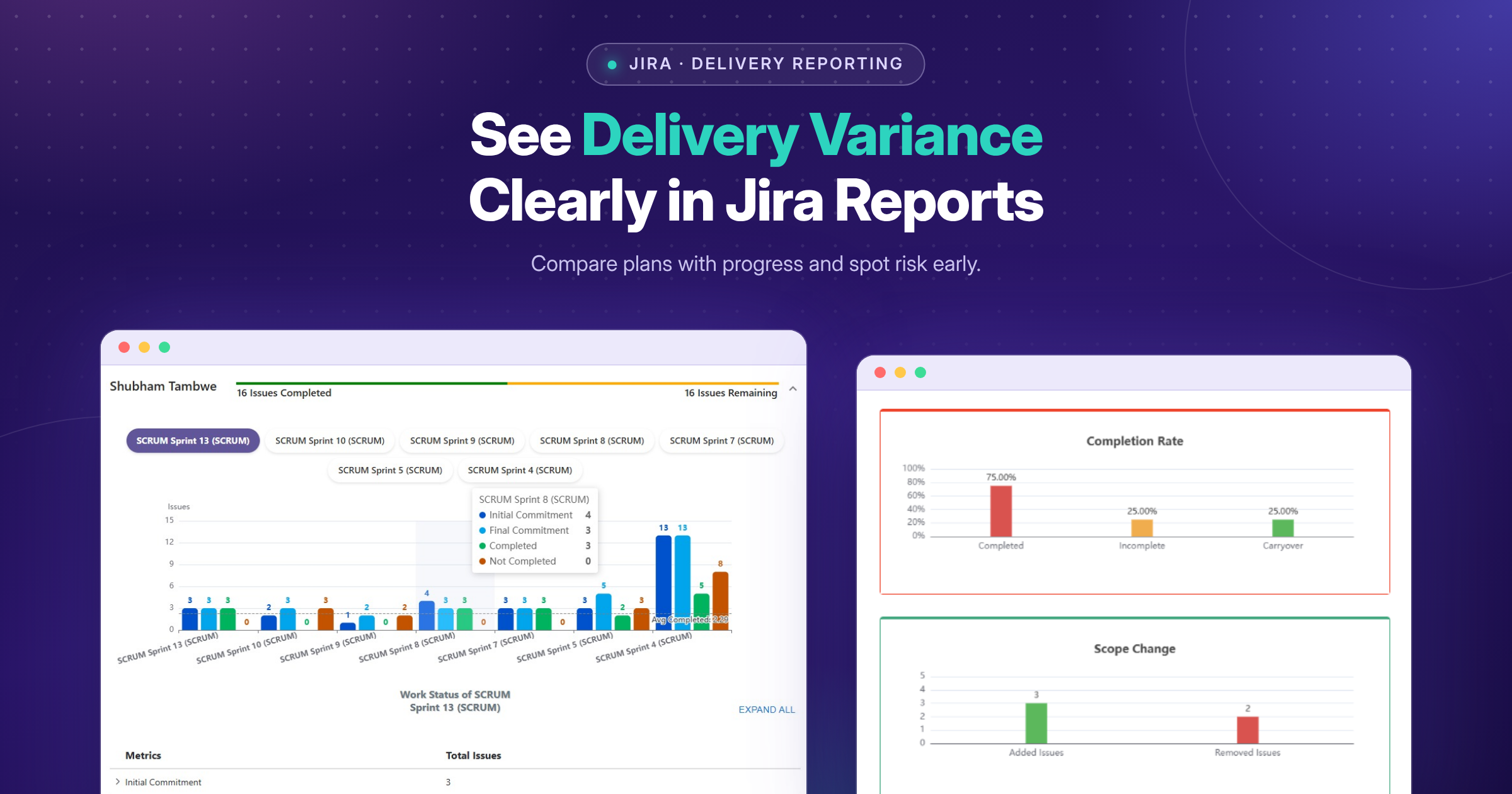
See Delivery Variance Clearly in Jira Reports
Plans change, and delivery risk often stays hidden until a milestone is under pressure. See how focused Jira reports bring scope changes, blockers and unfinished work into view early.
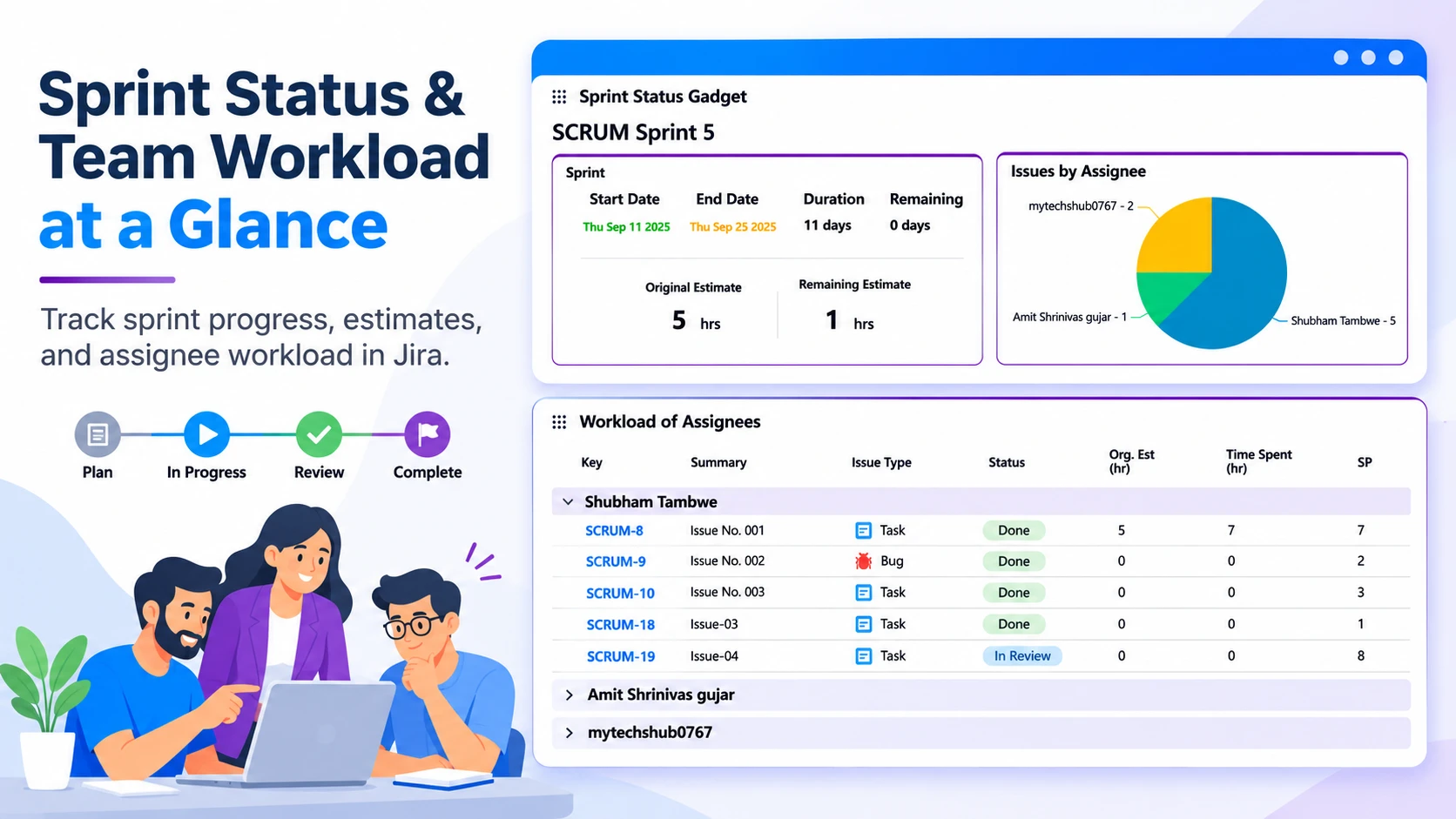
Reduce Status-Chasing With Clear Jira Information
Learn how clear Jira information, shared practices and suitable apps/plugins can improve visibility, clarify ownership and reduce status-chasing.
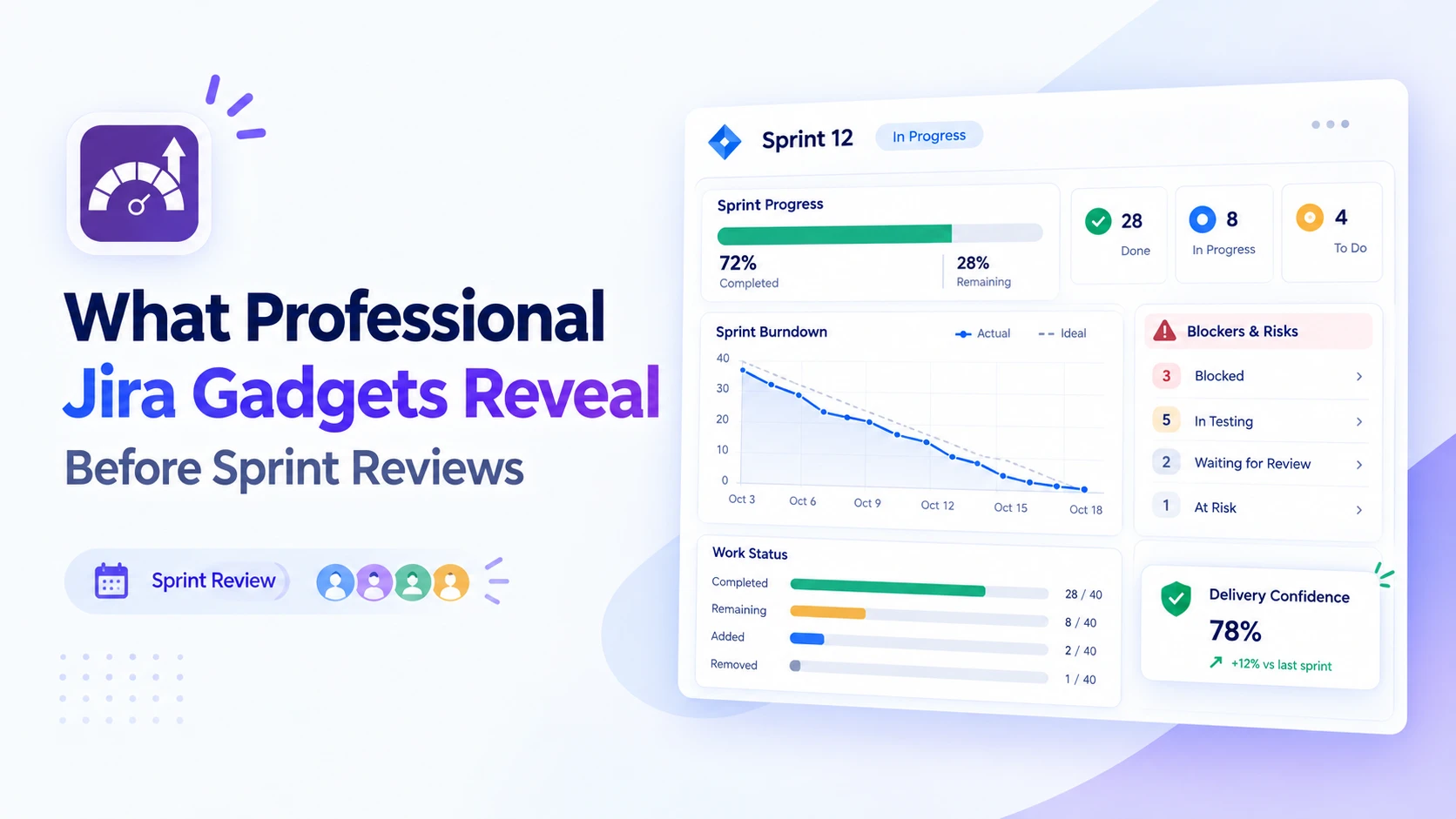
Prepare Better Sprint Reviews With Jira Insights
Discover how professional Jira gadgets surface sprint progress, blockers and delivery trends, helping teams arrive at reviews with clearer, actionable insights.
Find the RVS Softek app your team needs
Browse the catalogue for Jira, Confluence and monday.com — or install straight from the Atlassian Marketplace and start a free trial in minutes.
- Free trial on every paid app
- Runs on Atlassian
- Support in one business day

18 apps · 2,010+ installs · Runs on Atlassian