Align Product and Engineering With Mermaid Diagrams
Discover how Mermaid diagrams in Confluence help product and engineering teams clarify requirements, map workflows and maintain shared technical documentation.
Published
Nov 23, 2026
Topic
Confluence
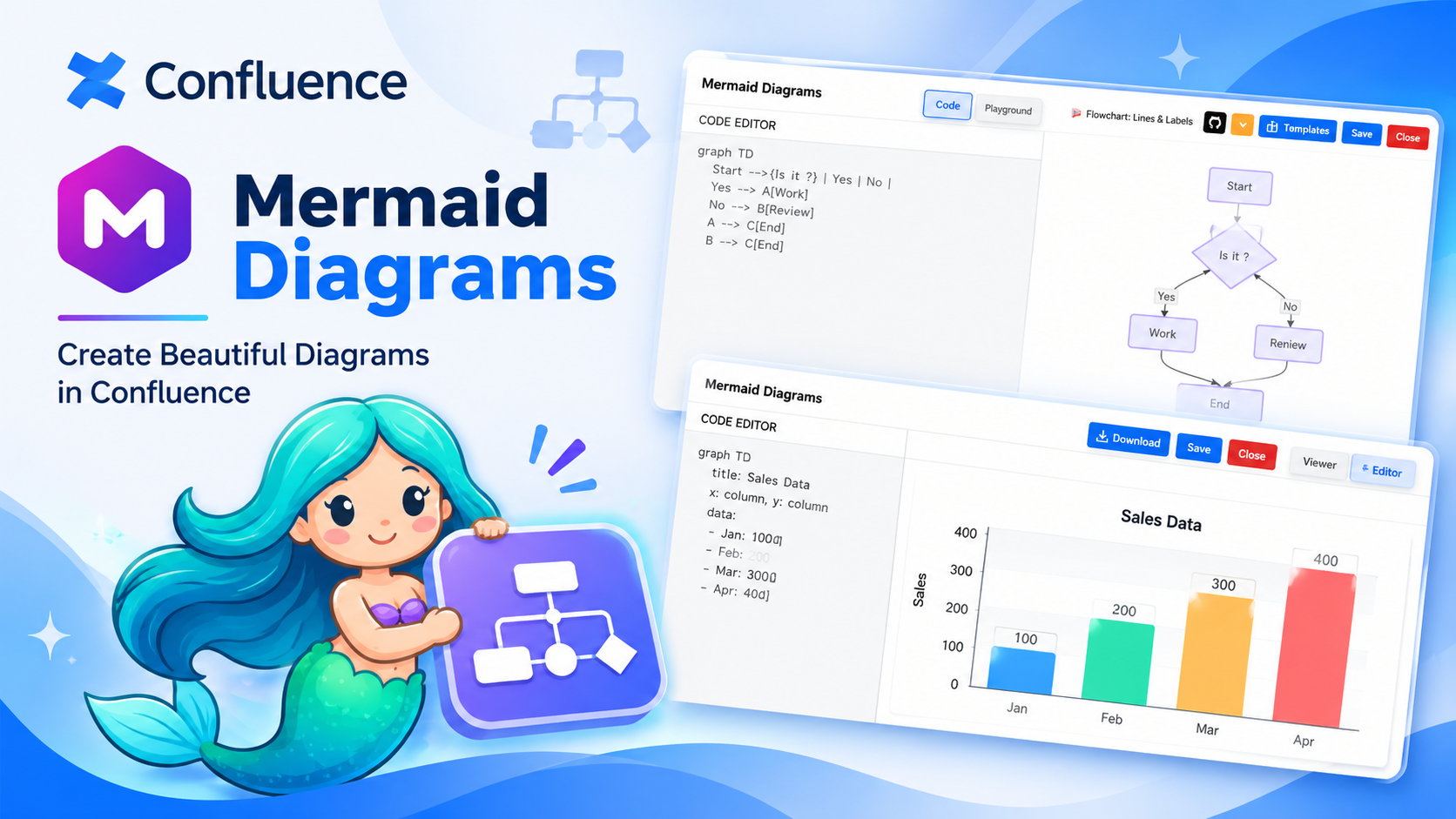
Learn how Mermaid diagrams for Confluence help product and engineering teams clarify requirements, map workflows and keep documentation aligned
Turn Shared Ideas Into Clear Visual Plans
Clear product plans need more than well-written tickets. When requirements, meeting notes and technical details live in separate places, product and engineering teams can read the same feature in different ways. We see this lead to unclear hand-offs, repeated questions and decisions that are hard to trace later.
Mermaid diagrams for Confluence give teams a simple way to place visual plans beside the words that explain them. Using text-based diagram syntax, we can help turn a feature idea, system interaction or approval path into something everyone can review in the same workspace. The result is a clearer starting point for planning, discussion and delivery.
Use Mermaid Diagrams for Confluence to Clarify Requirements
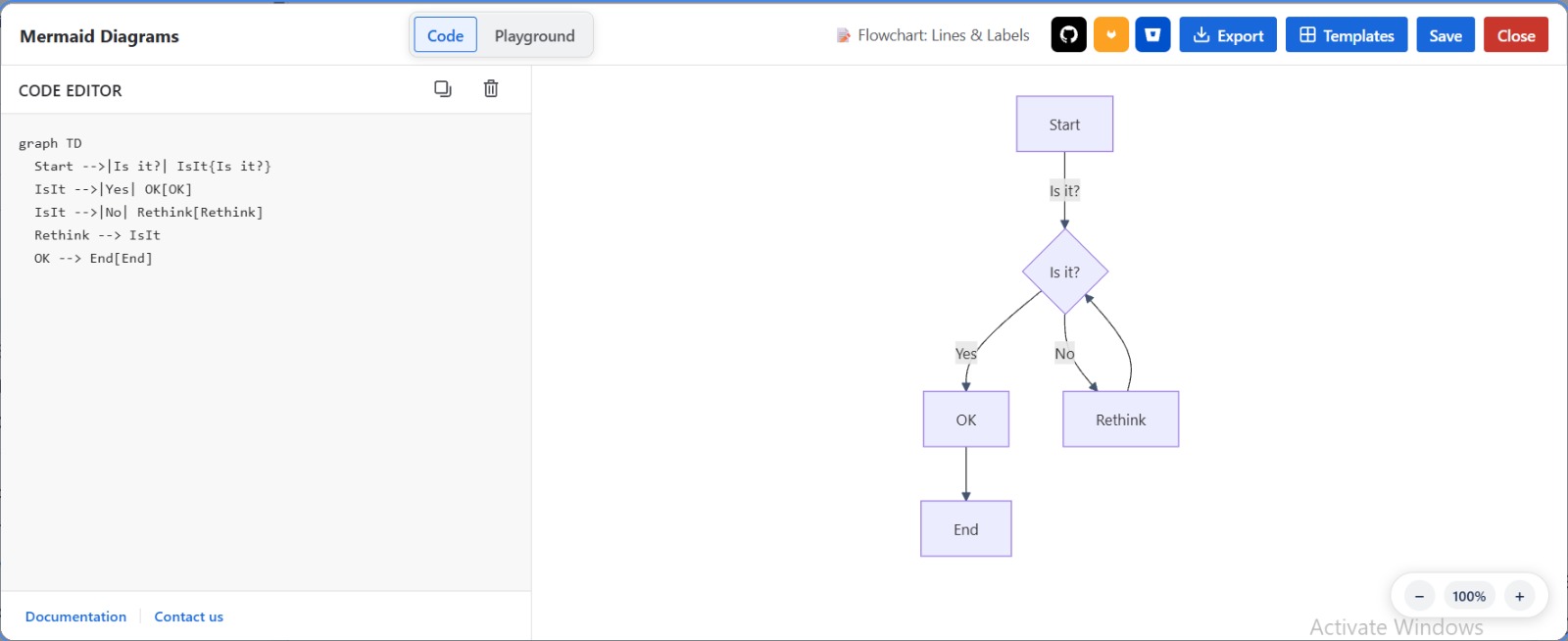
Before a feature becomes a group of Jira issues, we recommend agreeing on how it should work. A flowchart can show the path a user takes through a feature, including choices, approval steps and possible outcomes. This makes gaps easier to spot while the work is still being shaped.
For example, a product requirement may say that a user can submit a request for approval. A flowchart can add the useful details: What happens if information is missing? Who reviews the request? Can it be sent back? What does the user see after approval? These questions are much easier to discuss when the process is visible.
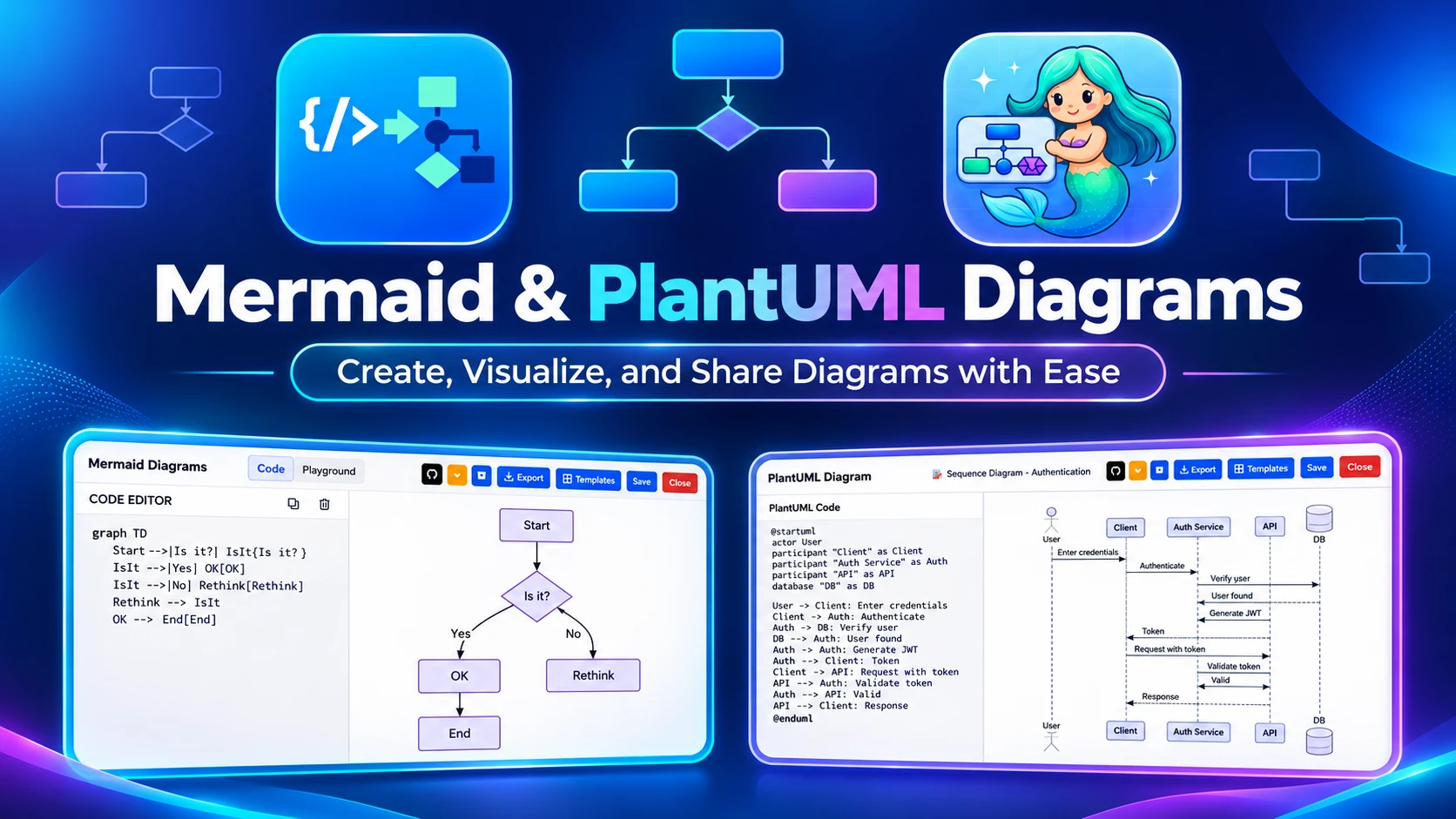
Sequence diagrams are also helpful when several people or systems are involved. They show the order of interactions between a user, an application, a service or another system. Rather than reading several paragraphs to understand a request, stakeholders can follow the steps from top to bottom.
We find that diagrams work best when they sit close to the supporting information in Confluence, including:
-
Product requirements and user needs
-
Acceptance criteria and known limits
-
Decision records and meeting notes
-
Related Jira issues and delivery plans
Keeping this context together means you are less likely to lose the reason behind a decision. Product managers can explain intended behaviour, developers can raise practical questions and stakeholders can see the same picture before work moves forward.
Connect Product Goals with Technical Delivery
A shared diagram gives product and engineering teams a useful middle ground. Product can begin by showing the outcome it wants for users or the business. Engineering can then add the technical context needed to make that outcome possible, such as service dependencies, data needs, error paths and integration points.
This approach helps us move beyond vague phrases like “the system sends an update” or “the status changes automatically”. Those statements may be correct, but they do not explain what triggers the action, which system owns the information or what should happen if a step fails.
Different diagram types answer different questions:
-
Flowcharts explain workflows and decision paths
-
Sequence diagrams show interactions over time
-
State diagrams show how an item moves between statuses
-
Entity relationship diagrams show how data records connect
Using the right diagram does not mean making every page complicated. A simple drawing with a clear purpose is usually more helpful than a large diagram that tries to explain everything at once. We encourage teams to start with the question they need to answer, then choose the smallest diagram that makes the answer clear.
This shared visual language also improves refinement conversations. Instead of debating what a sentence might mean, product and engineering can point to a step, connection or status change. That creates a stronger basis for discussing scope, edge cases and delivery choices.
Keep Documentation Current as Plans Change
A diagram only helps when people trust it. Separate diagramming tools can create a problem when a feature changes but the visual document is left behind. Someone may find an old image, assume it is still correct and make a decision based on outdated information.
Text-based Mermaid diagrams can make updates feel more manageable because the diagram definition lives within the Confluence content it supports. When a requirement changes, we can update the nearby diagram as part of the same documentation review. Changes are easier to read than a replacement image with no explanation of what moved or why.
Ownership matters just as much as the format. Each meaningful diagram should make a few things clear: its purpose, the person or team responsible for keeping it current and the work it relates to. A short note above or below the diagram can prevent confusion later.
We recommend including:
-
A plain-language title that states what the diagram covers
-
A short note about when the diagram should be updated
-
Links or references to related Confluence pages and Jira issues
-
A decision note when a major change affects the diagram
Not every small adjustment needs a diagram update. However, changes to a user path, system interaction, status model or data relationship are good reasons to review the visual plan. This keeps documentation useful rather than turning it into a forgotten archive.
Build a Repeatable Diagramming Workflow in Confluence
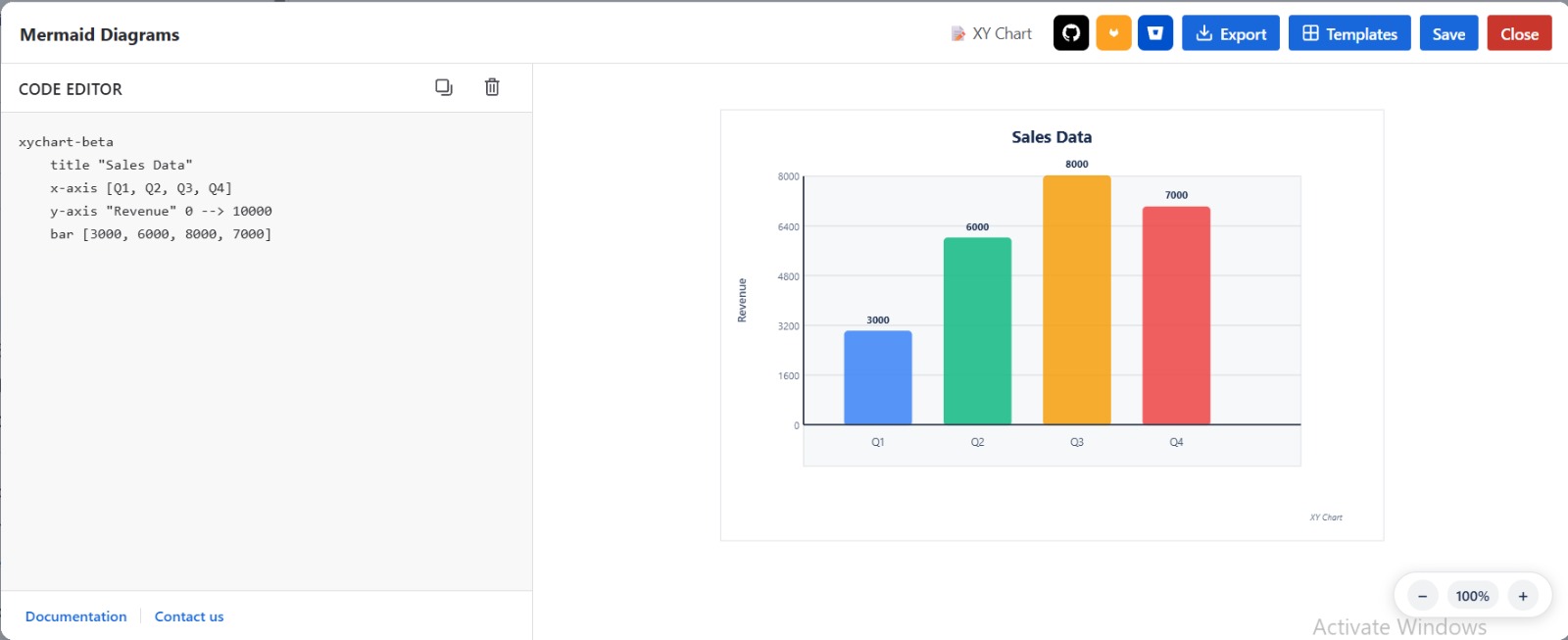
Consistency is what turns visual documentation from a one-off activity into a team habit. We suggest starting with a lightweight diagram during discovery, when ideas are still open to discussion. During planning, product and engineering can refine it together, adding enough detail to support delivery without burying the page in technical language.
Once development begins, the diagram can remain a shared reference point. When a significant product or technical decision changes the plan, update the diagram and note what changed. This simple rhythm keeps the visual record connected to the real work.
Reusable Confluence page templates can make the process easier to repeat. Teams may create templates for feature flows, service interactions, release readiness reviews and incident learnings. Each template can include a place for Mermaid syntax, a purpose statement, an owner and related work references.
Simple standards help, too. Agree on clear diagram names, decide who reviews diagrams during planning and use a consistent way to connect them to the right Confluence pages and Jira issues. Our apps for Jira, Confluence and monday.com are built around helping teams improve planning, reporting, documentation, diagramming and collaboration where they already work.
Choose one upcoming feature or cross-team initiative and map its main workflow or system interaction first. Create it with the people who will use it, keep it beside the work it explains and update it when decisions change. When product intent and engineering context are visible in the same place, every stakeholder has a clearer path to follow.
Turn Clear Workflows Into Shared Understanding
Our Mermaid diagrams for Confluence help teams create and maintain visual documentation where their collaboration already happens. At RVS Softek, we build apps that make technical and product knowledge easier to communicate across teams. If you would like to discuss which option suits your workflow, contact us.
Written by the team building RVS Softek's apps for Jira and Confluence.
Ask us a questionMore from the blog
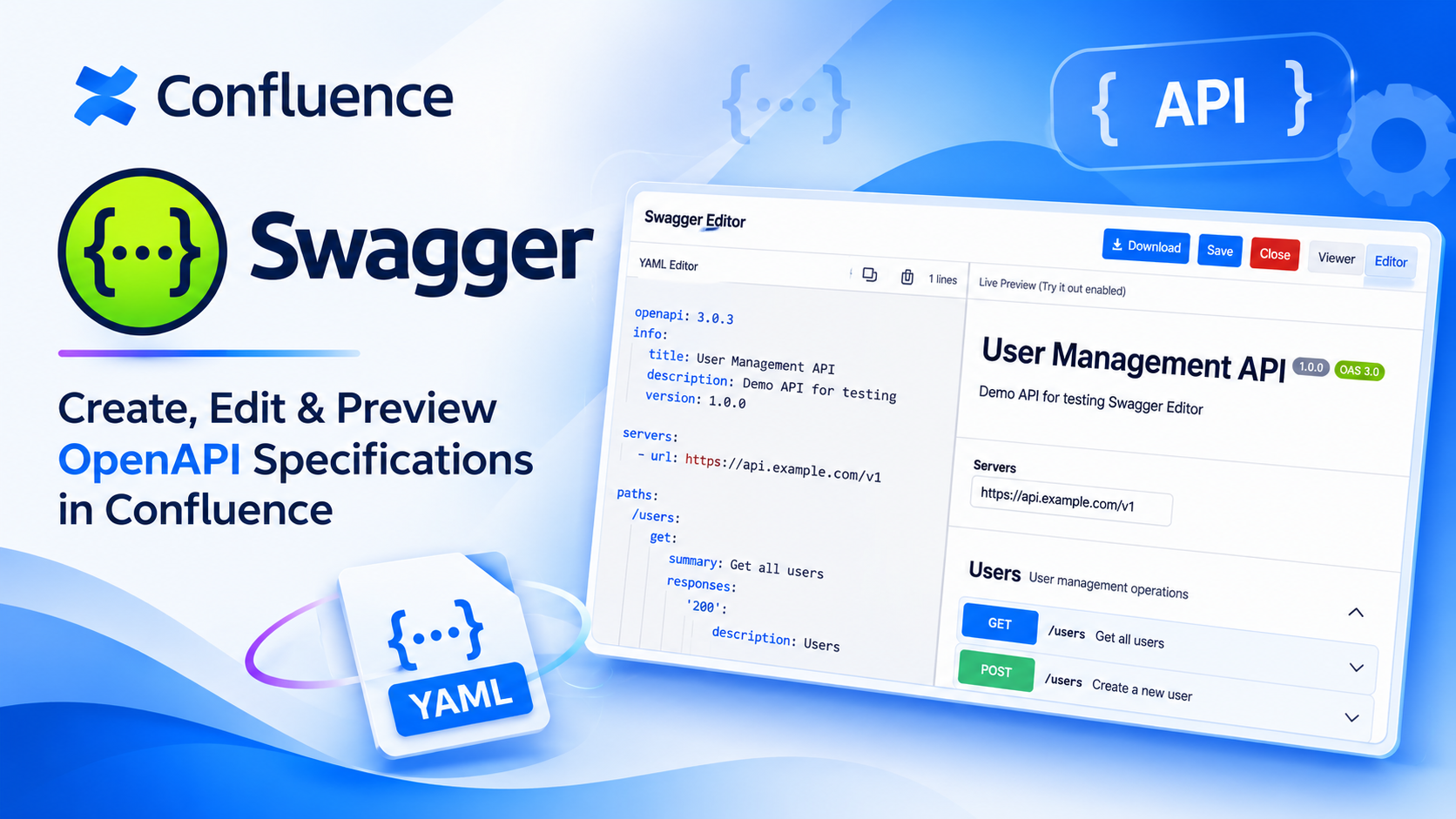
Choosing Between Confluence and Dedicated API Portals
Compare Confluence and dedicated developer portals to decide where API references, onboarding guidance and supporting product knowledge should live.
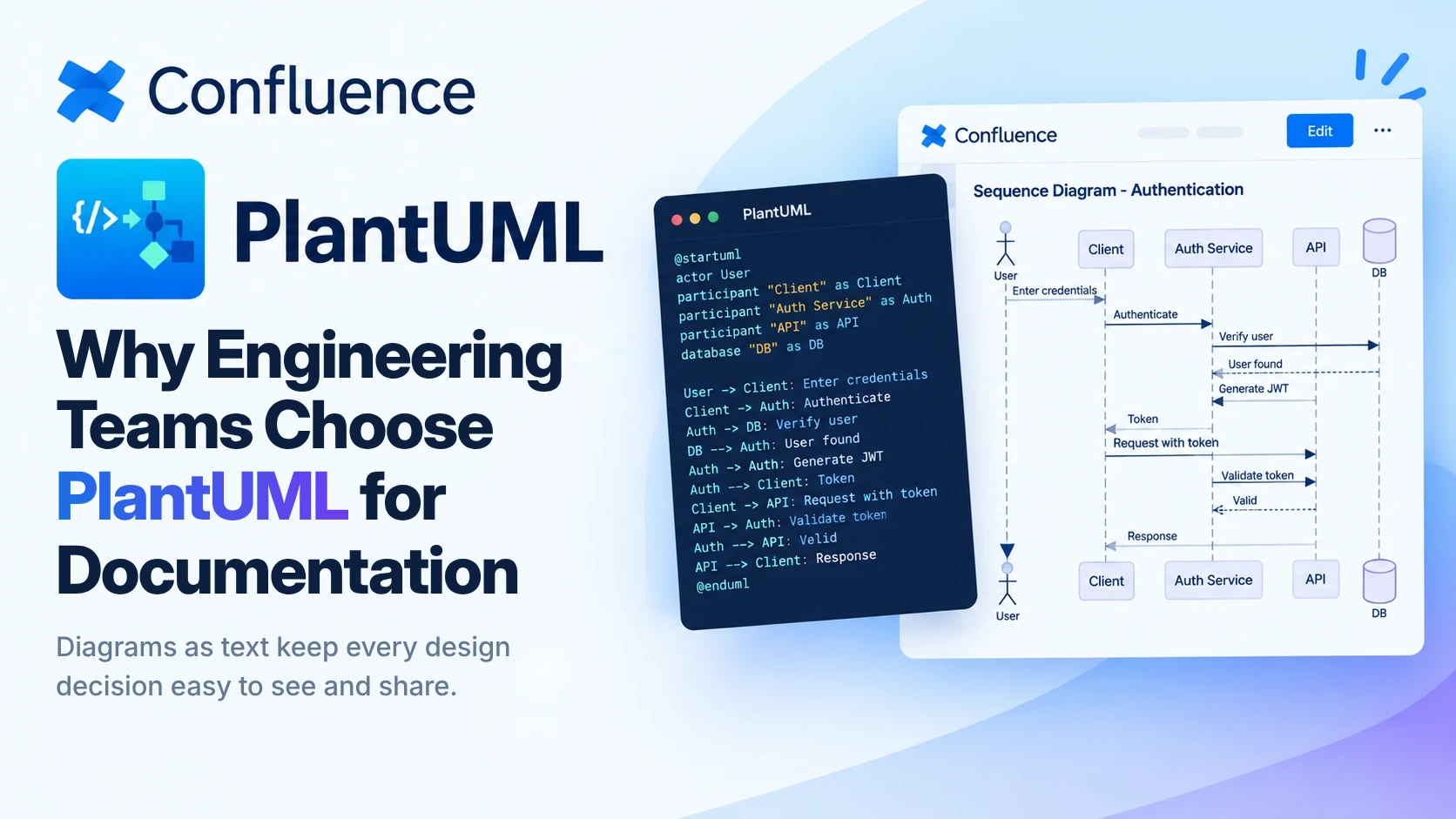
Why Engineering Teams Choose PlantUML for Documentation
Discover why engineering teams are adopting PlantUML diagrams in the UK for clearer documentation, consistent standards and collaborative workflows.
Visualize Incident Escalations With Confluence Apps
Learn how teams use Confluence diagram apps to map incident escalation paths, clarify ownership, and document response workflows for faster coordination.
Find the RVS Softek app your team needs
Browse the catalogue for Jira, Confluence and monday.com — or install straight from the Atlassian Marketplace and start a free trial in minutes.
- Free trial on every paid app
- Runs on Atlassian
- Support in one business day
18 apps · 2,010+ installs · Runs on Atlassian