
Choosing Between Confluence and Dedicated API Portals
Compare Confluence and dedicated developer portals to decide where API references, onboarding guidance and supporting product knowledge should live.
Published
Nov 23, 2026
Topic
Confluence
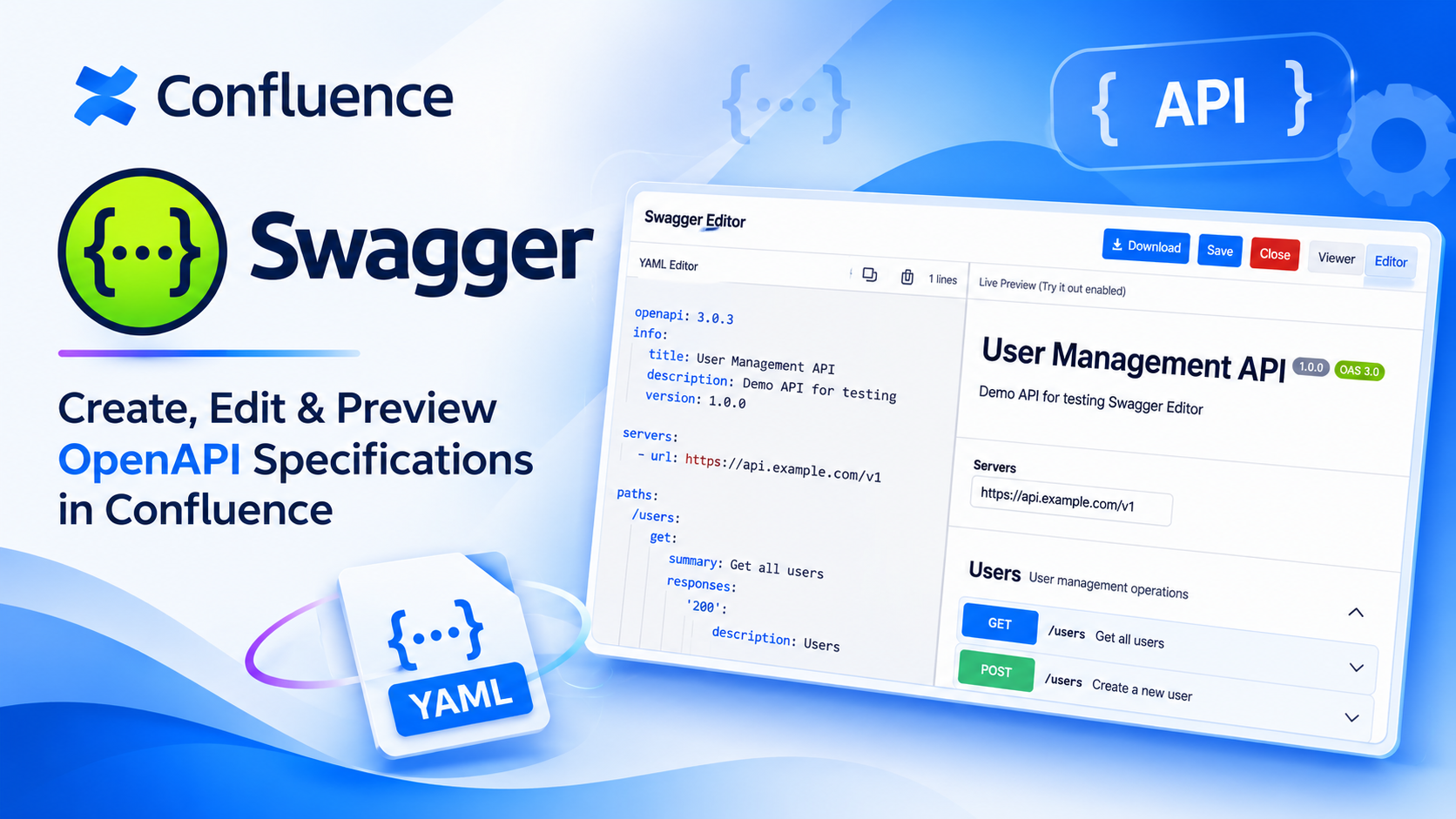
Compare Swagger API documentation in Confluence with separate portals to choose the best approach for accessible, maintainable developer guidance
Swagger API documentation in Confluence can turn a technical reference into a shared resource for the whole team. Developers need endpoint details, but product managers, support teams, technical writers, partners and internal stakeholders also need clear answers about authentication, request formats and release changes.
When those answers sit apart from the rest of your delivery knowledge, people waste time hunting for the right version. We see better decisions start with the audience: are you mainly helping internal teams work together, or are you serving external developers who need a polished public experience?
Turn API References Into a Shared Team Resource
An API reference should not live in isolation. The Swagger or OpenAPI specification explains what an API does, but the surrounding documentation explains why it exists, how it has changed and where it fits within the product.
For teams already working in Jira and Confluence, keeping Swagger API documentation in Confluence can place that reference close to the information people use every day. Requirements, architecture decisions, runbooks and release notes can sit alongside API guidance rather than in separate systems.
That proximity helps different roles contribute without needing to become API specialists. A support colleague might need an authentication explanation. A product manager may need to confirm what a new endpoint supports. A technical writer may need approved examples before preparing customer guidance.
The central choice is straightforward:
-
Confluence supports internal collaboration, context and shared knowledge.
-
A separate developer portal supports public discovery and developer-focused onboarding.
-
A hybrid model can keep internal detail private while publishing approved references externally.
Compare Confluence and Separate Swagger Portals
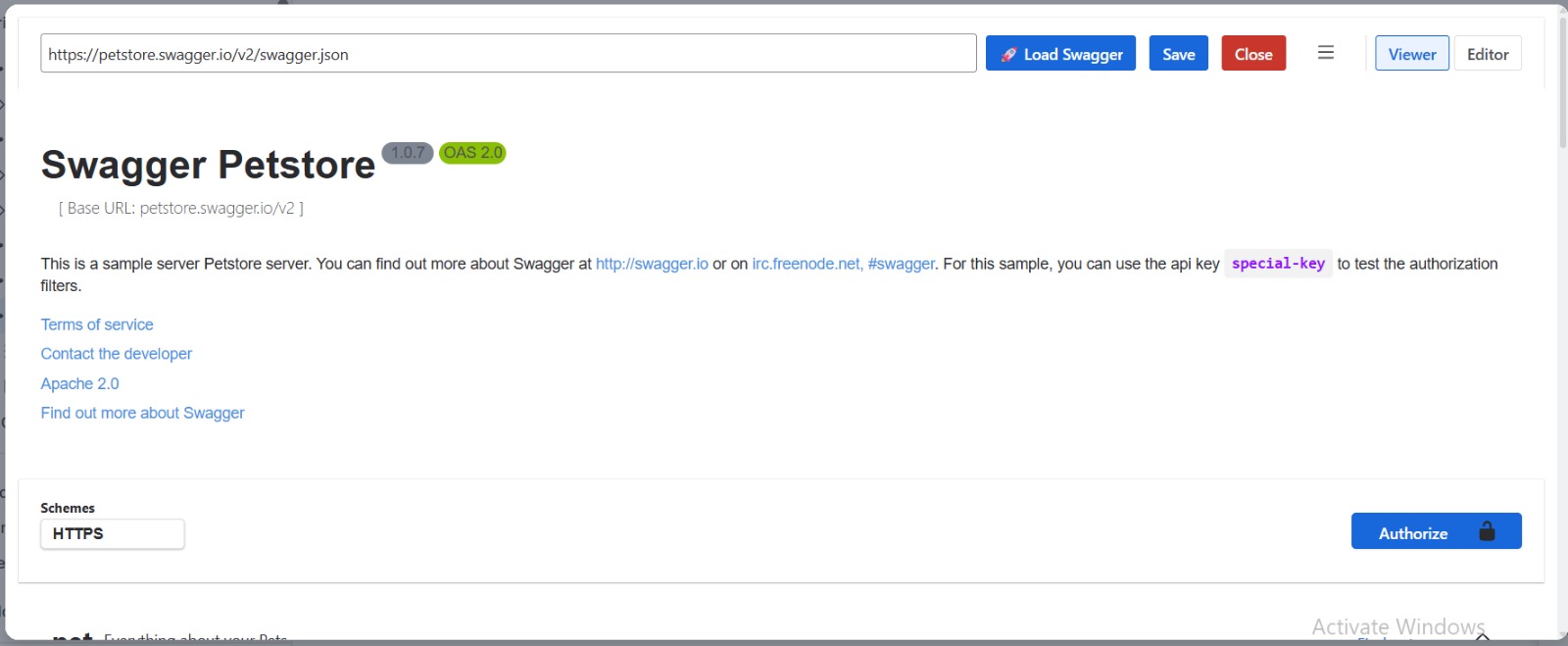
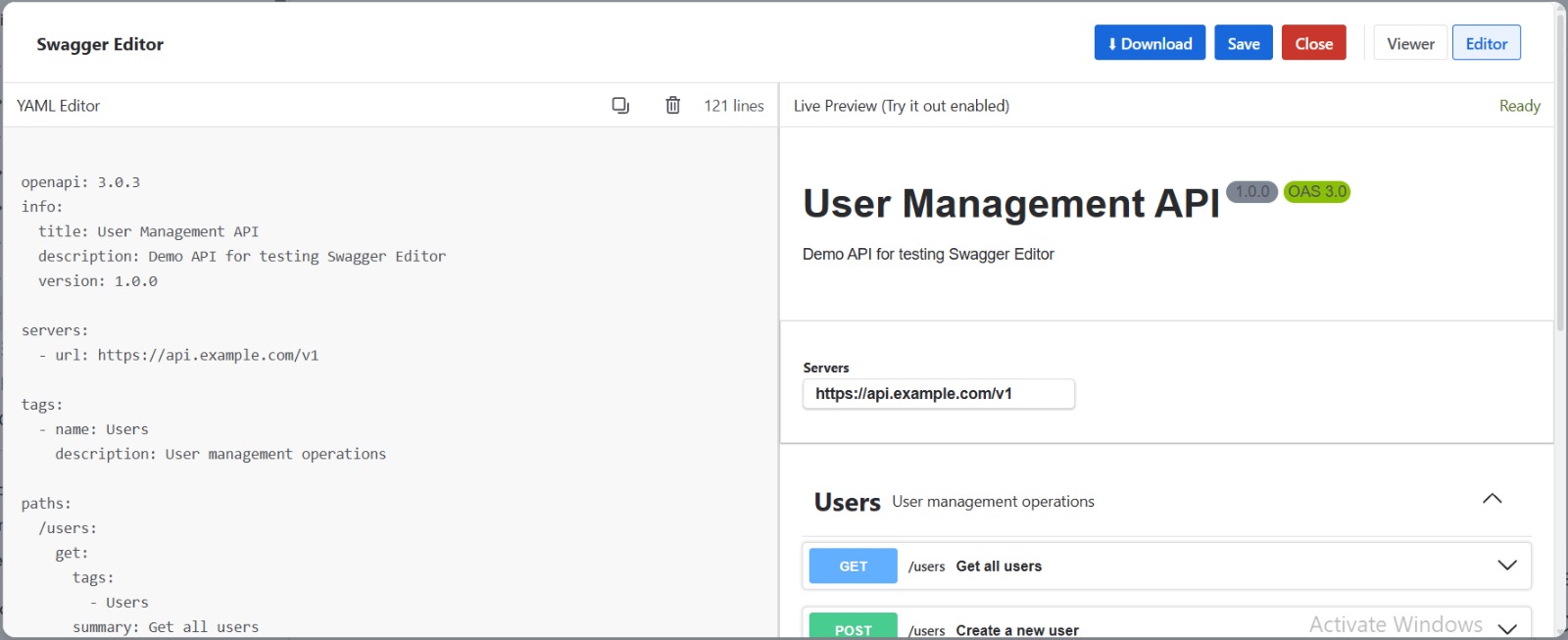
With the Confluence approach, we can organise technical content in familiar spaces and page hierarchies. Teams can embed or link Swagger and OpenAPI specifications, then connect them to the wider product story. Readers do not have to leave the place where they review project decisions, delivery notes and operational guidance.
This model can reduce context switching. It also makes it easier for cross-functional teams to spot missing explanations, unclear examples or release notes that need more detail. The API reference becomes part of the working documentation, not a destination only developers visit.
A dedicated portal has a different job. It is usually designed around the needs of external API consumers, with a clearer path for exploring endpoints, finding onboarding material, reviewing SDK resources and understanding access requirements. Public-facing portals can also provide a branded home for an API programme.
The practical trade-off comes down to who needs the documentation most. We generally recommend weighing these questions:
-
Will most readers already be working in Confluence?
-
Does the API have a large external developer or partner audience?
-
Do readers need product context as often as endpoint details?
-
Does public content need a distinct, self-service experience?
For large public API programmes, a separate portal may feel cleaner and easier to browse. For internal platform teams, Confluence may make day-to-day documentation more useful because it stays close to delivery work.
Keep Swagger API Documentation in Confluence Current
The strongest documentation model still fails if the content falls behind the deployed API. Endpoint descriptions, authentication instructions, parameters and examples all need review whenever the API changes. Otherwise, readers may follow guidance that no longer matches what the software accepts.
A single source of truth helps prevent that drift. If the OpenAPI definition is the agreed reference, everyone should know where it is maintained and how approved changes reach Confluence pages or an external portal. We recommend avoiding manual copies of the same endpoint description in several places, since each copy creates another chance for conflicting information.
Confluence is particularly helpful when readers need more than the specification itself. The same area can connect API references with change logs, testing notes, decision records and support guidance. That gives people both the technical detail and the business context behind it.
Clear ownership matters just as much as the tool. A useful release checklist can include:
-
Reviewing the Swagger or OpenAPI specification against the deployed API.
-
Confirming authentication and permission guidance remains accurate.
-
Checking examples, error details and linked release notes.
-
Assigning an approver before updated documentation is published.
Match Documentation Workflows to Team Needs
Confluence is often a strong fit when the API mainly supports internal systems, enterprise software groups or platform teams. If your developers already use Jira and Confluence to plan work, record decisions and share knowledge, keeping API guidance nearby can make it easier to maintain.
That does not mean Confluence must be the only publishing channel. Public APIs and partner ecosystems often need independent access for people outside your organisation. Those readers may not have Confluence accounts, and they may expect a focused place to understand the API without sorting through internal product material.
A hybrid approach can give each audience what it needs. Internal teams can retain implementation notes, operational procedures and work-in-progress discussions in Confluence. Customers and partners can see a carefully reviewed API reference through a separate portal.
The key is to define the boundary early. We suggest deciding which material is internal context, which is approved for external use and how updates move between those spaces. That keeps the workflow clear without asking people to guess which version they should trust.
Assess Governance, Access and Publishing Control
API documentation can contain information that should not be public. Internal pages may include implementation details, security guidance, operational notes or discussions that are useful for employees but unsuitable for customers and partners.
Confluence permissions, page ownership and structured spaces can help teams control who can view or edit that material. Review practices also make it easier to identify whether a page is current, in draft or ready for wider use. A separate portal, by comparison, can provide a more deliberate path for publishing content intended for public consumption.
When both channels are in use, consistency becomes the main governance task. We advise assigning each type of content a clear home rather than duplicating complete API descriptions manually. For example, the public reference can remain the approved external source, while Confluence holds internal rationale, support procedures and release coordination notes.
Good control does not mean making information hard to find. It means giving the right people the right level of detail, with a reliable process for reviewing what changes before it reaches them.
Choose a Documentation Model That Teams Will Use
The right model follows your audience, ownership, security needs and release workflow. Use Confluence when collaboration, internal context and proximity to delivery documentation matter most. Choose a separate portal when public API discovery and the external developer experience take priority. For teams using Atlassian tools, we also build Marketplace apps that support documentation, visualisation and collaboration within the systems they already use.
Before selecting a channel, decide who owns the specification, who approves updates, what content must remain restricted and where each audience expects to find answers. A documentation approach that fits the way your team already works is far more likely to stay accurate, useful and trusted.
Make API Documentation Easier To Maintain
RVS Softek builds apps that help teams keep technical knowledge accessible within their everyday workflow. Discover how Swagger API documentation in Confluence can support clearer, more connected developer resources. If you would like to discuss the right approach for your team, contact us.
Written by the team building RVS Softek's apps for Jira and Confluence.
Ask us a questionMore from the blog
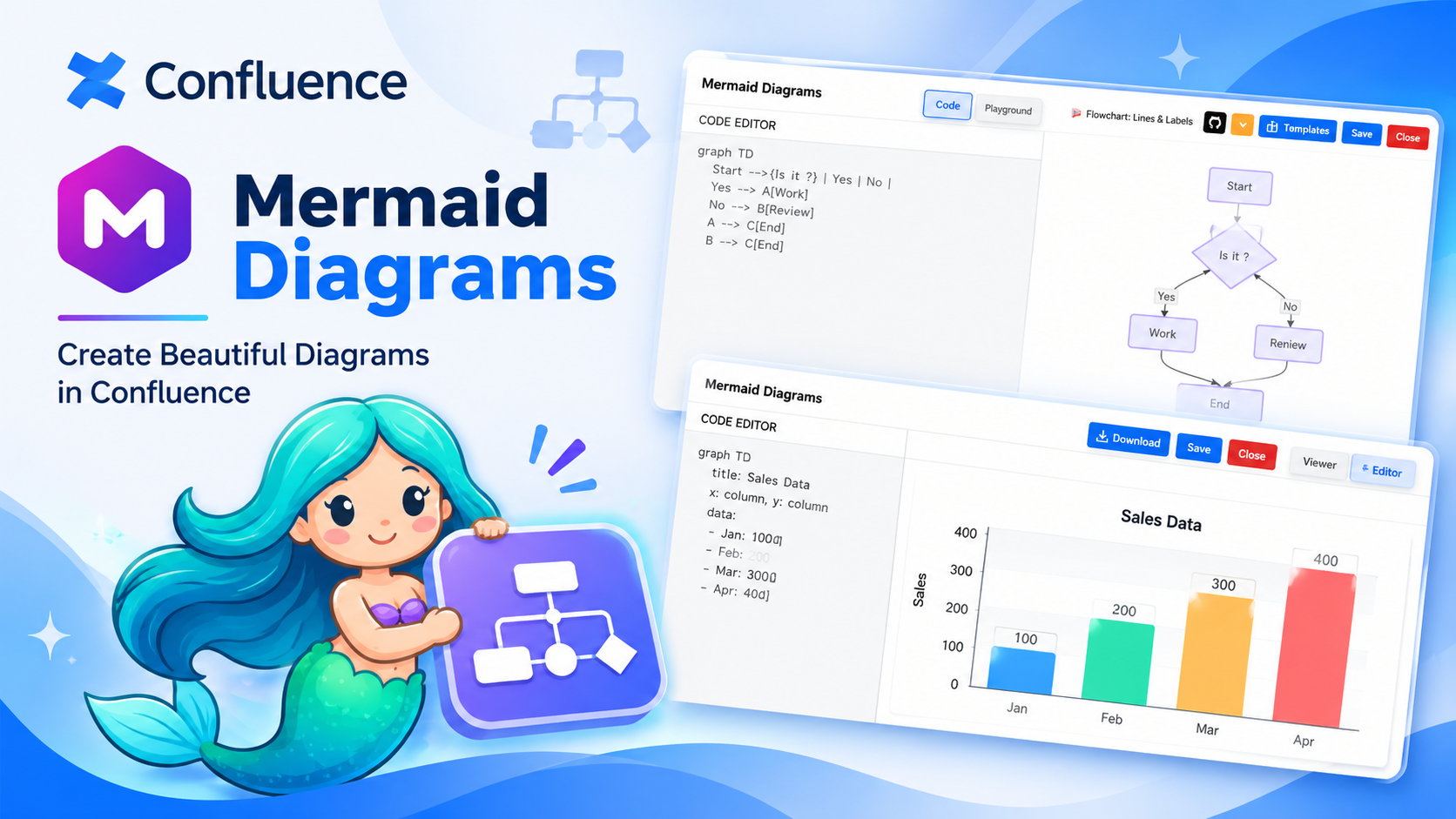
Align Product and Engineering With Mermaid Diagrams
Discover how Mermaid diagrams in Confluence help product and engineering teams clarify requirements, map workflows and maintain shared technical documentation.
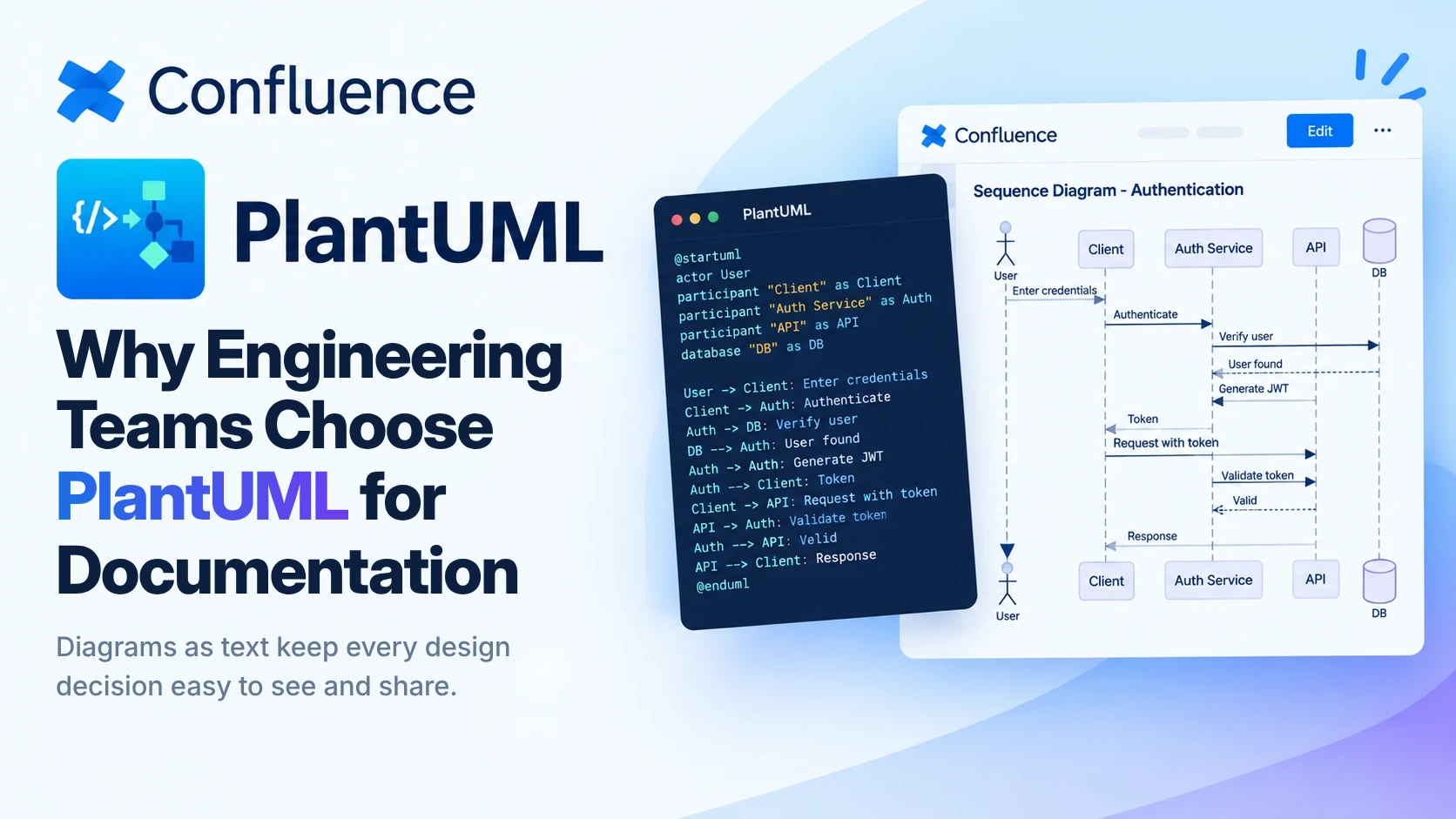
Why Engineering Teams Choose PlantUML for Documentation
Discover why engineering teams are adopting PlantUML diagrams in the UK for clearer documentation, consistent standards and collaborative workflows.
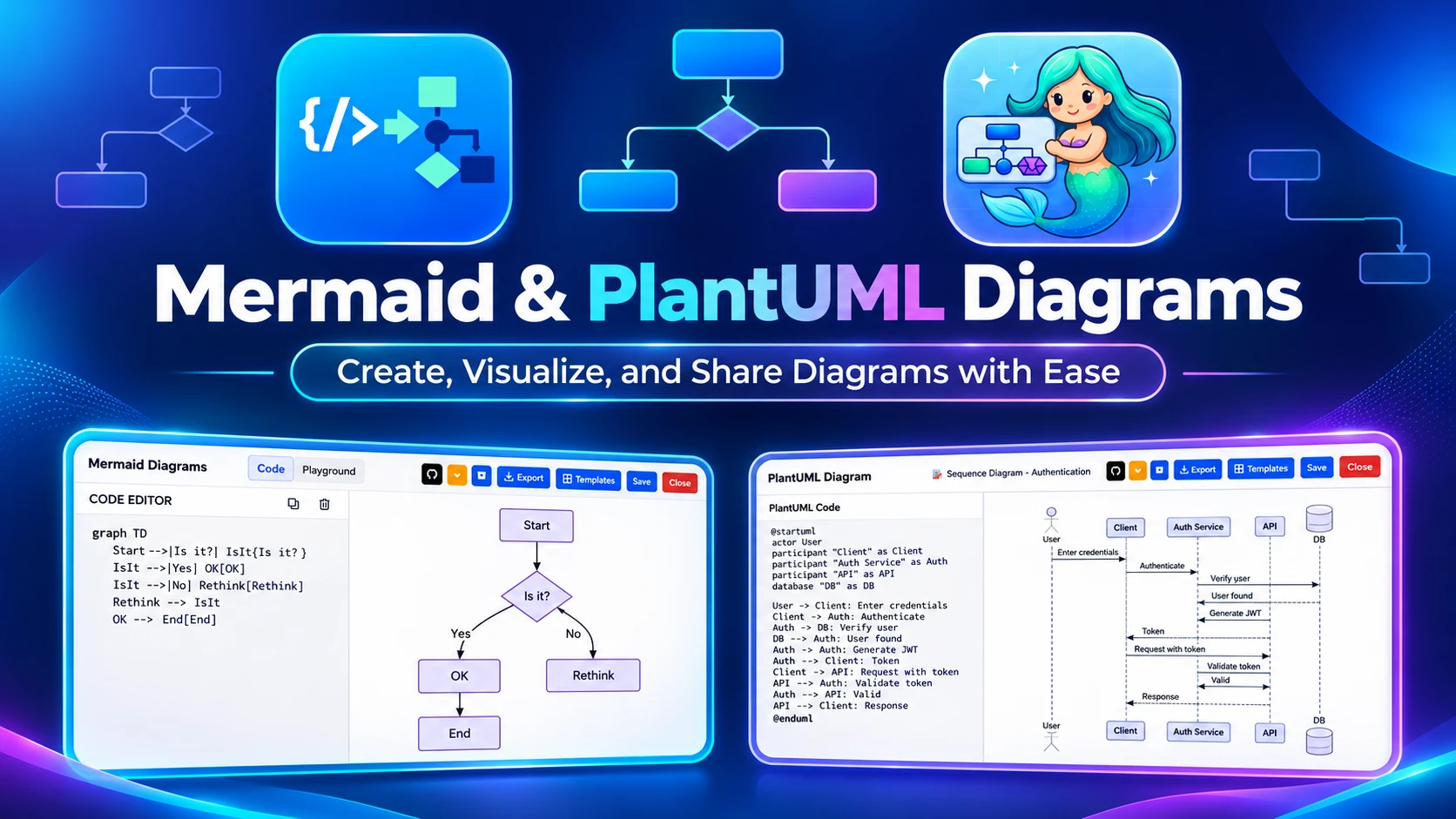
Visualize Incident Escalations With Confluence Apps
Learn how teams use Confluence diagram apps to map incident escalation paths, clarify ownership, and document response workflows for faster coordination.
Find the RVS Softek app your team needs
Browse the catalogue for Jira, Confluence and monday.com — or install straight from the Atlassian Marketplace and start a free trial in minutes.
- Free trial on every paid app
- Runs on Atlassian
- Support in one business day
18 apps · 2,010+ installs · Runs on Atlassian