
Manage Cross-Team Dependencies With Jira Agile Tools
Explore how Jira Agile planning tools help teams map cross-team dependencies, align priorities and improve coordinated delivery across complex projects.
Published
Nov 2, 2026
Topic
Agile
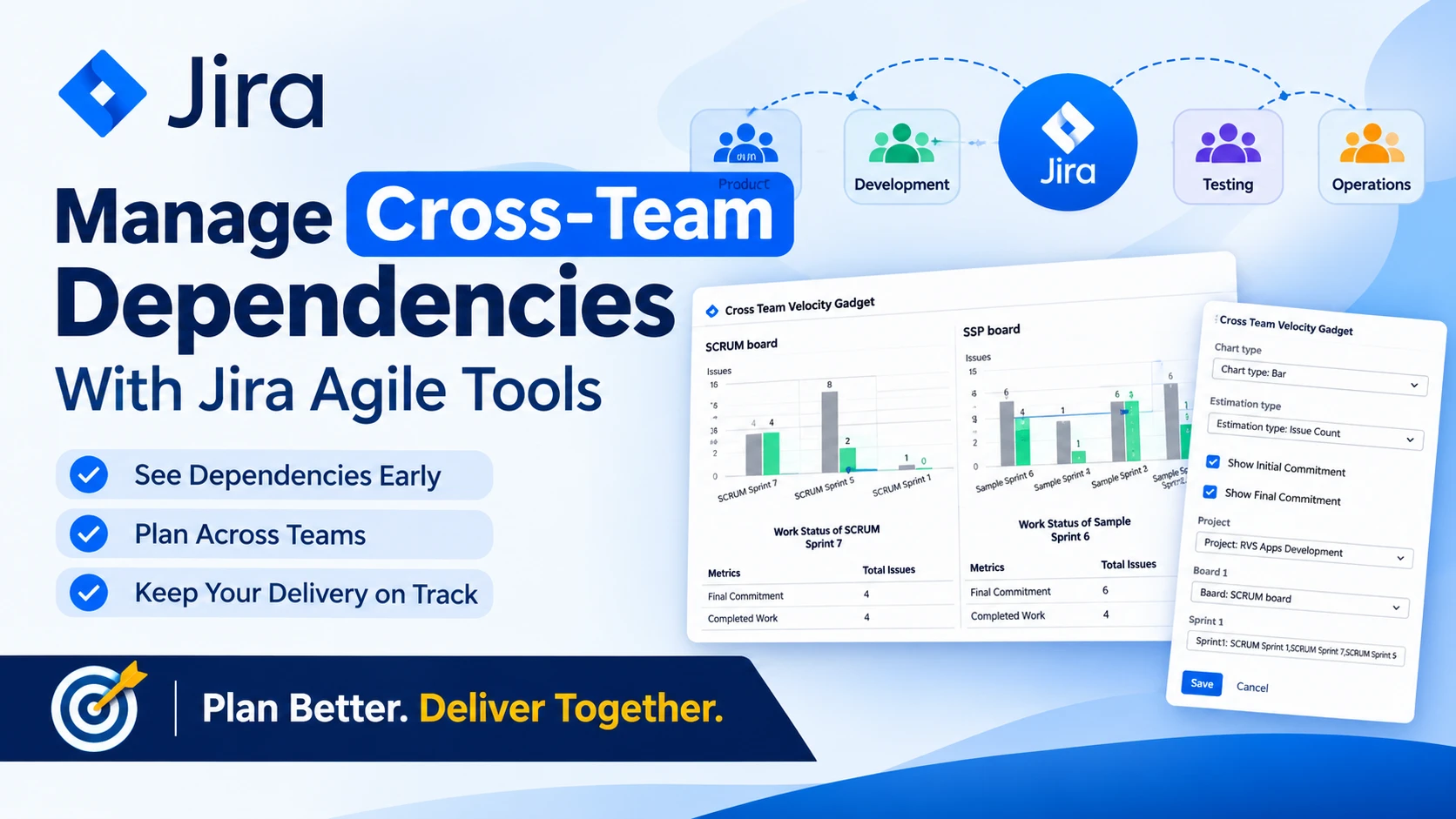
See Dependencies Early and Protect Delivery Commitments
Jira Agile planning tools help us spot cross-team blockers before they turn into missed commitments. A small delay in one team's work can quickly affect product planning, engineering, design, testing, approvals and business decisions. When dependencies are visible early, you can discuss risks while there is still time to change the plan.
We recommend treating dependency planning as a shared team habit, not a last-minute check before a release. The aim is simple: identify what relies on what, make responsibility clear and give affected teams a place to discuss changes.
Map Dependencies Across Teams with Jira Agile Planning Tools
Cross-team dependencies take several forms. One piece of work may be unable to start until another issue is complete. A team may need time from a shared specialist, such as a designer, tester or reviewer. Release dates, approval stages and shared components can also connect work across projects.
Issue links alone do not always tell the full story. When several teams have different priorities, a linked issue may be visible without anyone understanding the delivery risk behind it. We suggest recording both sides of every dependency: the team waiting for an outcome and the team responsible for providing it.
Clear naming also makes a major difference. Use issue titles that explain the expected result, not just the task. Add ownership fields where appropriate, and place work at a meaningful level in the Jira hierarchy. A large initiative may have several dependent epics, while an epic may contain work that needs careful sequencing across teams.
Shared Jira Agile planning tools can then bring related work into one view. This helps us see blocked items, uncertain dates and commitments that depend on work still being discussed elsewhere.
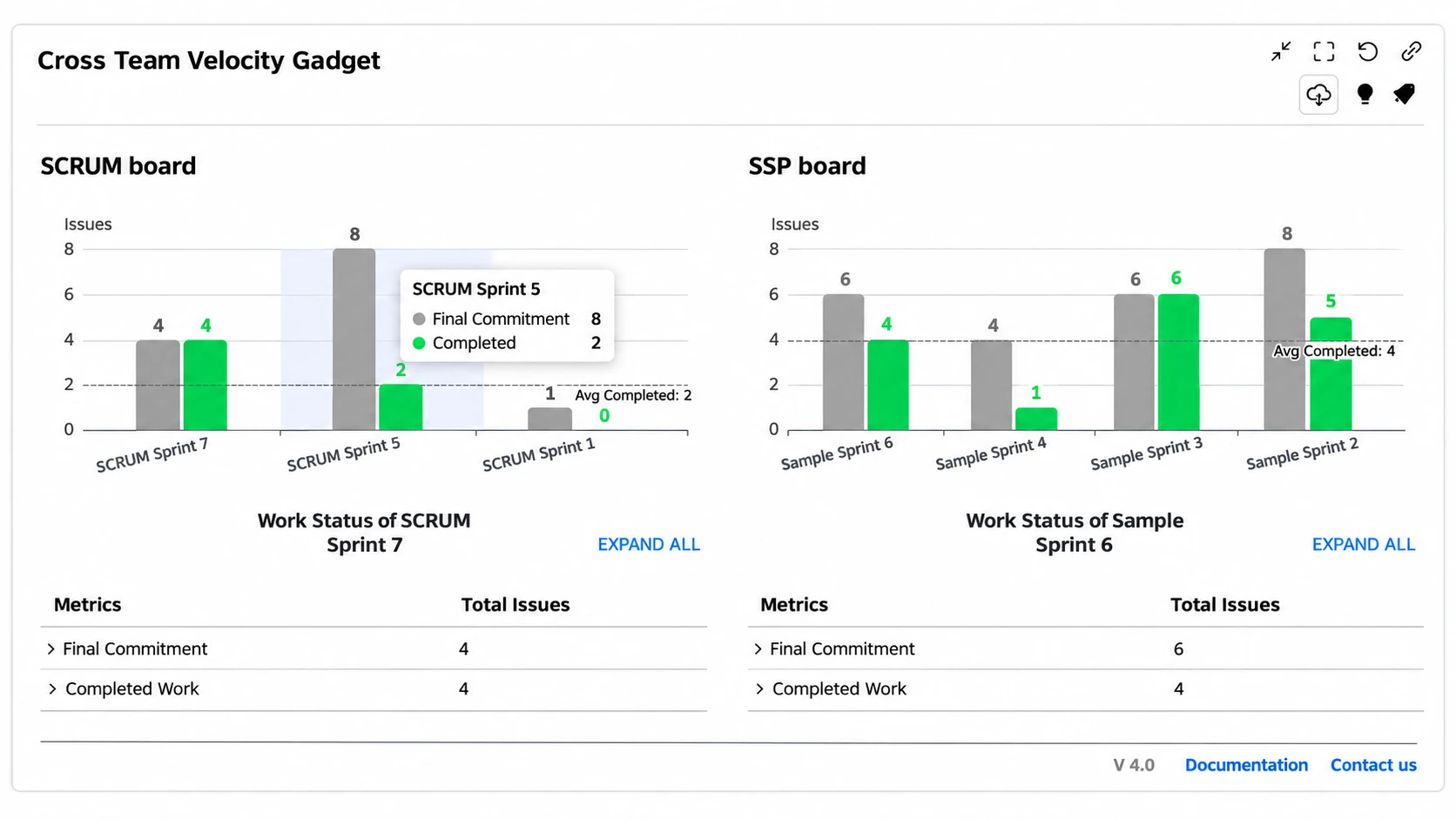
Choose Planning Views That Support Team Decisions
Different views answer different planning questions. A team backlog is useful for preparing upcoming work. A board helps a delivery team manage work that is active now. Roadmaps and dependency diagrams are often better for conversations involving several teams, because they show the wider order of work.
A helpful planning view should make it easier to decide what to do next. We look for views that provide:
- The right amount of detail for the discussion
- Clear ownership for work and dependencies
- A visible path between connected issues
- Language that technical and non-technical stakeholders can understand
For example, a delivery board may show that an issue is blocked, but a diagram can help explain why it is blocked and which other plans could be affected. That broader context matters when product, engineering and business teams need to agree on a change.
Our apps for Jira, Confluence and monday.com support areas such as diagramming, agile planning, content formatting, reporting and team collaboration. We recommend choosing Jira Agile planning tools based on the decisions your teams need to make, rather than adding another view simply because it produces more reporting.
Create a Dependency Routine That Keeps Work Moving
Dependency planning works best when it happens before sprint or release commitments are confirmed. A short cross-team conversation can uncover assumptions that are easy to miss when each team plans alone. Review upcoming work, validate expected hand-offs and agree on the order in which connected items should happen.
Every dependency also needs an owner. That person does not have to complete all the related work. Instead, they make sure updates, risks and decisions are visible to the teams affected by the dependency. Without clear ownership, a blocker can sit between teams while everyone assumes someone else is handling it.
When a dependency threatens delivery, we advise using a simple escalation path. Record the risk in Jira, describe what is uncertain and bring options to the discussion early. Those options may include resequencing work, reducing scope, changing a commitment or involving a decision-maker who can remove an obstacle.
The goal is not to eliminate every dependency. Most cross-team work will involve some shared timing or responsibility. The goal is to make those connections clear enough that teams can respond before they become urgent.
Assess Jira Agile Planning Tools Before You Invest
A planning tool should fit the way your teams already work. Before making a long-term choice, review how well it supports your Jira projects, your permission model and your planning rhythm. If a view is hard to understand or difficult to update, teams may stop using it when work becomes busy.
We suggest using this practical checklist:
- Is the tool easy for teams to read and update?
- Does it work clearly with the Jira projects you already use?
- Can it show work and dependencies across team boundaries?
- Are ownership, dates and linked issues easy to understand?
- Does it support your sprint, release or portfolio planning cadence?
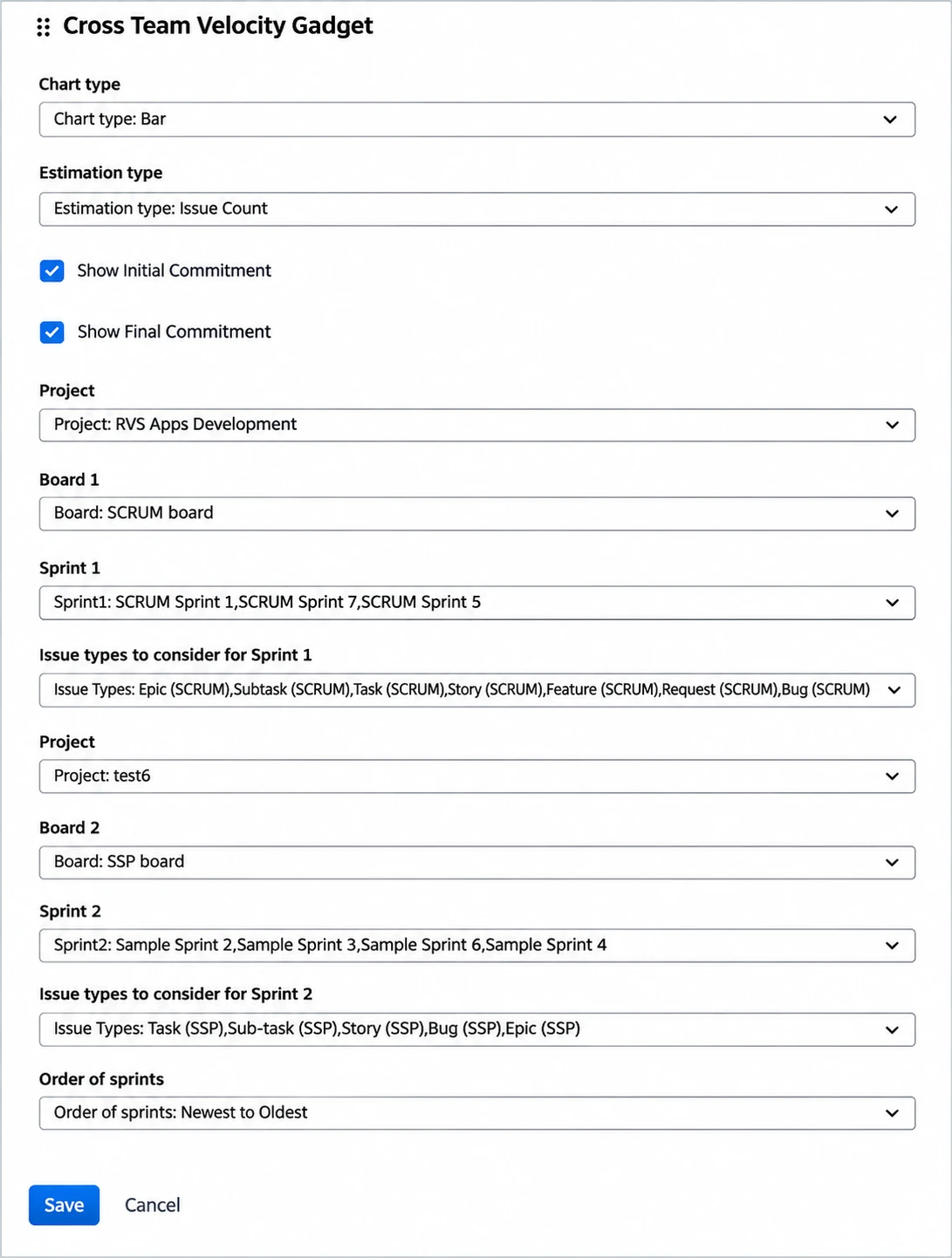
A real dependency scenario is often the best test. Choose upcoming work involving more than one team, then ask participants to trace the relationship, update an assumption and discuss a change in the shared view. A short pilot can show whether people can understand the plan without needing a lengthy explanation.
Atlassian Marketplace apps can extend Jira when native views do not provide the visual planning, structured content or collaboration support your teams need. Our app portfolio is designed around workflows such as these, helping teams present connected work in ways that are easier to discuss.
Bring Dependency Planning Into Your Next Sprint
Cross-team dependencies become easier to manage when they are visible, owned and discussed before work is committed. Jira Agile planning tools can give teams a shared picture of connected work, but the routine around that picture is what keeps plans honest.
For your next planning session, identify one upcoming dependency, capture it clearly in Jira and assign responsibility for keeping it current. Then review it with the teams affected and agree on what needs to happen before the commitment is confirmed.
Make Dependency Planning Easier Across Teams
RVS Softek offers Jira Agile planning tools designed to help teams bring shared work into clearer view. Our apps support more structured planning conversations when several teams contribute to the same outcome. To discuss which options suit your workflow, contact us.
Written by the team building RVS Softek's apps for Jira and Confluence.
Ask us a questionMore from the blog
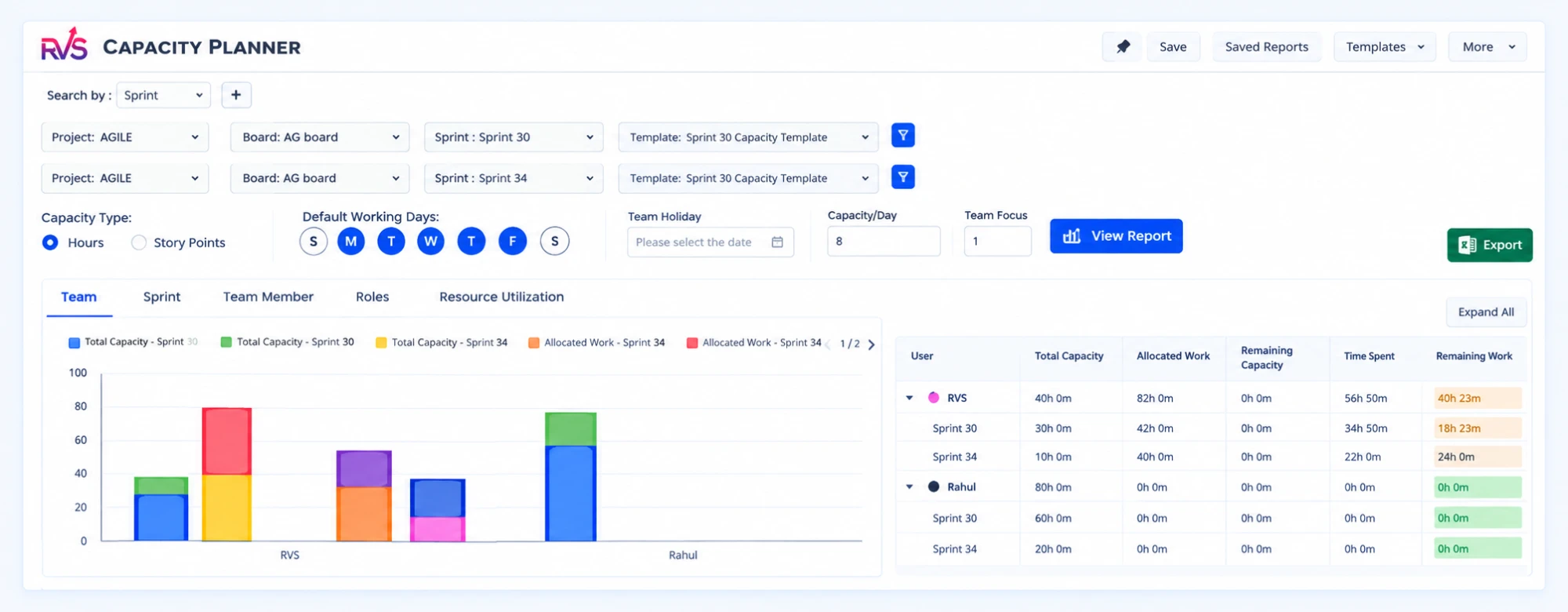
Improve Sprint Delivery With Jira Capacity Planning
Learn why sprint commitments fall short and how Jira capacity management software helps teams balance workloads, plan realistically, and deliver reliably.
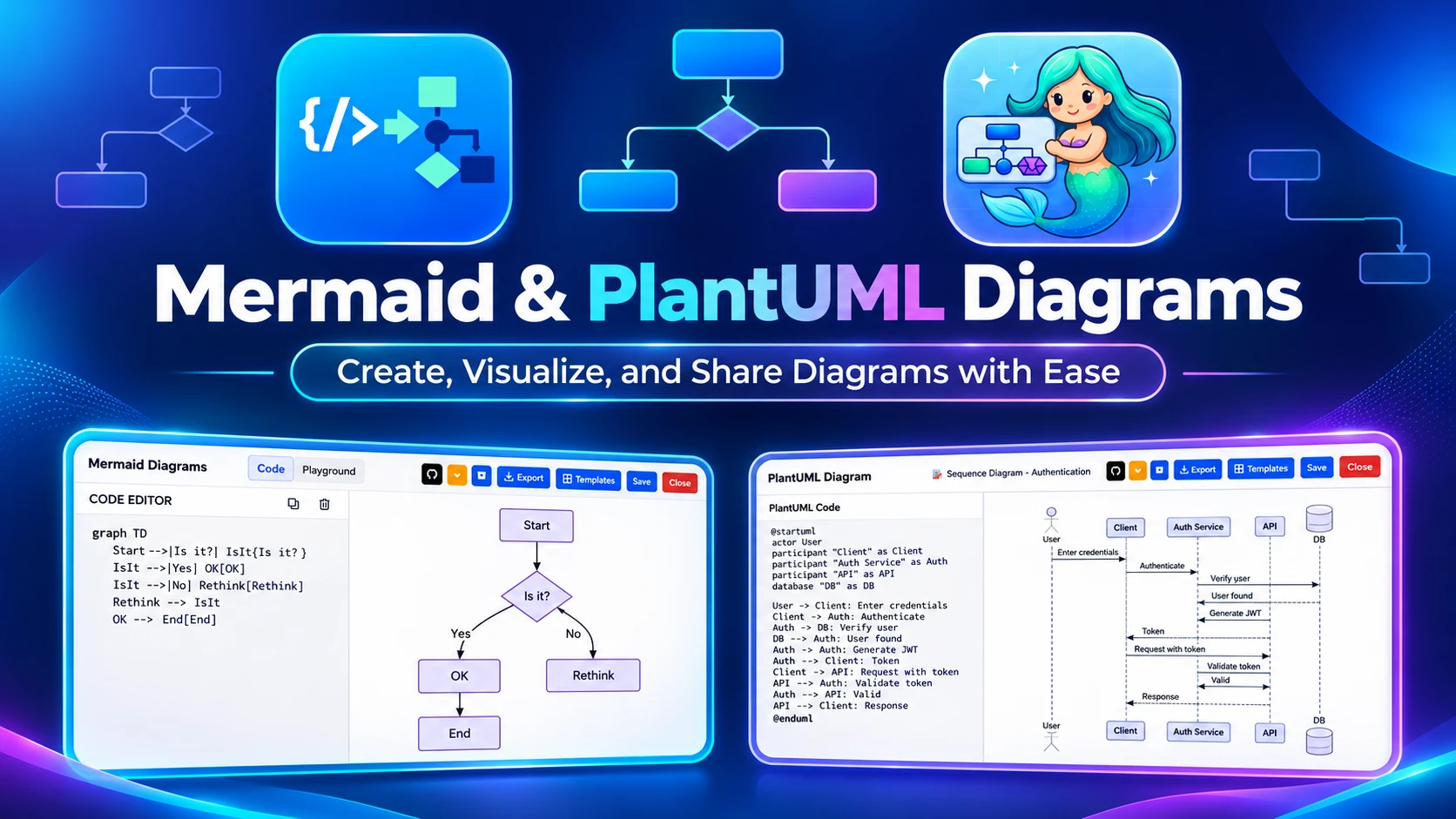
Visualize Incident Escalations With Confluence Apps
Learn how teams use Confluence diagram apps to map incident escalation paths, clarify ownership, and document response workflows for faster coordination.
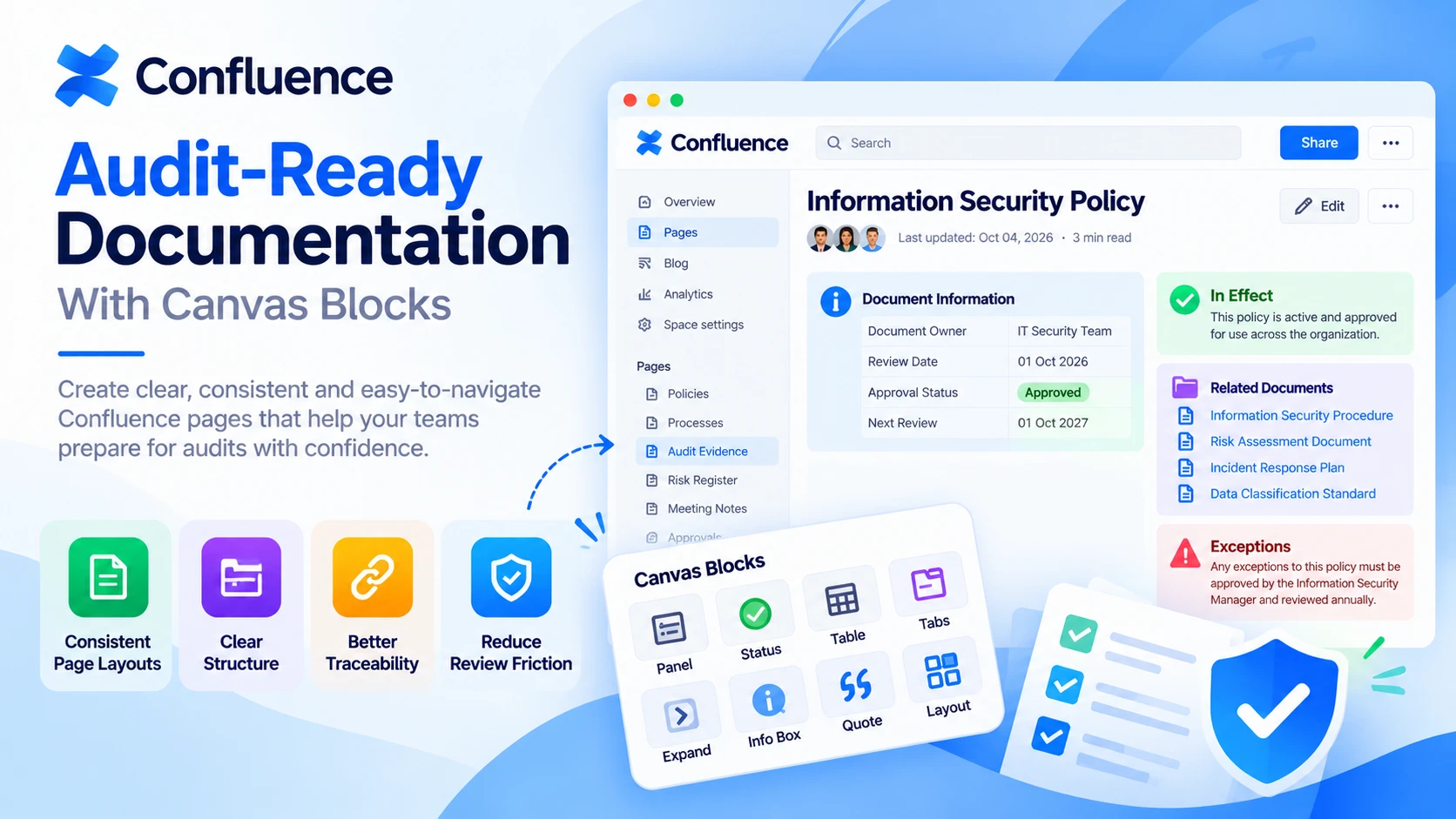
Audit-Ready Documentation With Confluence Formatting
Learn how Confluence page formatting apps create clearer, more consistent documentation that helps teams prepare evidence and navigate audits with confidence.
Find the RVS Softek app your team needs
Browse the catalogue for Jira, Confluence and monday.com — or install straight from the Atlassian Marketplace and start a free trial in minutes.
- Free trial on every paid app
- Runs on Atlassian
- Support in one business day
18 apps · 2,010+ installs · Runs on Atlassian