
Speed Up Confluence Reviews With Mermaid Diagrams
Learn how Mermaid diagrams for Confluence turn complex ideas into clear visuals, streamline feedback and help teams complete documentation reviews faster.
Published
Sep 28, 2026
Topic
Confluence
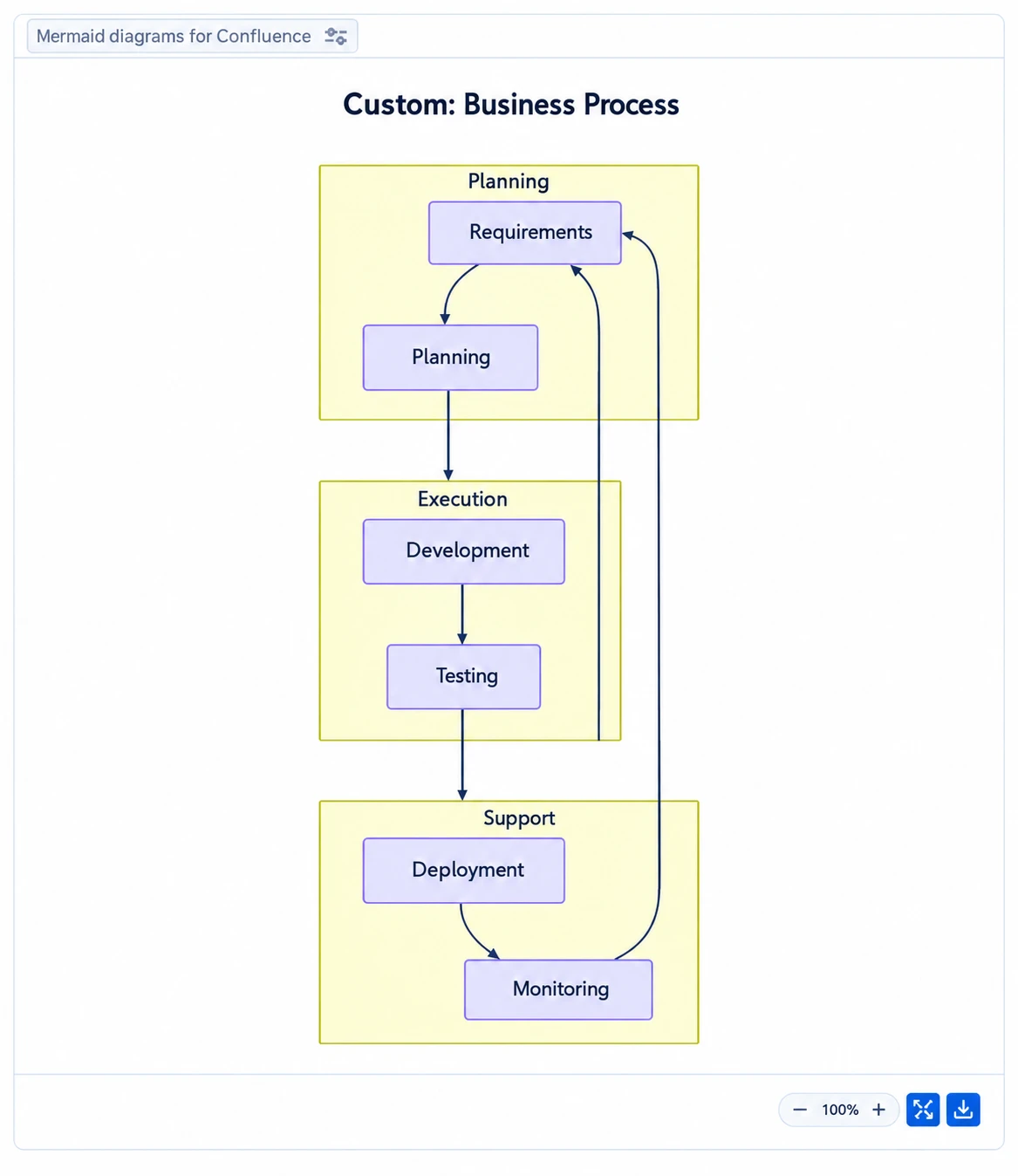
Turn Complex Pages Into Faster Review Conversations
Mermaid diagrams for Confluence can turn long explanations into visuals that people can scan and discuss quickly. When a project update, service process or technical document is packed with text, reviewers may interpret the same words in different ways. A clear diagram places the process, decision or dependency in front of everyone.
At RVS Softek, we see how useful this can be when teams are reviewing sprint work, service activity and documentation sign-offs. Keeping a diagram beside the written context means you do not need to switch between separate tools to understand what is happening. For distributed teams moving towards a busy Q4 period, that shared view can support clearer handovers, quicker approvals and more focused planning conversations.
Understand the Mermaid Building Blocks That Matter
Mermaid is a text-based diagramming language. Instead of drawing boxes and lines by hand, we write simple syntax that creates a visual diagram. This makes it approachable for project managers, developers, service teams and documentation owners who want to explain a process without needing design skills.
A useful Mermaid diagram often begins with a few simple parts:
- Nodes represent a task, team, system or stage in a process
- Connectors show how one item relates to the next
- Labels explain decisions, actions or outcomes
- Subgraphs group related steps, such as work owned by one team
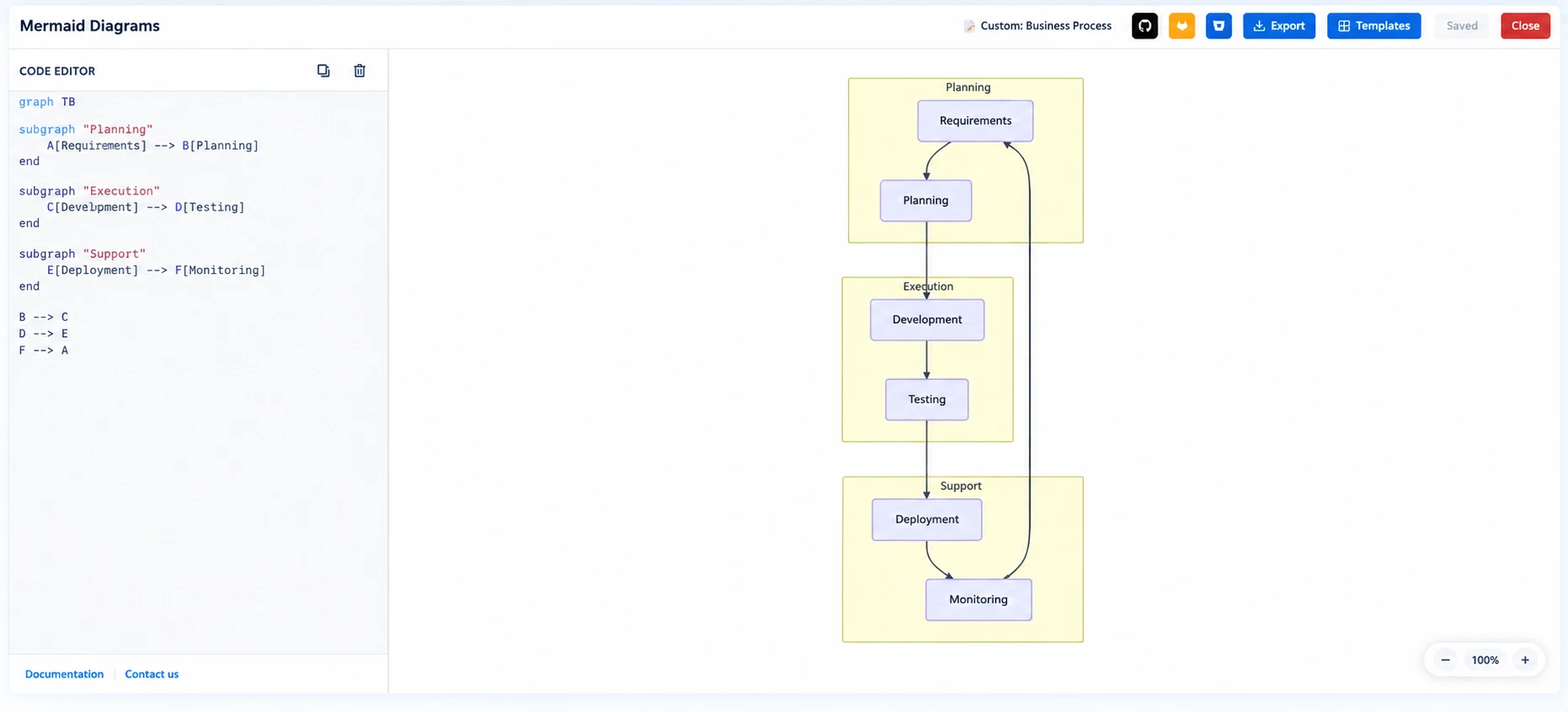
We recommend keeping these building blocks easy to read. A page does not need a diagram for every detail. It needs a diagram that helps reviewers answer a clear question, such as "What happens next?" or "Who owns this decision?"
Different formats suit different discussions. Flowcharts show a process and its decision points. Sequence diagrams show the order of communication between people or systems. Gantt charts show work over time, while class and state diagrams can support technical documentation. Experience maps can show how a person moves through a service or process.
The best choice depends on the review in front of you. If a team needs to spot a handover gap, a flowchart may be enough. If they need to understand an integration issue, a sequence diagram is likely to be clearer.
Create Mermaid Diagrams for Confluence with Confidence
Strong diagrams start before any syntax is written. We suggest deciding what the review needs to achieve first. Are you seeking approval for a release process? Clarifying an incident escalation route? Checking dependencies before a delivery commitment? That goal guides what belongs in the diagram and what can stay in supporting text.
From there, we encourage a simple process:
- Write down only the main steps, roles or systems involved
- Put the steps in a logical order
- Create the Mermaid syntax for that smaller version first
- Add the diagram to the relevant Confluence page with a short explanation
- Refine it after feedback from the people who use the process
Short labels make a major difference. Instead of using a long sentence inside a node, use a clear action such as "Review request" or "Approve release". Consistent names also help. If you call a team "Service Desk" in one node, avoid changing it to "Support" elsewhere unless those are genuinely different groups.
We also recommend choosing one direction for the flow, either top to bottom or left to right. This helps readers follow the diagram without stopping to work out where to look next. Including every exception can make a visual harder to review, so link to detailed policy notes where needed rather than squeezing everything into one chart.
Before sharing, ask someone who does not know the process well to read it. If they cannot identify the decision points, owners or outcome, it may need simplifying. Colours and symbols can help, but they should never be the only way a reader understands meaning.
Match Diagram Types to Review Decisions
Flowcharts are often the best starting point because they make workflows easy to follow. We use them to help teams review approval routes, onboarding steps, incident response processes and service request paths. A well-structured flowchart can show where work waits, where a decision is needed and whether a step is missing.
Sequence diagrams are especially helpful in technical and cross-functional reviews. They show who communicates with whom, and in what order. For example, a sequence diagram can clarify how a user request moves between an application, an API, a service team and a Jira Service Management workflow. That can make escalation routes and integration discussions much easier to review.
For planning and agile delivery reporting, Gantt charts and dependency-focused diagrams can bring timing into view. We find they help project leads discuss competing priorities, blocked work and activities that need attention before Q4 commitments are confirmed.
Use the format that answers the decision at hand:
- Choose a flowchart for steps, choices and approval points
- Choose a sequence diagram for communications and system interactions
- Choose a Gantt chart for timelines, workload and planned delivery
- Choose a dependency diagram when one piece of work affects another
The diagram should guide the conversation, not become the conversation. If reviewers leave with a clearer decision and agreed actions, it has done its job.
Keep Diagrams Accurate, Accessible and Useful
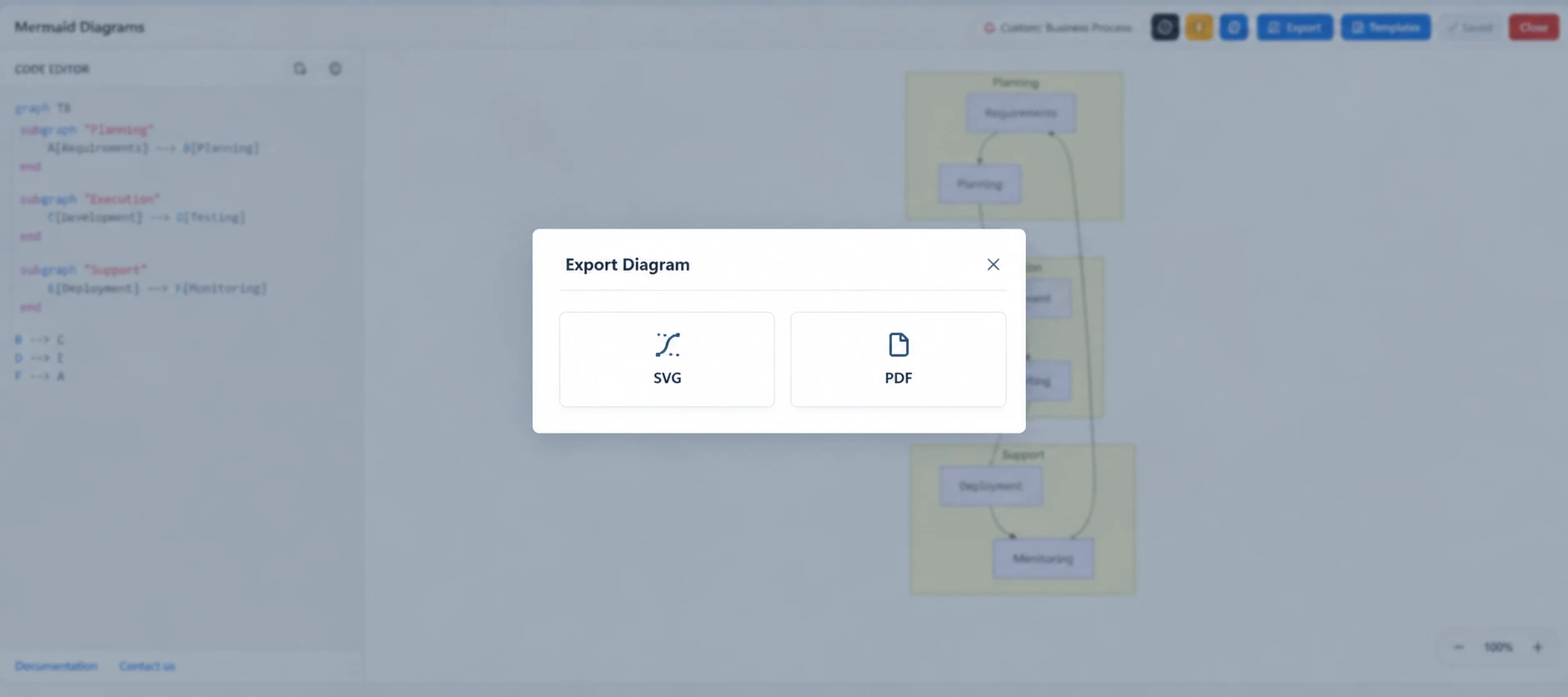
Mermaid diagrams for Confluence work best as living documentation, not one-off pictures that slowly become outdated. We recommend assigning an owner for important diagrams and reviewing them when Jira issues, service processes or delivery plans change. An old process map can cause as much confusion as a page with no map at all.
Accessibility matters too. Use readable labels, meaningful titles and clear supporting text below the diagram. Someone viewing a page on a smaller screen should still understand the main message. Avoid relying on colour alone to show urgency, status or ownership, since not every reviewer will see colour in the same way.
Good governance keeps diagrams useful over time. Use approved team terms, avoid exposing sensitive operational information and connect the diagram to the documents that explain exceptions or detailed rules. This gives reviewers a quick visual summary while keeping the fuller context available when they need it.
Make Your Q4 Review Cycle Easier
A well-chosen Mermaid diagram can replace a lengthy explanation with a shared view of what matters. The strongest diagrams focus on one review decision, use a format that fits the question and remain connected to current Confluence documentation.
Start with one high-value process, such as a release approval workflow, incident escalation path or delivery dependency map. As discussions become faster and more focused, you can apply the same approach across project reviews, service reviews and documentation sign-offs.
Make Every Review Easier To Follow
At RVS Softek, we help teams design Mermaid diagrams for Confluence that turn complex workflows into clear, review-ready visuals. Our approach keeps diagrams practical, consistent and simple to maintain as processes change. To discuss your Confluence requirements with our team, contact us today.
Written by the team building RVS Softek's apps for Jira and Confluence.
Ask us a questionMore from the blog
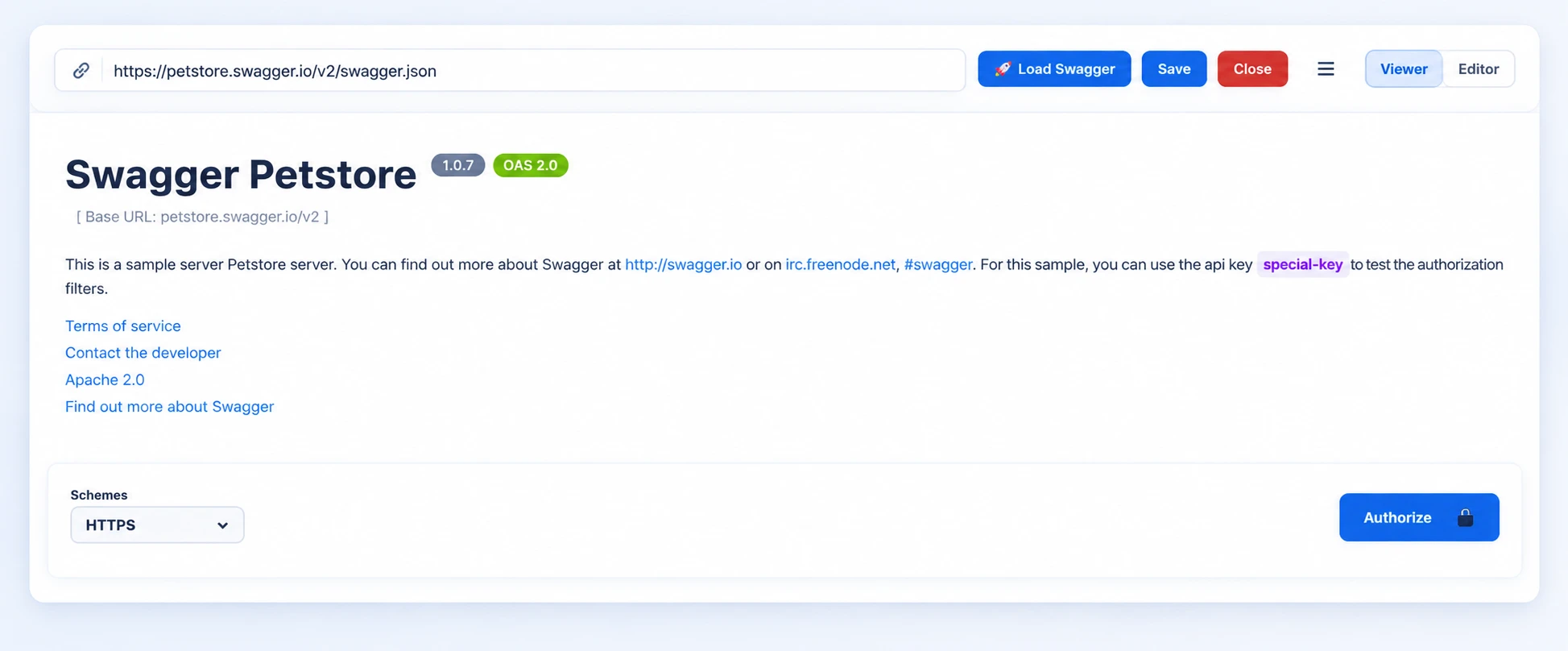
Can Live Swagger Documentation Reduce API Review Delays?
Speed up approvals and reduce rework with Swagger API documentation in Confluence that stays current, clear, and easy for reviewers to access.
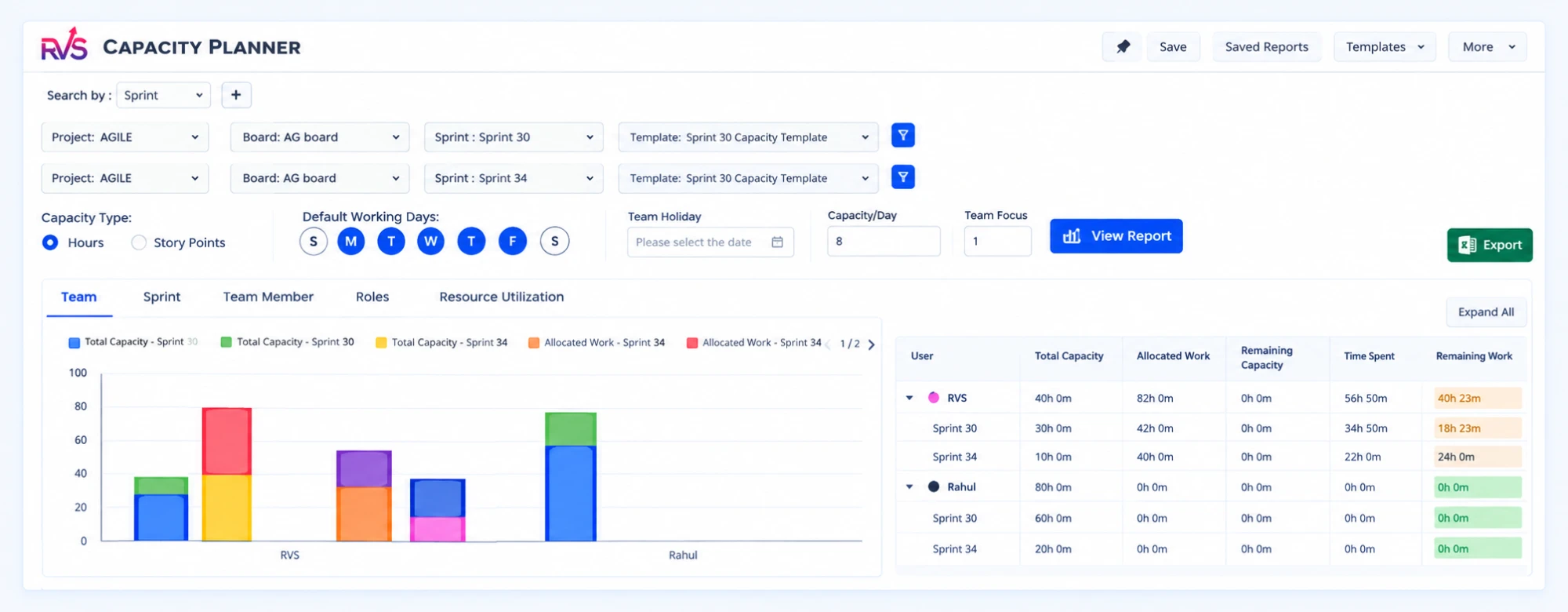
Improve Sprint Delivery With Jira Capacity Planning
Learn why sprint commitments fall short and how Jira capacity management software helps teams balance workloads, plan realistically, and deliver reliably.
Admin Rescue Kit: Master JQL to Solve Data Chaos & Restore Structural Integrity
When your Jira instance looks fine on the surface but the data no longer adds up, structural integrity has failed. This admin rescue kit uses JQL as a systemic diagnostic utility — five phases to audit your instance, validate hierarchies, clean up data decay, and move from manual fixes to a self-healing system.
Find the RVS Softek app your team needs
Browse the catalogue for Jira, Confluence and monday.com — or install straight from the Atlassian Marketplace and start a free trial in minutes.
- Free trial on every paid app
- Runs on Atlassian
- Support in one business day
16 apps · 1,873+ installs · Runs on Atlassian