Agile teams using Jira often follow the basics but still struggle with visibility, planning accuracy, and workflow efficiency. This blog covers 10 advanced strategies to improve Agile project management in Jira, helping teams streamline workflows, optimize sprint planning, and make better decisions with data-driven insights.
Let's be honest: If you've been running sprints for a while, you already know the basics. You've got your board set up, your team knows what a standup is, and everyone vaguely understands what agile project management is supposed to look like.
But knowing the theory and actually running a tight, efficient agile project in Jira? That's a very different thing.
Most teams are stuck somewhere in the middle, doing agile but not getting the full benefit. Sprints still feel chaotic at the end. Retrospectives keep surfacing the same problems. Stakeholders keep asking, "When will this be done?" even though you have a board full of tickets.
This guide is for those teams. We're skipping the intro-level stuff and going straight into what actually moves the needle.
What is Agile Project Management?
Before we get into Jira specifics, it's worth quickly grounding this, because "agile" gets thrown around so loosely that it's easy to lose sight of what an agile project is actually trying to do.
Agile project management is built on one core idea: instead of planning everything upfront and hoping it goes right, you work in short cycles, ship something real, learn from it, and adjust. That's it. The ceremonies, the boards, the story points, they're all just tools to support that loop.
An agile project breaks big goals into small, deliverable chunks. The team stays flexible, keeps communication tight, and responds to change rather than fighting it. Compare that to waterfall, where you write a 40-page requirements doc in January and discover in November that half of it was wrong.
Jira was built with exactly this workflow in mind: sprints, backlogs, velocity tracking, and board views. But here's the thing: Jira is only as good as how you use it. And most teams are leaving a lot on the table.
So, How Do You Actually Make Agile Work Better in Jira?
The honest answer is, it's not one big change.
It's a collection of smaller, smarter habits that stack on top of each other. Fix how you groom your backlog, and sprint planning gets easier. Improve your workflow statuses, and standups get more honest. Start using your velocity data, and stakeholder conversations get less stressful.
Each strategy below targets a specific friction point that slows agile teams down in Jira. Some you can implement today. Some take a sprint or two to roll out properly. But all of them move you toward the same goal, an agile project that actually runs the way it's supposed to.
Let's get into it.
Top Jira Strategies to Boost Your Agile Project Management
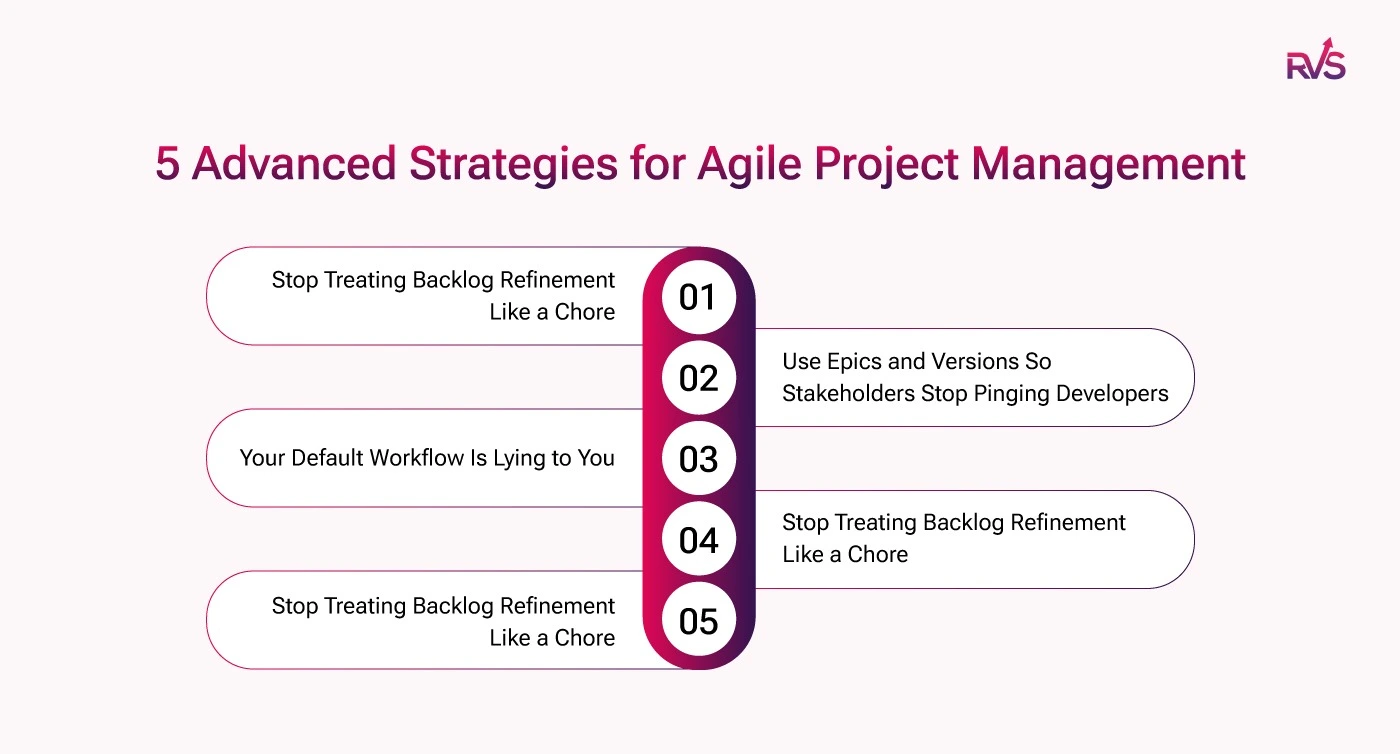
1. Stop Treating Backlog Refinement Like a Chore
Sprint planning shouldn't feel like an emergency. But on most agile teams, it does;
The backlog is half-vague
Stories are oversized
And acceptance criteria are missing.
The next two hours become a negotiation instead of a plan. The fix is simpler than you think. Do your refinement mid-sprint, not the night before planning.
What good refinement looks like:
Block a dedicated hour with the right people present
Break oversized stories into sprint-ready chunks
Write clear acceptance criteria before planning the day
Estimate while the context is still fresh
In Jira, use the Backlog view to:
Reorder priorities by dragging stories up or down
Flag anything that isn't sprint-ready
Keep your next sprint's candidate list clean and visible
When planning day arrives, you should be confirming a plan, not building one from scratch.
2. Use Epics and Versions So Stakeholders Stop Pinging Developers
Every "hey, quick question, when is Feature X shipping?" message has a hidden cost. Someone's flow gets broken. A developer context-switches. And it happens multiple times a day, on every team.
Epics and versions in Jira exist to prevent exactly this.
Set them up right:
Map each epic to a real business goal, not just a feature cluster
Use versions (releases) to group work that ships together
Keep the roadmap updated so it reflects what's actually happening
The result:
Stakeholders can check progress themselves without pinging anyone
Status questions get answered before they're asked
Developers stay in flow longer
There's also a quieter benefit for the team itself. When daily ticket work is visibly connected to a larger goal, people engage with it differently. Knowing why a story matters changes how carefully it gets built.
3. Your Default Workflow Is Lying to You
To Do → In Progress → Done. That's Jira's default, and it tells you almost nothing about where work actually is.
Think about what really happens to a ticket. It gets developed, then sits waiting for code review. Then it moves to QA. Then it waits for a deployment window. Then it's deployed but not yet verified in production. All of that nuance collapses into "In Progress" and disappears.
Replace the defaults with statuses that reflect your real process:
In Review
QA Testing
Blocked
Ready to Deploy
Deployed
Then add transition rules to enforce the process:
A ticket can't move to Done unless a QA sign-off field is filled
Blocked tickets trigger a notification to the team lead
Ready to Deploy requires a linked pull request
The difference is immediate. Your board stops being a vague to-do list and becomes an actual workflow map. Bottlenecks become visible the moment they happen, not two days later in a standup.
4. Automate the Busywork (Your Team Will Thank You)
How much time does your team spend updating Jira tickets instead of actually doing the work? More than you think. And most of it is completely unnecessary.
Jira's automation engine lives under Project Settings → Automation. No code required. Just trigger-based rules that keep your board accurate without anyone having to manually maintain it.
A few rules worth setting up straight away:
Pull request merged → ticket moves to In Review automatically
All sub-tasks closed → parent story closes too
Ticket marked Blocked → Slack message fires to the team channel
Sprint ends with open tickets → assignee gets a summary notification
None of these take more than a few minutes to configure. But together they solve something bigger than saved clicks.
What you actually get:
A board that stays accurate without manual upkeep
Decision-making data you can actually trust
Less context-switching for developers
Fewer "Can you update the ticket?" messages in chat
When the busywork runs itself, the team focuses on the work that matters.
5. An 8-Point Story Is Just Two 4-Point Stories Wearing a Coat
If a story gets estimated at 8 points, treat it as a signal, not a final answer. Large stories stall because they are doing too many things at once, or because different parts need different people. The first instinct should always be to split.
When splitting genuinely is not possible, sub-tasks are how you make the work visible.
In Jira, sub-tasks let you:
Assign front-end, back-end, and QA work to different people
Track each piece independently through the board
Surface progress in reports without waiting for the parent story to close
So instead of one developer owning a 10-day block of work, you have three focused sub-tasks, each moving forward on their own.
It also transforms standups. Compare these two updates:
"I'm working on the checkout flow" — tells you nothing
"I finished the API sub-task yesterday, picking up front-end validation today," — tells you exactly where things stand
The goal is visibility at every level. A story that looks stuck on the board is often actually moving underneath it.
Bonus Strategy: Get the Diagnostic Data You're Missing With RVS Agile Tools
Here's the thing about all strategies above: they're only as good as the data behind them. And native Jira, as good as it is, has some real blind spots when it comes to sprint diagnostics.
That's whereRVS Agile Tools for Jira by RVS Softek comes in. It's a single plugin that adds five focused reporting and visualization tools to Jira: Time in Status Report, Worklog Time Tracking & Timesheets, Epic Hierarchy, Link Hierarchy, and Gantt Charts.
Think of them as answers to the three questions every team asks after a rough sprint:
Where did the time actually go?
What was silently blocking us?
And when exactly did the timeline fall apart?
Native Jira tells you the sprint didn't go well. RVS Agile Tools tells you precisely why, without the enterprise price tag that usually comes with this level of insight.
For teams already working through the strategies in this guide, it's the layer that makes everything click.
Conclusion
None of this has to happen at once. Pick two or three of these strategies, try them in your next sprint, and see what changes. Then layer in more.
That's kind of the point of agile project management — you're not looking for the perfect system on day one. You're building a better process, one sprint at a time. The teams that ship great work consistently aren't the ones with the most elaborate setups. They're the ones that keep asking "how do we do this better?" and actually doing something about the answer.
And when you're ready for deeper sprint diagnostics than Jira gives you out of the box, RVS Agile Tools is worth a look, five powerful tools, one app, no enterprise budget required.
1. What are the best strategies to improve Agile project management in Jira?
The top strategies for improving Agile project management in Jira include optimizing sprint planning, using advanced Jira reporting tools, leveraging automation for repetitive tasks, prioritizing backlogs effectively, and utilizing Jira’s roadmap features for long-term planning.
2. How can I track team performance more effectively in Jira?
To track team performance effectively in Jira, use advanced reporting tools like the Velocity Chart, Burndown Charts, and Time in Status reports. Additionally, implement Jira dashboards to get real-time insights into your team’s progress and productivity.
3. What is backlog refinement, and how does it help in Jira?
Backlog refinement is the process of reviewing and prioritizing the items in the product backlog. It helps ensure that only the most important tasks are included in sprints, improving focus and delivery efficiency in Jira.
4. Can Jira help with resource management for Agile teams?
Yes, Jira Advanced Roadmaps allows for resource management by tracking team capacity, workload distribution, and sprint assignments. It helps project managers balance the workload and ensure teams are not overburdened.
5. How does automation improve Agile project management in Jira?
Jira automation helps reduce manual work by automatically transitioning issues, assigning tasks, sending notifications, and updating issue statuses. This ensures smoother workflows, faster response times, and more accurate project tracking.
6. What role does Jira Roadmap play in Agile project management?
Jira Roadmaps provide a visual representation of long-term planning, showing how initiatives, epics, and stories are progressing. They enable teams to plan, track, and deliver projects with greater foresight and clarity, helping align work with business objectives.
7. How can I enhance sprint planning in Jira?
Enhance sprint planning by prioritizing tasks effectively, setting achievable goals, and using Jira’s sprint report to analyze past performance. This helps teams plan sprints that are realistic, aligning with their capacity and velocity.
8. What advanced Jira reporting options can I use to track team performance?
For tracking team performance, use reports such as Sprint Reports, Velocity Charts, Time in Status, and Workload Reports. These reports give insights into progress, bottlenecks, and team productivity, allowing for better decision-making.
Recent Blogs
July 23, 2026
Jira Time in Status Report: Complete Guide for Project Managers







.webp)





