The Problem: Jira’s native workflows are solid, but teams often lack detailed reporting, planning insights, and automation as they scale.
The Shift: High-performing Jira teams enhance, not replace, Jira with plugins to unlock actionable time insights and workflow control.
The Fix: Use RVS Softek’s Worklog Time Tracking & Timesheet plugin to improve estimate vs. actual tracking, generate client-ready reports, and streamline time management.
Keep reading to: See how RVS Softek compares with Tempo, understand which plugin fits your team’s scope, and pick a scalable solution for agile time tracking.
If you're evaluating a Jira timesheet plugin in 2026, chances are Tempo Timesheets has already come up.
It dominates the Atlassian Marketplace, has the most reviews, the highest visibility, and a feature list long enough to look like it covers everything. While "dominant" is a popular choice, it doesn't necessarily mean it's the best fit for every team.
For many Jira Cloud teams, this distinction can be important, especially when considering the cost per user, per month, across the entire organization.
This is a practical Jira timesheet plugin comparison for 2026, specifically for Jira Cloud teams making a real purchasing decision.
Disclaimer: Product information presented on this page is collected from publicly available sources, including official documentation and marketplace listings. Product names, logos, and trademarks are the property of their respective owners and are used for identification purposes only
Why So Many Teams Get This Decision Wrong?
The market for Jira time tracking plugins has split into two distinct categories, and the problem is that most teams don't realize it when they're buying. They are:
Enterprise cost-management platforms, tools built for finance teams, CapEx/OpEx tracking, budget burn reporting, and compliance.
On the other hand, workflow tools are focused on workflow tools built for teams that need one thing: to log hours, compare them to estimates, and get a clean report.
Tempo sits firmly in the first category, while Worklog Time Tracking & Timesheet sits in the second. The challenge is that many companies believe they need enterprise tools to manage their workflows, whereas the reality is that the best solution depends entirely on what their specific workflow actually requires.
The trap: comprehensive ≠ useful
If your primary question is "did my team log their time accurately, and did the estimates hold up?", you don't need complex features like advanced reporting tools or intricate approval workflows. You need a simple, clean Jira timesheet plugin that works right from the start.
This distinction shapes everything below:
Pricing
Setup Complexity
Daily usability
And ultimately, whether your team actually uses all the features you paid for.
What Each Tool Is Actually Built to Do?
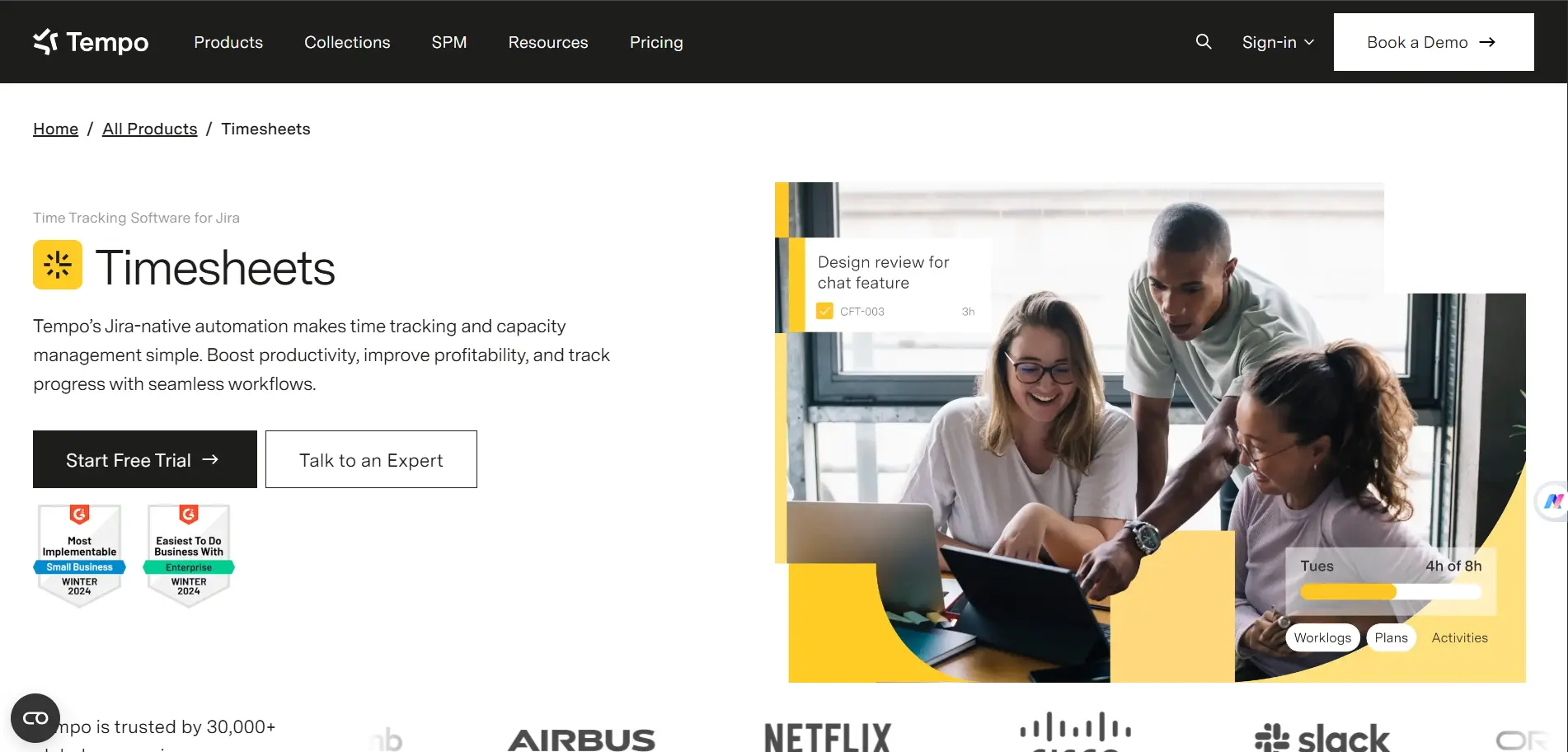
1. Tempo Timesheets:
It is a project cost management platform that includes time tracking. It's designed for organizations that need to track budget burn, classify time across financial categories, run approval workflows tied to payroll, and generate audit-ready reports for finance teams.
Other Features:
It integrates with VS Code, GitHub, and JetBrains to enhance the existing workflow.
It has AI-assisted logging suggestions.
It supports CapEx/OpEx classification.
Note: These are real capabilities for teams that genuinely need them.
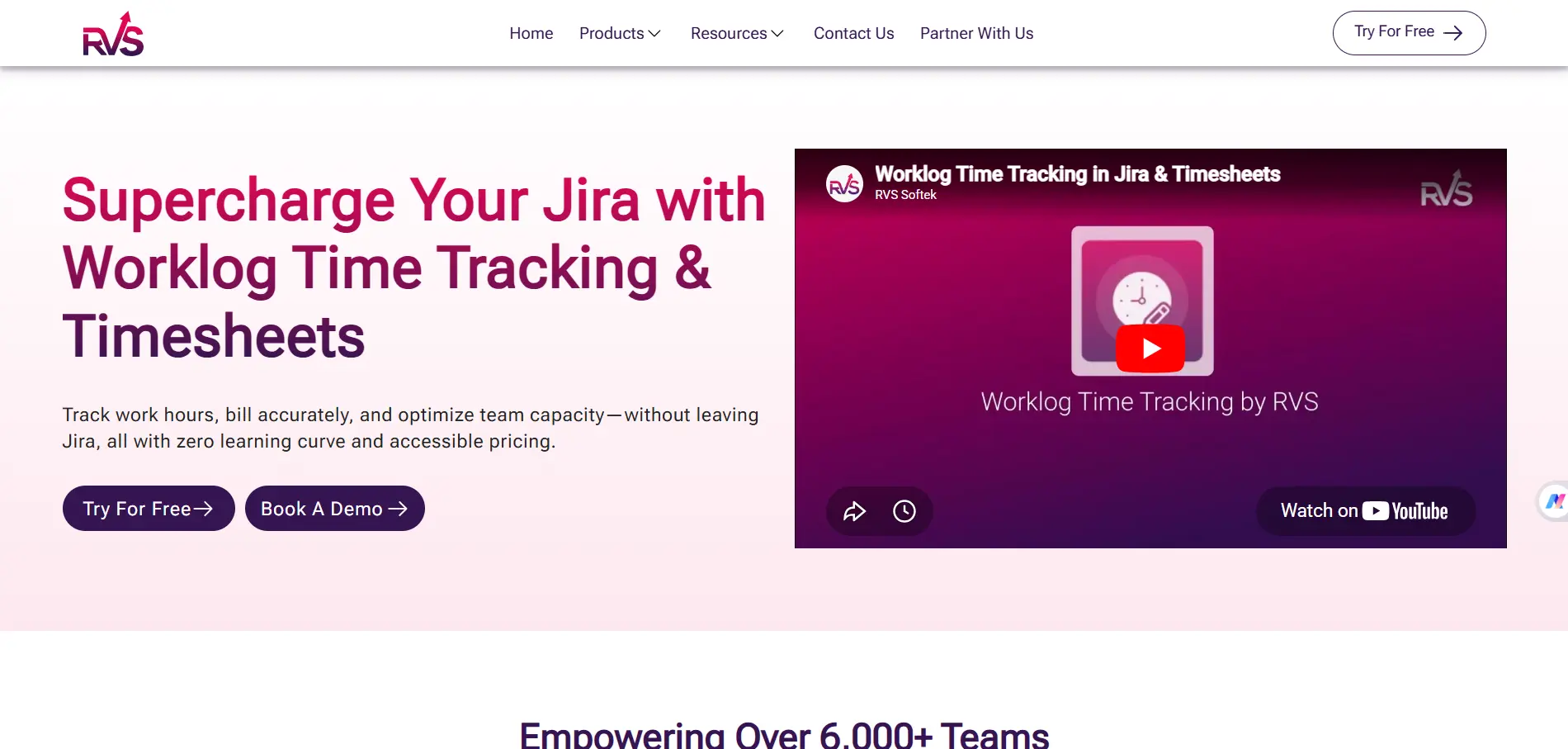
2. Worklog Time Tracking & Timesheet(RVS Softek):
It is a Jira timesheet plugin, full stop. It's built around one mission: make it easy for teams to log time, see how it compares to estimates, and produce clean reports your stakeholders can actually read. No financial modules.
No AI configuration layer. No onboarding sessions. It's the best Jira timesheet plugin for agile teams that want to start tracking on the day they install it, and that's exactly the scope it's designed for.
XLS & CSV export; clean timesheet views; worklog reports ready to hand to clients
Pricing: Where the Real Cost Difference Shows Up
Tempo Timesheets: It charges $10 per user per month, licensed across your full Jira user count. For a team of 50, that's $500 a month or $6,000 a year. For 100 users, you're at $12,000 annually. The price reflects what Tempo is: a full financial management platform. If you're using all of it, the cost may be justified.
Worklog Time Tracking & Timesheet: It starts at $0.35 per user per month on the Standard plan. The Advanced plan, which adds up to 10 custom worklog attributes, is $0.50 per user per month. Both include a free trial. For teams looking at Jira timesheet best plugins without enterprise pricing, the difference is significant.
The question worth asking before you decide isn't "which is cheaper?", it's "which features am I actually going to open?"
If your team logs time, compares it to estimates, and exports reports, then paying for AI suggestions and CapEx/OpEx classification every month is an additional cost for you.
What You Get with Worklog Time Tracking & Timesheet
This is the complete feature set. No extra modules, no upsell, no configuration required before you begin:
Worklog reports: See where time went by issue, project, or team member. Export in one click when a client or manager asks.
Timesheet views: Clean, structured timesheets across your team, already formatted the way stakeholders expect.
Estimate vs. actual: Every issue shows the original estimate next to the actual logged time. Spot estimation drifts.
Advanced filters: Filter by project, sprint, issue type, assignee, or date range. Export to XLS or CSV, ready for billing or resource reviews.
Billable hours tracking: Track billable vs. non-billable time precisely and generate client-ready billing reports.
Worklog attributes: Customize worklog entries with attributes like project, sprint, issue type, and more to match your team's unique workflow.
Which Jira Timesheet Plugin Is Right for Your Team?
Be direct with yourself about what your team actually needs. The wrong Jira timesheet plugin tool doesn't just cost money; it costs adoption.
Tempo makes sense if your organization has hard finance requirements inside Jira CapEx/OpEx classification, cost code tracking, manager approval chains tied to payroll or billing, GDPR and SOC2 compliance, or AI-assisted time capture across GitHub, Outlook, and Slack. If that describes your environment, Tempo is built for it.
RVS Worklog makes sense if your problem is simpler, and simpler is completely fine. It's the best Jira timesheet plugin for agile teams whose primary need is accurate time logging, estimate comparison, and clean reporting. Support, ops, and engineering teams that don't need a financial management layer get everything they need and nothing they don't.
Conclusion
Evaluating Jira timesheet best plugins ultimately comes down to scope. Tempo is a powerful platform, the right choice if you need enterprise financial management inside Jira. RVS Worklog Time Tracking & Timesheet is the right Jira timesheet plugin if what you actually need is time tracking that works, reports that are ready to share, and pricing that scales with your team rather than against it.
Frequently asked questions
What is the best Jira timesheet plugin for agile teams?
RVS Softek’s Worklog Time Tracking & Timesheet plugin is ideal for agile teams. It offers clean time logging, estimate vs. actual tracking, and client-ready reports without unnecessary financial modules.
How does RVS Softek compare to Tempo Timesheets for Jira Cloud?
Tempo is a full enterprise cost-management tool, while RVS Softek focuses on simple, accurate time tracking. Teams who only need logging, reporting, and estimation insights benefit most from RVS Softek.
Can I export reports from RVS Softek’s Jira plugin?
Yes, you can export worklog reports and timesheet views in XLS or CSV formats. The plugin also lets you filter by project, sprint, issue type, or assignee for precise reporting.
Do I need training to use RVS Softek’s Worklog Time Tracking plugin?
No training is required. It’s plug-and-play: install, grant permissions, and start logging time immediately. Agile teams can track time from day one without onboarding sessions.
What features help track estimate vs. actual time in Jira?
RVS Softek highlights every issue’s original estimate alongside actual logged time. This makes spotting estimation drifts and reviewing team performance straightforward and actionable.
Is RVS Softek suitable for large Jira teams?
Yes, its pricing scales efficiently. Unlike enterprise tools like Tempo, RVS Softek offers flat-tier pricing starting at $0.35 per user per month, making it cost-effective for large teams.
Which Jira teams should choose RVS Softek over Tempo?
Teams that need accurate time tracking, clean reports, and quick adoption without enterprise financial features should choose RVS Softek. It’s best for support, ops, and engineering teams focusing on workflow efficiency.
Recent Blogs
July 23, 2026
Jira Time in Status Report: Complete Guide for Project Managers






.webp)
.webp)





