Native Jira shows you where an issue is now, never how long it sat getting there, so bottlenecks in "In Review" or "Code Review" stay invisible until they've already blown a deadline. A Jira time in status report closes that gap by reconstructing each issue's status history: how long work actually waited at every stage, how often it bounced backward, and where your cycle time really goes.
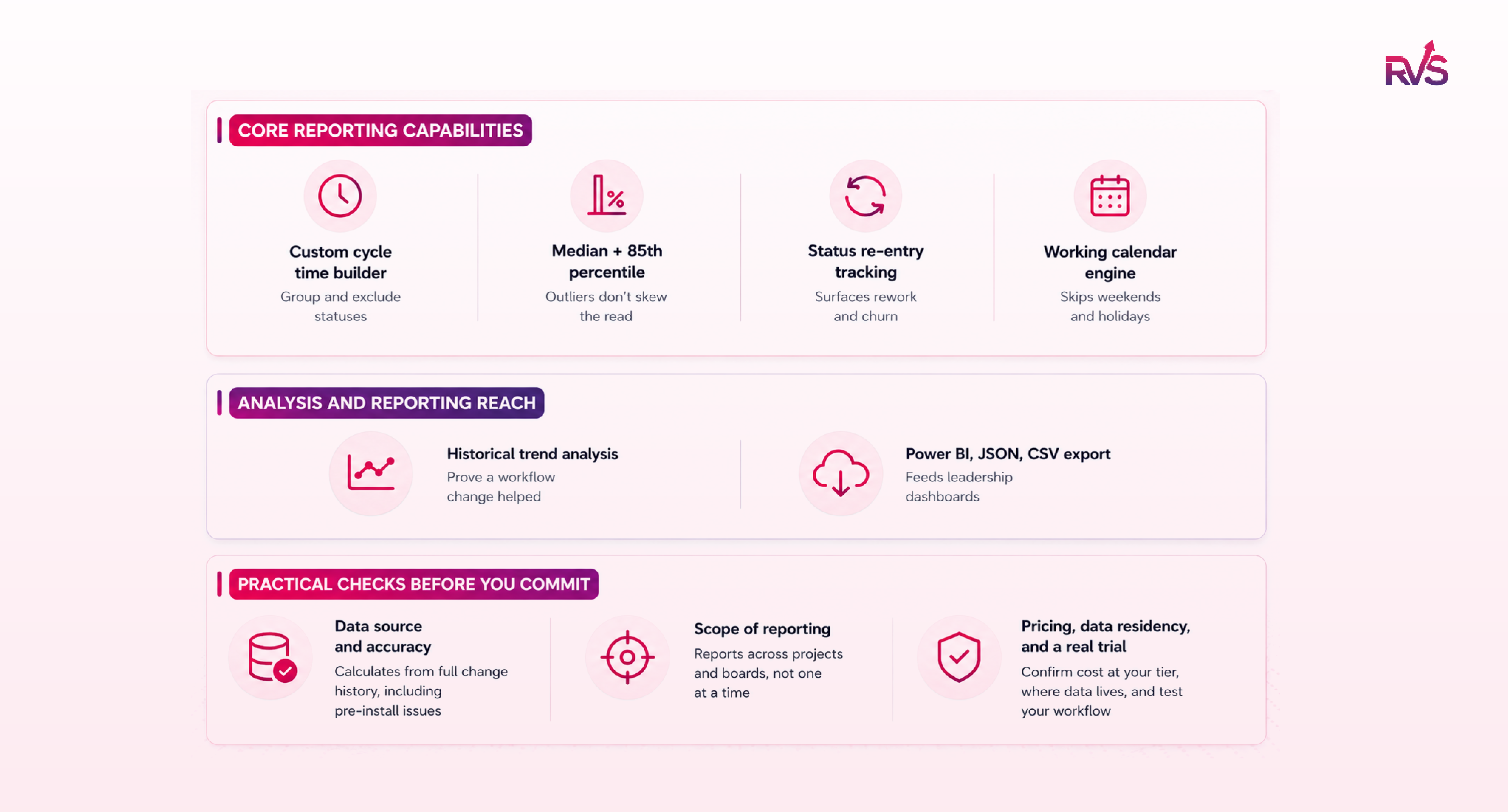
When choosing a plugin, start from the problem you're solving, then check for a custom cycle time builder, median and 85th percentile reporting (not just averages), status re-entry tracking for rework, a working calendar that ignores weekends, historical trend analysis, and export to Power BI, JSON, or CSV. Before committing, confirm it reads full change history, reports across projects, and fits your pricing tier, then trial it on your real workflow.
Four main Marketplace options: RVS Softek, SaaSJet, OBSS Timepiece, and Bloompeak.
Every project manager has answered "where did the week go?" with "let me check and get back to you." The reason that answer keeps happening is that Jira tracks an issue's current status but not its history, so the four days it spent stuck in "In Review" leave no trace you can pull up on demand.
A Jira time in status report reconstructs that history from each issue's status changes, showing how long work actually sat at each stage rather than how much time anyone logged. This guide covers what it measures, why native Jira can't produce one, the features worth demanding, and how the four main Marketplace options compare.
What Is Jira Time in Status?
Jira Time in Status is a metric that measures how long an issue remains in a given workflow status- To Do, In Progress, Code Review, Blocked- before it moves to the next one. It's calculated automatically from each issue's status-change history, not from anything a person manually enters.
That makes it fundamentally different from worklog data. Worklogs capture time a person logs against a task; Time in Status captures elapsed time in a status regardless of whether anyone touched the issue during it. An issue can sit in "In Progress" for a week with zero hours logged and still show five business days of elapsed time.
Teams use this metric because it's the only reliable way to answer where a workflow is actually losing time. Sprint velocity tells you what got done. Time in Status tells you what got stuck, and for how long, which is what makes a Jira time in status report the tool project managers reach for once estimates alone stop explaining why deadlines slip.
Why Project Managers Need a Jira Time in Status Report
You can't manage what you can't see, and native Jira gives you almost no visibility into where issues actually get stuck. An issue can sit in "In Review" for four days, and nobody notices until standup. By the time the sprint retro happens, the delay has already shipped late, with no early warning along the way.
Here's why a dedicated time in status report matters:
No native visibility into bottlenecks: Jira shows an issue's current status, not how long it lingered in each one. An issue stalling in "In Review" stays invisible until someone happens to notice it.
No built-in cycle time or lead time: Jira doesn't define or calculate these for you, so there's no easy way to measure how long work actually takes from start to finish.
No status duration or percentile breakdowns: There's no native report for median or percentile time in status, leaving you without the numbers to spot patterns across issues.
Rework goes uncounted: When an issue bounces back into "In Progress" three times, Jira only reflects its current state, hiding the churn behind it. The pattern that's actually slowing delivery stays invisible.
Estimates stay inaccurate: Without historical data on where time really goes, sprint planning runs on guesswork instead of evidence.
Locked away in change history: The data exists in each issue's change history, but the only way to surface it is pulling it through the REST API and calculating durations yourself, or installing a dedicated app.
No answer when it counts: When a stakeholder asks where the week went, "I'll check and get back to you" is a weaker answer than a report you can pull up in the meeting.
How to Choose a Time in Status Jira Plugin
Choosing the right Jira time tracking plugin depends on what your team actually struggles with, so start by knowing which problem you're solving. A team fighting missed deadlines needs different things than one trying to justify a process change to leadership. Use the criteria below to match a tool to your situation, not just to tick feature boxes.
Core reporting capabilities:
Custom cycle time builder: Jira doesn't define cycle time for you, so the tool should let you group any combination of statuses and exclude ones like "Blocked" or "On Hold" so the metric reflects real work time. Check whether you can save multiple definitions, since cycle time for a dev team and for a support queue rarely mean the same thing.
Median and 85th percentile reporting: Averages hide the truth when one stuck issue drags the number up. Percentiles tell you what most of your work actually experiences, which is what you commit to stakeholders. Treat this as non-negotiable if you're using the data for forecasting.
Status re-entry tracking: An issue that bounces back into "In Progress" three times is a rework signal a simple duration count won't surface. If reducing rework is your goal, this matters more than raw duration numbers.
Working calendar engine: Without it, a ticket sitting over a weekend or holiday gets counted as several days of active delay, inflating every metric. Confirm the calendar is configurable to your team's actual hours and regional holidays, not a fixed default.
Analysis and reporting reach:
Historical trend analysis: This is what lets you prove a workflow change helped instead of assuming it did. If you're trying to build a case for process changes, prioritize this over almost everything else.
Power BI, JSON, or CSV export: Needed so status-duration data can feed leadership dashboards without manual exports. Match the export format to the tools your organization already runs on, or the reports won't get used.
Practical checks before you commit:
Data source and accuracy: Confirm the app calculates from each issue's full change history, so it captures issues that existed before you installed it, rather than only tracking from the install date forward.
Scope of reporting: Check whether you can report across projects and boards, or only one at a time. This matters the moment you manage more than a single team.
Pricing model and data residency: Pricing usually scales with your Jira user tier, so confirm the cost at your license size. If your organization has data compliance requirements, verify whether the app processes data on its own servers or stays within your instance.
Trial before rollout: Most apps on the Atlassian Marketplace offer a free trial. Run your real workflow through it and confirm the numbers match what you'd expect before standardizing on it.
Best Jira Time in Status Plugins on the Atlassian Marketplace
Four apps stand out for status-duration reporting, each suited to a different need:
Time in Status Reports (RVS Softek)
SaaSJet (Time in Status)
OBSS Timepiece
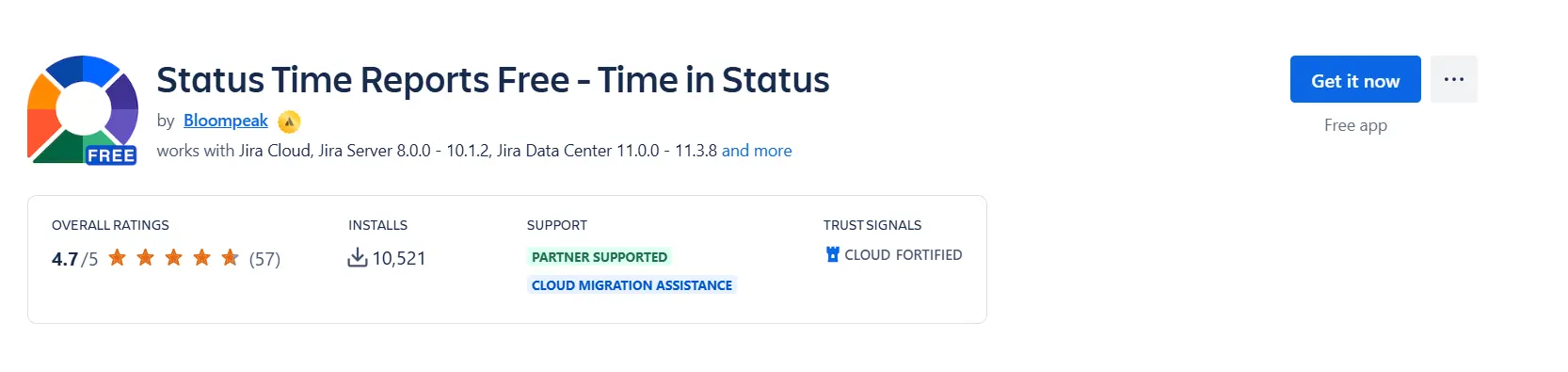
Status Time Reports Free (Bloompeak)
Let’s discuss each in detail.
1. Time in Status Reports by RVS Softek
RVS Softek'sJira time in status report app is built around one question: where is work getting stuck, and for how long? It ships with 20+ pre-built reports covering status duration, assignee time, and status re-entry counts, so there's no report-building required for common questions.
Best for: PMs, ops, and support teams who want deep workflow visibility without an enterprise configuration layer.
Pricing: $0.30/user/month on the Cloud plan; free trial available
Pros: Complete report library out of the box / Median and percentile SLA reporting built in / Native Power BI JSON feed / Under 10-minute setup, no training needed / Works on Jira Cloud and Data Center
Cons: No sprint velocity or workload planning; it's scoped to workflow analytics specifically
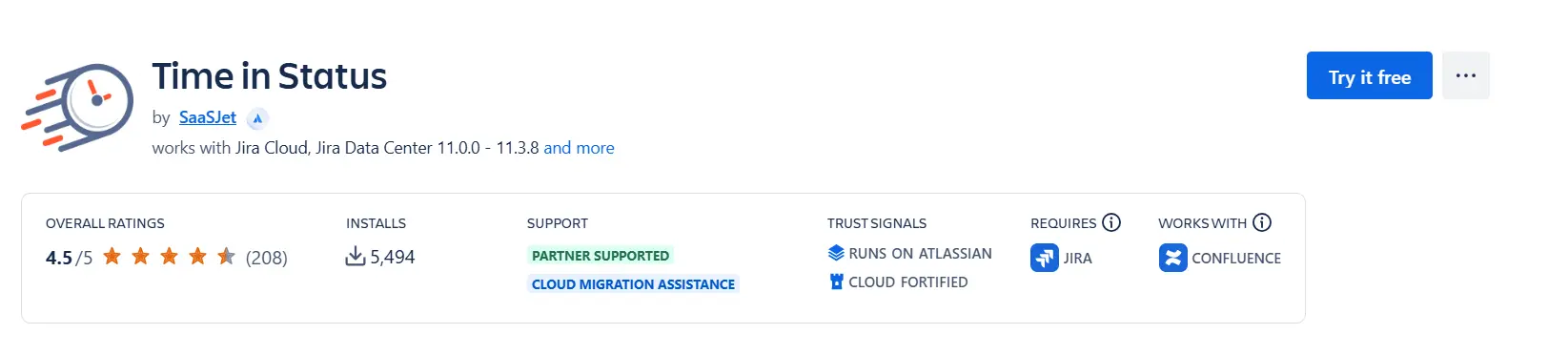
2. SaaSJet (Time in Status)
SaaSJet has grown into a full Agile reporting platform, and time in status is one module within it alongside sprint velocity, workload heatmaps, and an AI agent (Rovo) for flagged items. If your team wants status-duration reporting bundled with broader Agile delivery reporting, capacity planning across 50+ people, and Confluence or Google Sheets publishing, that scope is genuinely useful.
Best for: Teams that want time in status alongside sprint velocity, workload, and burndown in one platform
Pricing: $1.15/user/month Standard; Advanced from $1.27/user/month with dedicated onboarding
Pros: Broad Agile reporting beyond just status duration / AI-assisted blocker detection / Confluence and Google Sheets sync
Cons: Higher per-user cost reflects the full platform, not just status reporting / Steeper learning curve and multi-step configuration for the Advanced tier
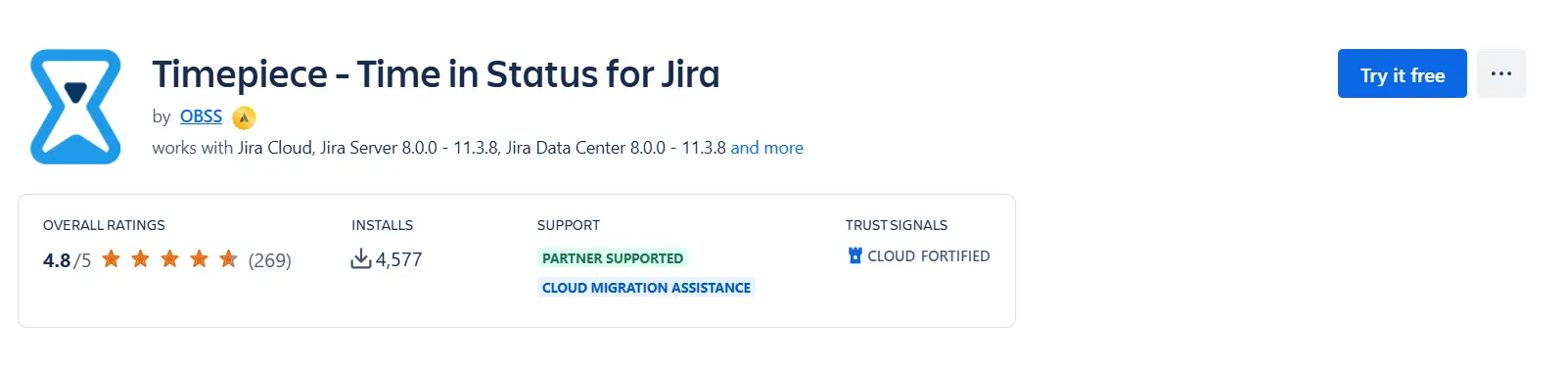
Timepiece is the oldest and most feature-rich time in status app on the Marketplace, built for enterprise-scale workflow analytics, scheduled report delivery, REST API pipelines, eazyBI integration, and AI-assisted configuration. For teams that need automation layered on top of reporting, it's a legitimate specialist choice.
Best for: Enterprise teams that need automated delivery and API integrations beyond core reporting.
Pricing: $1.20/user/month on the Cloud plan
Pros: Deepest feature set in the category, including Any Field Duration tracking / Scheduled alarms and REST API access
Cons: Data isn't processed natively within Jira via Forge the way some competitors' is.
This is the genuinely free option, and it's a real status-duration reporting tool, not a stripped-down demo. It generates time in status, time in assignee, status entry dates and counts, and cycle and lead time reports, with a dynamic status-grouping feature and two predefined working calendars. Reports export to CSV, and it adds as a dashboard gadget.
Best for: Small teams or individuals testing whether time in status reporting is worth paying for at all
Pricing: Free (rate-limited)
Pros: No cost at any team size / Real report variety, time in status, time in assignee, cycle time, lead time / CSV export and dashboard gadget included
Cons: Rate-limited to one report render per 10 seconds / Drops to 10-issue results if that limit is hit / No percentile, trend analysis, or Power BI export.
Conclusion
Native Jira shows you where an issue is, never how long it's been stuck getting there. That blind spot is what turns a four-day stall in "In Review" into a missed deadline nobody saw coming. A time in status report closes the gap, giving you the status durations, cycle times, and rework signals you need to spot bottlenecks before they ship late.
Start by naming the problem you're actually solving, whether that's missed deadlines, uncounted rework, or proving a process change worked, then match the plugin to it. Trial your top pick against your real workflow, confirm the numbers hold up, and you'll trade "I'll check and get back to you" for an answer you can pull up in the meeting.
Frequently asked questions
Is a Jira cloud time in status report the same as worklog data?
No. A time in status report tracks how long an issue sits in a given status; it has nothing to do with hours a user manually logs against a task. They're separate systems and can't be combined or imported into each other.
Can this kind of reporting calculate cycle time?
Yes, with the right tool. Look for a custom cycle time builder that lets you define your own start and end statuses and exclude non-work statuses like "Blocked," so the number reflects real work time rather than total elapsed time.
Does status-duration reporting account for weekends and holidays?
It should, if the tool includes a working calendar engine. Without one, a ticket sitting over a weekend gets counted as active delay, which distorts every duration metric downstream.
Can these tools identify recurring bottlenecks or rework?
Yes. Status re-entry tracking flags issues that bounce back into a prior status multiple times, a strong signal of rejection or rework that a simple duration count won't show on its own.
Do these tools integrate with Power BI?
Some do. A native JSON feed lets status-duration and cycle-time data flow directly into Power BI or another BI tool, so leadership dashboards update automatically instead of relying on manual exports.
Recent Blogs
July 23, 2026
Jira Time in Status Report: Complete Guide for Project Managers






.webp)
.webp)





