This blog explains why the worklog report in Jira is not enough for teams that rely on accurate time data. While it works for basic issue-level tracking, it lacks key capabilities like cross-project visibility, billable hour tracking, and team-level insights.
If your team logs time in Jira, you’ve likely used the worklog report in Jira at some point. It’s the default place to check who logged what, and how much time went into an issue.
But the moment you try to answer a simple question like “How many hours did each developer log across all projects this week?”, you hit a wall.
The Jira Cloud worklog report built-in feature gives a basic view of time tracking. It shows hours per issue or per project. That’s useful for sprint reviews or quick checks. But it stops there. You don’t get deeper insights, and you can’t shape the data the way teams actually need it.
Here’s the reality: the worklog report in Jira was never meant to act as a full timesheet. It’s a lightweight reporting tool, not a system for billing, capacity planning, or team management.
The worklog report in Jira shows time logged per issue, but cannot generate cross-project, per-user summaries, track billable hours, or export data. A Jira timesheet solves these gaps with advanced filters, billing attributes, reporting features, and converts your Jira worklog into a strategic asset.
What Does the Native Jira Worklog Report Actually Do?
Before diving into the gaps, it helps to understand what the worklog report in Jira is designed for.
At its core, the Jira Cloud Worklog Report built-in feature provides a simple breakdown of time logged against issues within a project. You can see how much effort went into specific tasks and get a rough idea of progress.
What does it do well?
Tracks time logged per issue
Supports sprint-level visibility
Works alongside agile reports like burndown and velocity charts
Helps teams understand effort distribution at a high level
For teams focused on sprint delivery, this works fine. The worklog report in Jira helps answer questions like:
How much time was spent on a task?
Which issues consumed the most effort?
Where does it need an Upgrade?
The moment you move beyond issue-level tracking, the worklogs time reports for Jira Cloud start to show limitations:
No cross-project aggregation
No multi-user comparison
No billing or cost tracking
No export capability
That’s because the worklog report in Jira is built for tracking work, not analyzing it at scale.
So what exactly are teams missing?
They are missing a detailed worklog report that doesn’t provide enough time tracking detail that are required to create a detailed report which you can share with your senior management.
Key Reason to Have a Jira Timesheet
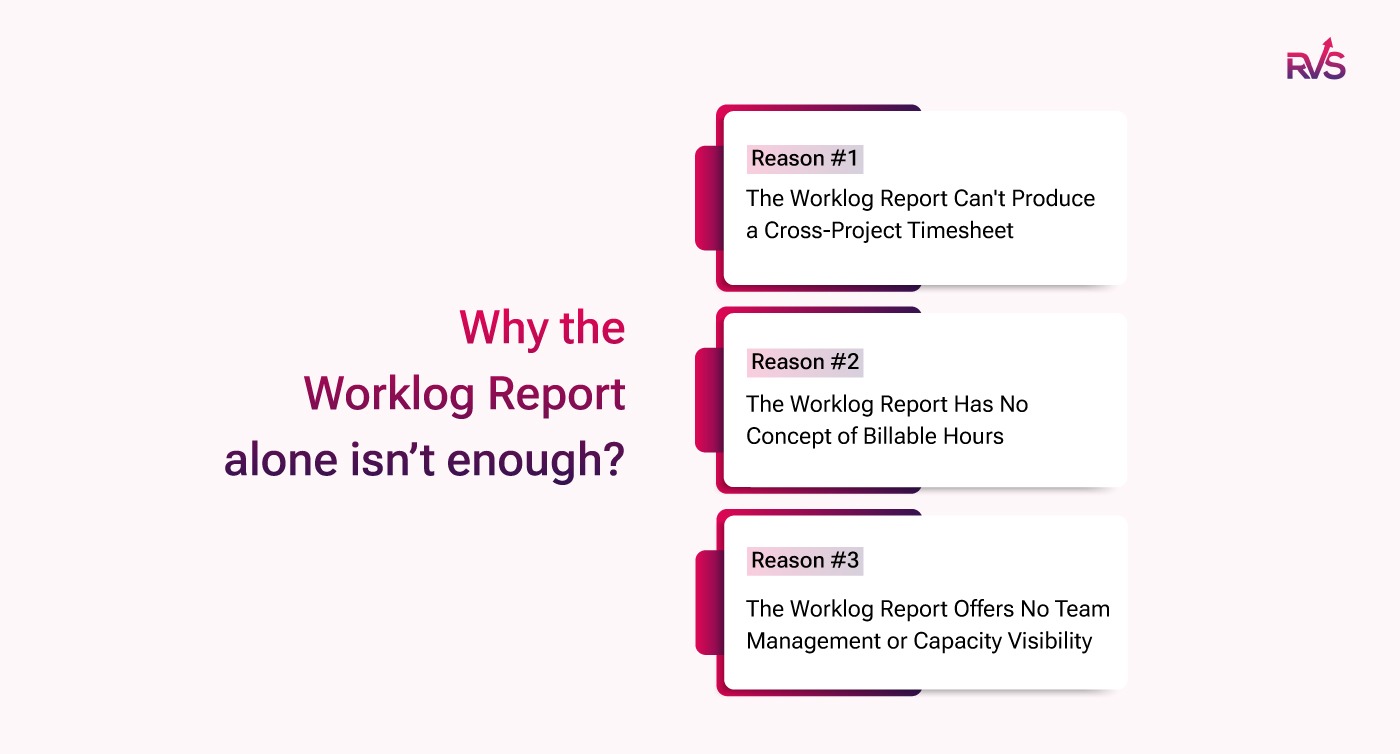
So here are three reasons that will justify why you must have a Jira timesheet beyond worklog reports:
Reason #1: The Worklog Report Can't Produce a Cross-Project Timesheet
Reason #2: The Worklog Report Has No Concept of Billable Hours
Reason #3: The Worklog Report Offers No Team Management or Capacity Visibility
Reason #1: The Worklog Report Can't Produce a Real Cross-Project Timesheet
The Exact Limitation
The biggest gap in the worklog report in Jira is visibility across users and projects.
The worklog report in Jira is scoped tightly. It focuses on issues within a single project. That means you can’t:
View total hours per user across multiple projects
Compare team members side by side
Understand overall workload distribution
Even advanced users hit a limit. JQL can pull issues, but it doesn’t convert those into usable time summaries. So the Jira Cloud worklog report's built-in features quickly become restrictive.
What does a Jira Timesheet unlock?
A proper Jira timesheet turns scattered data into usable insights.
With a timesheet, you can:
Filter by multiple users, projects, sprints, or teams
Break down time by epics, issue types, or custom fields
Generate unified reports across all workstreams
Export data into CSV or Excel for external use
Unlike the worklog report in Jira, a timesheet gives you control over how data is viewed and shared in cross-team collaborations.
Reason #2: The Worklog Report Has No Concept of Billable Hours
The Billing Blind Spot
The worklog report in Jira treats all logged time the same. It doesn’t distinguish between billable and non-billable hours. This makes it difficult for teams to understand which hours actually contribute to revenue.
What a Jira Timesheet Fixes
A Jira timesheet adds a simple layer of structure.
Teams can:
Mark worklogs as billable or non-billable
Filter time based on these attributes
Generate cleaner reports for billing and review
Instead of manually reviewing entries, teams get a clear view of billable effort directly inside Jira.
Reason #3: The Worklog Report Offers No Team Management or Capacity Visibility
Why the Worklog Report Falls Short?
The worklog report in Jira gives you past data, but no insight into team performance.
It cannot tell you:
Who is overworked
Who is underutilized
Who hasn’t logged time
There are no alerts, no reminders, and no way to enforce time logging.
The worklogs time reports for Jira Cloud also lack planning insights:
No estimated vs. actual comparison
No workload balancing
No capacity tracking
So managers end up reacting late instead of planning ahead.
What a Jira Timesheet Enables
A Jira timesheet brings visibility and control.
With the right tool, you can:
Compare estimated vs. actual hours
Identify over- or under-utilized team members
Set reminders for missing worklogs
Enforce logging via workflow rules
Monitor team capacity in real time
This turns time tracking into a management system. The worklog report in Jira simply doesn’t offer this level of control over team performance.
Quick Comparison: Worklog Report in Jira vs Jira Timesheet
Capability
Worklog Report in Jira
Jira Timesheet
Per-user cross-project view
✗
✓
Multi-user filtering
✗
✓
Export to Excel/CSV
✗
✓
Billable hour tracking
✗
✓
Cost & rate tracking
✗
✓
Lockable billing periods
✗
✓
Estimated vs. actual view
✗
✓
Overtime/undertime detection
✗
✓
Timesheet reminders
✗
✓
Dashboard visibility
✗
✓
The gap is clear. The worklog report in Jira is limited by design, while a timesheet expands what’s possible.
What Should a Jira Timesheet Actually Include?
If you’re considering moving beyond the Jira Cloud worklog report built-in feature, here’s what to look for.
Core features to prioritize
Multiple time capture methods (manual, timer, calendar sync)
These features ensure your timesheet isn’t just tracking time—it’s helping you run operations.
Compared to the worklog report in Jira, this is a complete system.
Replace the Worklog Report in Jira with a Complete Solution
If the worklog report in Jira feels limiting, the fix isn’t another workaround, it’s the right tool.
RVS Worklog Time Tracking & Timesheets is a Jira time tracking plugin that combines flexible time tracking with advanced timesheet reporting in one place. It helps teams log, track, and analyze time across projects, without leaving Jira.
Key features:
Multiple time entry views: Log time across issues and days using a table or Kanban view
Cross-project timesheets: Track total hours per user across projects, sprints, or teams
Advanced filtering & breakdowns: Analyze time by user, project, sprint, issue type, or custom fields
Export-ready reports: Download CSV reports for billing, payroll, or analysis
Dashboard gadgets: Get real-time visibility without running manual reports
Conclusion
The worklog report in Jira serves a purpose, but it’s a limited one.
It helps track time at the issue level. It supports sprint reviews. But it doesn’t give you the full picture.
Here’s what’s missing:
No cross-project, per-user reporting
No billable hour tracking
No team or capacity visibility
And these aren’t edge cases. These are everyday needs for project managers, finance teams, and operations leaders.
A Jira timesheet doesn’t replace the worklog report; it completes it.
If your team relies on time data for billing, planning, or performance tracking, a timesheet isn’t optional. It’s essential. See how RVS Worklog Time Tracking & Timesheets gives you complete visibility and control over your team’s time.
1. What is a Jira timesheet and how is it different from the worklog report?
A Jira timesheet offers a comprehensive overview of time spent on tasks, including project tracking and billing, while a worklog report focuses on individual task logs.
2. How does a Jira timesheet improve project management?
A timesheet enhances project tracking by offering detailed insights into resource allocation, team productivity, and project timelines, ensuring better decision-making.
3. Why should I use a Jira timesheet for billing and invoicing?
Jira timesheets can track billable hours accurately, making invoicing seamless and ensuring clients are charged correctly based on time spent.
4. Can a Jira timesheet help identify team bottlenecks?
Yes, timesheets provide visibility into time spent on tasks, helping identify bottlenecks and areas where teams may need additional resources or support.
5. How does a Jira timesheet enhance reporting accuracy?
With a Jira timesheet, reports become more precise, giving you a holistic view of project progress, team workloads, and task completion rates.
6. What are the key benefits of using Jira timesheets over traditional tracking methods?
Jira timesheets offer real-time data, improved accountability, and accurate time-tracking, compared to manual or less integrated tracking systems.
7. Can I integrate a Jira timesheet with other tools for better tracking?
Yes, Jira timesheets can be integrated with tools like Slack, Trello, and Power BI for comprehensive reporting and efficient tracking across different platforms.
Recent Blogs
July 23, 2026
Jira Time in Status Report: Complete Guide for Project Managers








.webp)





